Magi 2 – Turn Text or Images into Videos
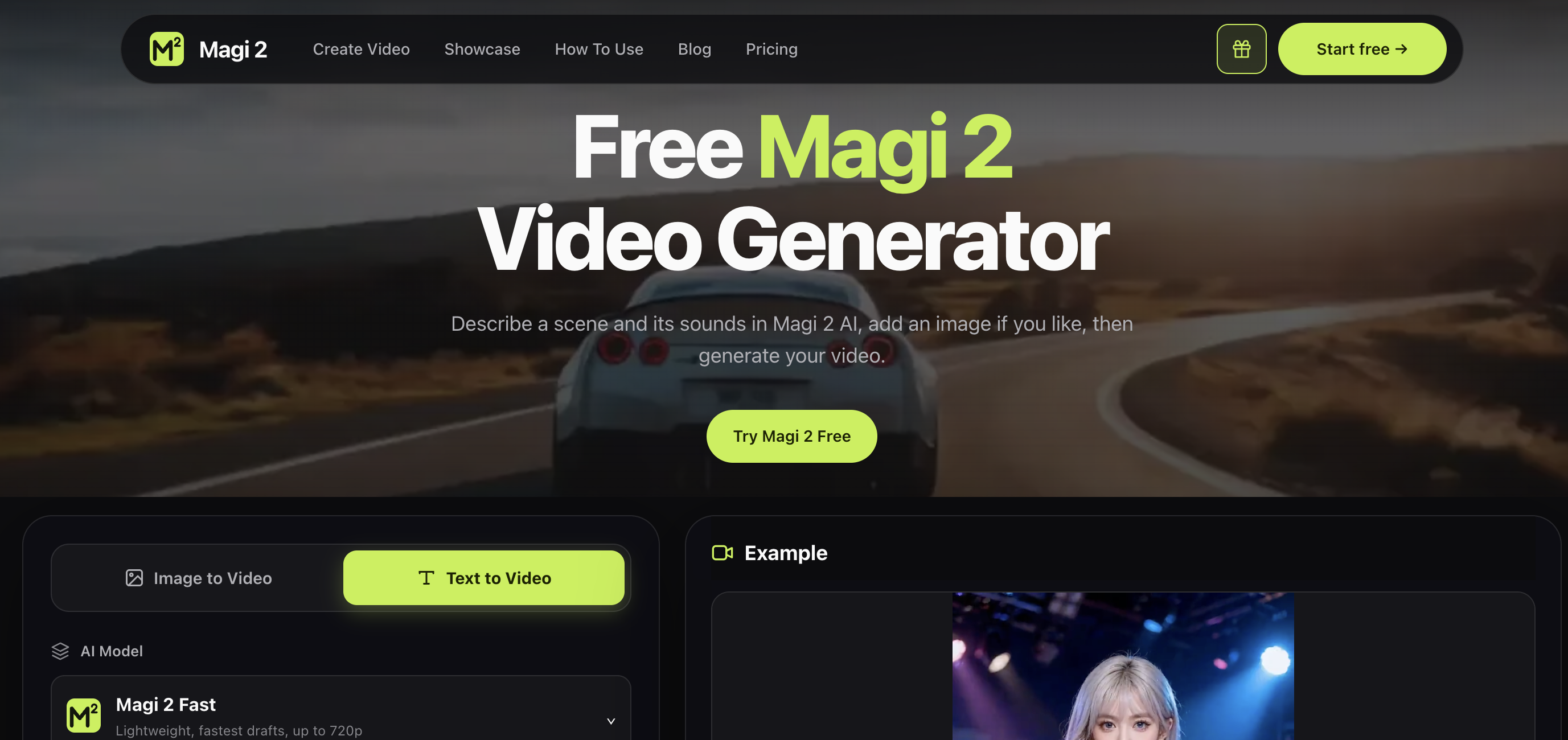
Create a video with sound using Magi 2 AI.
Create a video with sound using Magi 2 AI. Start with a prompt or image, describe the action, camera movement and audio, then generate and review your scene.
Features
🎬 Text to Video & Image to Video: Start from Words or a Picture Not every idea begins with footage, and not every photo needs a full prompt rewrite. Magi 2 lets you describe a scene in text, or upload an image and explain only what should move, so a product photo or a written brief can become a video clip you can watch and revise.
🔊 Picture and Sound Generated Together: Dialogue, Music & Lip-Sync
Adding a voiceover, soundtrack, and effects after the fact means extra tools and extra editing hours. Magi 2 generates audio alongside the video, including dialogue with lip-sync, music, and environmental sound, so you can describe what the audience sees and hears in one brief.
🧩 Image, Video & Audio References: Give Each Input a Clear Job When an AI video tool only reads text, appearance, movement, and sound are left to guesswork. Magi 2 accepts image, video, and audio references. Use an image for how something looks, a video for how it moves, and audio to guide the sound, then explain what matters about each one.
Use Cases
🛍️ AI Video Generator with Sound for Product Concepts & Ads Marketers often have a product image and a rough idea, but turning them into a short video with sound means a shoot, an editor, and a separate audio pass. With Magi 2, upload the product photo and describe one reveal, such as condensation forming on a bottle or a watch catching the light, plus the sound you want to hear. You can compare different movement and lighting versions in one sitting and pick the one that shows the product most clearly. Check the product's shape and details against the real item before publishing.
🎞️ Text to Video AI for Short Film Scenes & Story Pre-Visualization Writers and indie filmmakers struggle to show a scene to collaborators when all they have is a script page, and storyboards can't convey pacing or sound. With Magi 2, describe a clear story beat, such as a character noticing an unopened letter and deciding to pick it up, including the reaction and the sound of the room. The 4–30 second clip gives the team something to react to, so decisions on pacing, framing, and atmosphere happen before the next scene is developed. Review any spoken lines and lip movement, since not every take will match the intended performance.
🎵 AI Video Generator for Music Visuals & Social Video Openings Musicians and short-video creators often have a mood in mind, like a singer stepping into a spotlight or a crowd waiting for the first note, but no footage and no budget to film it. With Magi 2, describe the mood, the movement, and the sound together, add a reference image if you have one, and generate a clip built around one clear opening action. You can test several visual rhythms for the same musical idea, then keep the take that suits the music and the size your audience will watch.

Comments

Premium Products















































Find your next favorite product or submit your own. Made by @FalakDigital.
Copyright ©2026. All Rights Reserved