
Mac Excel Shortcuts
Use familiar Windows Excel shortcuts natively on your Mac
Features
Get started with Mac Excel Shortcuts in four simple steps. From download to full automation in under 1 minute.
Use Cases
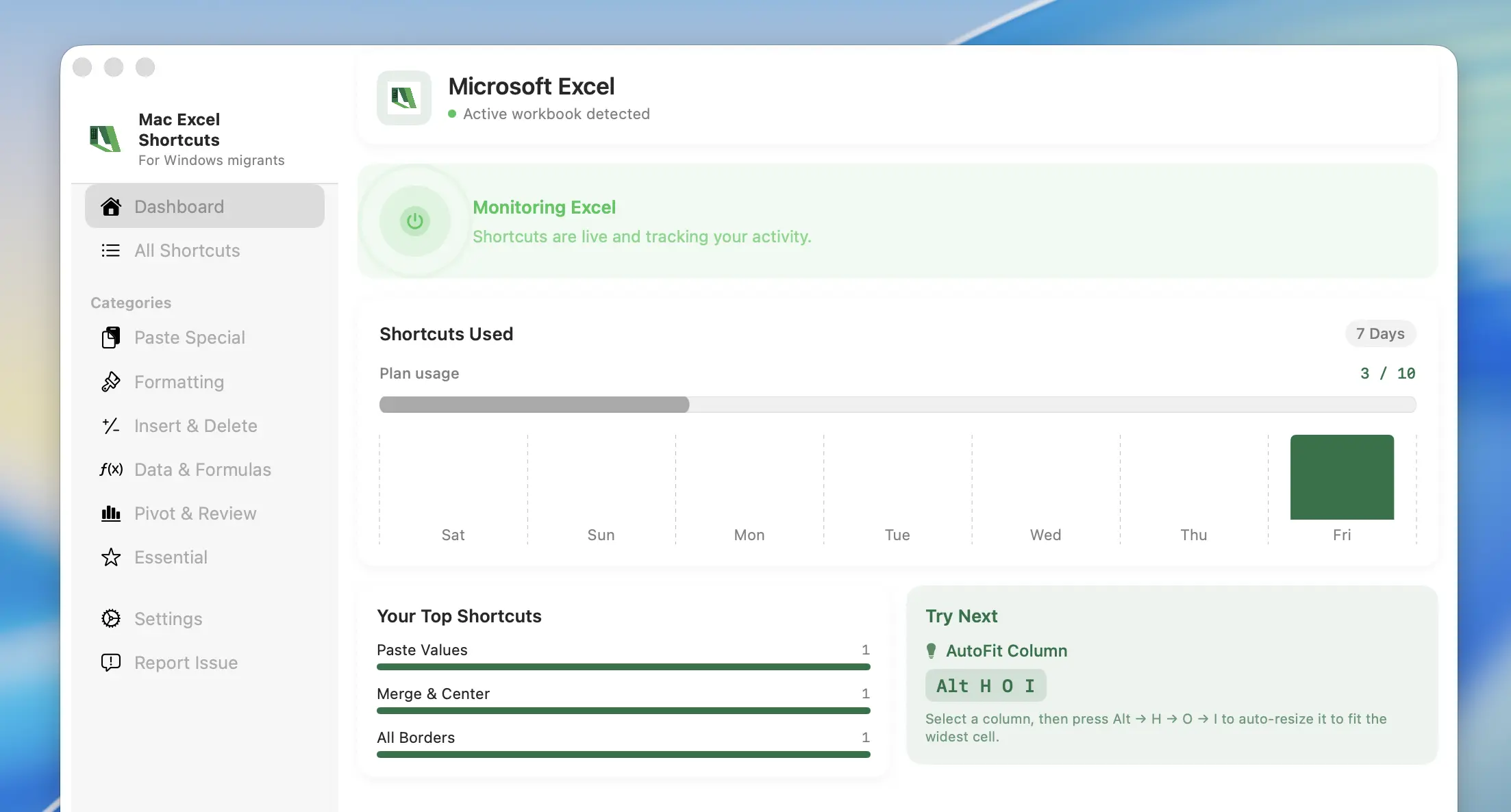
The Windows Excel shortcuts you already know, now working natively on your Mac. Get your muscle memory back.
Fazier Deal

Comments



This solves a real pain. I switched from Windows to Mac at work years ago and Excel muscle memory was the one thing that never fully came back, Alt-key menu navigation especially. One suggestion: the listing doesn't say how it works under the hood (Karabiner-style remapping? Accessibility API?). People who care about this also tend to care whether it needs accessibility permissions, so spelling that out would probably help conversion.



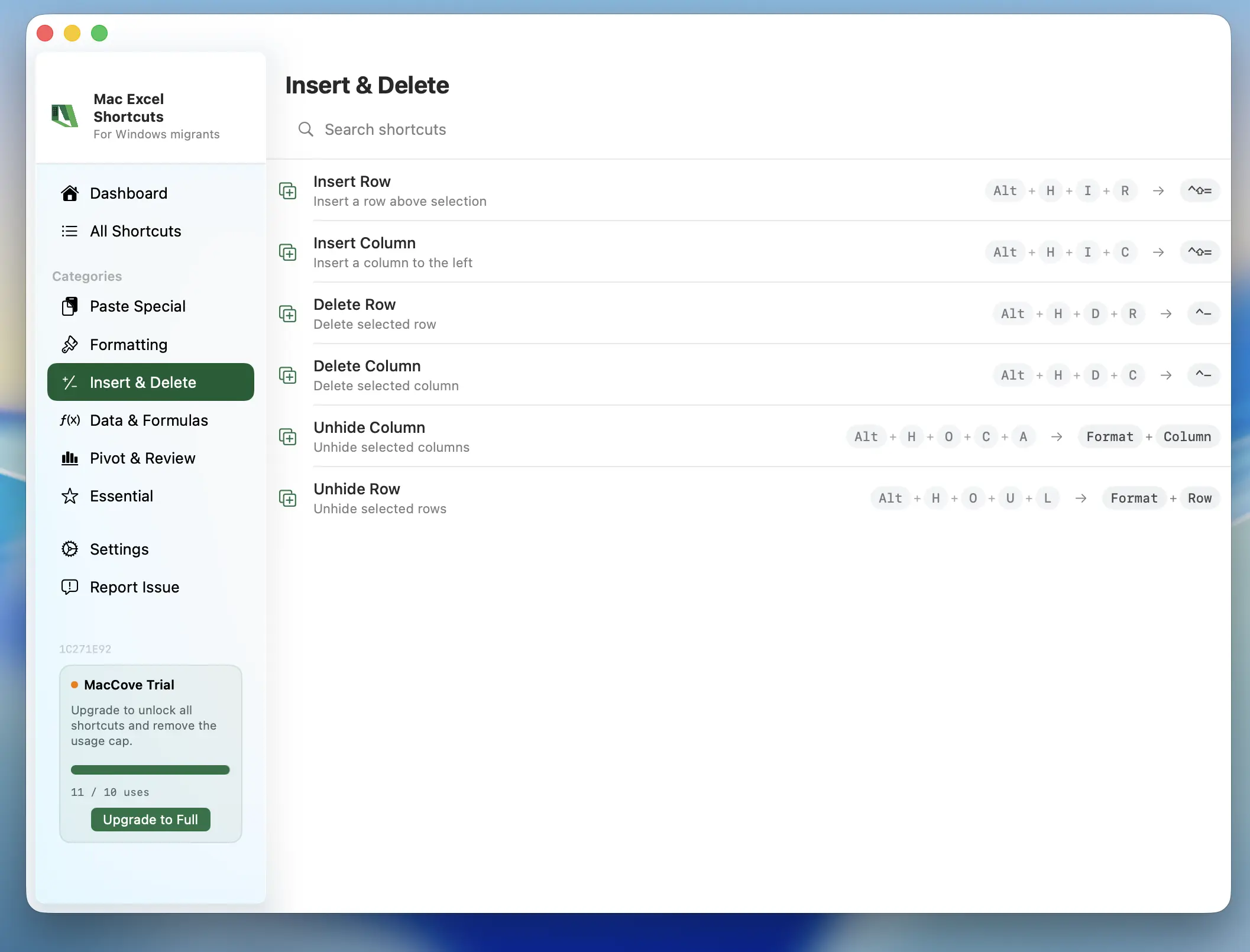
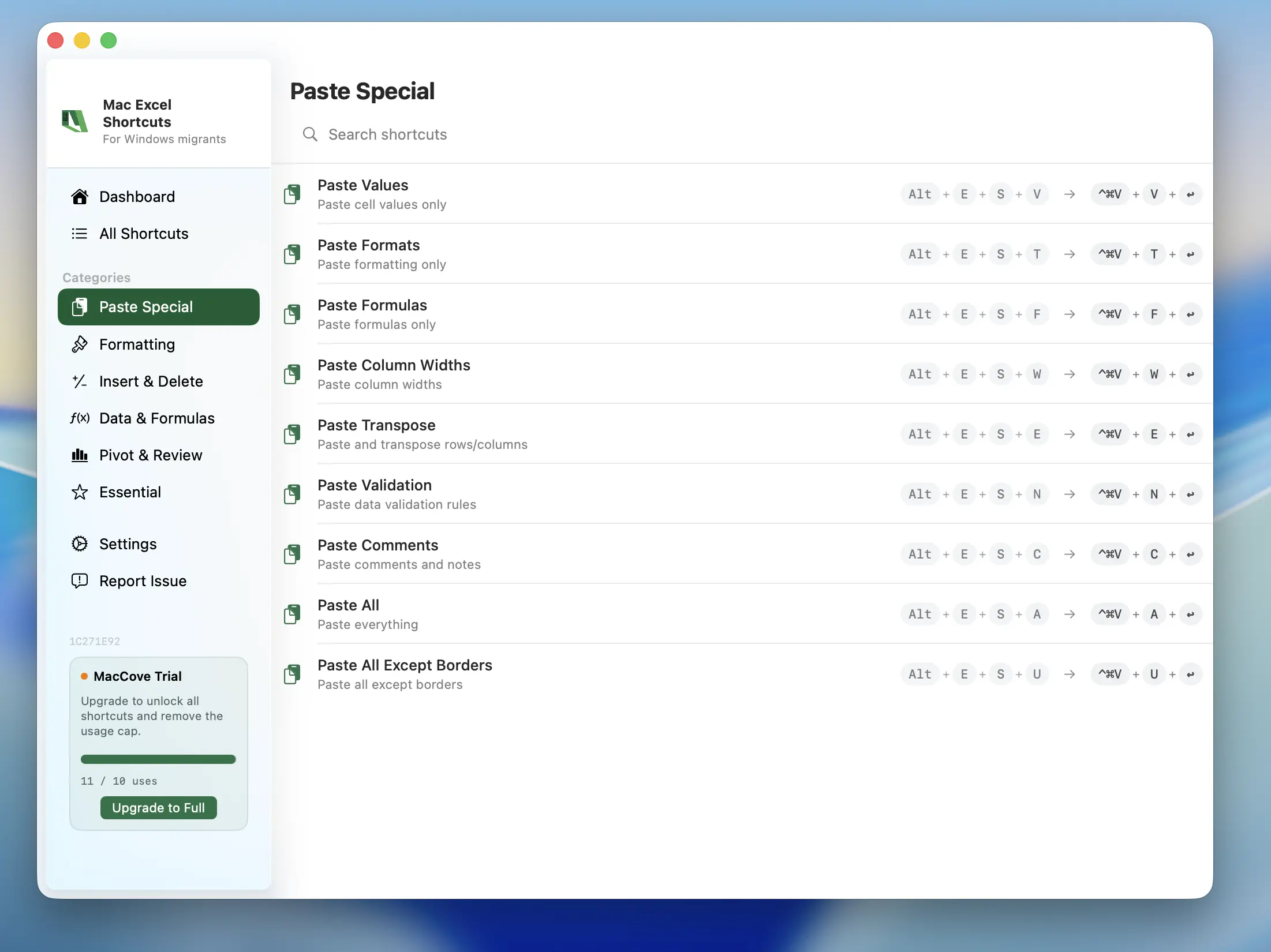
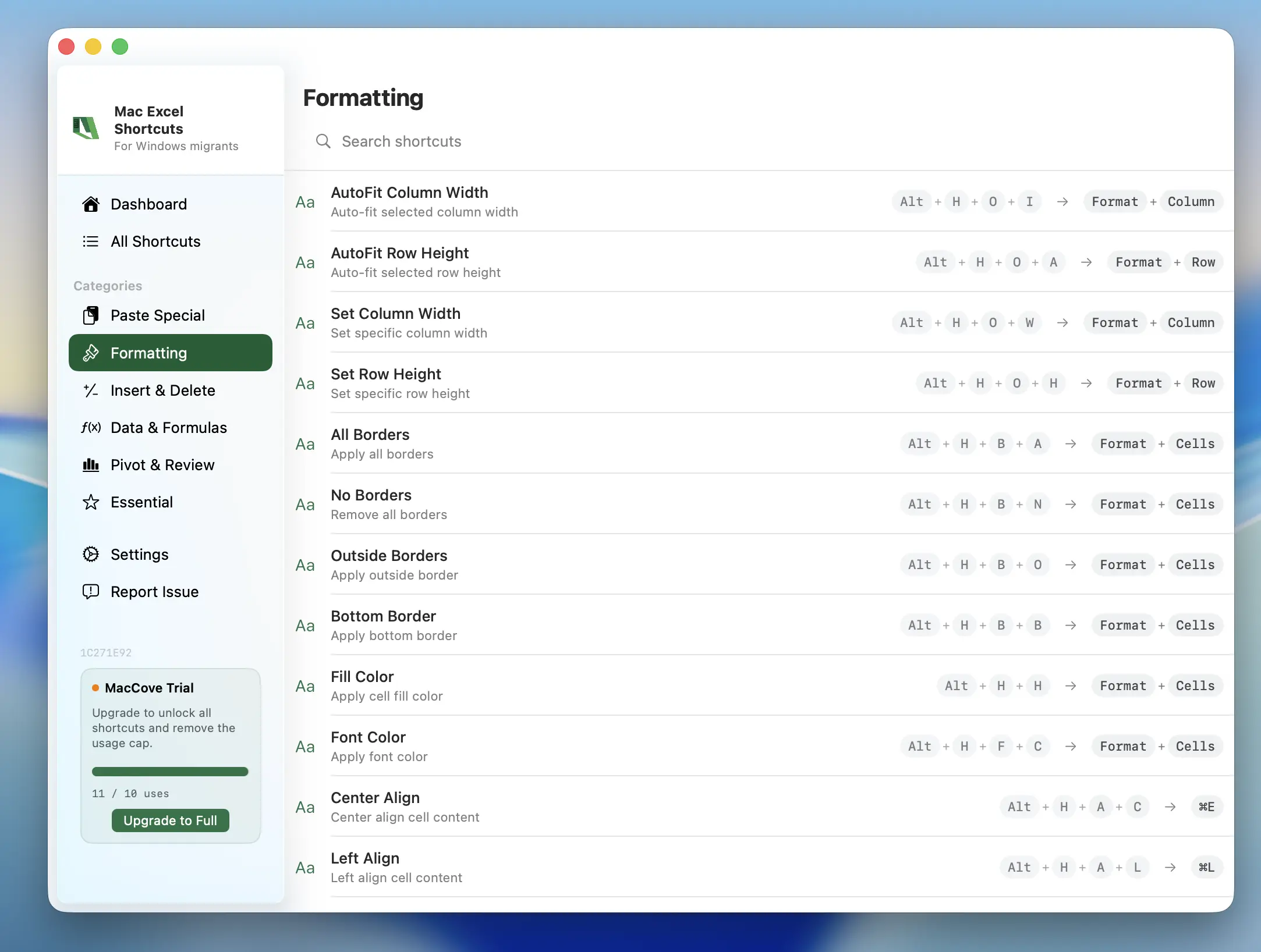
The shortcut examples on your site make the workflow concrete. Do the Alt ribbon sequences follow the Excel interface language, or are they fixed to English keytips? A short compatibility note for non-US keyboard layouts and localized Excel installations would help people know what to expect before installing.

Premium Products












































Fazier Deal
Sponsors
Buy

Makers

Makers
Comments
This solves a real pain. I switched from Windows to Mac at work years ago and Excel muscle memory was the one thing that never fully came back, Alt-key menu navigation especially. One suggestion: the listing doesn't say how it works under the hood (Karabiner-style remapping? Accessibility API?). People who care about this also tend to care whether it needs accessibility permissions, so spelling that out would probably help conversion.
The shortcut examples on your site make the workflow concrete. Do the Alt ribbon sequences follow the Excel interface language, or are they fixed to English keytips? A short compatibility note for non-US keyboard layouts and localized Excel installations would help people know what to expect before installing.
Premium Products
New to Fazier?

Find your next favorite product or submit your own. Made by @FalakDigital.
Copyright ©2026. All Rights Reserved