
Ludr AI
AI layer that understands and acts across your desktop
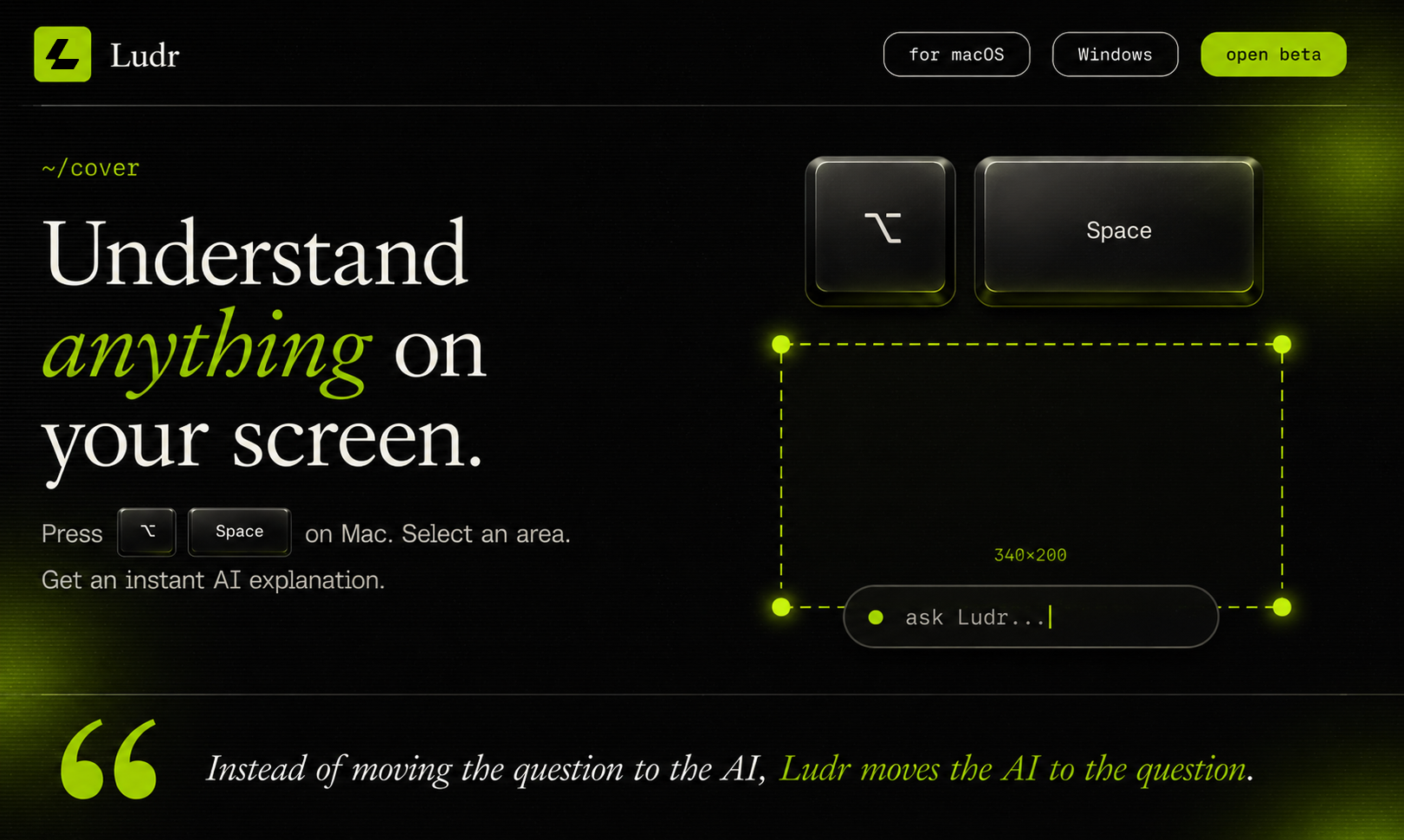
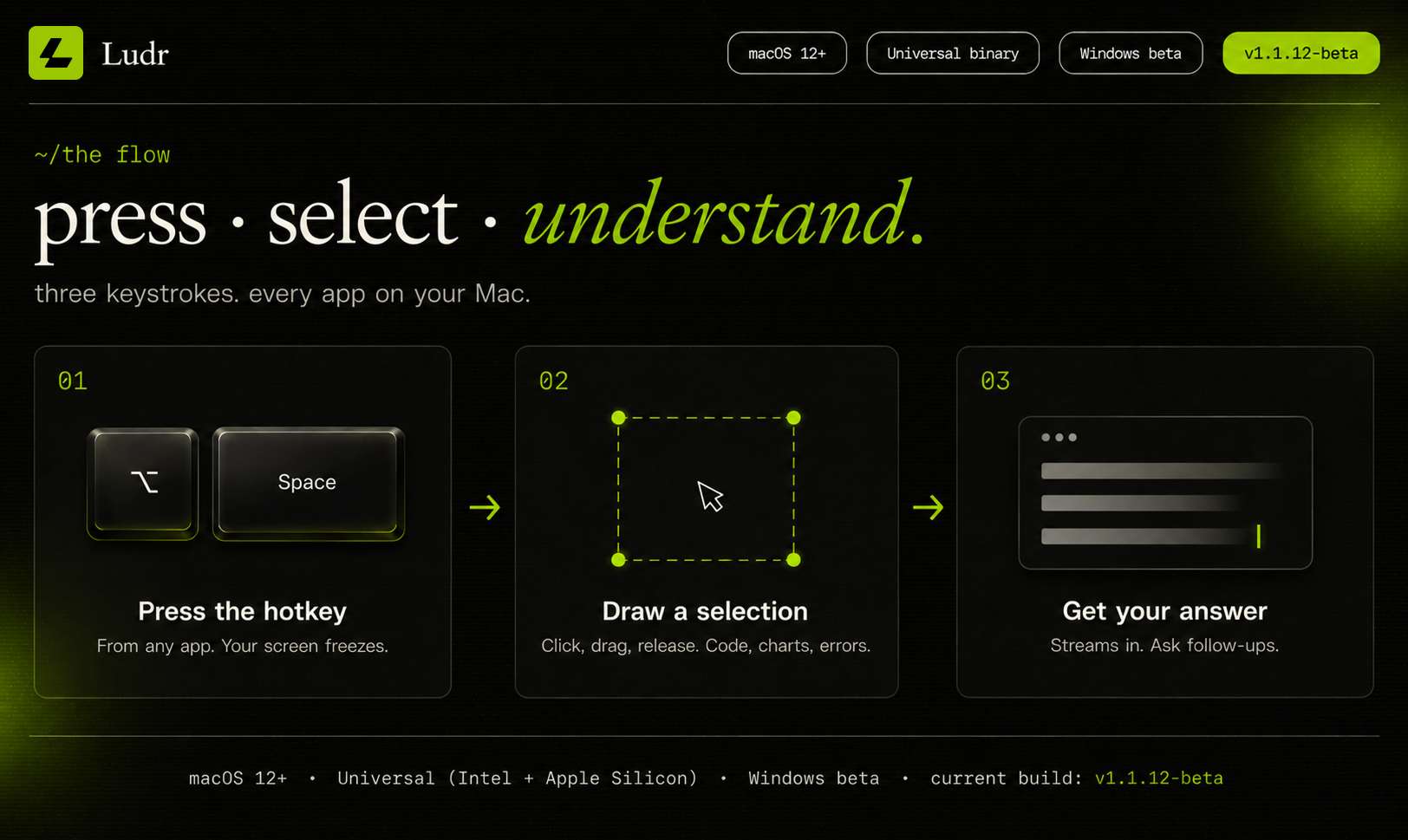
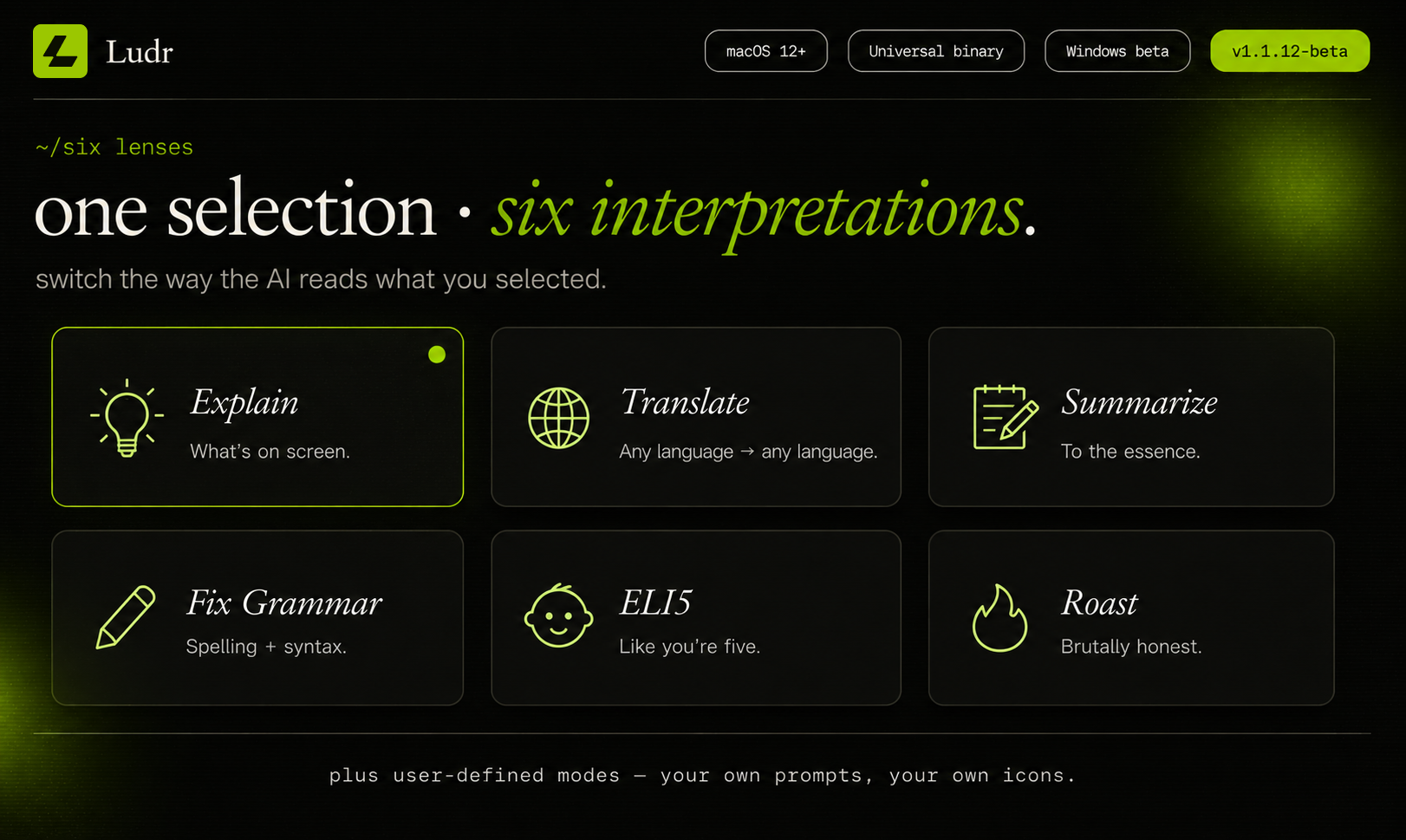
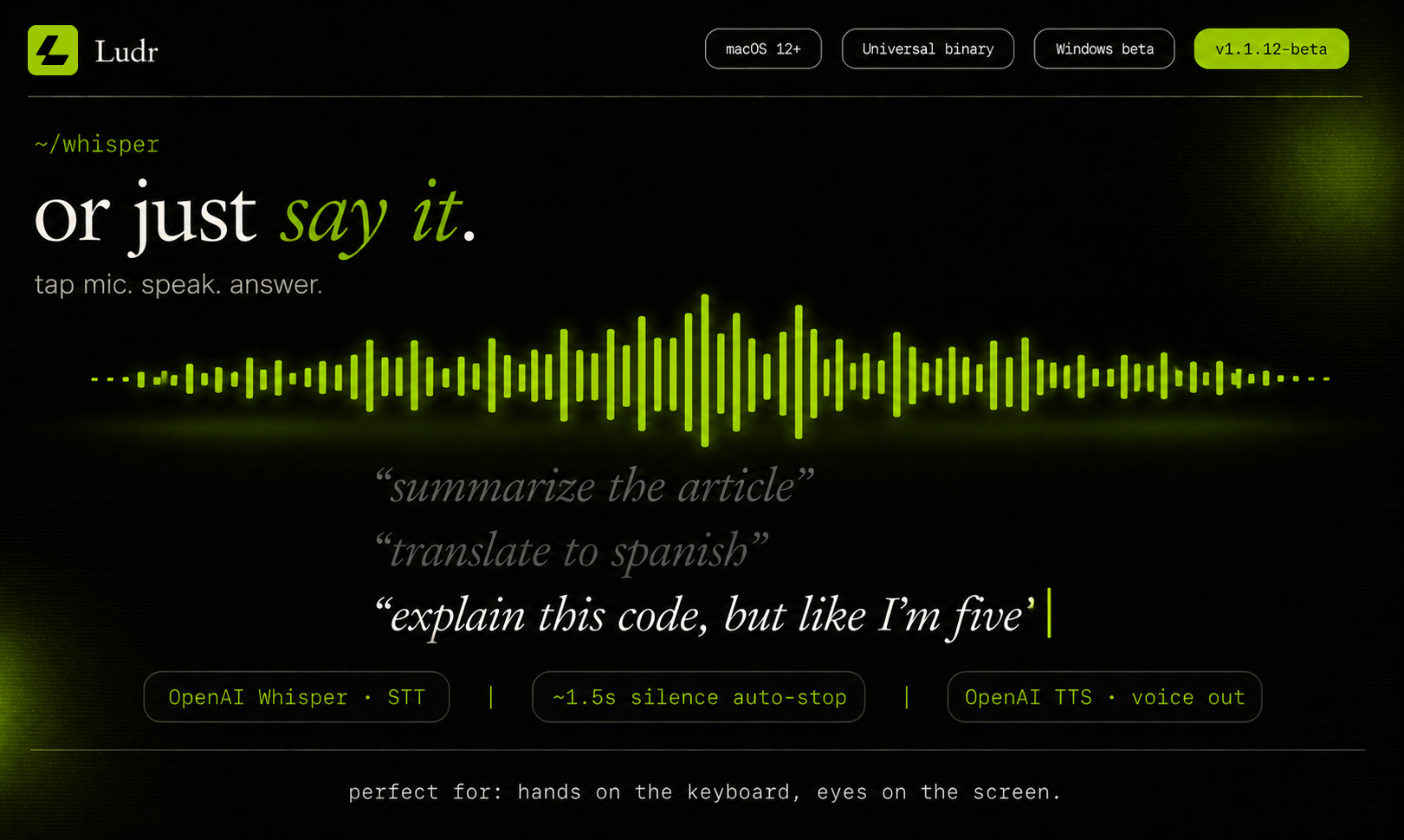
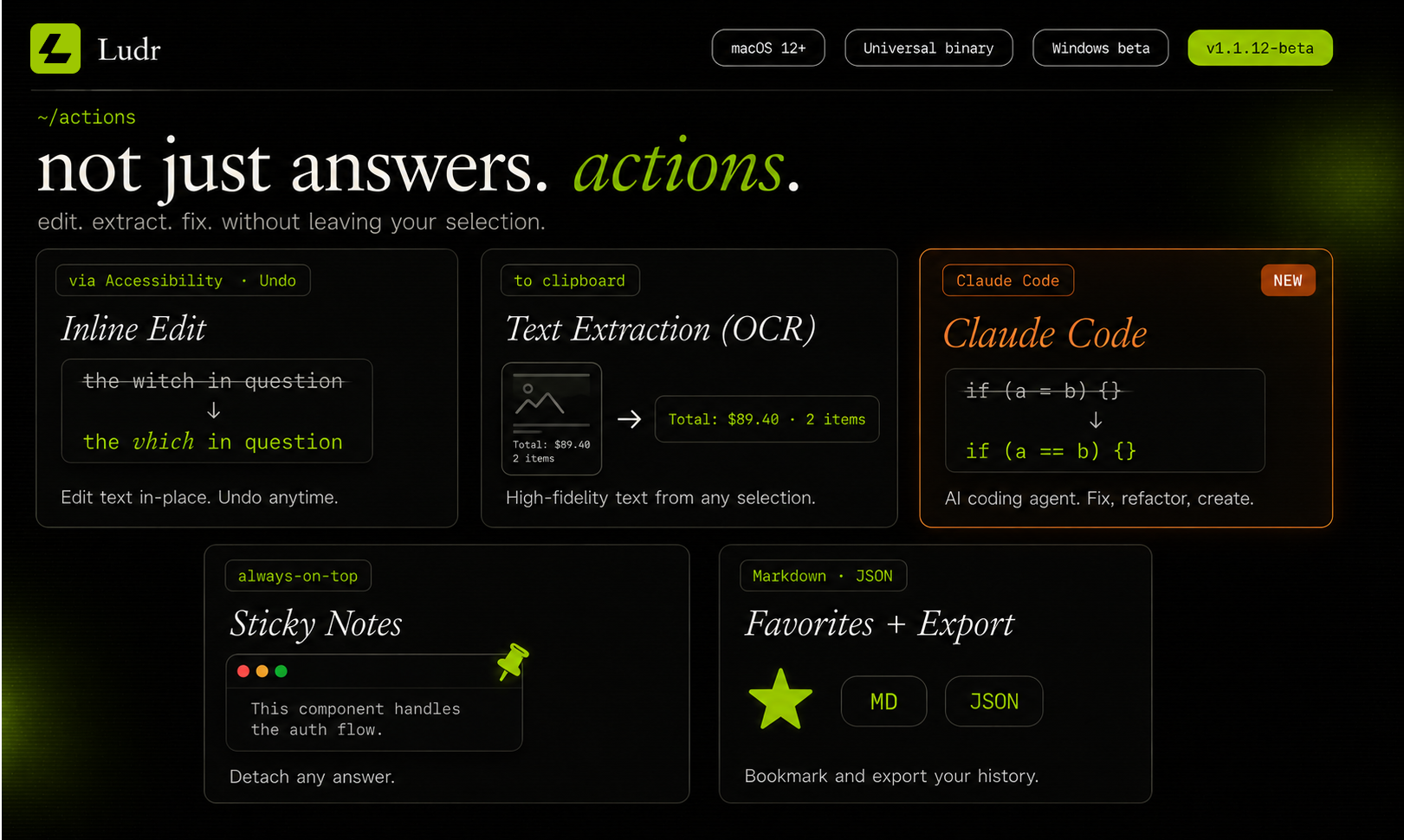
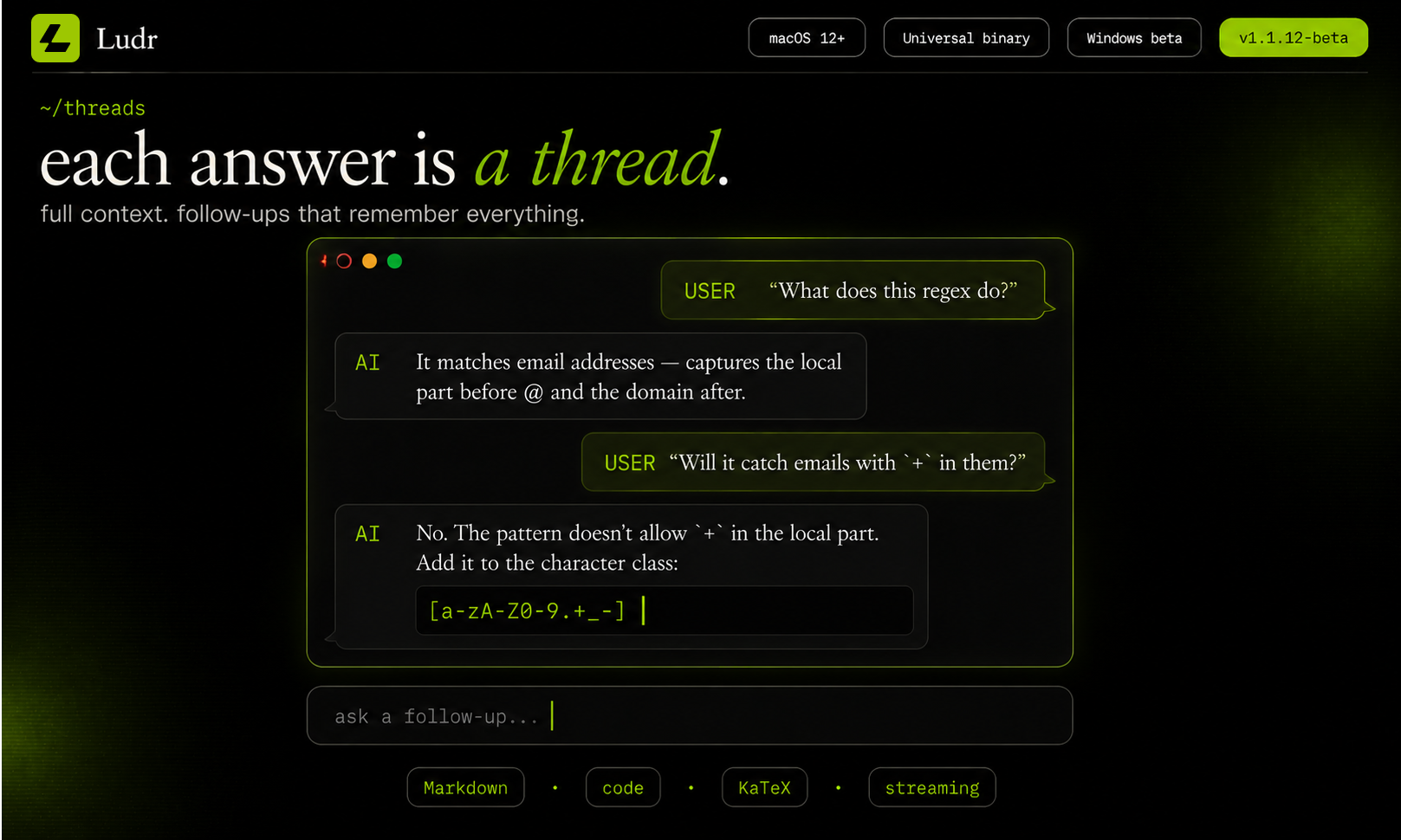
Ludr AI - is a screen AI for macOS and Windows. Press ⌥ Space anywhere to draw a box over code, a chart, a foreign menu, or an error — get a streamed answer right next to your selection. Press ⌘ ⇧ L on highlighted text in any app to ask without a screenshot. Follow-ups remember the whole thread. The model can extract text, fix grammar in place via Accessibility, draft replies into focused fields (Slack,Mail,Telegram), and render real charts inside the answer. Voice input too.
Features
Features include:
• screen selection AI
• highlighted text shortcut
• voice input
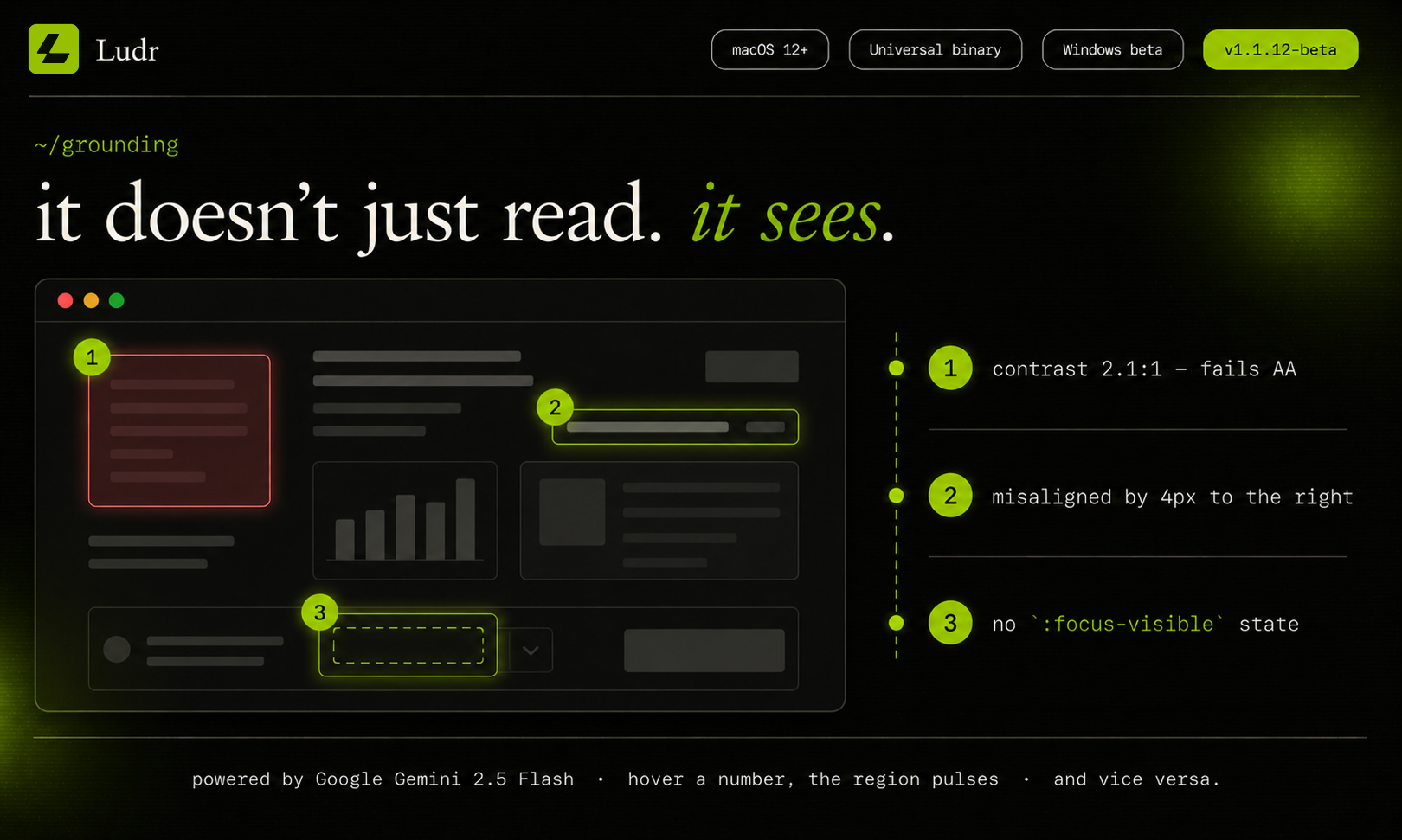
• smart visual grounding
• inline text editing
• floating AI panel
• history and search
• Markdown and code rendering
• AI powered grammar fixing
• fullscreen app support
• multi monitor support
• cloud sync
• light and dark themes
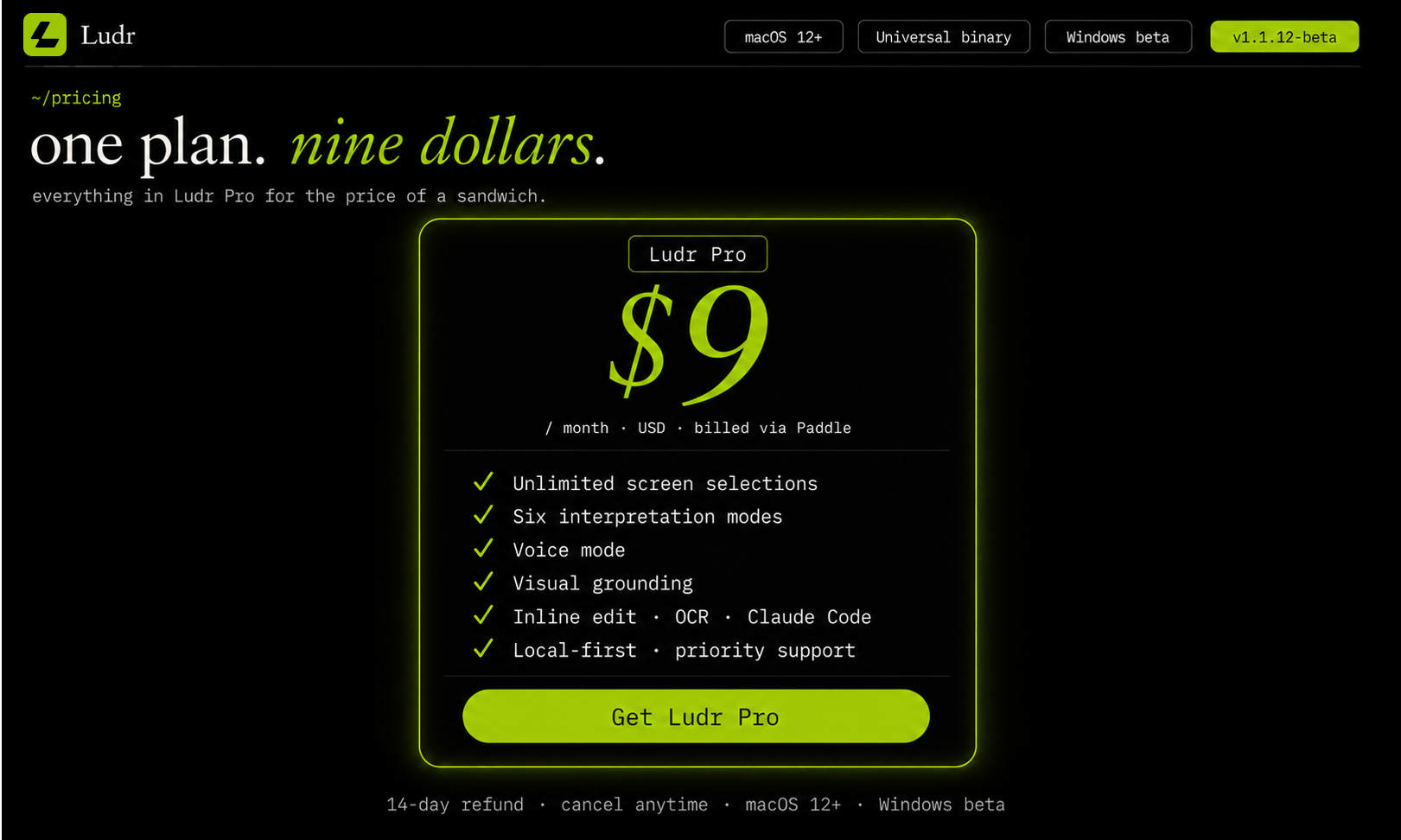
• Pro subscription at 9 dollars/month
Use Cases
Use Cases
• Explain code errors directly on screen
• Translate foreign text instantly
• Summarize PDFs, articles, and dashboards
• Fix grammar inside any app
• Rewrite emails and messages in place
• Understand charts and data visualizations
• Ask questions about UI designs and mockups
• Extract text from screenshots or images
• Get ELI5 explanations while studying
• Analyze terminal output and logs
• Generate replies in Slack, Telegram, or Mail
• Brainstorm ideas without leaving your workflow
• Use voice to ask questions hands free
• Keep AI context persistent while multitasking
• Work with AI across fullscreen apps and multiple monitors

Comments

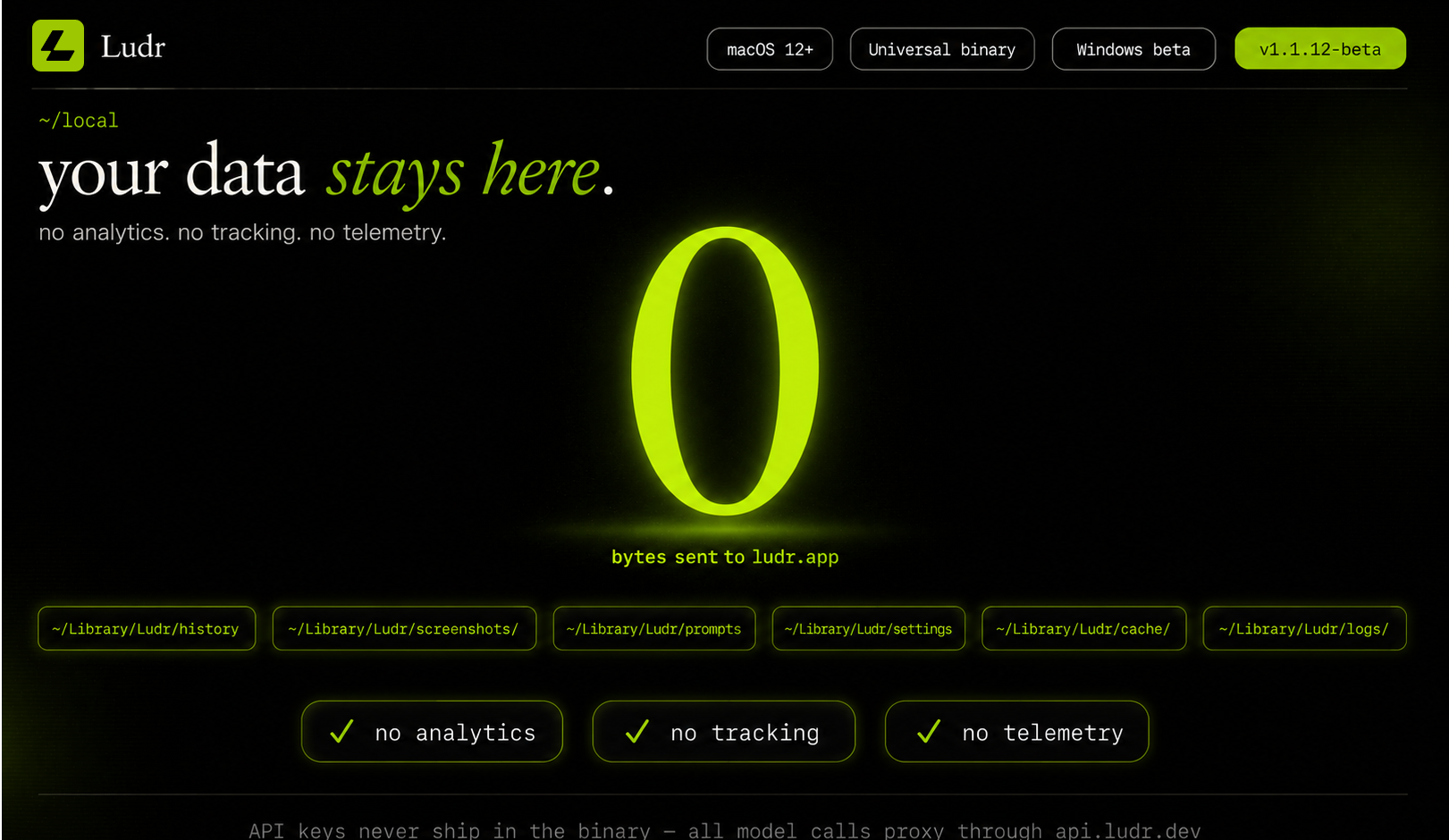
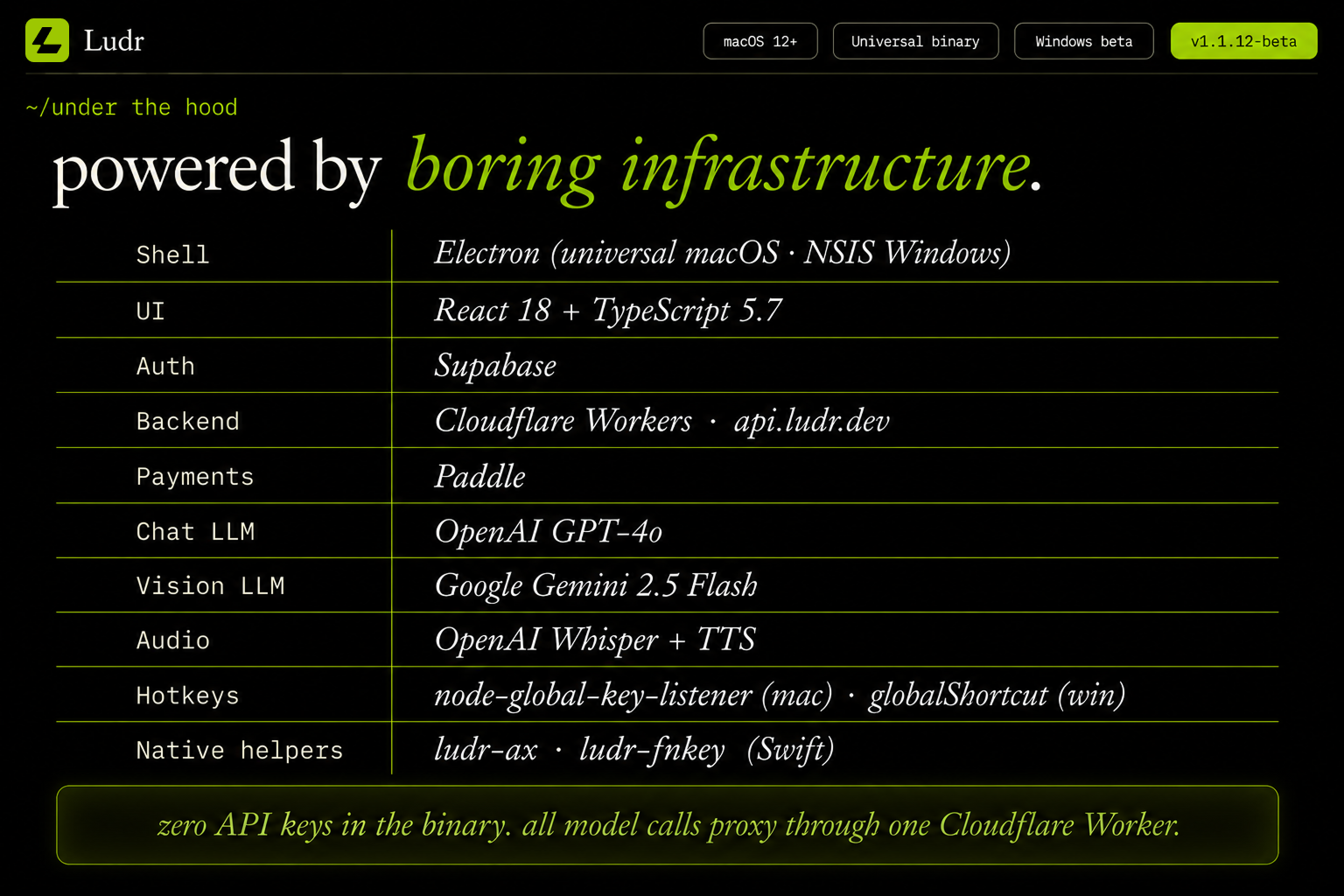
Desktop AI that actually understands what you're looking at rather than requiring you to paste context manually is the right direction. The multi-monitor support is a good call — that's where most power users actually live. What's the model access pattern: does it send screenshots to a cloud API or is inference running locally? Curious about the latency and privacy tradeoffs.

Premium Products













































Sponsors
Buy

Makers

Makers
Comments
Desktop AI that actually understands what you're looking at rather than requiring you to paste context manually is the right direction. The multi-monitor support is a good call — that's where most power users actually live. What's the model access pattern: does it send screenshots to a cloud API or is inference running locally? Curious about the latency and privacy tradeoffs.
Premium Products
New to Fazier?

Find your next favorite product or submit your own. Made by @FalakDigital.
Copyright ©2026. All Rights Reserved