
Lotiqlab
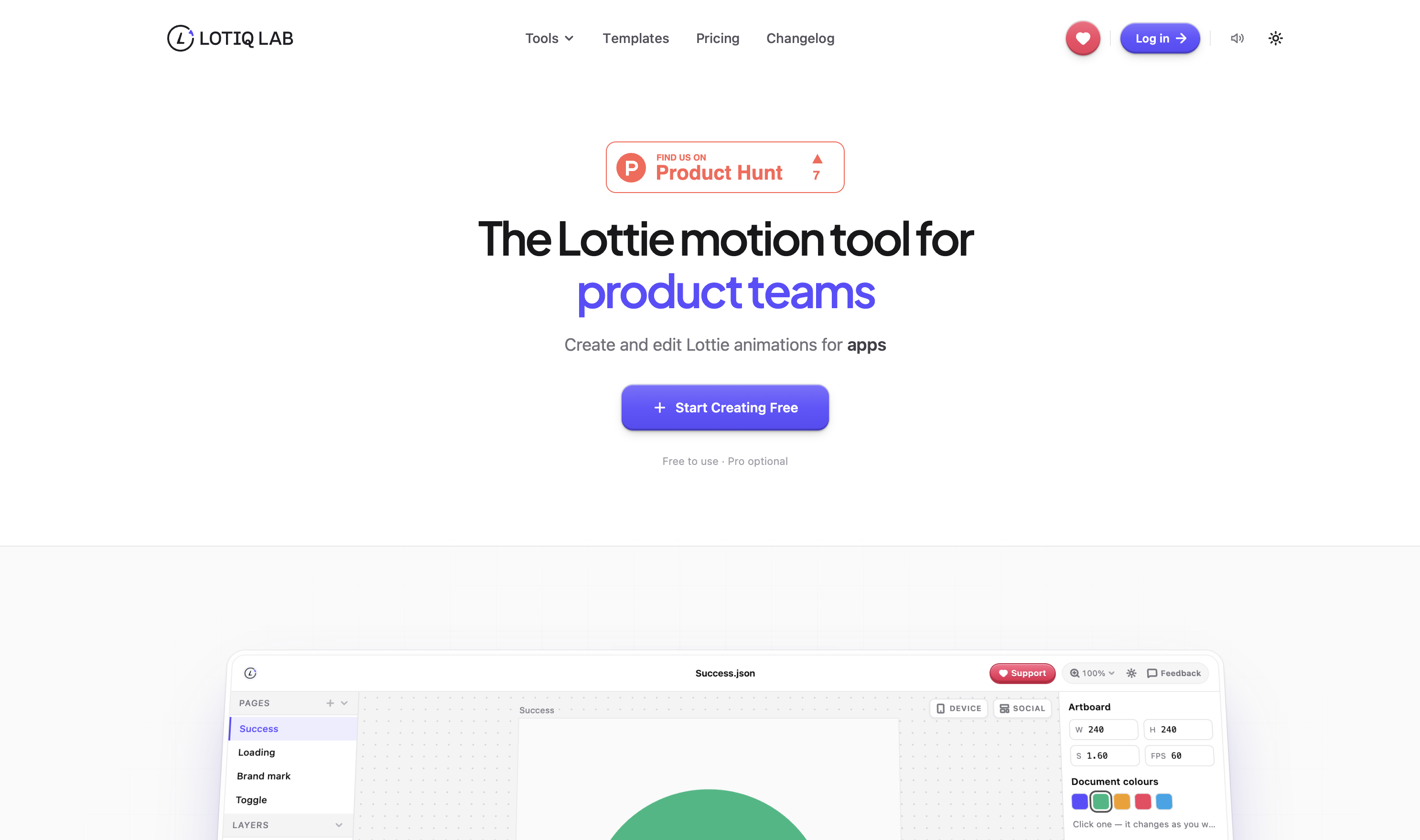
Create and edit Lottie animations in your browser.
Features
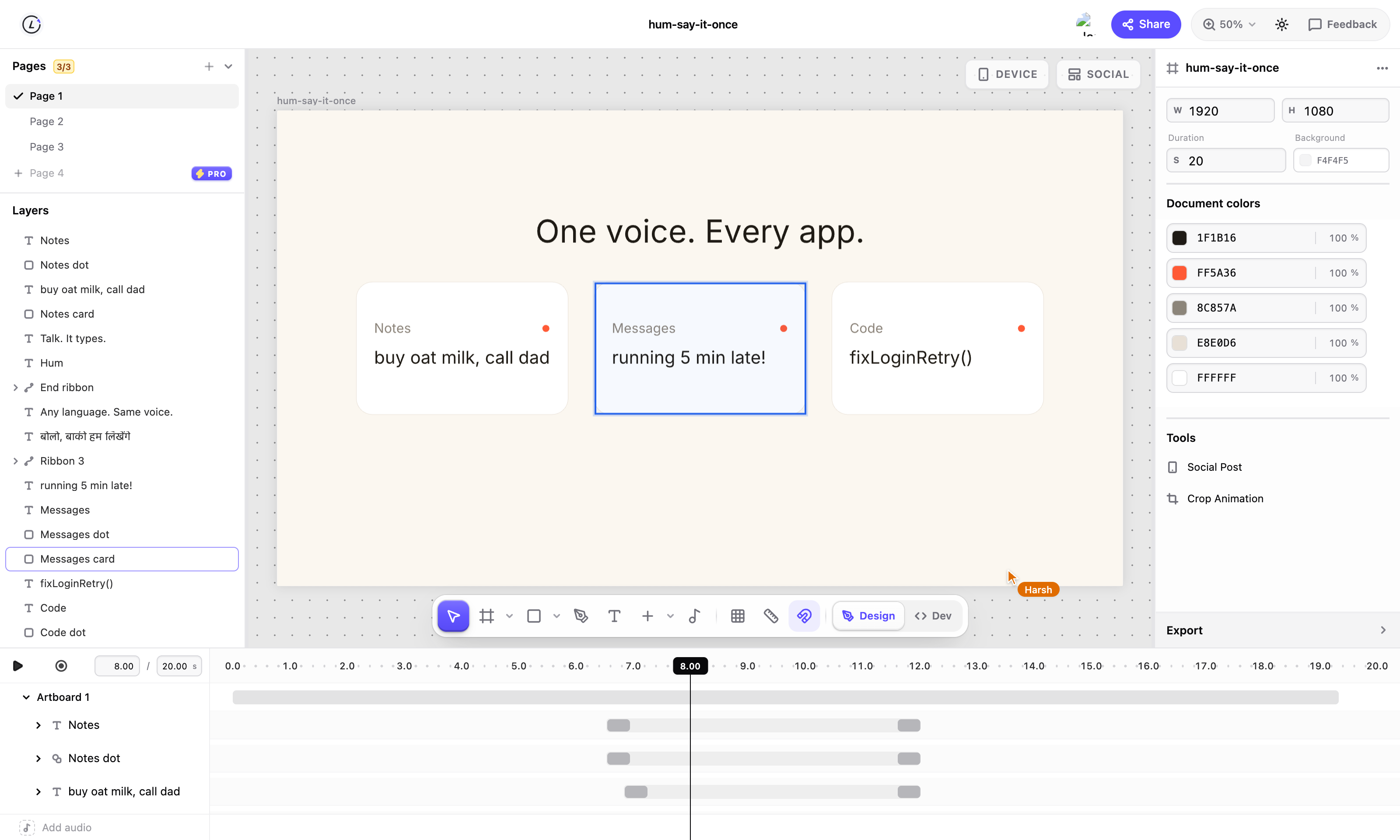
- Visual Lottie editor with timeline and keyframes
- Motion presets and animation controls
- Figma import and SVG support
- Shape editing and Boolean operations
- Audio timeline with trimming, volume, and fades
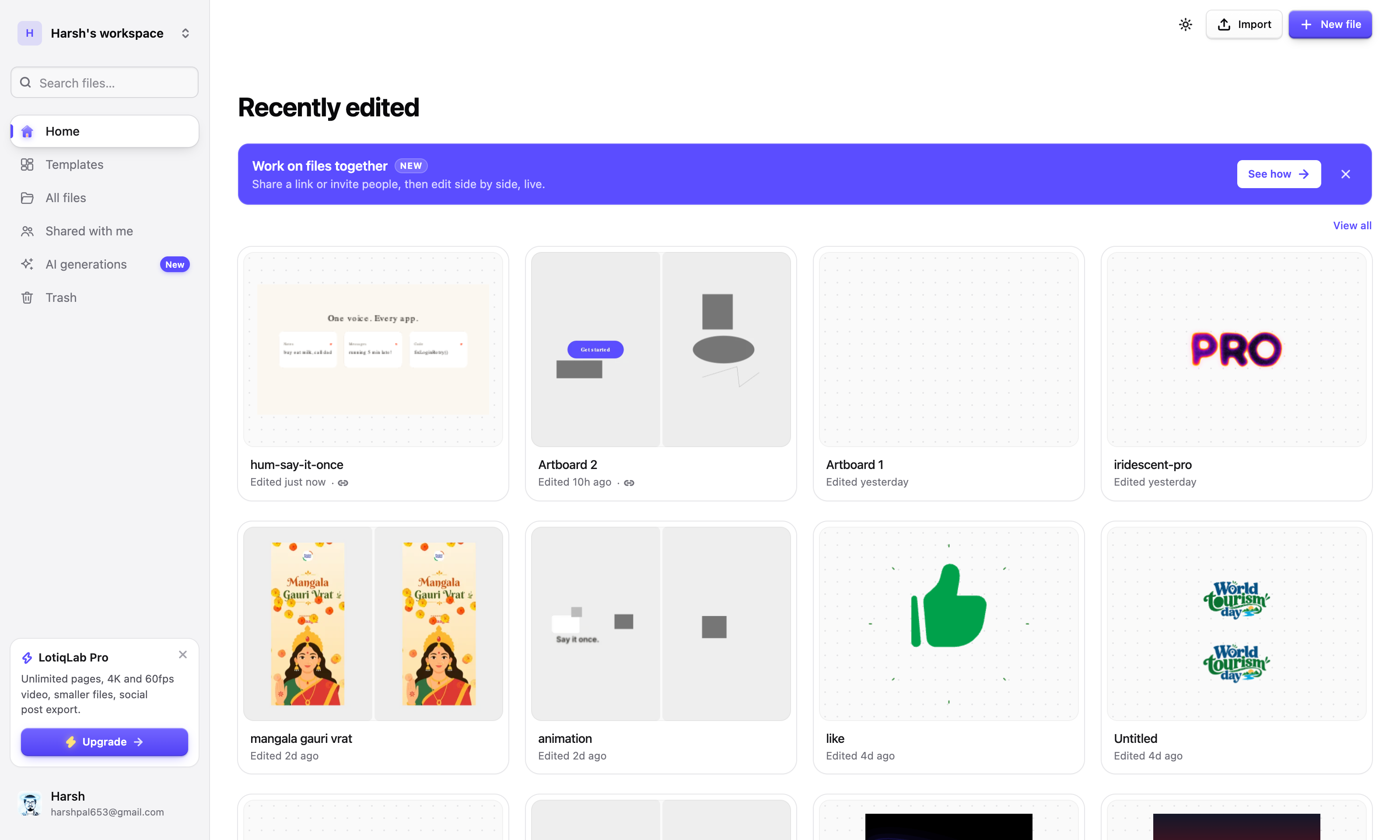
- Live collaboration and sharing
- Dev Mode with code snippets and animation details
- Live device previews
- Export to Lottie JSON, dotLottie, GIF, MP4, WebM, and image formats
- Animation optimization and compression
Use Cases
- Creating UI animations for websites and mobile apps
- Designing micro-interactions and product animations
- Editing and refining existing Lottie files
- Adding sound and syncing motion to audio
- Preparing animations for developer handoff
- Collaborating with designers and developers on motion projects
- Optimizing and exporting animations for different platforms

Comments


figma import plus export to dotlottie and mp4 from the same file is the part i'd actually use, usually that's two or three tools. how does the figma import deal with auto layout and masks, do they come over as editable shapes or get flattened? and is the optimization pass lossless on the json or does it simplify paths?


Dev Mode with snippets and animation details is what usually gets lost between design and code, so it's good to see it built in. We ship Lottie in native iOS and Android apps, and file size plus missing effects on mobile are our two headaches. Does the optimisation step warn you when an effect won't render in lottie-ios or lottie-android?


Premium Products









































Sponsors
Buy
Makers

Makers
Comments
figma import plus export to dotlottie and mp4 from the same file is the part i'd actually use, usually that's two or three tools. how does the figma import deal with auto layout and masks, do they come over as editable shapes or get flattened? and is the optimization pass lossless on the json or does it simplify paths?
Dev Mode with snippets and animation details is what usually gets lost between design and code, so it's good to see it built in. We ship Lottie in native iOS and Android apps, and file size plus missing effects on mobile are our two headaches. Does the optimisation step warn you when an effect won't render in lottie-ios or lottie-android?
Premium Products
New to Fazier?

Find your next favorite product or submit your own. Made by @FalakDigital.
Copyright ©2026. All Rights Reserved