Lokstack
Every local project, port and database on your Mac
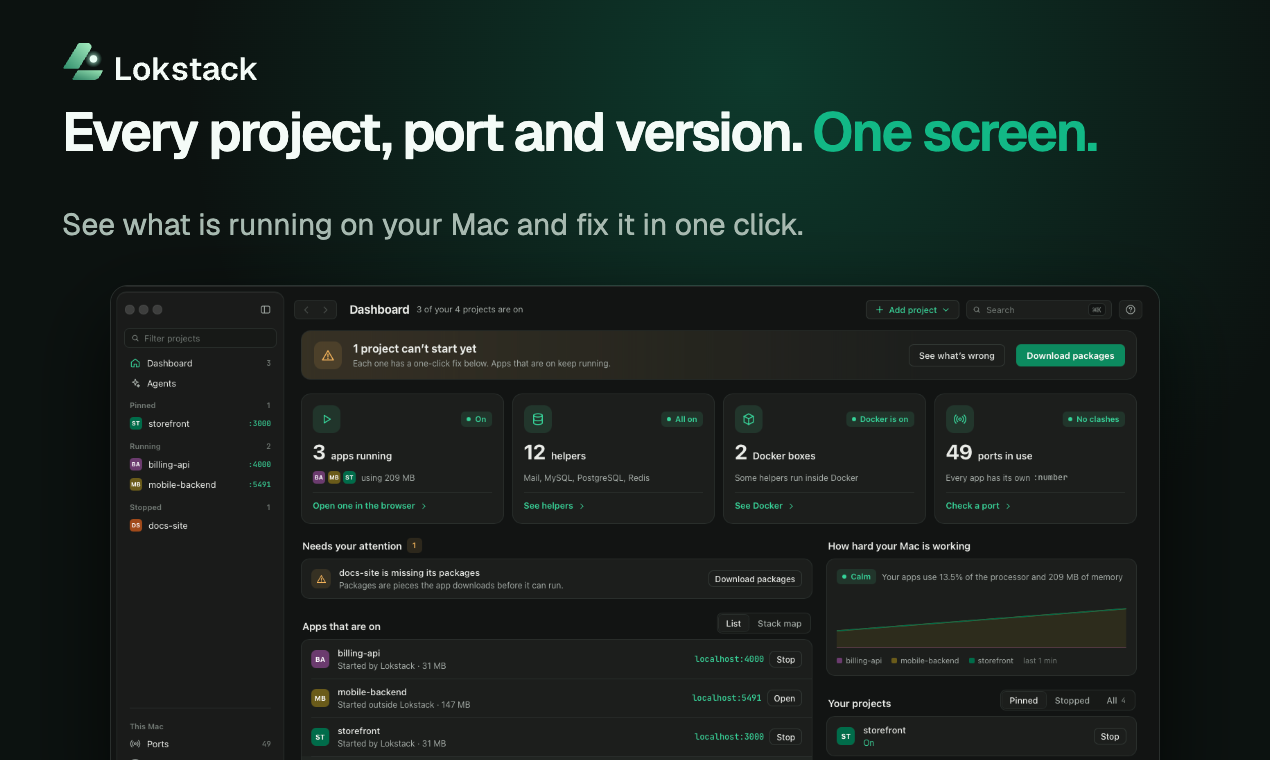
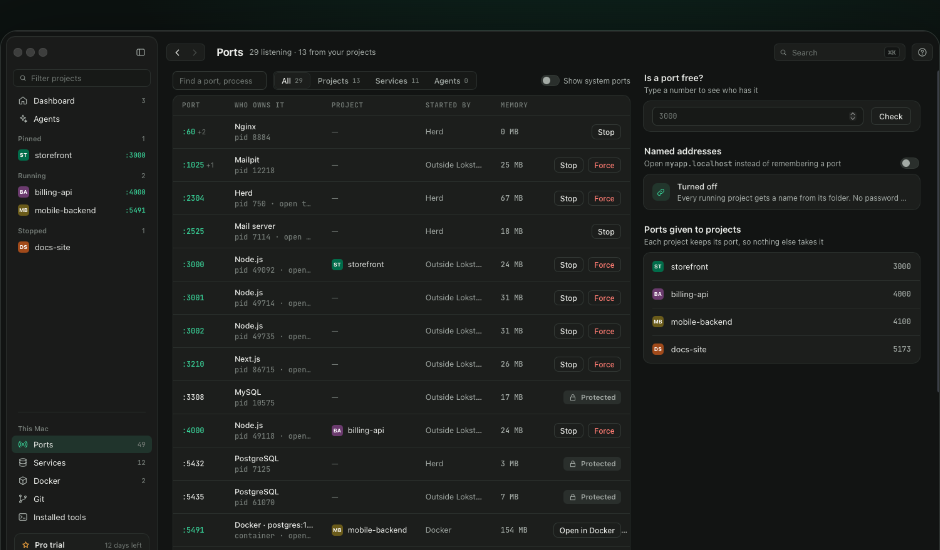
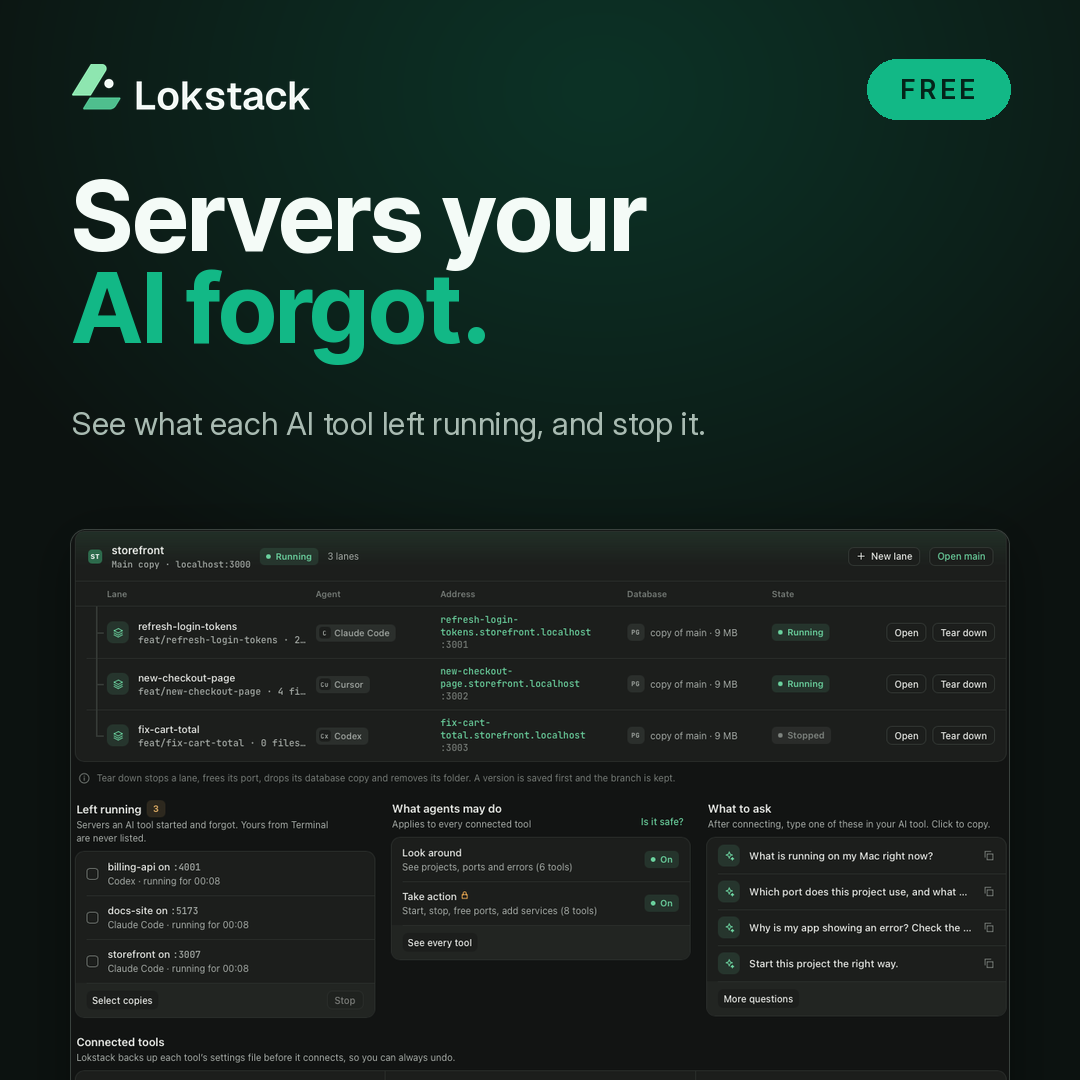
Lokstack is a Mac app for local development. It shows every project, process, port, database and Docker container on your Mac in one window, and who started each one. When a project won't start, it explains why in plain English and puts the next step beside the reason, such as freeing the port or installing missing packages. Stop or Force any process holding a port, and see the dev servers that Claude Code, Cursor and Codex leave running. Run PostgreSQL, MySQL or Mailpit without Docker. Keep notes, links and todos next to each project in its Backlog, which your AI tools can read. With Pro, each AI coding agent can get its own lane: a branch, a port, a database copy and a local address, so several agents can work on one project at once. Lanes and MCP actions are in beta. Free needs no account. Lokstack runs on your Mac, and the app has no analytics.

Comments

Hi, I'm the developer. I built Lokstack because my Mac kept filling up with dev servers nobody remembered starting: port 3000 taken, a Postgres from Homebrew and another from Docker, and AI coding tools leaving servers running after they finished. Lokstack puts every project, port and database in one window and tells you why a project won't start. Free needs no account, and the app has no analytics. I'd love blunt feedback, especially on setups it gets wrong.
Premium Products


















































Sponsors
Buy

Makers
Makers
Comments
Hi, I'm the developer. I built Lokstack because my Mac kept filling up with dev servers nobody remembered starting: port 3000 taken, a Postgres from Homebrew and another from Docker, and AI coding tools leaving servers running after they finished. Lokstack puts every project, port and database in one window and tells you why a project won't start. Free needs no account, and the app has no analytics. I'd love blunt feedback, especially on setups it gets wrong.
Premium Products
New to Fazier?

Find your next favorite product or submit your own. Made by @FalakDigital.
Copyright ©2026. All Rights Reserved