LocalFlow
Hold a key, talk, and your words land in any Mac app
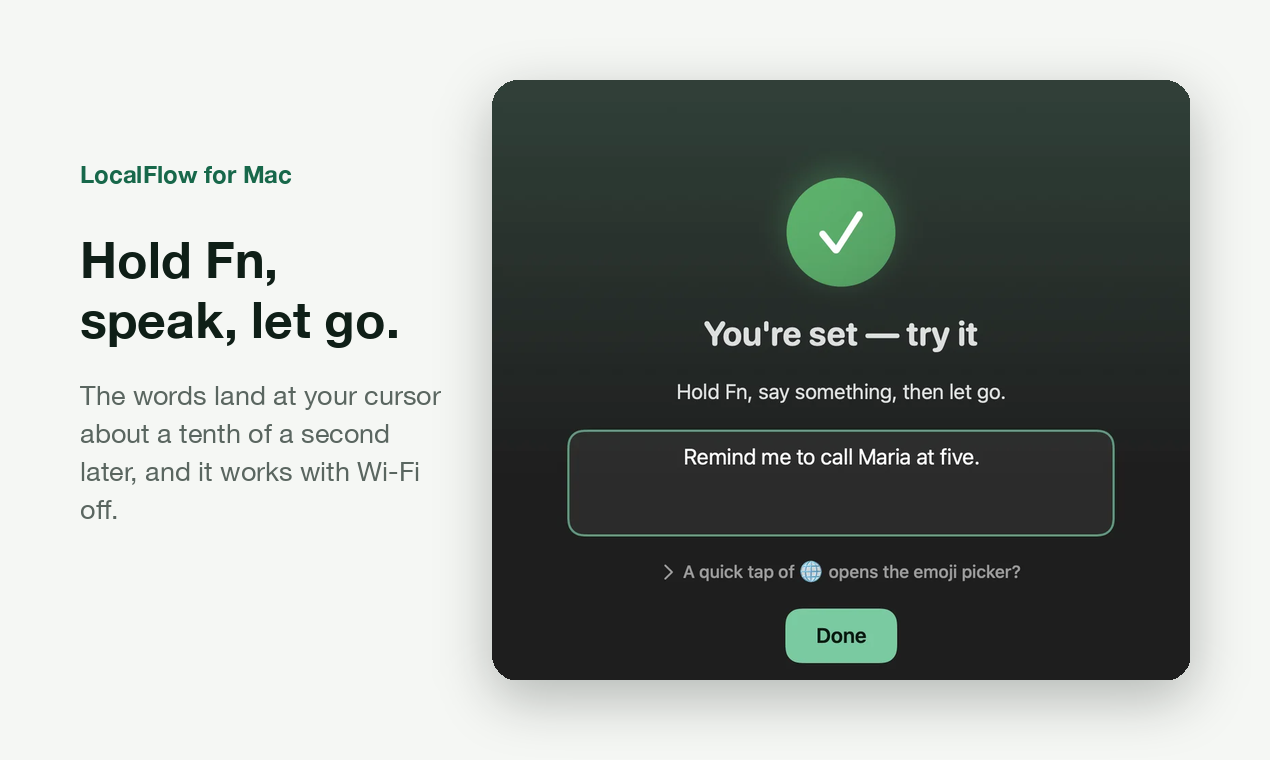
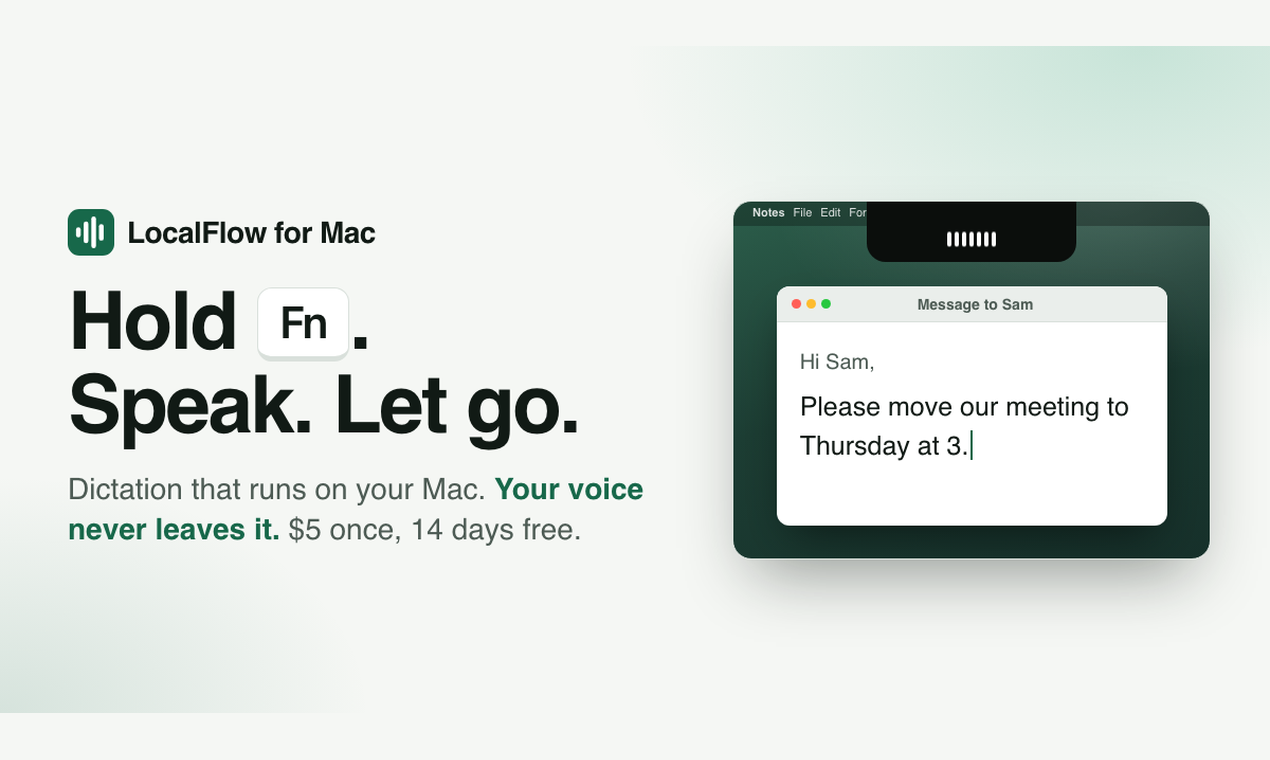
LocalFlow is a menu bar dictation app for Mac. Press and hold Fn, speak, and let go: the whole sentence is pasted wherever your cursor is, in Slack, Mail, Notes, a code editor or a browser. Speech is turned into text on your Mac, and after a one-time model download it works with Wi-Fi off. Audio is never uploaded or saved. Free download of the full app: quick to install, no email or credit card needed. English only; needs Apple silicon and macOS 26 or later. Disclosure: I make LocalFlow.
Features
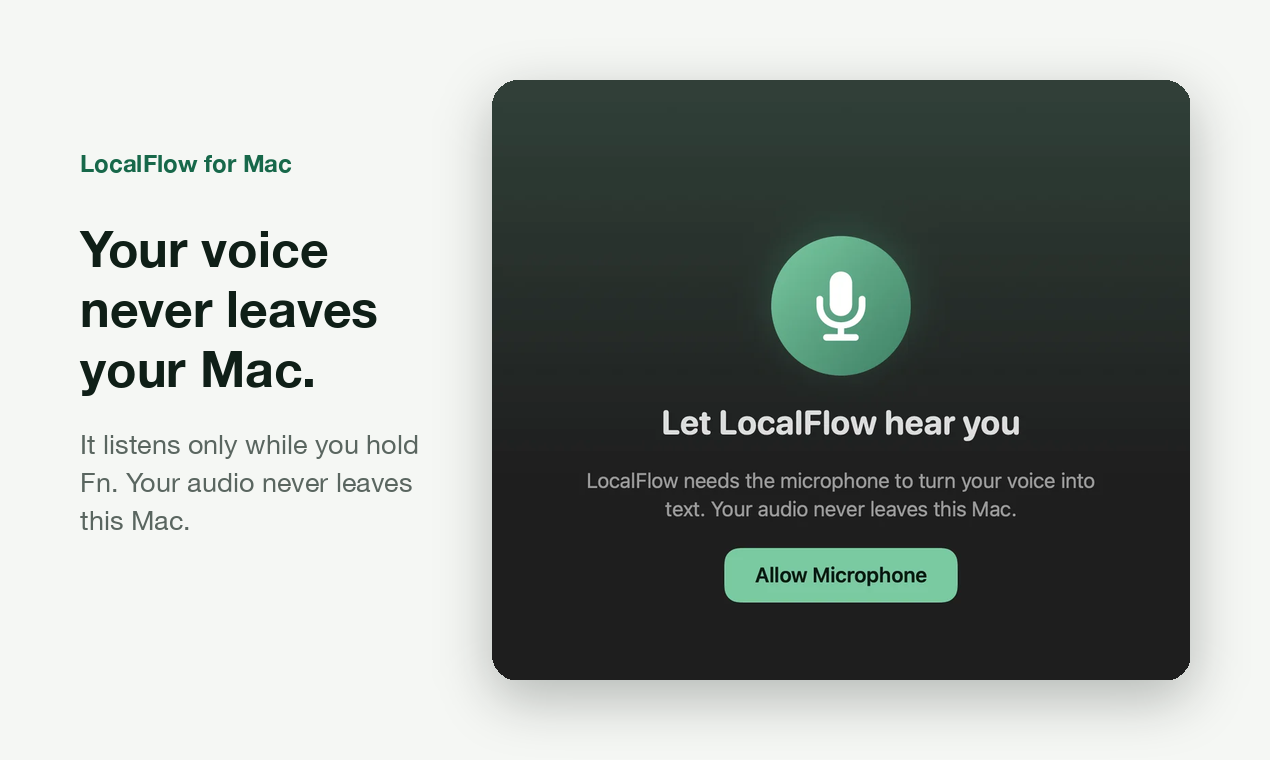
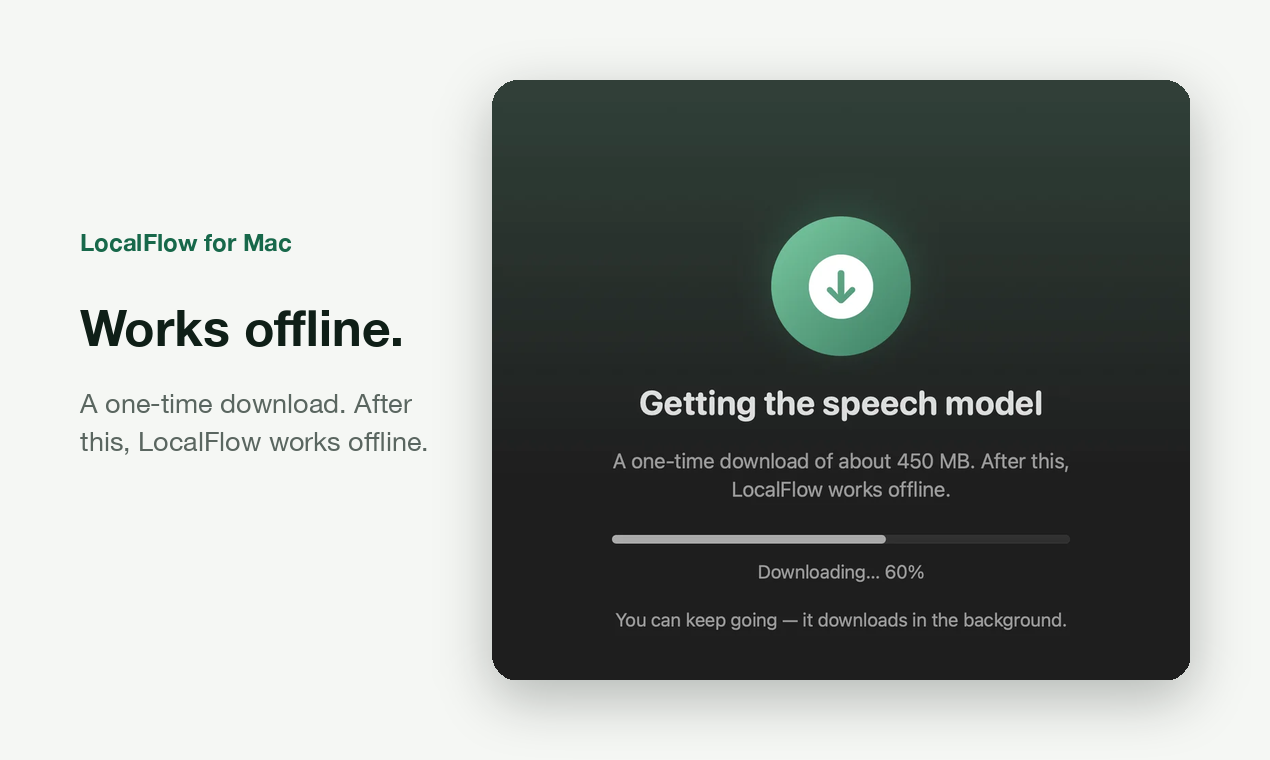
One key in every app: hold Fn, talk, release. Works offline after a one-time model download. Audio stays on your Mac, never uploaded or saved. Music and videos go quiet while you talk. Your clipboard is put back afterwards. Teach it names, or fix a word once and it remembers. Signed and notarized.
Use Cases
Answer email and Slack without typing. Speak long AI prompts instead of typing them. Draft notes and docs by talking, then edit with the keyboard. Give your wrists a break.

Comments


Hi Fazier, I make LocalFlow. I wanted dictation on my Mac that keeps my voice on the machine and keeps working with Wi-Fi off, so it runs speech-to-text locally after a one-time model download. You hold Fn, talk, let go, and the whole sentence lands where your cursor is. It's a free download of the full app, quick to install, with no email or credit card. It's English only for now, and I'd really like to hear how it does with different accents and mics.
Premium Products

















































Sponsors
Buy

Makers
Makers
Comments
Hi Fazier, I make LocalFlow. I wanted dictation on my Mac that keeps my voice on the machine and keeps working with Wi-Fi off, so it runs speech-to-text locally after a one-time model download. You hold Fn, talk, let go, and the whole sentence lands where your cursor is. It's a free download of the full app, quick to install, with no email or credit card. It's English only for now, and I'd really like to hear how it does with different accents and mics.
Premium Products
New to Fazier?

Find your next favorite product or submit your own. Made by @FalakDigital.
Copyright ©2026. All Rights Reserved