
LLM Wiki Tools
A compounding wiki your LLM builds and maintains.
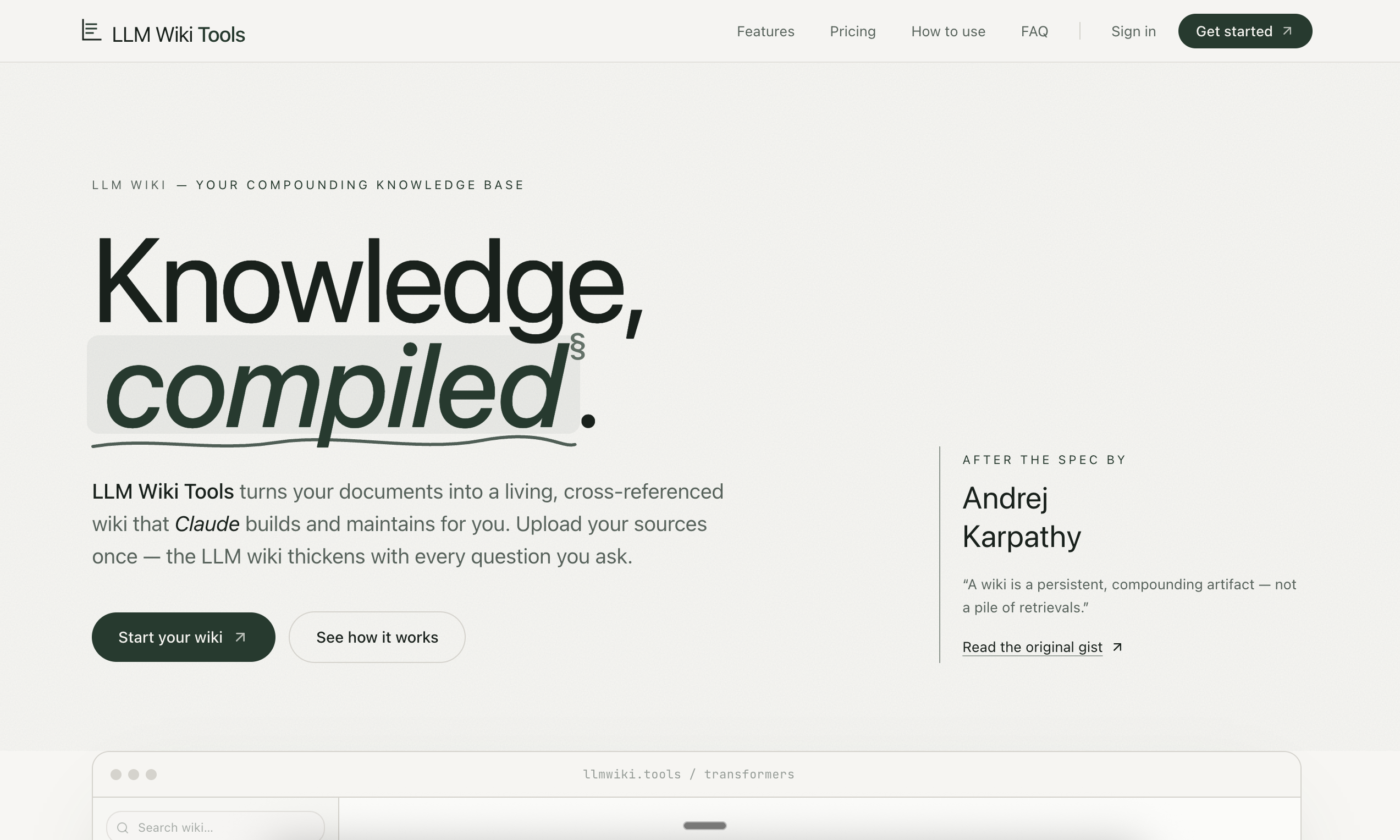
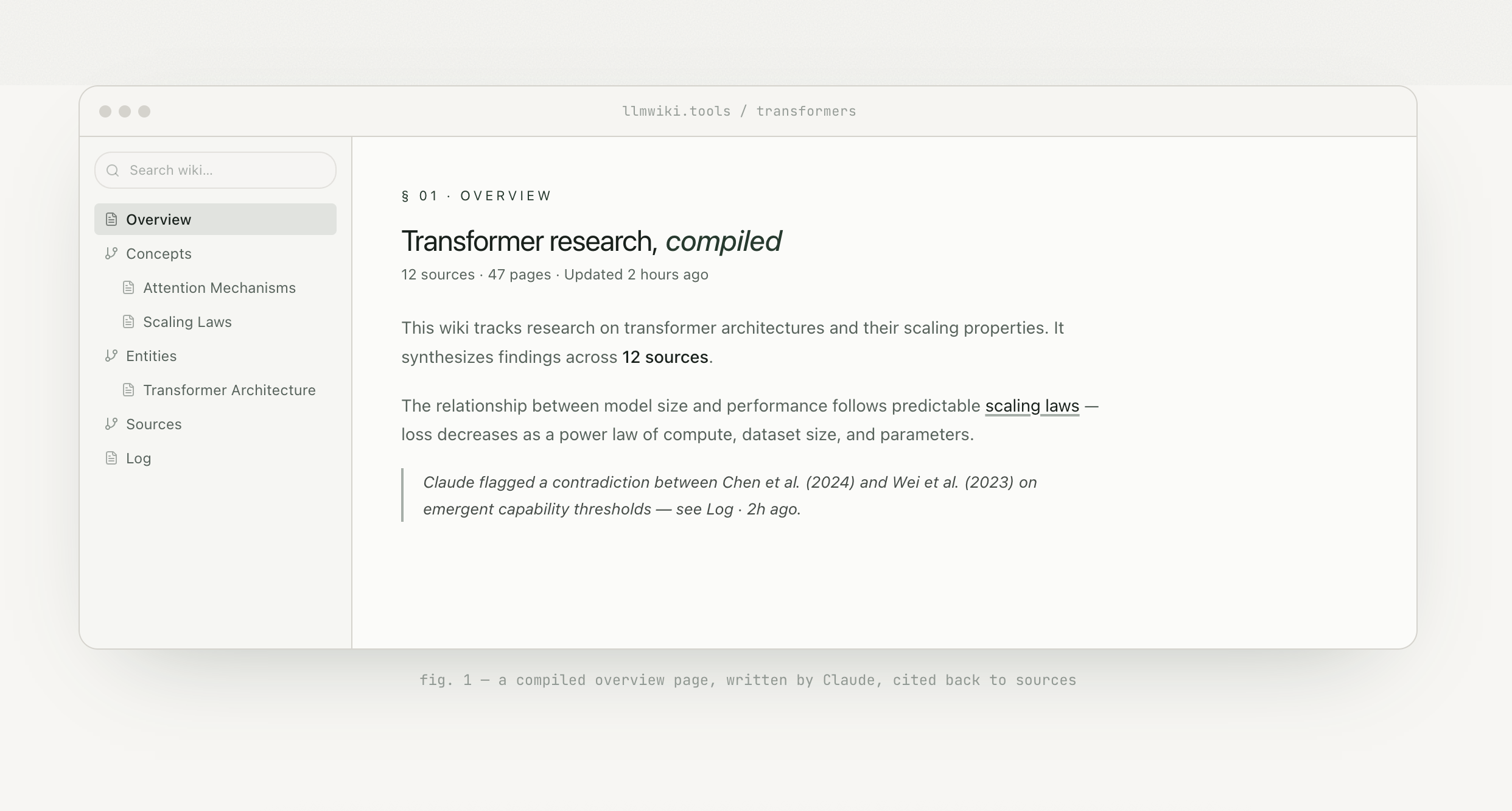
LLM Wiki Tools is an AI knowledge base for long-term research, learning, writing, and document-heavy work. Upload PDFs, papers, Office documents, Markdown files, notes, transcripts, or web articles, then connect Claude through MCP. Claude can search your sources, read original documents, write Markdown wiki pages, maintain cross-references, add citations, and flag contradictions or stale claims.
Unlike ordinary file chat or one-off RAG tools, LLM Wiki Tools creates a persistent knowledge layer. Your raw sources stay immutable, while Claude builds and edits the wiki on top of them: overviews, entity pages, concept pages, summaries, comparison tables, diagrams, logs, and cited notes. Each new source and each useful answer can make the wiki richer, so your knowledge compounds instead of disappearing into chat history.
Features
- **Compounding knowledge base:** Every useful answer can become a reusable wiki page instead of staying trapped in a chat transcript.
- **MCP-native workflow:** Connect Claude.ai, Cursor, MCP clients, custom agents, or scripts to your wiki.
- **Claude can write directly:** Claude gets tools to search, read, write, edit, append, and maintain your wiki.
- **Multi-format source upload:** Supports PDFs, OCR-processed documents, Word documents, PowerPoint decks, Markdown, plain text, notes, web articles, transcripts, spreadsheets, and images.
- **Page-accurate citations:** Wiki pages can link claims back to original source documents, page ranges, and passages.
- **Immutable raw sources:** Claude reads sources but does not overwrite them. The wiki is an editable layer on top.
- **Full document viewer:** Open source documents alongside the wiki pages they informed.
- **Full-text and semantic search:** Search is scoped per knowledge base so unrelated projects stay separated.
- **Wiki health checks:** Ask Claude to find contradictions, stale claims, orphan pages, missing citations, and missing cross-references.
- **Multiple wikis:** Keep separate knowledge bases for different projects, subjects, clients, or research programs.
- **API keys:** Create personal keys for Claude.ai, Cursor, custom agents, scripts, and experiments.
- **Capacity-based pricing:** Every plan includes the core product; paid tiers mainly increase processed pages, storage, knowledge bases, API keys, and upload size.
- **No local setup:** Use the hosted web app, upload sources, copy the MCP configuration, and connect Claude.
- **No training on user documents:** User documents and wiki pages are stored for the user and are not used to train models.
Use Cases
- Upload a folder of papers and ask Claude to build a research overview.
- Generate entity pages for people, companies, models, methods, products, or concepts found across sources.
- Compare several reports and save the result as a cited table.
- Ask Claude to identify contradictions between two or more documents.
- Turn course readings and notes into a study wiki.
- Build a project wiki from specs, meeting notes, transcripts, and reference documents.
- Keep a source-grounded writing archive for articles, essays, books, or newsletters.
- Let an AI agent read and update a project-specific knowledge base through MCP.
- Preserve high-quality answers as durable pages instead of losing them inside chat history.

Comments


I built LLM Wiki Tools because I kept running into the same problem with AI document workflows: the answer might be useful, but the work disappears into chat history. Most file chat and RAG products retrieve chunks, answer the current question, and then start over next time. That is helpful, but it does not feel like building knowledge. LLM Wiki Tools takes a different approach. You upload your sources, connect Claude through MCP, and let Claude build a persistent wiki on top of your documents. The raw sources stay immutable. The wiki layer becomes the place where Claude writes summaries, entity pages, concept pages, comparison tables, citations, cross-references, and notes about contradictions. The goal is simple: AI-assisted reading should compound. What you can do with it: - Upload papers and ask Claude to build a cited research overview. - Turn course readings into a study wiki with a glossary and concept index. - Compare reports and save the result as a source-grounded table. - Ask Claude to lint the wiki for contradictions, stale claims, orphan pages, and missing citations. - Connect Claude, Cursor, custom agents, or scripts through MCP/API keys. Every plan includes the core product: OCR, citations, full-text search, semantic search, and MCP access. Paid tiers mainly increase capacity. I would especially love feedback from researchers, students, writers, analysts, and builders using Claude or MCP in serious document-heavy workflows. Thanks for checking it out. https://llmwiki.tools/


Premium Products































Sponsors
Buy

Comments
I built LLM Wiki Tools because I kept running into the same problem with AI document workflows: the answer might be useful, but the work disappears into chat history. Most file chat and RAG products retrieve chunks, answer the current question, and then start over next time. That is helpful, but it does not feel like building knowledge. LLM Wiki Tools takes a different approach. You upload your sources, connect Claude through MCP, and let Claude build a persistent wiki on top of your documents. The raw sources stay immutable. The wiki layer becomes the place where Claude writes summaries, entity pages, concept pages, comparison tables, citations, cross-references, and notes about contradictions. The goal is simple: AI-assisted reading should compound. What you can do with it: - Upload papers and ask Claude to build a cited research overview. - Turn course readings into a study wiki with a glossary and concept index. - Compare reports and save the result as a source-grounded table. - Ask Claude to lint the wiki for contradictions, stale claims, orphan pages, and missing citations. - Connect Claude, Cursor, custom agents, or scripts through MCP/API keys. Every plan includes the core product: OCR, citations, full-text search, semantic search, and MCP access. Paid tiers mainly increase capacity. I would especially love feedback from researchers, students, writers, analysts, and builders using Claude or MCP in serious document-heavy workflows. Thanks for checking it out. https://llmwiki.tools/
Premium Products
New to Fazier?

Find your next favorite product or submit your own. Made by @FalakDigital.
Copyright ©2026. All Rights Reserved