LiveClock Online
A clean full-screen browser clock with seconds and themes
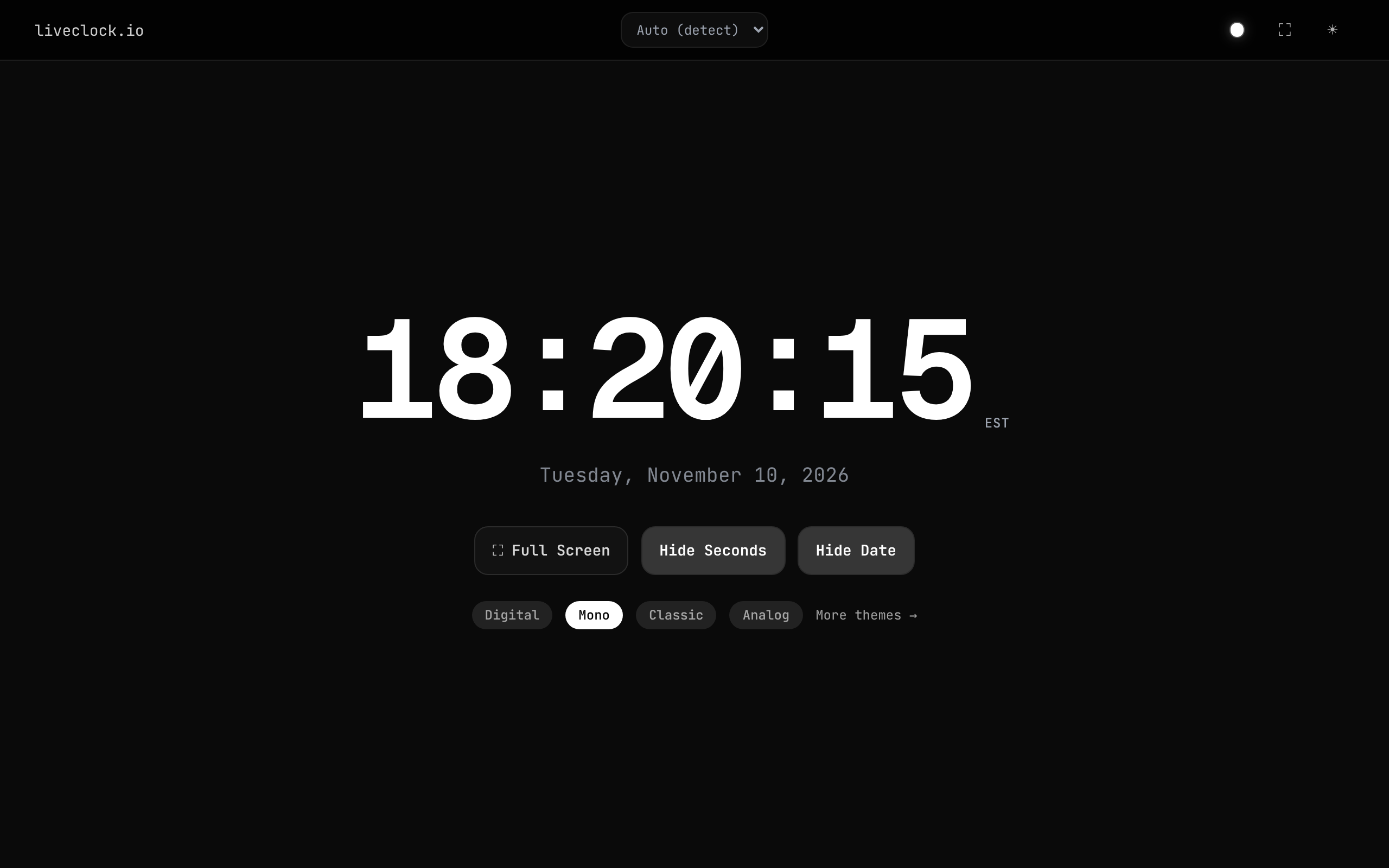
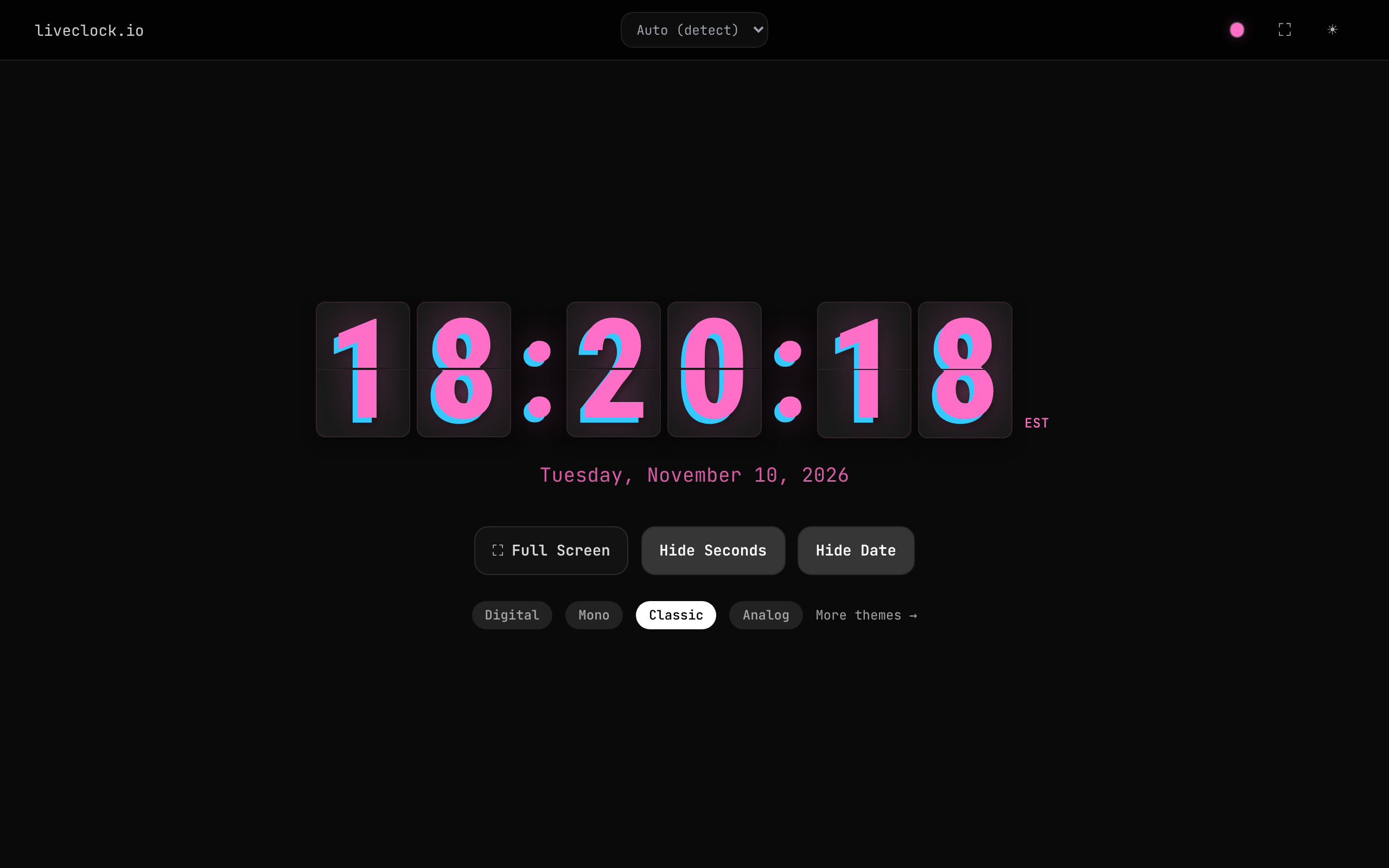
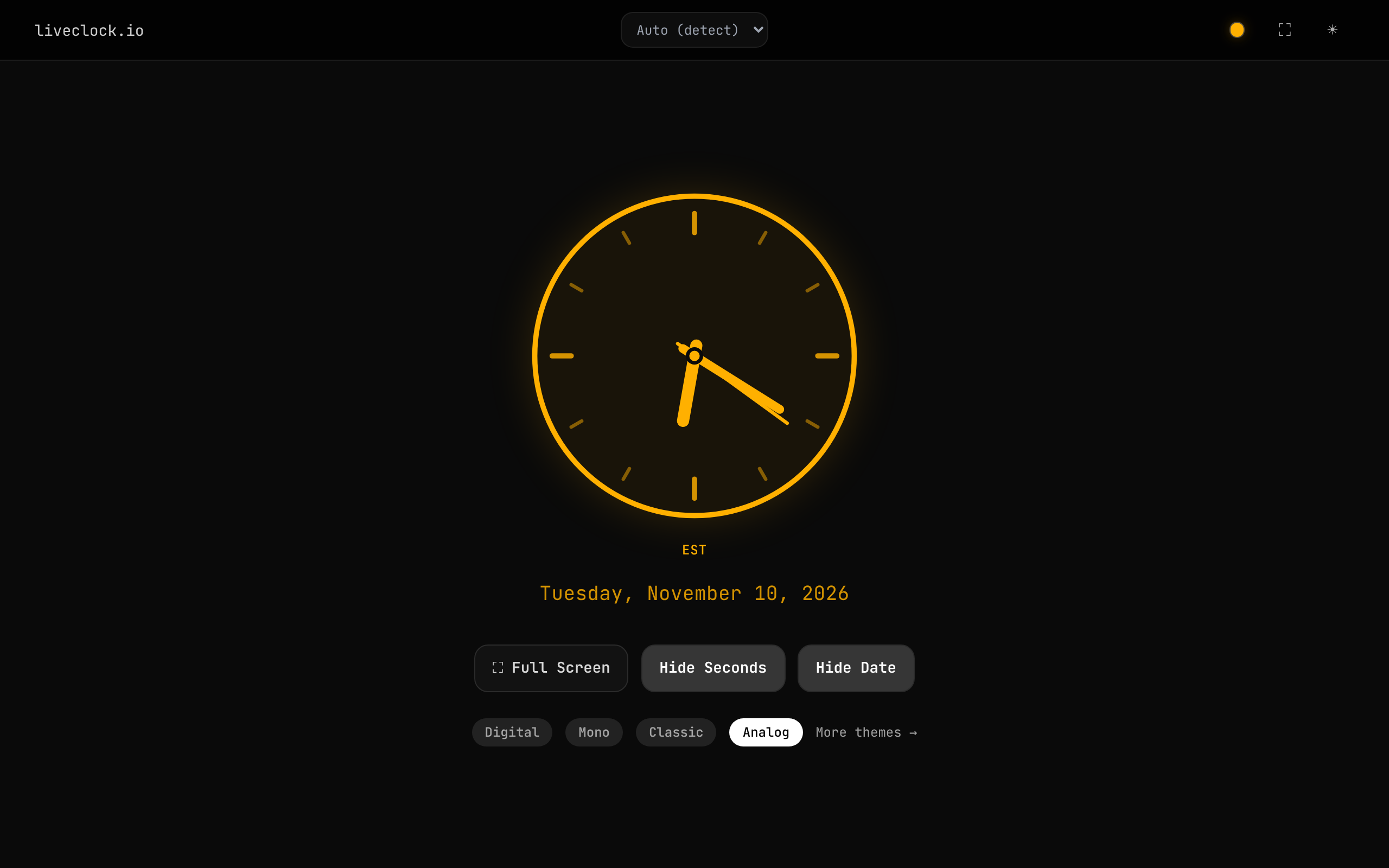
LiveClock Online turns any browser into a large, readable clock. It opens straight into the time, with seconds and the date, and needs no download or account. Pick a style (digital, mono, flip or analog), choose one of five color themes, switch between eight city time zones, and go full screen with one click. On supported devices it can keep the screen awake. People use it as a desk clock on a second monitor, a classroom or exam-room clock on a projector, and a calm aesthetic clock while studying or streaming.
Features
- Live clock with seconds and the date, synced to your device time
- One-click full-screen mode for any monitor, TV or projector
- Four clock styles: digital, mono, flip and analog
- Five color themes, including Vaporwave, Amber Terminal and Green Phosphor
- Automatic local time zone, plus eight city time zones
- Show or hide seconds, date and time zone label; optional milliseconds
- Keep Screen Awake on supported browsers
- Remembers your style, theme and settings across visits
- Free, no account or download, works on desktop and mobile
Use Cases
- A large desk clock on a second monitor while working
- A classroom clock on the projector so every student can see the time
- An exam-room clock with the date hidden and seconds visible
- A meeting-room or office display on a spare TV
- A clock overlay for streams, studios and video recording
- A calm aesthetic clock in the background while studying
- Checking the time in another city before a call

Comments


Hi Fazier! I built LiveClock Online because the clock in my menu bar is too small to read from across a room, and most clock sites I tried were full of alarms, timers and widgets I didn’t need. So this one opens straight into a big clock. You can show seconds and the date, go full screen in one click, pick a style (digital, mono, flip or analog) and one of five color themes, and switch between eight city time zones. No account or download. Since launching in August, a lot of visitors have come back to it again and again, so I’m keeping it simple. I’d love to hear what you’d use it for, and the one thing you’d add or remove.
Premium Products









































Sponsors
Buy
Makers
Makers
Comments
Hi Fazier! I built LiveClock Online because the clock in my menu bar is too small to read from across a room, and most clock sites I tried were full of alarms, timers and widgets I didn’t need. So this one opens straight into a big clock. You can show seconds and the date, go full screen in one click, pick a style (digital, mono, flip or analog) and one of five color themes, and switch between eight city time zones. No account or download. Since launching in August, a lot of visitors have come back to it again and again, so I’m keeping it simple. I’d love to hear what you’d use it for, and the one thing you’d add or remove.
Premium Products
New to Fazier?

Find your next favorite product or submit your own. Made by @FalakDigital.
Copyright ©2026. All Rights Reserved