Litehost
Send your client one link to the finished work.
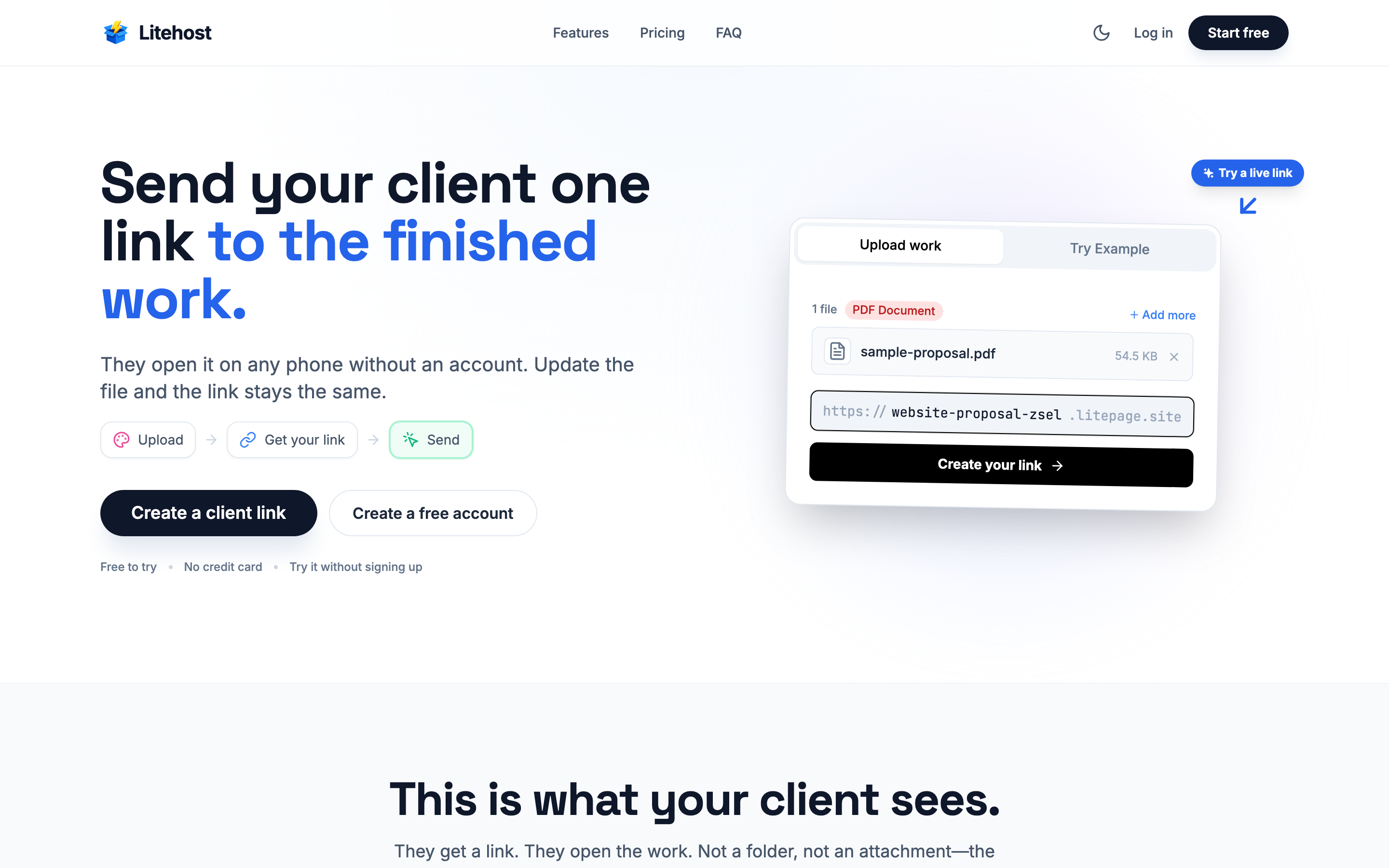
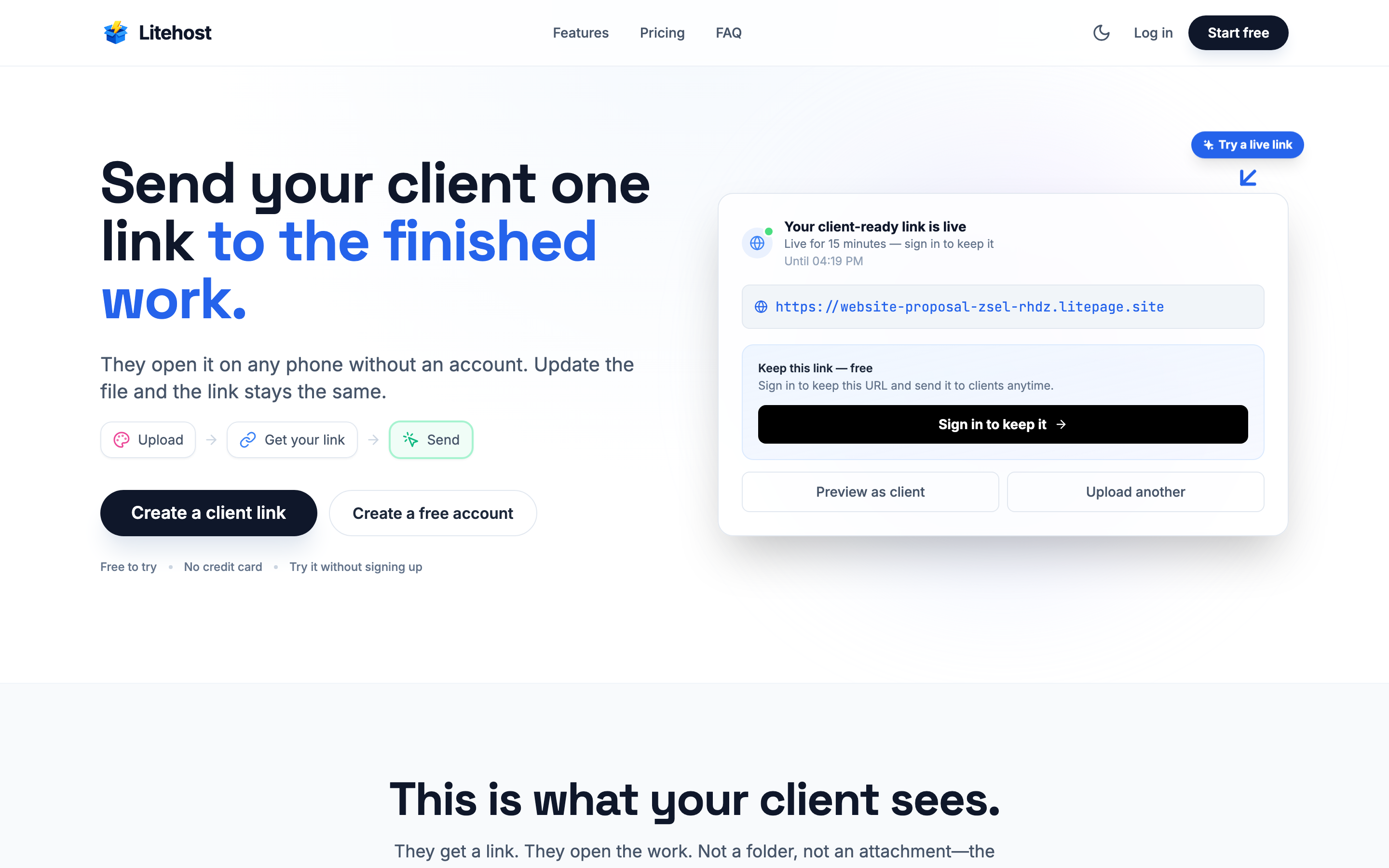
Litehost is for the last step of client work: handing it over. Upload the finished file, get a link, and send it to your client.
A public Litehost link opens in the browser, on a phone or a laptop, without a Litehost account. PDFs open in a viewer with a download button, and wide PDFs such as decks open slide by slide.
When the client asks for one more change, replace the PDF and the link stays the same. The message you already sent still points to the latest version.
The upload form also takes presentations, images, video and ZIP files. Password protection and QR codes start on Starter.
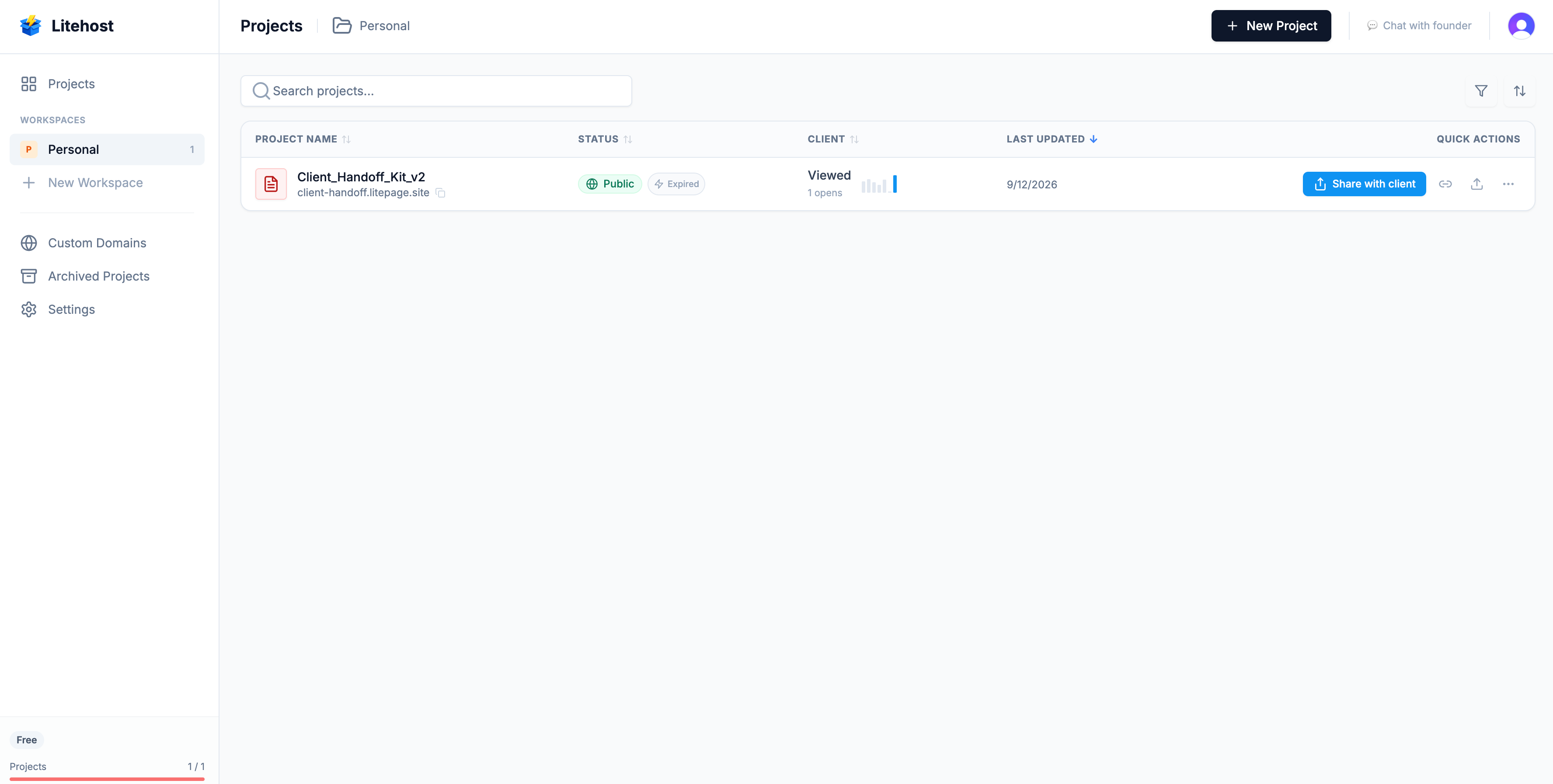
A new account gets Pro free for 7 days, with no card. After that, the Free plan holds 5 MB and its links expire after 7 days at most. Starter is $8 a month, holds 500 MB, and its links don't have to expire.
Features
- One link for the finished work. It opens in the browser, no Litehost account needed.
- PDF viewer with a download button. Wide PDFs open slide by slide.
- Replace the PDF and the link stays the same.
- Upload PDFs, presentations, images, video and ZIP files.
- Password protection and QR codes on Starter and up.
Use Cases
- A designer sends the final brand guide PDF to a client.
- A freelancer sends a proposal, then updates it after feedback without sending a new link.
- An agency shares a pitch deck the client opens on a phone.
- A photographer delivers the final photos as one link.

Comments


Hi, I'm Fernando. Litehost is for the last step of a project: sending the finished work to the client. On Reddit I kept seeing the same problem from people who deliver work: they keep track of old links for each client, and a Drive link can be awkward to send to a business client. With Litehost you upload the file and send one link. It opens in the browser without an account, and if the client asks for a change, you replace the PDF and the link stays the same. Most of the first projects people made were PDFs, so that's what it handles best right now. I'd like to hear how you send finished work to clients today.
Premium Products


















































Sponsors
Buy
Makers
Makers
Comments
Hi, I'm Fernando. Litehost is for the last step of a project: sending the finished work to the client. On Reddit I kept seeing the same problem from people who deliver work: they keep track of old links for each client, and a Drive link can be awkward to send to a business client. With Litehost you upload the file and send one link. It opens in the browser without an account, and if the client asks for a change, you replace the PDF and the link stays the same. Most of the first projects people made were PDFs, so that's what it handles best right now. I'd like to hear how you send finished work to clients today.
Premium Products
New to Fazier?

Find your next favorite product or submit your own. Made by @FalakDigital.
Copyright ©2026. All Rights Reserved