LightScroll
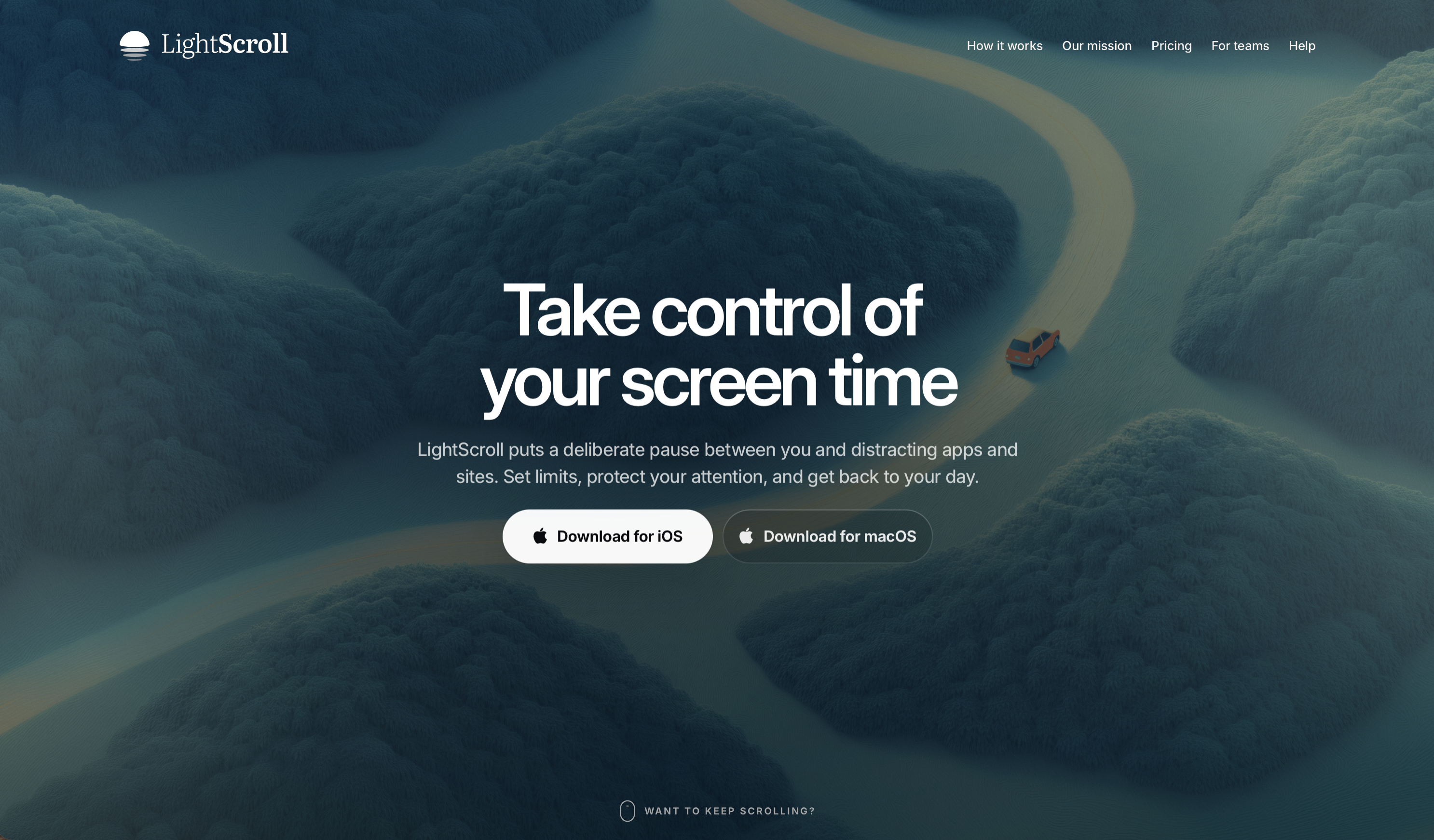
Take control of your screen time
Take control of your screen time. LightScroll is a native iOS and macOS app that helps you spend less time on distracting apps and websites.
Set boundaries that fit your day. Choose daily limits, shorter sessions or scheduled boundaries.
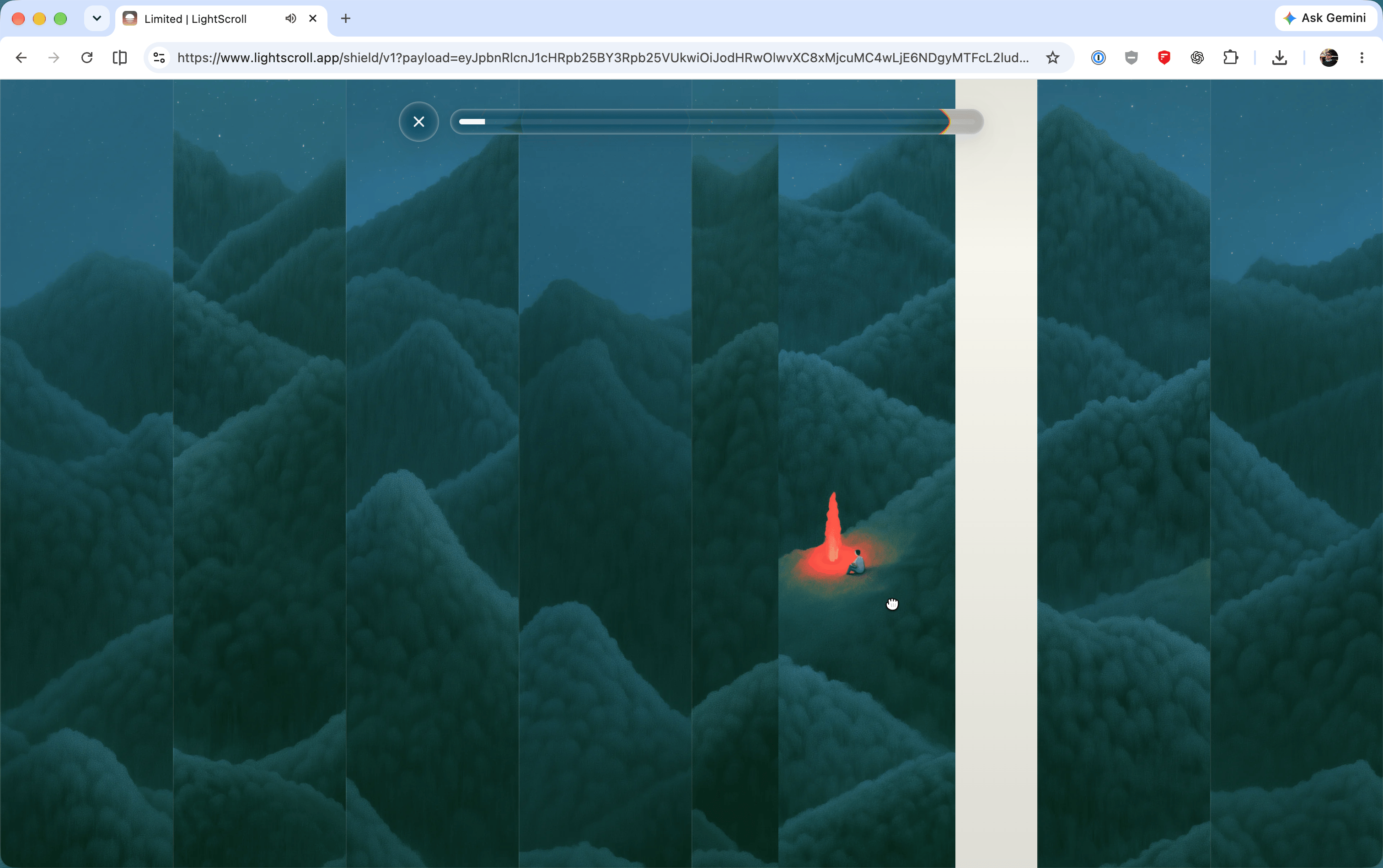
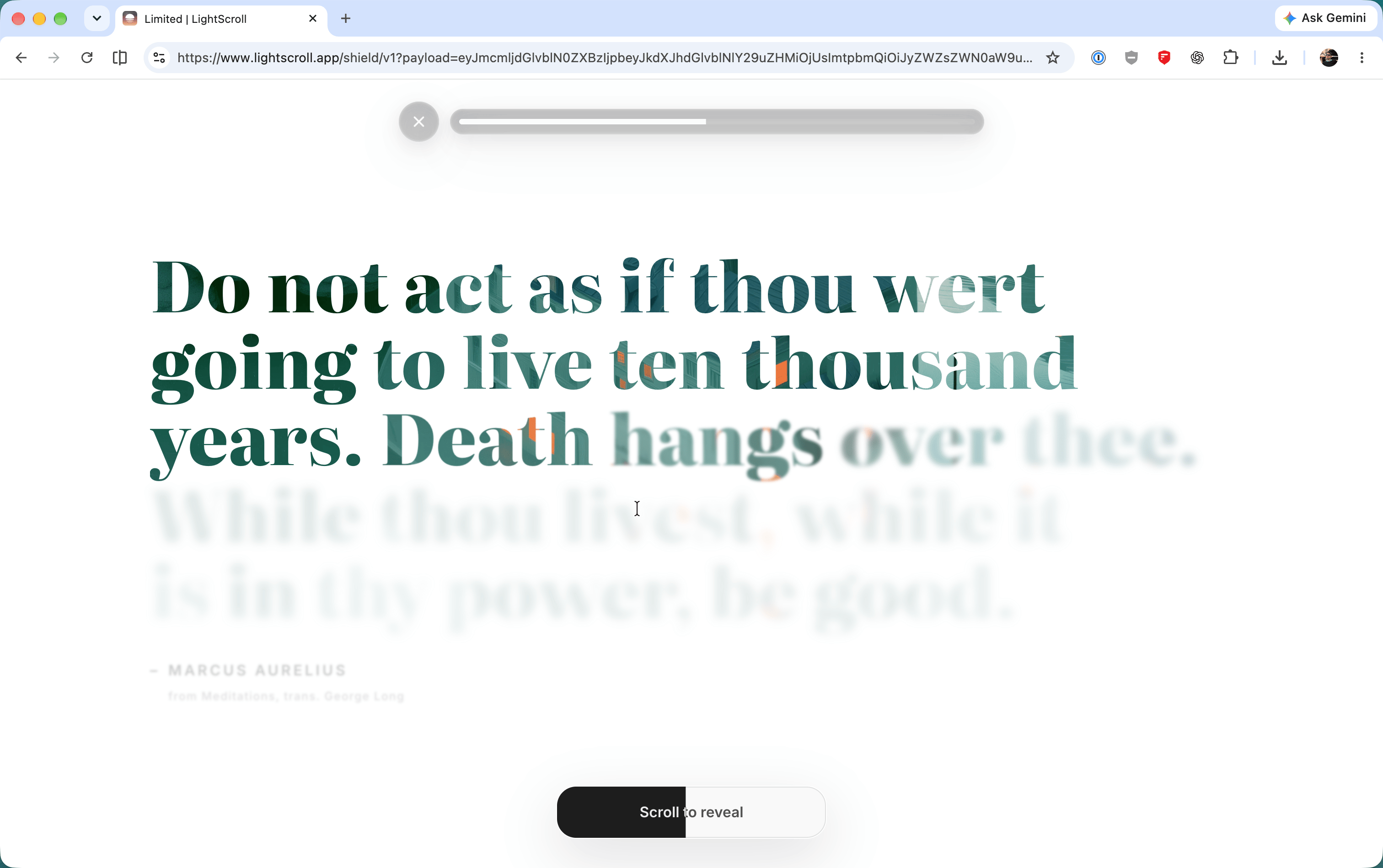
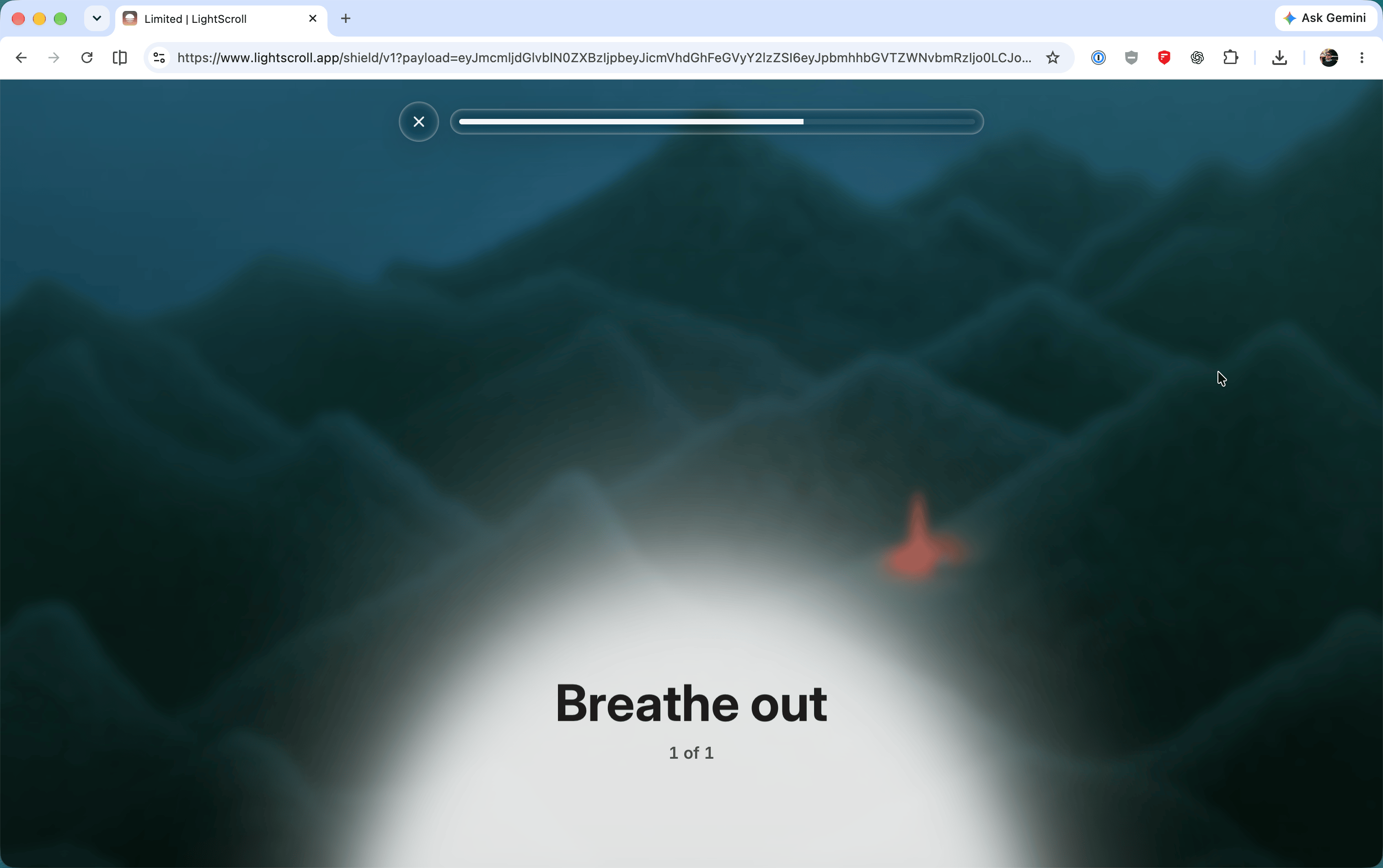
Pause before you open. Add a wait, breathing exercise or minigame before access. When you reach a limit, require a longer wait, ask an accountability partner for a six-digit code or allow no extra time.
Build momentum. Streaks, XP and shared challenges help you keep going. A free-forever tier is available. LightScroll Plus adds customization and Hardcore mode to make impulsive rule changes harder.
Features
Daily limits, shorter sessions and scheduled boundaries.
Pauses before access through a wait, breathing exercise or minigame.
Override options including a six-digit accountability partner code.
Streaks, XP and shared challenges.
Free-forever tier with optional Plus customization and Hardcore mode.
Use Cases
Reduce distracting app and website use during work or study.
Create clearer boundaries around social media and evening scrolling.
Ask an accountability partner for help sticking to limits.

Comments


Hi, I’m Juan, one of the makers of LightScroll. We built a native iOS and macOS app around the screen-time controls we wanted, with a calm design and flexible boundaries. You can set daily limits, shorter sessions and scheduled boundaries, add a pause before access, or require a six-digit code from an accountability partner when you reach a limit. There’s a free-forever tier, with optional Plus customization and Hardcore mode. I’d love to hear which boundaries help you spend less time scrolling.
Premium Products
















































Sponsors
Buy
Makers
Makers
Comments
Hi, I’m Juan, one of the makers of LightScroll. We built a native iOS and macOS app around the screen-time controls we wanted, with a calm design and flexible boundaries. You can set daily limits, shorter sessions and scheduled boundaries, add a pause before access, or require a six-digit code from an accountability partner when you reach a limit. There’s a free-forever tier, with optional Plus customization and Hardcore mode. I’d love to hear which boundaries help you spend less time scrolling.
Premium Products
New to Fazier?

Find your next favorite product or submit your own. Made by @FalakDigital.
Copyright ©2026. All Rights Reserved