
LibraTool
317 free file tools that never upload your files
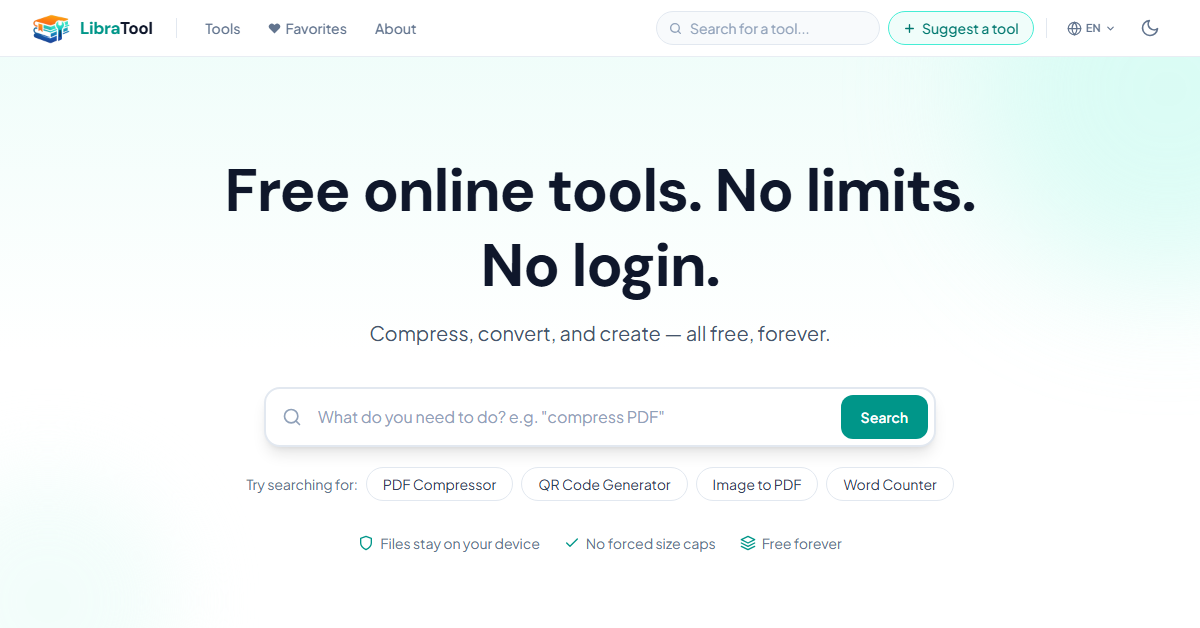
LibraTool is 317 free tools for PDFs, images, audio, video and text that run inside your browser, so your files are never uploaded. There is no sign-up and no daily task limit. On-device AI handles the heavy jobs: Whisper speech-to-text, background removal and image upscaling all run locally, and audio/video conversion uses ffmpeg compiled to WebAssembly. Everything is available in 81 languages.
Features
Files are processed in the browser and never uploaded
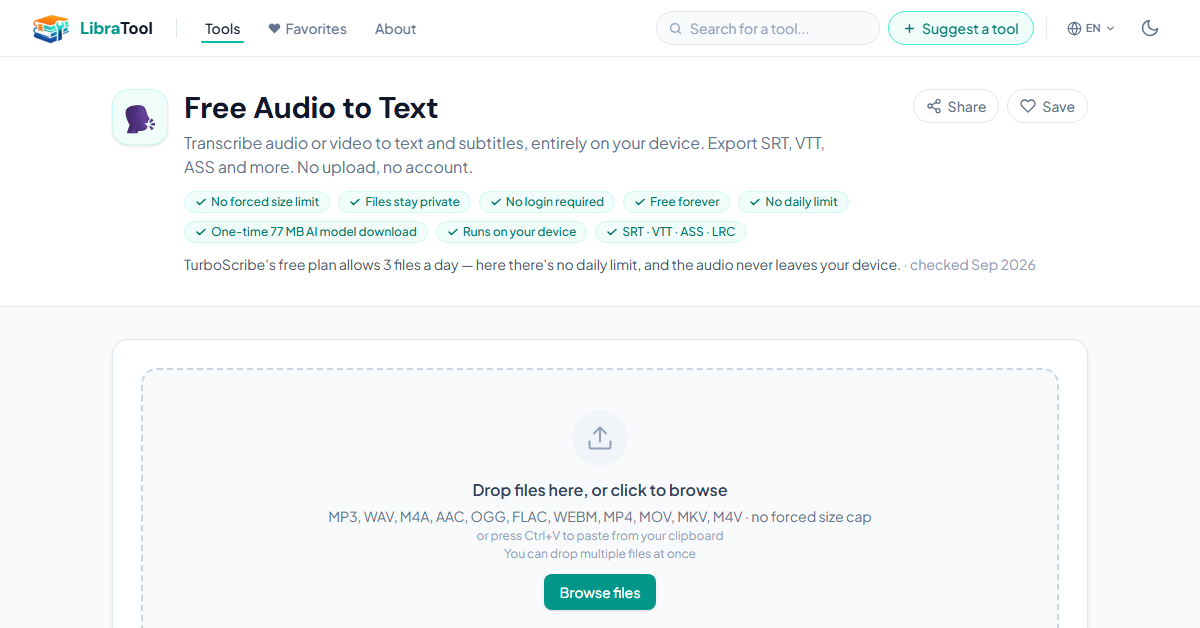
On-device Whisper speech-to-text, text-to-speech and AI background removal
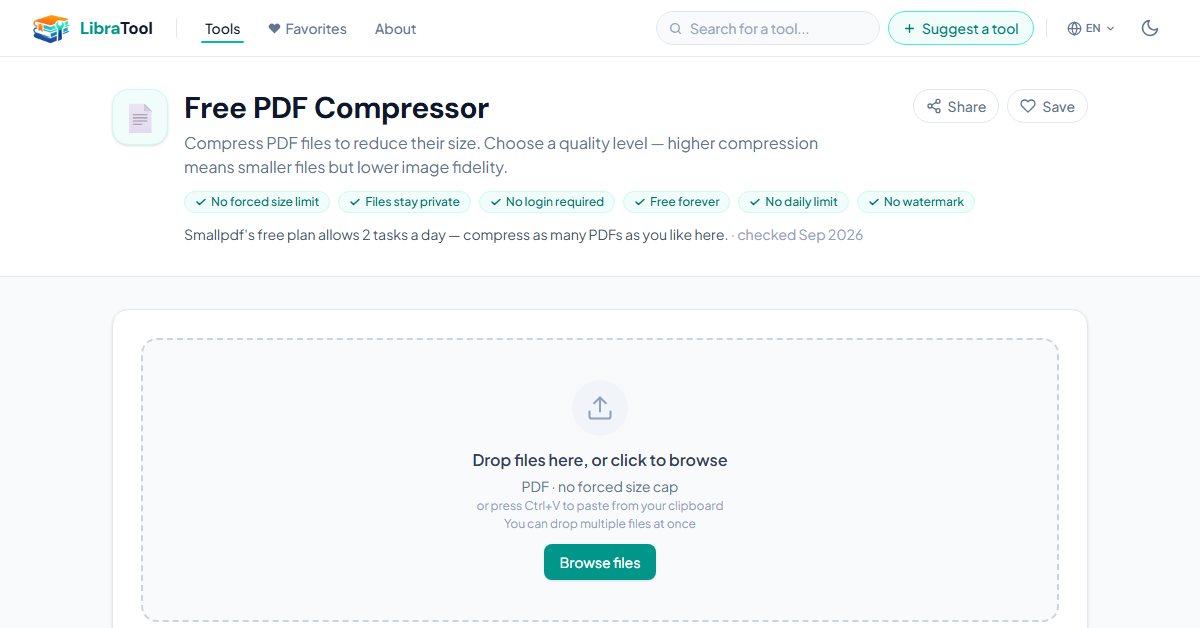
PDF tools: merge, split, compress, PDF to Word
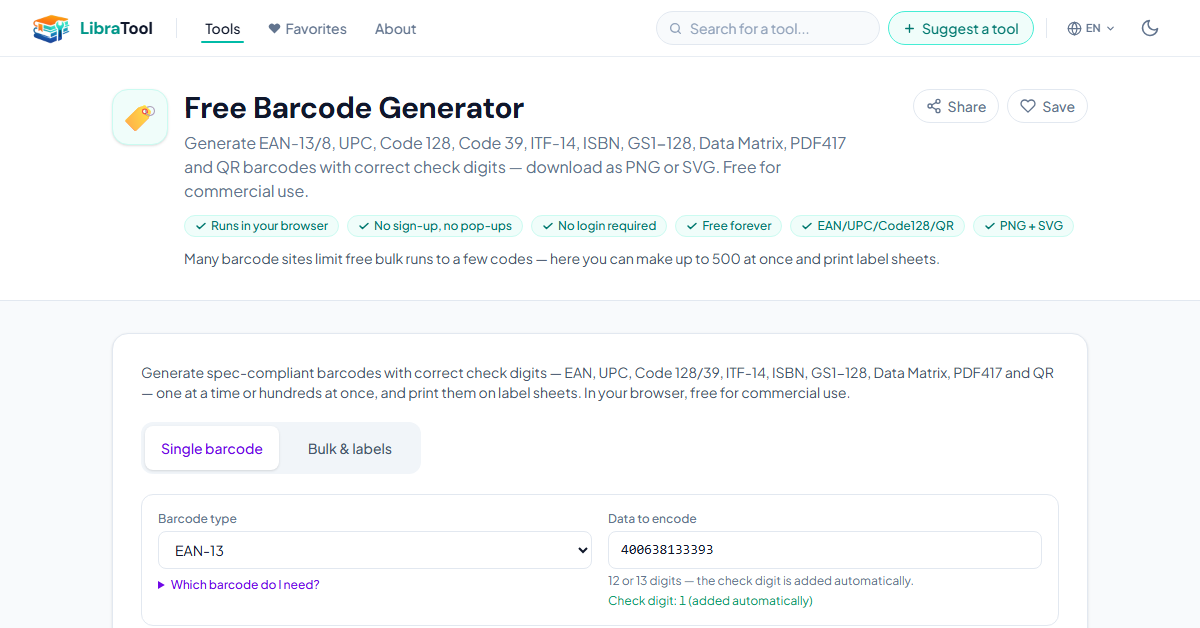
Bulk barcode generator with printable label sheets
Available in 81 languages
Use Cases
Compressing or merging a PDF that contains personal or legal information
Transcribing an interview or voice memo without sending the audio anywhere
Removing GPS location data from photos before posting them
Converting iPhone HEIC photos to JPG on a work computer

Comments


Hi Fazier! I built LibraTool because every "free" PDF or audio tool I tried wanted me to upload private files, make an account, or wait out a daily limit. So every tool here runs in the browser: your files stay on your device. That includes the heavier ones, like Whisper speech-to-text and background removal, which run as on-device AI models. It now has 317 tools in 81 languages. I'd love to hear which tool you'd want next, or anything that doesn't work the way you expect.

The interesting engineering here is that the heavy jobs stay on-device. Running Whisper and ffmpeg (via WASM) locally is a real tradeoff, not just a privacy bullet point. Two questions. How does video conversion behave once a file goes past the browser's memory ceiling - is it chunked, or does it hand you off to something else? And can a sceptical user verify the never-uploaded claim directly, for example by watching the network tab while a tool runs?
Keeping Whisper and background removal fully on-device is the right call for the use cases you list, like transcribing a private interview or stripping GPS data from photos. How does the in-browser Whisper handle longer recordings on a low-memory laptop? I'd be curious whether there's a size guideline before it gets slow.

The omnitool framing is earned — 317 tools all running client-side is a genuine engineering feat, not a feature list. ffmpeg compiled to WASM plus on-device Whisper means the "your files are never uploaded" claim is verifiable, which is the whole point for contracts, interviews, anything personal. Most "free file tools" are upload farms with ads; this is the opposite bet. Congrats on the launch.

The GPS-removal use case would benefit from a before-and-after metadata report: show which EXIF fields were removed and which were retained, especially orientation and color profile. That would help people confirm location data is gone without accidentally changing how their photos display. Is that report available?

The never-upload angle is the part that sold me — most free PDF tools quietly want an account or a cloud round-trip, and stripping GPS before posting or merging a legal PDF is exactly when you don't want that. Two practical questions: is there a rough file-size ceiling where WASM ffmpeg starts to crawl, and does on-device Whisper ship as a one-time model download or per session? A small 'processed locally, 0 bytes sent' indicator would make the claim easy to verify mid-task.


Running Whisper and ffmpeg locally in the browser is the right call for this kind of tool. Transcribing an interview without uploading the audio anywhere is exactly what I would want for client files. Curious how it handles longer files on mobile: is there a practical size limit for video conversion before the tab runs out of memory? A small note on the page about that would save people a failed attempt.

This is really impressive! I especially like that files are processed directly in the browser without being uploaded anywhere. That's such a useful feature when working with personal documents or photos. Having PDF tools, image conversion, transcription, and even GPS data removal all in one place is super convenient. And no signup or daily limits makes it even better. Great work building this!
The GPS-metadata scrubber is the tool I would point non-technical friends to — most people have no idea photos carry location, and a local version means fixing it costs nothing in privacy. For the bulk tools: if I drop 200 HEIC files, does conversion run through a worker queue so one big job does not freeze the tab, and can it resume if the browser reloads halfway?

Running everything in-browser with WebAssembly ffmpeg is the right call for files people don't want to upload — contracts, ID scans, client media. With 317 tools, discovery is the main risk: do you surface the most-searched tools (merge PDF, compress image) prominently, or is the layout search-first? Curious how you keep it from feeling like a directory.

Local-first is the killer feature here. Most free file tools quietly upload everything to a server, so running 317 tools entirely in the browser is a genuine privacy win — especially for legal docs or voice memos. The on-device Whisper transcription stands out too. Curious how you handle very large video files in memory on lower-end devices — that's the one edge case I'd watch.
Doing HEIC→JPG and background removal fully in the browser is a strong privacy story. Which image encoders run under the hood: WASM builds like libjpeg-turbo/libwebp/libavif, or the browser's canvas encoder? Canvas re-encoding usually converts to sRGB and drops metadata, so I'm curious whether a wide-gamut (Display P3) iPhone photo keeps its color profile after conversion.
The on-device angle genuinely solves the trust problem with free PDF tools — I would never upload legal or financial documents to a random online converter, but a fully local tool changes that calculus completely. One suggestion: showing which engine powers each tool locally (e.g., ffmpeg.wasm vs native browser APIs) would help technical users trust the pipeline even more. Also, the bulk barcode generator with printable label sheets is an unexpectedly useful niche — small warehouses and libraries will love that.
Premium Products



















































Sponsors
Buy

Makers
Makers
Comments
Hi Fazier! I built LibraTool because every "free" PDF or audio tool I tried wanted me to upload private files, make an account, or wait out a daily limit. So every tool here runs in the browser: your files stay on your device. That includes the heavier ones, like Whisper speech-to-text and background removal, which run as on-device AI models. It now has 317 tools in 81 languages. I'd love to hear which tool you'd want next, or anything that doesn't work the way you expect.
The interesting engineering here is that the heavy jobs stay on-device. Running Whisper and ffmpeg (via WASM) locally is a real tradeoff, not just a privacy bullet point. Two questions. How does video conversion behave once a file goes past the browser's memory ceiling - is it chunked, or does it hand you off to something else? And can a sceptical user verify the never-uploaded claim directly, for example by watching the network tab while a tool runs?
Keeping Whisper and background removal fully on-device is the right call for the use cases you list, like transcribing a private interview or stripping GPS data from photos. How does the in-browser Whisper handle longer recordings on a low-memory laptop? I'd be curious whether there's a size guideline before it gets slow.
The omnitool framing is earned — 317 tools all running client-side is a genuine engineering feat, not a feature list. ffmpeg compiled to WASM plus on-device Whisper means the "your files are never uploaded" claim is verifiable, which is the whole point for contracts, interviews, anything personal. Most "free file tools" are upload farms with ads; this is the opposite bet. Congrats on the launch.
The GPS-removal use case would benefit from a before-and-after metadata report: show which EXIF fields were removed and which were retained, especially orientation and color profile. That would help people confirm location data is gone without accidentally changing how their photos display. Is that report available?
The never-upload angle is the part that sold me — most free PDF tools quietly want an account or a cloud round-trip, and stripping GPS before posting or merging a legal PDF is exactly when you don't want that. Two practical questions: is there a rough file-size ceiling where WASM ffmpeg starts to crawl, and does on-device Whisper ship as a one-time model download or per session? A small 'processed locally, 0 bytes sent' indicator would make the claim easy to verify mid-task.
Running Whisper and ffmpeg locally in the browser is the right call for this kind of tool. Transcribing an interview without uploading the audio anywhere is exactly what I would want for client files. Curious how it handles longer files on mobile: is there a practical size limit for video conversion before the tab runs out of memory? A small note on the page about that would save people a failed attempt.
This is really impressive! I especially like that files are processed directly in the browser without being uploaded anywhere. That's such a useful feature when working with personal documents or photos. Having PDF tools, image conversion, transcription, and even GPS data removal all in one place is super convenient. And no signup or daily limits makes it even better. Great work building this!
The GPS-metadata scrubber is the tool I would point non-technical friends to — most people have no idea photos carry location, and a local version means fixing it costs nothing in privacy. For the bulk tools: if I drop 200 HEIC files, does conversion run through a worker queue so one big job does not freeze the tab, and can it resume if the browser reloads halfway?
Running everything in-browser with WebAssembly ffmpeg is the right call for files people don't want to upload — contracts, ID scans, client media. With 317 tools, discovery is the main risk: do you surface the most-searched tools (merge PDF, compress image) prominently, or is the layout search-first? Curious how you keep it from feeling like a directory.
Local-first is the killer feature here. Most free file tools quietly upload everything to a server, so running 317 tools entirely in the browser is a genuine privacy win — especially for legal docs or voice memos. The on-device Whisper transcription stands out too. Curious how you handle very large video files in memory on lower-end devices — that's the one edge case I'd watch.
Doing HEIC→JPG and background removal fully in the browser is a strong privacy story. Which image encoders run under the hood: WASM builds like libjpeg-turbo/libwebp/libavif, or the browser's canvas encoder? Canvas re-encoding usually converts to sRGB and drops metadata, so I'm curious whether a wide-gamut (Display P3) iPhone photo keeps its color profile after conversion.
The on-device angle genuinely solves the trust problem with free PDF tools — I would never upload legal or financial documents to a random online converter, but a fully local tool changes that calculus completely. One suggestion: showing which engine powers each tool locally (e.g., ffmpeg.wasm vs native browser APIs) would help technical users trust the pipeline even more. Also, the bulk barcode generator with printable label sheets is an unexpectedly useful niche — small warehouses and libraries will love that.
Premium Products
New to Fazier?

Find your next favorite product or submit your own. Made by @FalakDigital.
Copyright ©2026. All Rights Reserved