
LaunchLoop
From screen recording to launch trailer in minutes
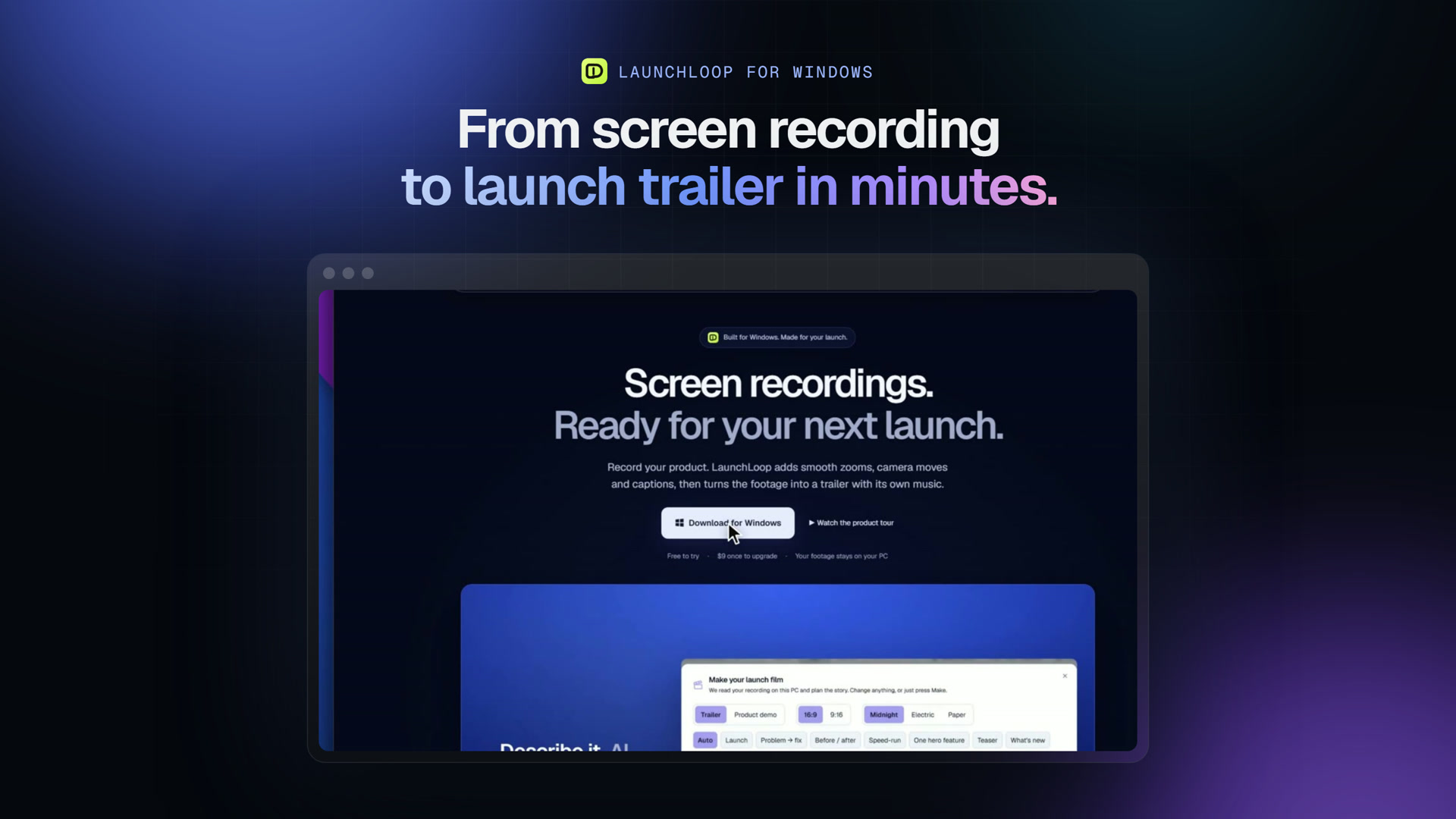
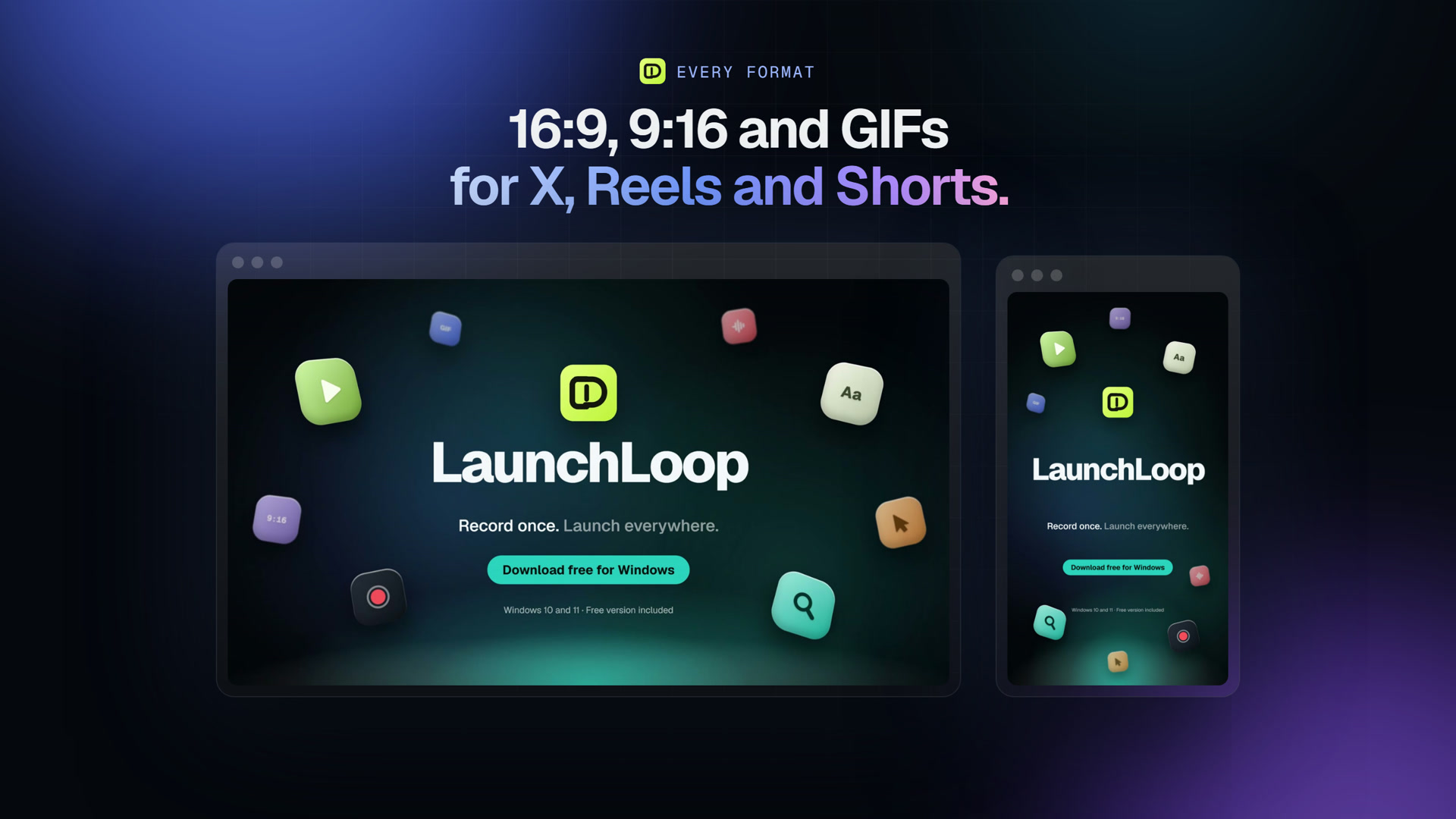
LaunchLoop is a Windows screen recorder that turns one recording of your product into a launch trailer, product demo or social clip. Zooms land on every click, the cursor glides, the AI writes the story and the music cuts on the beat. Screen Studio is Mac only; LaunchLoop is built for Windows. Free to try; lifetime licence ($9 for the first 100), no subscription.
Features
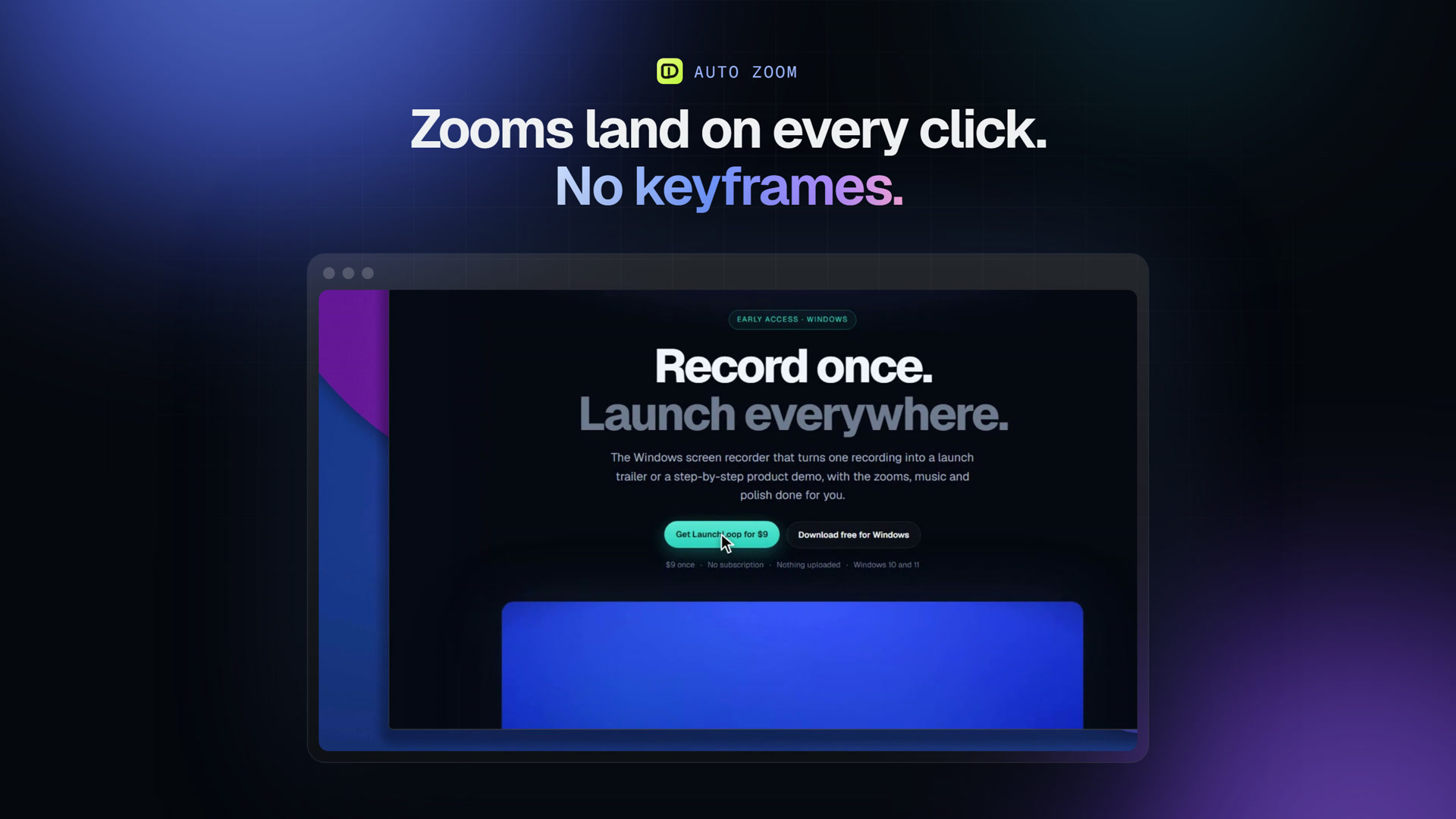
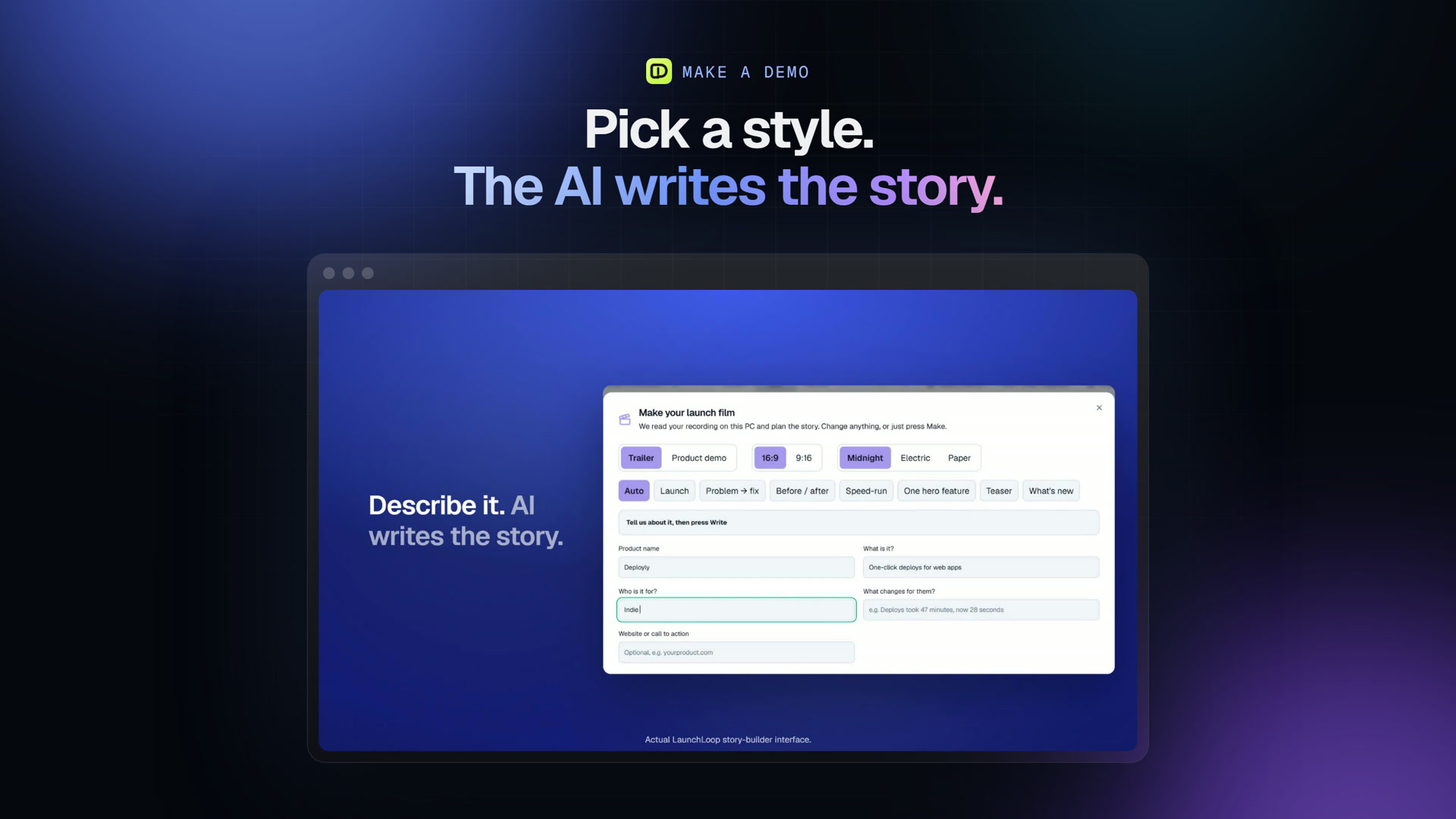
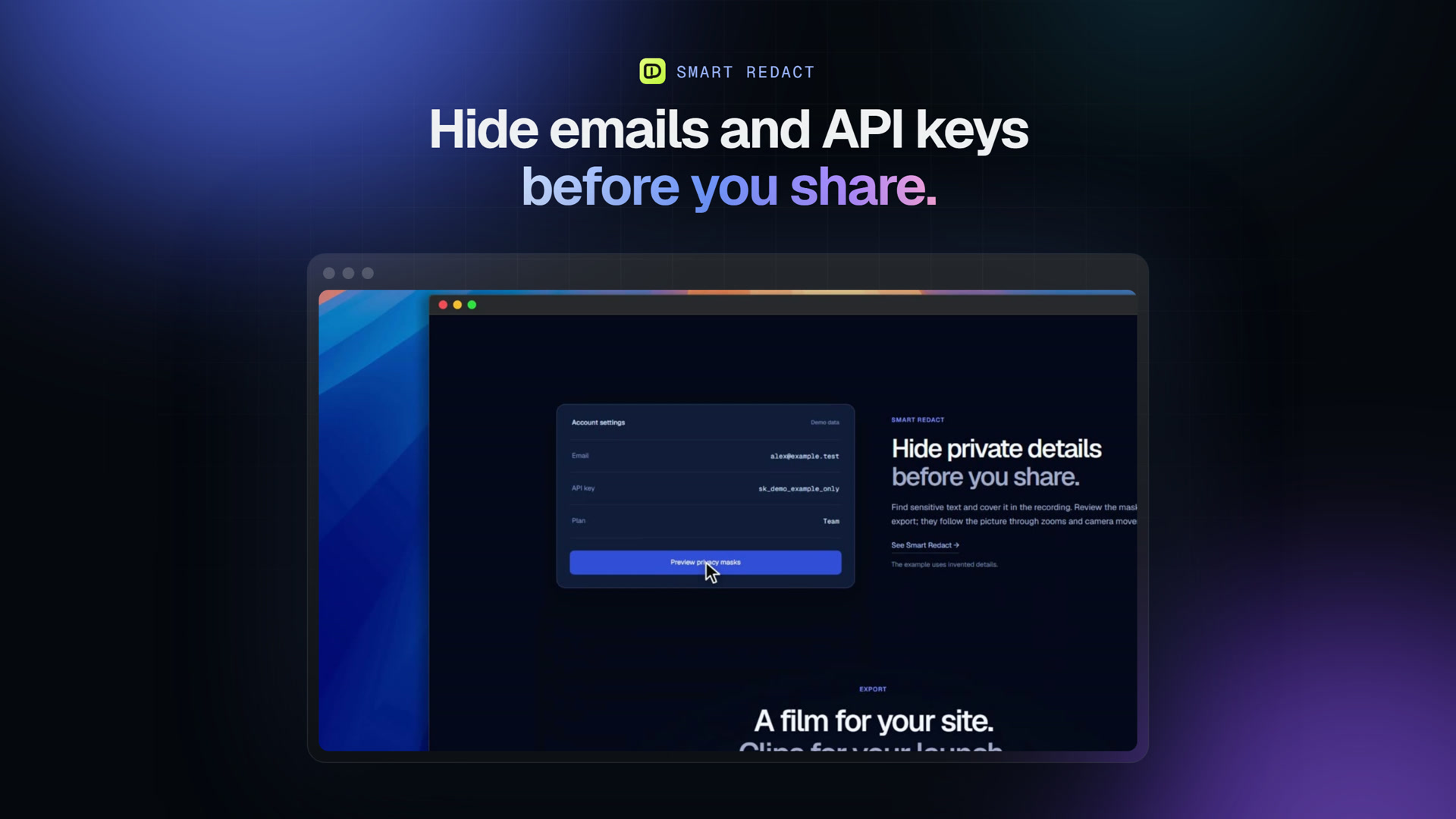
Automatic zooms on every click, no keyframes. Smooth cursor, backgrounds, webcam bubble and local captions. Make a demo: six film styles with an AI-written story and beat-synced cuts. Smart Redact blurs emails and API keys. AI editor chat for edits in plain words. Export 16:9, 9:16, square and GIF, rendered on your PC.
Use Cases
Launch trailers for Product Hunt and X. Product demos and onboarding walkthroughs. Vertical feature clips for Reels and Shorts. GIFs for READMEs and changelogs.

Comments


Hey Fazier! I kept losing a day to every launch video: record, zoom by hand, cut to music, then redo it all for vertical. Screen Studio is great but Mac only, so I built LaunchLoop for Windows. Record once, pick a style, press Make: zooms land on your clicks, the AI writes the story and the music cuts on the beat. The free version has every feature (720p, watermark); lifetime is $9 for the first 100. Which film style would you try first?

Smart Redact is the detail most recorders skip. We demo dashboards full of client ad accounts, so automatic blurring matters a lot. Does it also catch names and numbers inside tables, or only email and key patterns? And when you export 9:16 from a 16:9 recording, does the zoom reframe around the click or crop the center?

The Windows focus and local export are relevant for indie makers recording mobile-app demos. For a recording that needs English, Turkish, Spanish and French versions, can captions be imported or edited per language without repeating the zoom and timeline work? That would make the record-once workflow especially useful.
We make a Windows app too (Slidr, an AI presentation editor), and our demos have the opposite problem to click zooms: long stretches where the AI is working and nothing on screen moves. For our site clips we cut those by hand and played the agent's turns at 12x. Does LaunchLoop find idle stretches and speed them up on its own, or is that a manual cut in the editor? And does window capture get the right bounds on frameless apps (Tauri or WebView2 with a custom title bar)? Many recorders grab the wrong rectangle there.
Premium Products





































Sponsors
Buy
Makers
Makers
Comments
Hey Fazier! I kept losing a day to every launch video: record, zoom by hand, cut to music, then redo it all for vertical. Screen Studio is great but Mac only, so I built LaunchLoop for Windows. Record once, pick a style, press Make: zooms land on your clicks, the AI writes the story and the music cuts on the beat. The free version has every feature (720p, watermark); lifetime is $9 for the first 100. Which film style would you try first?
Smart Redact is the detail most recorders skip. We demo dashboards full of client ad accounts, so automatic blurring matters a lot. Does it also catch names and numbers inside tables, or only email and key patterns? And when you export 9:16 from a 16:9 recording, does the zoom reframe around the click or crop the center?
The Windows focus and local export are relevant for indie makers recording mobile-app demos. For a recording that needs English, Turkish, Spanish and French versions, can captions be imported or edited per language without repeating the zoom and timeline work? That would make the record-once workflow especially useful.
We make a Windows app too (Slidr, an AI presentation editor), and our demos have the opposite problem to click zooms: long stretches where the AI is working and nothing on screen moves. For our site clips we cut those by hand and played the agent's turns at 12x. Does LaunchLoop find idle stretches and speed them up on its own, or is that a manual cut in the editor? And does window capture get the right bounds on frameless apps (Tauri or WebView2 with a custom title bar)? Many recorders grab the wrong rectangle there.
Premium Products
New to Fazier?

Find your next favorite product or submit your own. Made by @FalakDigital.
Copyright ©2026. All Rights Reserved