
latex to image
LaTeX to Image Converter — Free PNG, SVG & JPG
Features
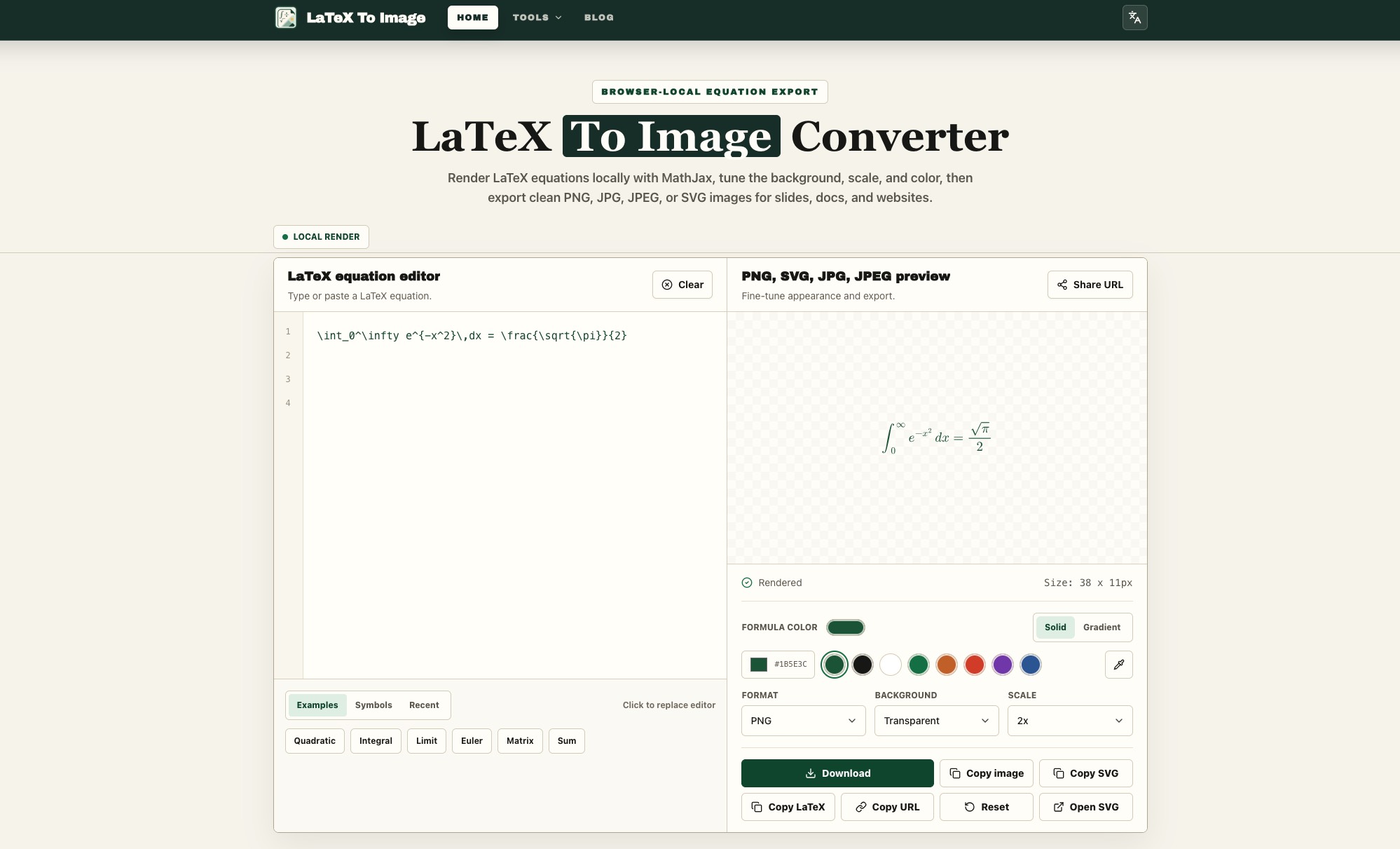
Instant LaTeX Rendering
Type or paste your LaTeX equation and see the rendered result instantly with MathJax directly in your browser.
Multiple Export Formats
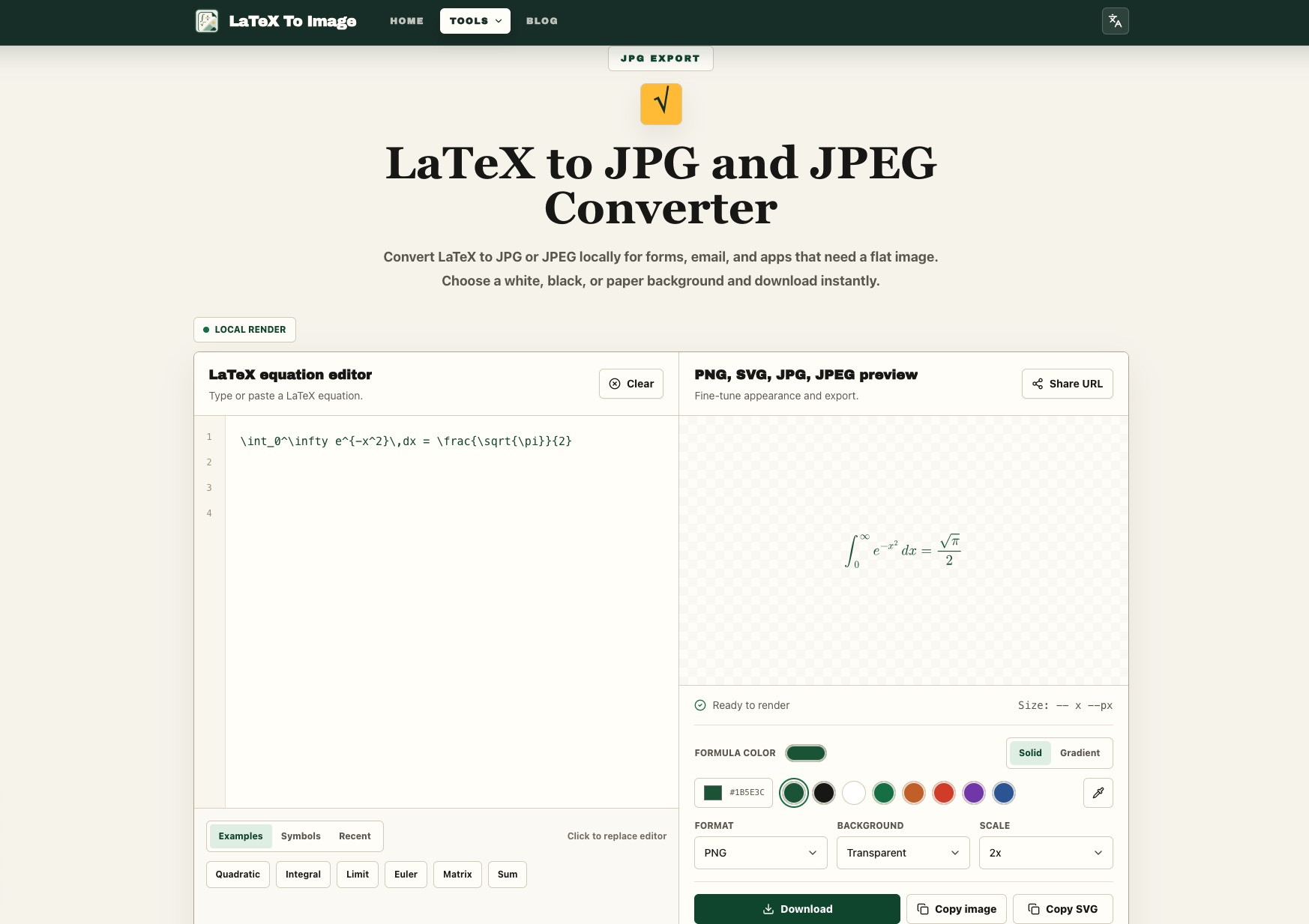
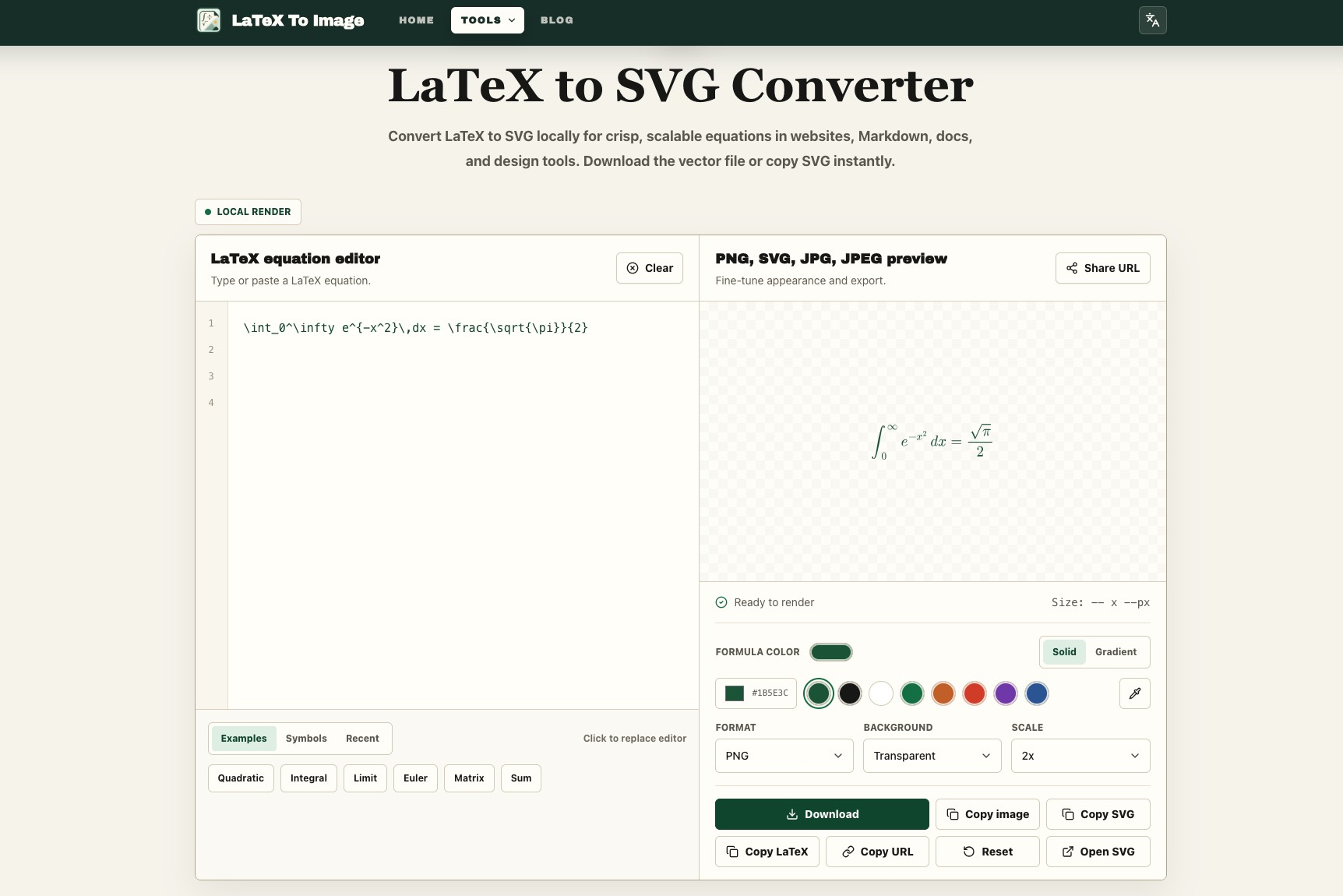
Export equations as PNG, SVG, JPG, or JPEG to fit presentations, documents, websites, and other workflows.
Transparent Background
Create clean equation images with transparent backgrounds, perfect for slides, dark themes, websites, and design projects.
Custom Colors & Styling
Customize the formula color, background, scale, and appearance to match your document, presentation, or website.
High-Quality Image Export
Increase the export scale to generate sharper equation images for high-resolution screens, presentations, and print.
Privacy-Friendly Local Rendering
Your LaTeX formulas are rendered locally in your browser. They are not uploaded to a server for conversion.
Copy & Share Easily
Copy the rendered image, SVG markup, LaTeX source, or a reusable URL directly from the converter.
Use Cases
Students
Convert equations into clean images for assignments, homework platforms, study notes, flashcards, and reports.
Teachers & Educators
Create equation images for PowerPoint slides, worksheets, quizzes, answer keys, and online courses.
Researchers & Academics
Export mathematical formulas for research presentations, posters, draft papers, annotations, and academic materials.
Developers
Generate SVG or PNG equations for README files, technical documentation, Markdown pages, blogs, and developer tutorials.
Designers
Create transparent and customizable math equations for presentations, infographics, posters, and visual designs.
Content Creators & Publishers
Add high-quality mathematical formulas to articles, newsletters, course materials, CMS pages, and websites that do not support LaTeX directly.

Comments



Equations pasted into slides always come out pixelated when I export from other tools, so the adjustable export scale here matters more than it looks — crisp formulas on a projector make a real difference in lectures. The transparent-background option paired with SVG export is exactly what I need for dark-mode documentation sites, where white boxes around equations look broken. Having the LaTeX source copyable alongside the image also saves me from re-typing when I need to tweak a symbol later.


The export scale control is the detail that separates this from screenshotting MathJax output. Most people discover the problem at the projector, not before. One thing I'd want to know: does the SVG keep glyphs as real vector paths, or does MathJax emit <text> elements that break when the viewer lacks the font? That decides whether it survives a .docx import. I build a desktop image tool that also exports PDF pages to images, and the same rule holds — if the source is vector, stay vector until something genuinely needs pixels.
Premium Products
























































Sponsors
Buy

Makers

Makers
Comments
Equations pasted into slides always come out pixelated when I export from other tools, so the adjustable export scale here matters more than it looks — crisp formulas on a projector make a real difference in lectures. The transparent-background option paired with SVG export is exactly what I need for dark-mode documentation sites, where white boxes around equations look broken. Having the LaTeX source copyable alongside the image also saves me from re-typing when I need to tweak a symbol later.
The export scale control is the detail that separates this from screenshotting MathJax output. Most people discover the problem at the projector, not before. One thing I'd want to know: does the SVG keep glyphs as real vector paths, or does MathJax emit <text> elements that break when the viewer lacks the font? That decides whether it survives a .docx import. I build a desktop image tool that also exports PDF pages to images, and the same rule holds — if the source is vector, stay vector until something genuinely needs pixels.
Premium Products
New to Fazier?

Find your next favorite product or submit your own. Made by @FalakDigital.
Copyright ©2026. All Rights Reserved