
Krea 3 – Edit Photos and Generate Images
Edit Photos and Generate Images with Text
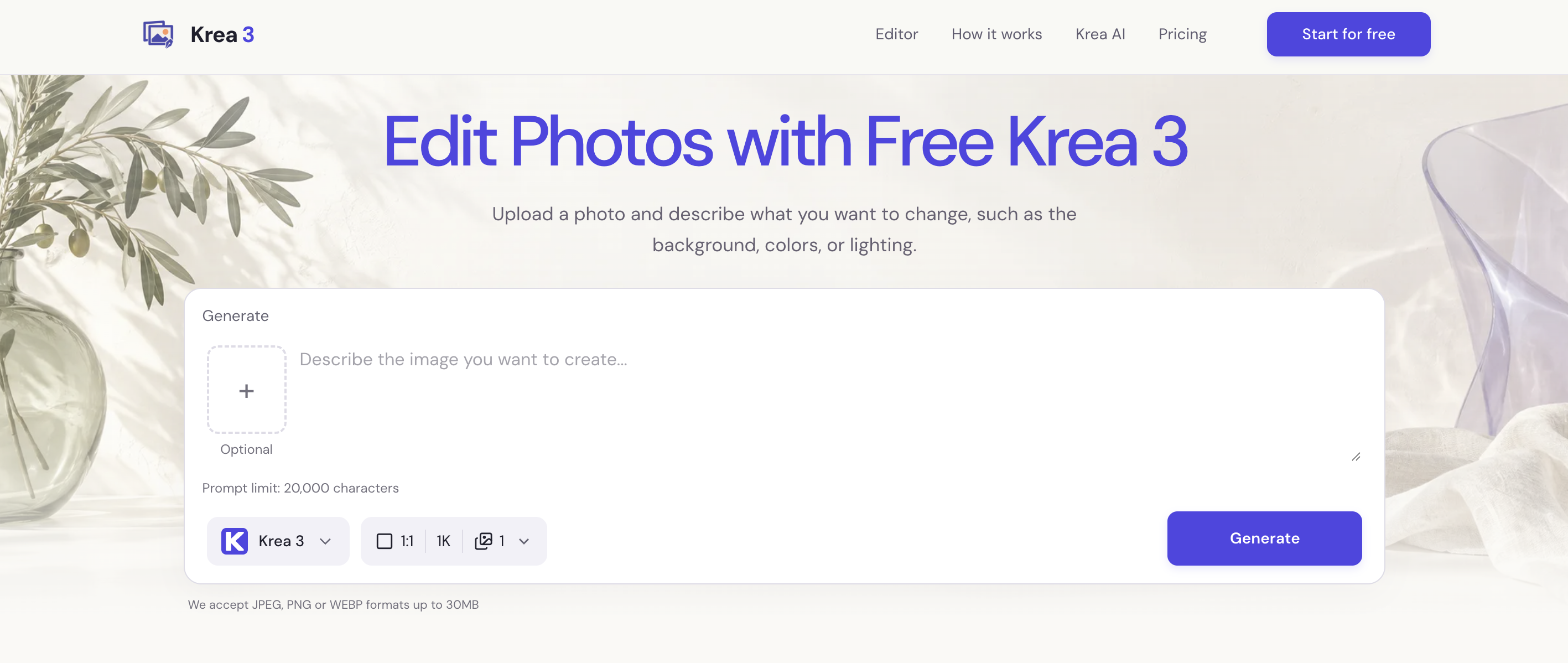
Edit photos with Krea 3 by describing the changes you want. Change backgrounds, adjust colors or lighting, and mention any details you want to keep.
Features
✏️ Natural Language Photo Editing — Describe the Change, Skip the Software Editing a photo usually means learning layers, masks, and selection tools just to change one detail. Krea 3 lets you upload a photo and describe the change in plain words, such as a warmer room, a blue jacket, or a simpler backdrop, and the AI applies it while keeping the rest of the picture intact.
🖼️ Text to Image Generation — Turn a Written Idea into a Finished Scene Starting from a blank canvas often means hours of searching stock libraries for something close to what you imagined. Krea 3 turns a short description of subject, composition, and lighting into a new image in seconds, so you can explore a creative direction before refining it.
🔗 Multi-Reference Control — Tell the AI Exactly What Goes Where When an AI editor has to guess which details matter, products shift shape and rooms lose their style. Krea 3 accepts up to 3 reference images on standard accounts (8 on Pro), and you assign each one a job, such as the cup from image 1 and the tabletop from image 2, so the result follows your brief.
🎛️ Multiple AI Models in One Editor — Krea 3, Nano Banana & GPT Image Paying for separate image tools just to compare results across models drains both budget and time. Krea 3 puts Krea 3, Nano Banana, and GPT Image in one editor, so you can switch models for each task and see the credit cost before every generation.
🌅 Background, Lighting & Color Control — Re-Stage Any Photo in One Prompt Reshooting a product or portrait just to get softer light or a different backdrop is slow and expensive. Krea 3 lets you describe the new setting, light direction, or color shade, then export up to 4K (1K, 2K, or 4K depending on the model), with the option to name which details, like labels or shapes, should stay recognizable.
Use Cases
🛍️ AI Photo Editor for E-commerce & Product Photography Sellers used to reshoot the same product for every seasonal campaign or new backdrop, which meant booking studio time and waiting on edits. With Krea 3, upload one product photo, describe the new setting (a ceramic mug on a breakfast table, a desk lamp beside an open notebook), and name the details to keep, like the label and shape. You can now test several backgrounds in one sitting and pick the best fit for each listing or ad.
🛋️ AI Image Generator for Interior Design & Home Staging Designers and home stylists used to rely on hand-drawn sketches or expensive 3D renders just to show a client how a different sofa color or wall tone would look. With Krea 3, upload a room photo, change one decision at a time (an olive fabric sofa, warmer light from the window), and compare the results side by side. Clients now see the idea in minutes and decide faster, and the concept images can later be backed by real material samples.
📢 AI Image Generator for Marketing Campaign Drafts & Social Content Marketing teams often wait days for first-round visuals, only to find the direction doesn’t fit the message. With Krea 3, generate a campaign scene from a text brief or edit an existing photo, leave clear space for the headline, and switch between Krea 3, Nano Banana, and GPT Image to compare looks. Teams can now review several creative directions in one meeting and send only the strongest one to final design.

Comments

Premium Products





































Find your next favorite product or submit your own. Made by @FalakDigital.
Copyright ©2026. All Rights Reserved