Krea 3
Edit the light, scene or one object in any photo with AI
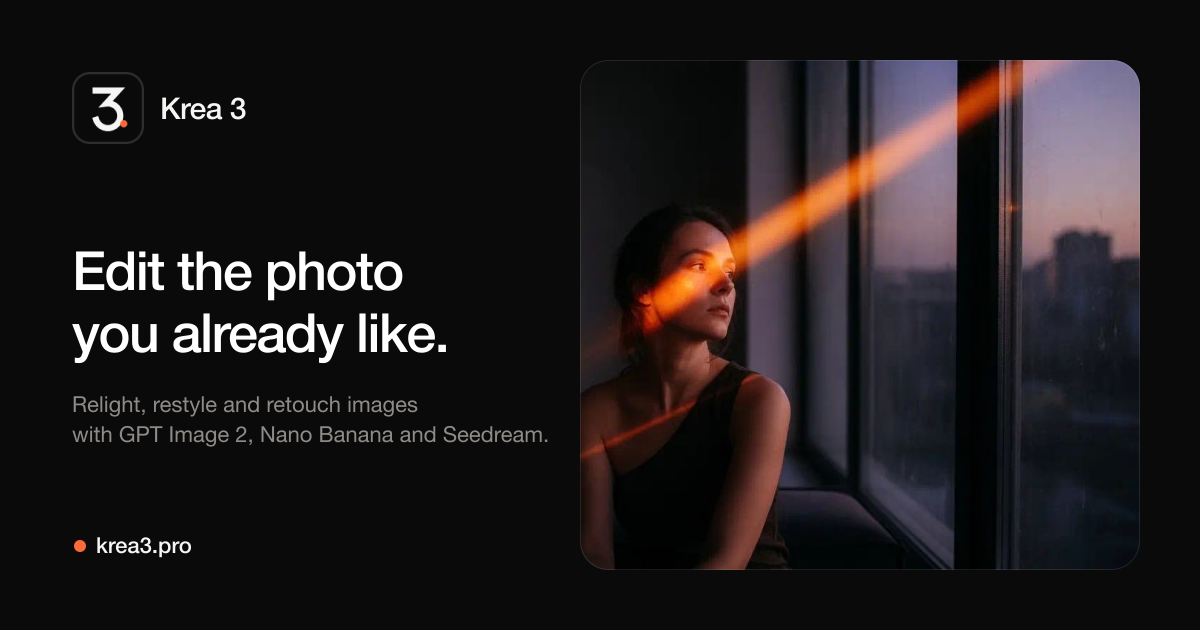
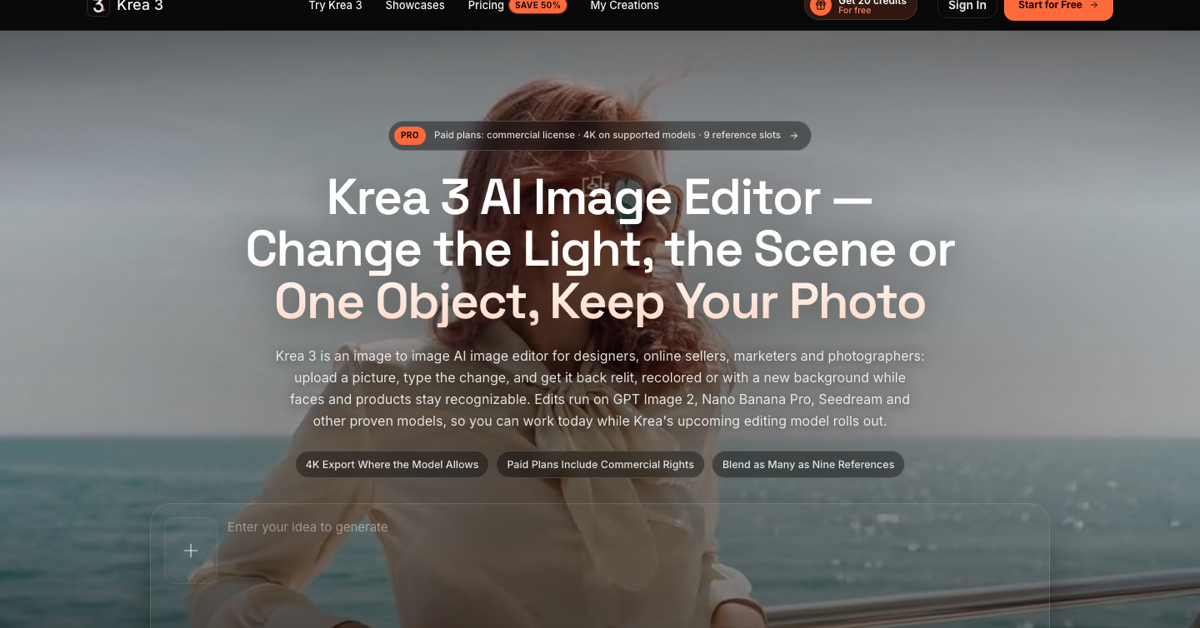
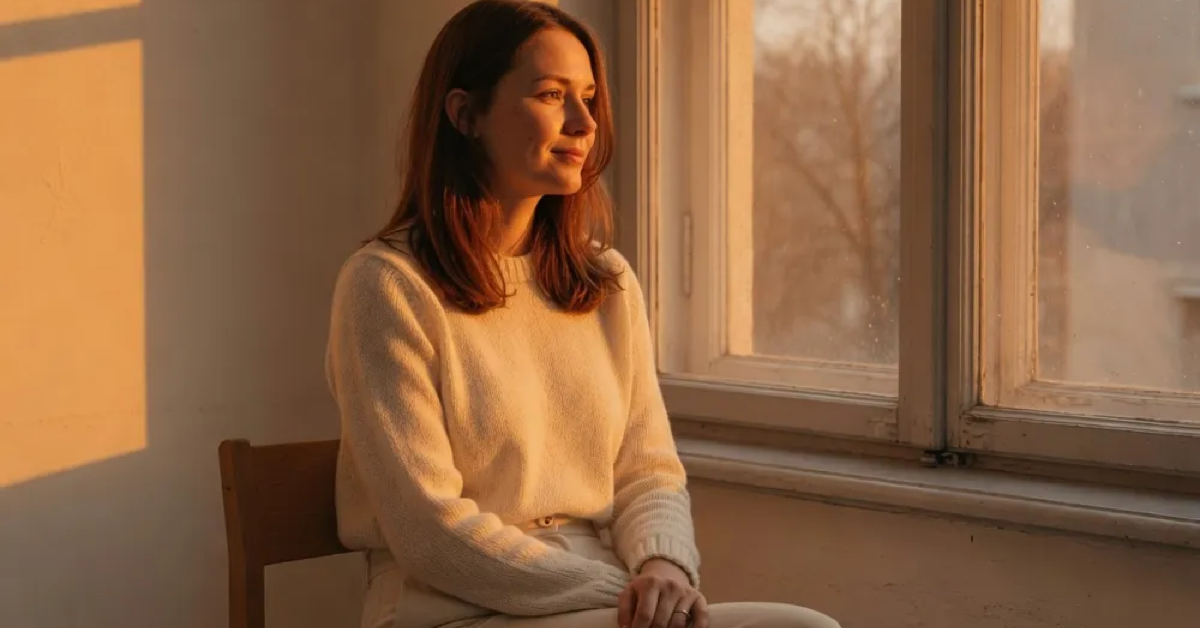
Krea 3 is an independent AI image editor for photos you already have. Upload a picture, describe the change in plain words, and Krea 3 returns it relit, recolored, restyled or with a new background while faces and products stay recognizable. Edits run on GPT Image 2, Nano Banana Pro, Seedream, Wan 2.7 and other image-to-image models, with up to 14 reference images per request and 4K export where the model supports it. New accounts get 15 free credits. Krea 3 is not affiliated with Krea AI.
Features
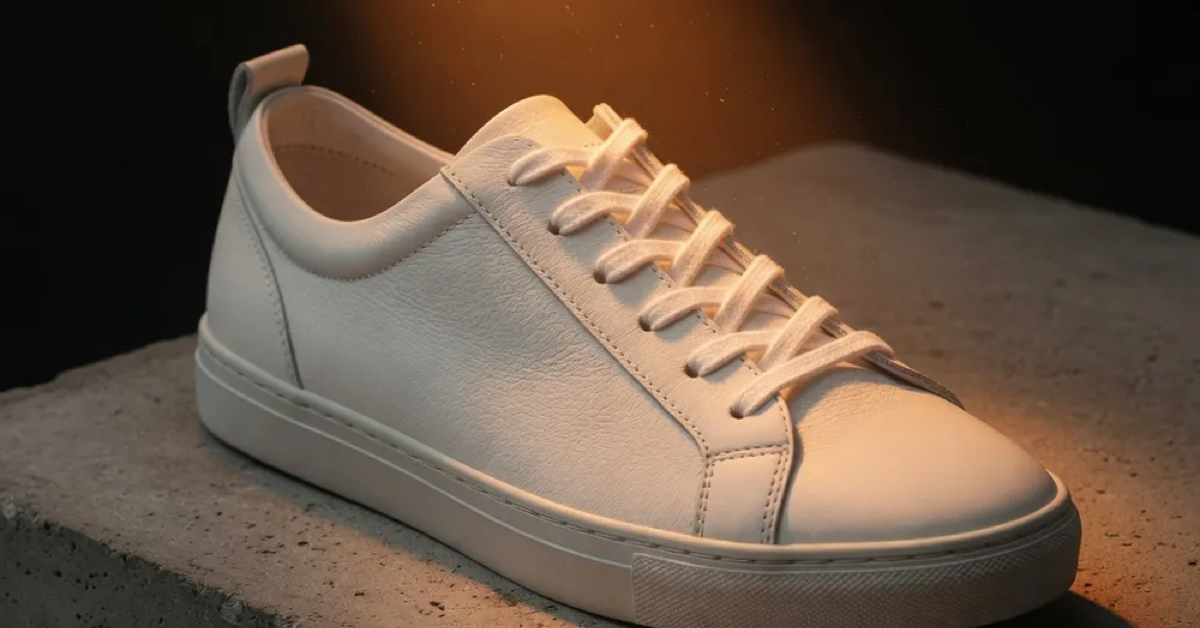
Image-to-image editing from a text prompt: relight a scene, swap a background, recolor an outfit or replace one object. Several models in one workspace: GPT Image 2, Nano Banana Pro, Nano Banana 2, Seedream 5.0 Lite, Seedream 4.5, Grok Imagine, Wan 2.7 and Qwen Image 2. Up to 14 reference images per request for consistent characters and products. 600+ style presets from analog film to watercolor. Image-to-video with Veo 3.1, Sora 2 and Seedance 1.5 Pro. 4K export on supported models, and every result saved in My Creations.
Use Cases
Online sellers turn one packshot into lifestyle and seasonal listing images. Marketers resize an approved key visual into feed, story and banner formats and test new backdrops without a reshoot. Photographers relight frames and restore faded prints. Content creators keep the same face across thumbnails and story covers. Designers explore art directions with style presets. Real estate agents restage rooms and move daylight to dusk.

Comments


Hi Fazier! Krea 3 is an AI image editor for photos you already have: upload a product shot, portrait or room, describe the change, and relight, recolor or swap the background while the subject stays recognizable. It runs GPT Image 2, Nano Banana Pro, Seedream and more in one workspace. New accounts get free credits, so feedback is very welcome.


Hi Fazier! Krea 3 is an AI-powered image editor that lets you transform existing photos with simple text prompts. Upload a product image, portrait, or room photo, then adjust the lighting, change colors, or replace the background while keeping the main subject recognizable. It brings models like GPT Image 2, Nano Banana Pro, Seedream, and others together in one workspace. New users also receive free credits, so any feedback would be greatly appreciated!

The useful distinction here is image-to-image on a photo you already approved, not another text-to-image generator. Keeping faces and packshots recognizable while swapping only light or one object is the hard part, and listing up to 14 reference images per request is concrete enough that a seller could actually plan a lifestyle set from one product shot. The note that this is not affiliated with Krea AI should stay near the name, because the overlap will confuse people comparing tools. I'd want to know whether the 15 free credits are enough to test a before/after on the same portrait at 4K, or if 4K export burns the trial in one click.

Relighting or swapping a background while keeping faces and products recognizable is a strong fit for sellers who need lifestyle shots from one packshot. Do you offer any side-by-side or before/after comparison across the different models (GPT Image 2, Seedream, etc.) for the same prompt, so users can see which one to spend their 15 free credits on?

Premium Products


















































Sponsors
Buy

Makers
Makers
Comments
Hi Fazier! Krea 3 is an AI image editor for photos you already have: upload a product shot, portrait or room, describe the change, and relight, recolor or swap the background while the subject stays recognizable. It runs GPT Image 2, Nano Banana Pro, Seedream and more in one workspace. New accounts get free credits, so feedback is very welcome.
Hi Fazier! Krea 3 is an AI-powered image editor that lets you transform existing photos with simple text prompts. Upload a product image, portrait, or room photo, then adjust the lighting, change colors, or replace the background while keeping the main subject recognizable. It brings models like GPT Image 2, Nano Banana Pro, Seedream, and others together in one workspace. New users also receive free credits, so any feedback would be greatly appreciated!
The useful distinction here is image-to-image on a photo you already approved, not another text-to-image generator. Keeping faces and packshots recognizable while swapping only light or one object is the hard part, and listing up to 14 reference images per request is concrete enough that a seller could actually plan a lifestyle set from one product shot. The note that this is not affiliated with Krea AI should stay near the name, because the overlap will confuse people comparing tools. I'd want to know whether the 15 free credits are enough to test a before/after on the same portrait at 4K, or if 4K export burns the trial in one click.
Relighting or swapping a background while keeping faces and products recognizable is a strong fit for sellers who need lifestyle shots from one packshot. Do you offer any side-by-side or before/after comparison across the different models (GPT Image 2, Seedream, etc.) for the same prompt, so users can see which one to spend their 15 free credits on?
Premium Products
New to Fazier?

Find your next favorite product or submit your own. Made by @FalakDigital.
Copyright ©2026. All Rights Reserved