KlipKap Pro
Screen Studio alternative recorder that edits itself
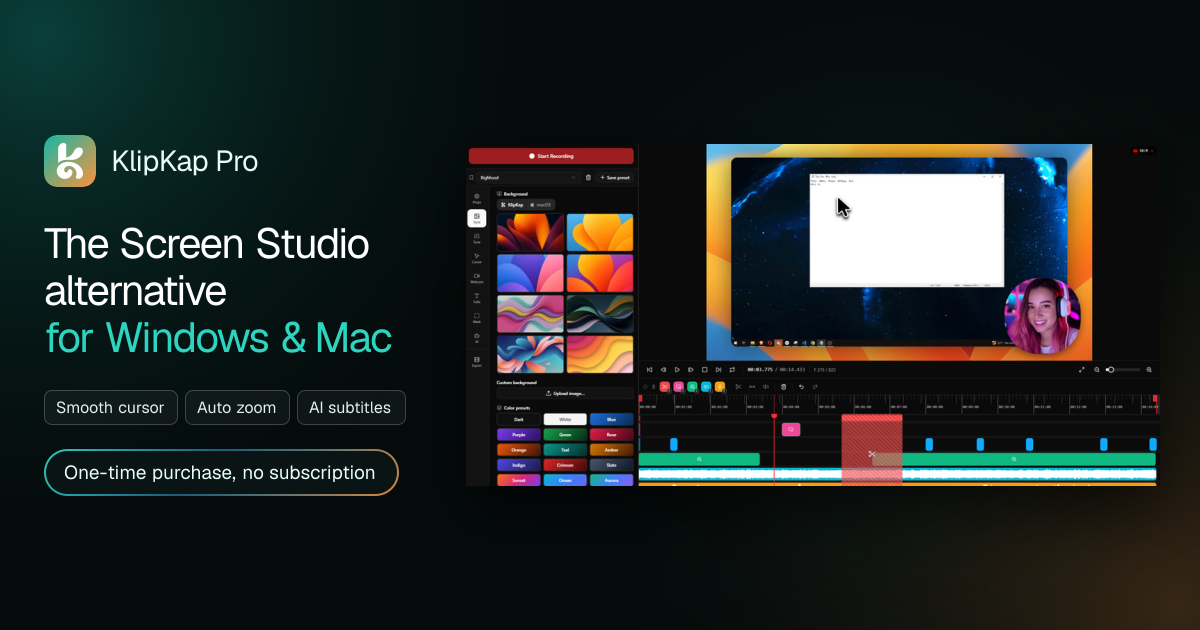
KlipKap Pro is a powerful desktop screen recorder and video editor for Windows and macOS, designed as a Screen Studio alternative for creating polished, professional screen recordings.
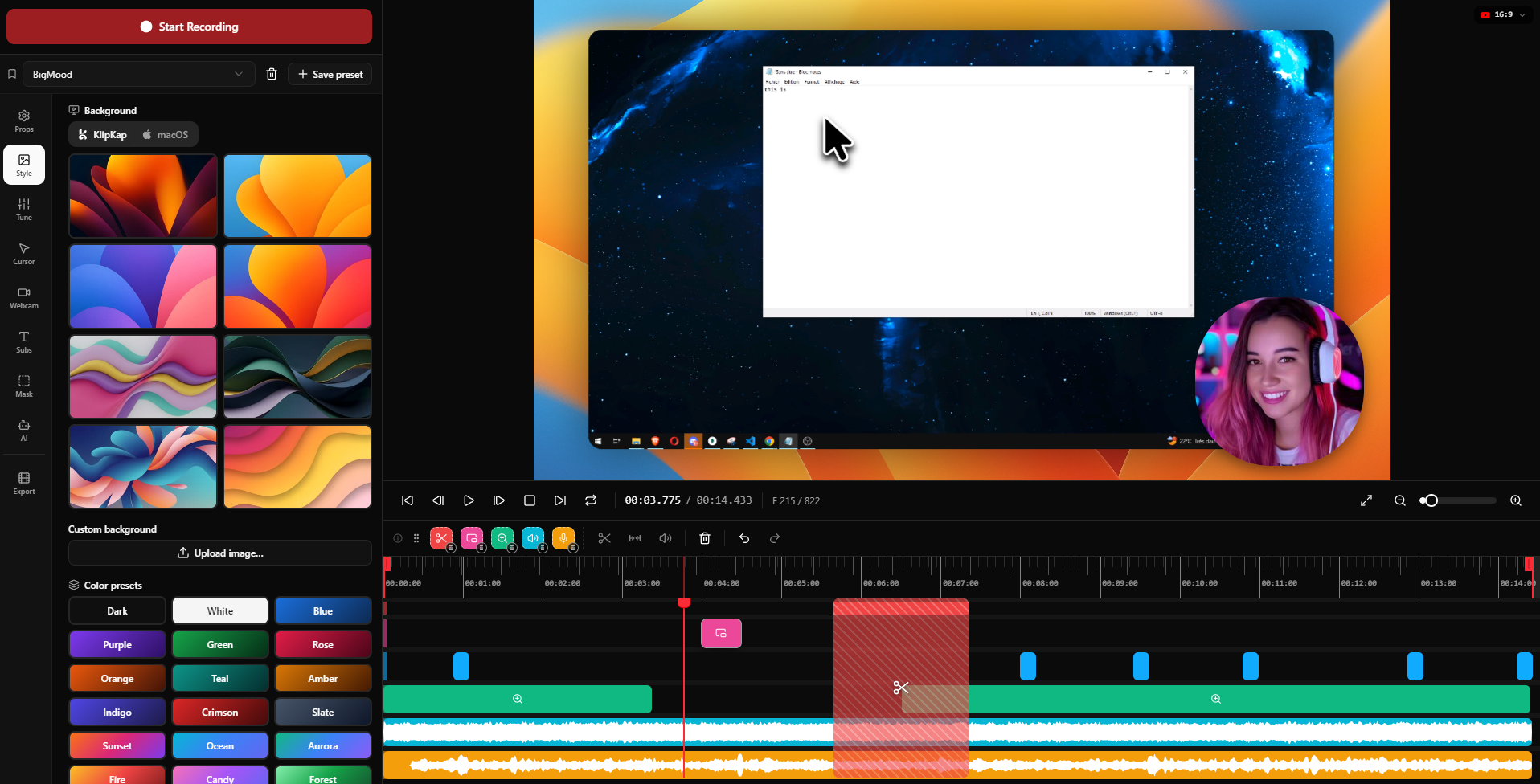
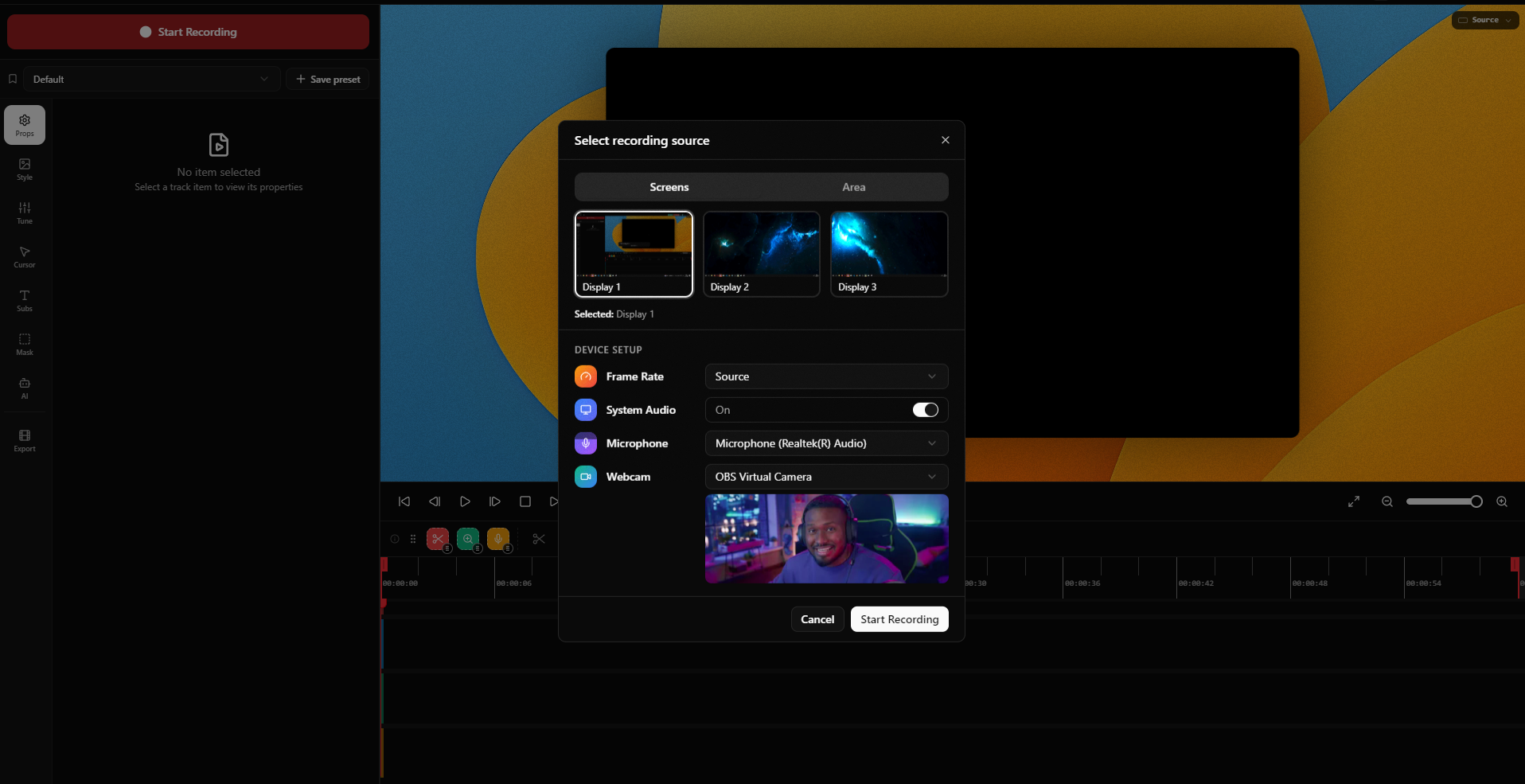
Record your screen, webcam, microphone, and system audio in perfect sync, then let KlipKap automatically enhance your footage with cinematic zooms, smooth cursor movement, animated webcam overlays, AI-generated subtitles, and AI-powered audio cleanup.
KlipKap processes your recordings locally, so your footage can stay on your computer without requiring cloud uploads. Its non-linear editor gives you full control over cuts, zooms, subtitles, webcam positioning, and export settings.
KlipKap Pro also includes privacy-focused features such as masking for sensitive areas and MCP integration, making it possible to connect KlipKap with AI-powered workflows and automation.
Features
Screen recording: Capture your screen, webcam, microphone, and system audio in perfect sync.
Automatic cinematic zooms: Automatically zoom into clicks and important areas of the screen.
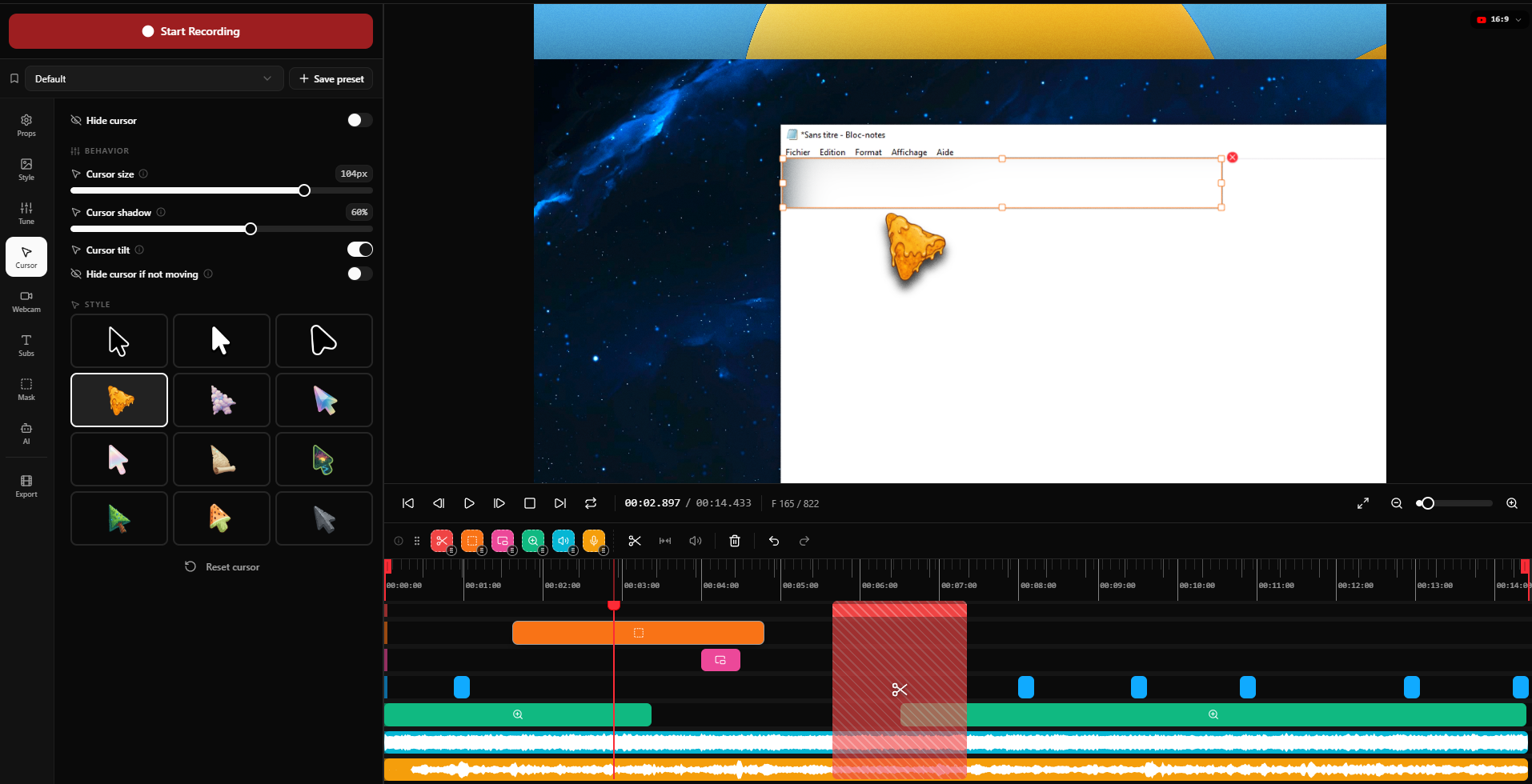
Smooth cursor movement: Turn raw mouse movements into fluid, polished cursor animations.
Animated webcam overlays: Add and customize webcam picture-in-picture effects.
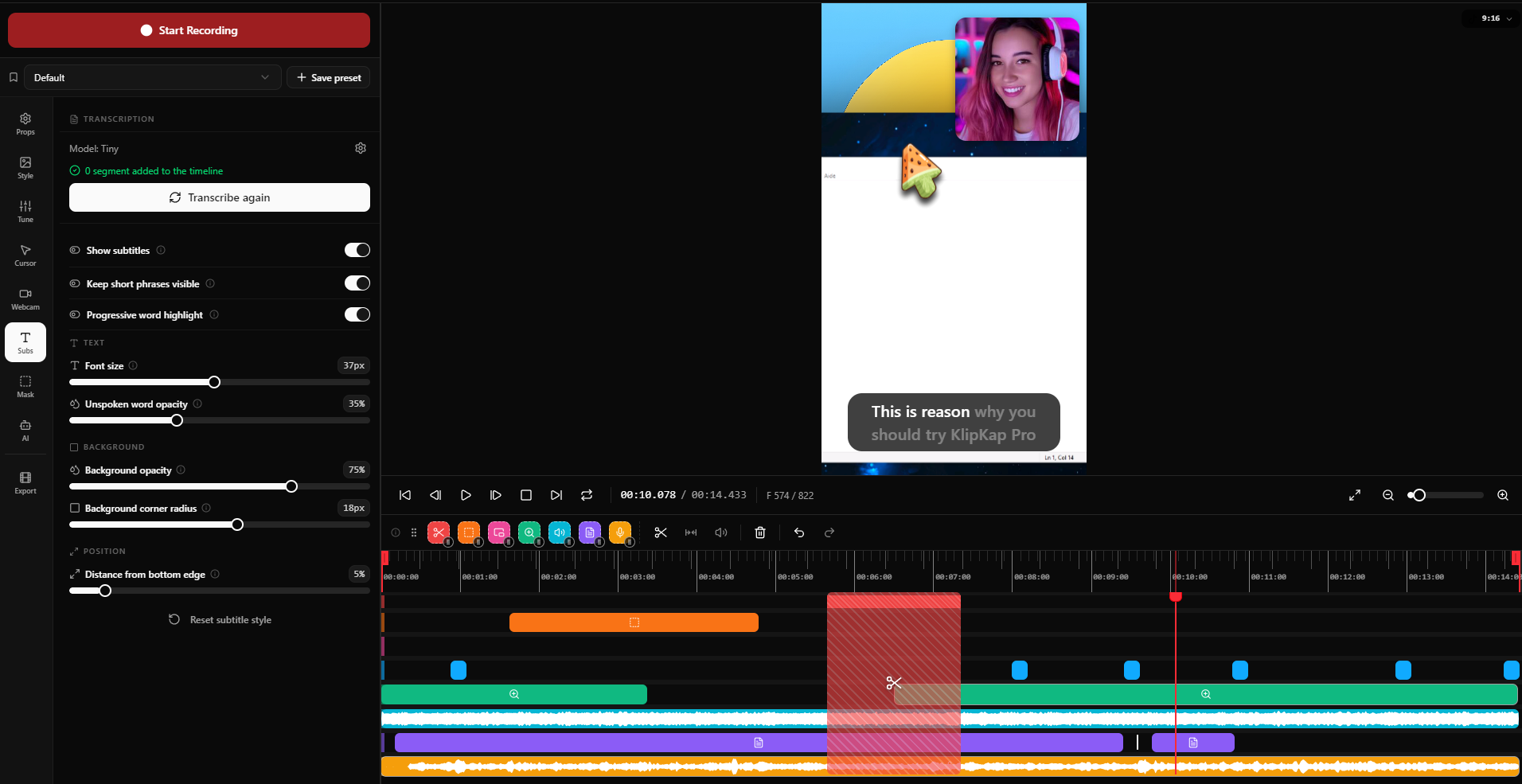
AI subtitles: Automatically generate subtitles in 50+ languages.
AI audio cleanup: Remove background noise, keyboard sounds, and room echo locally.
Sensitive-area masking: Hide private or sensitive information directly in your recordings.
Non-linear video editor: Fine-tune cuts, zoom keyframes, subtitles, cursor effects, and webcam positioning.
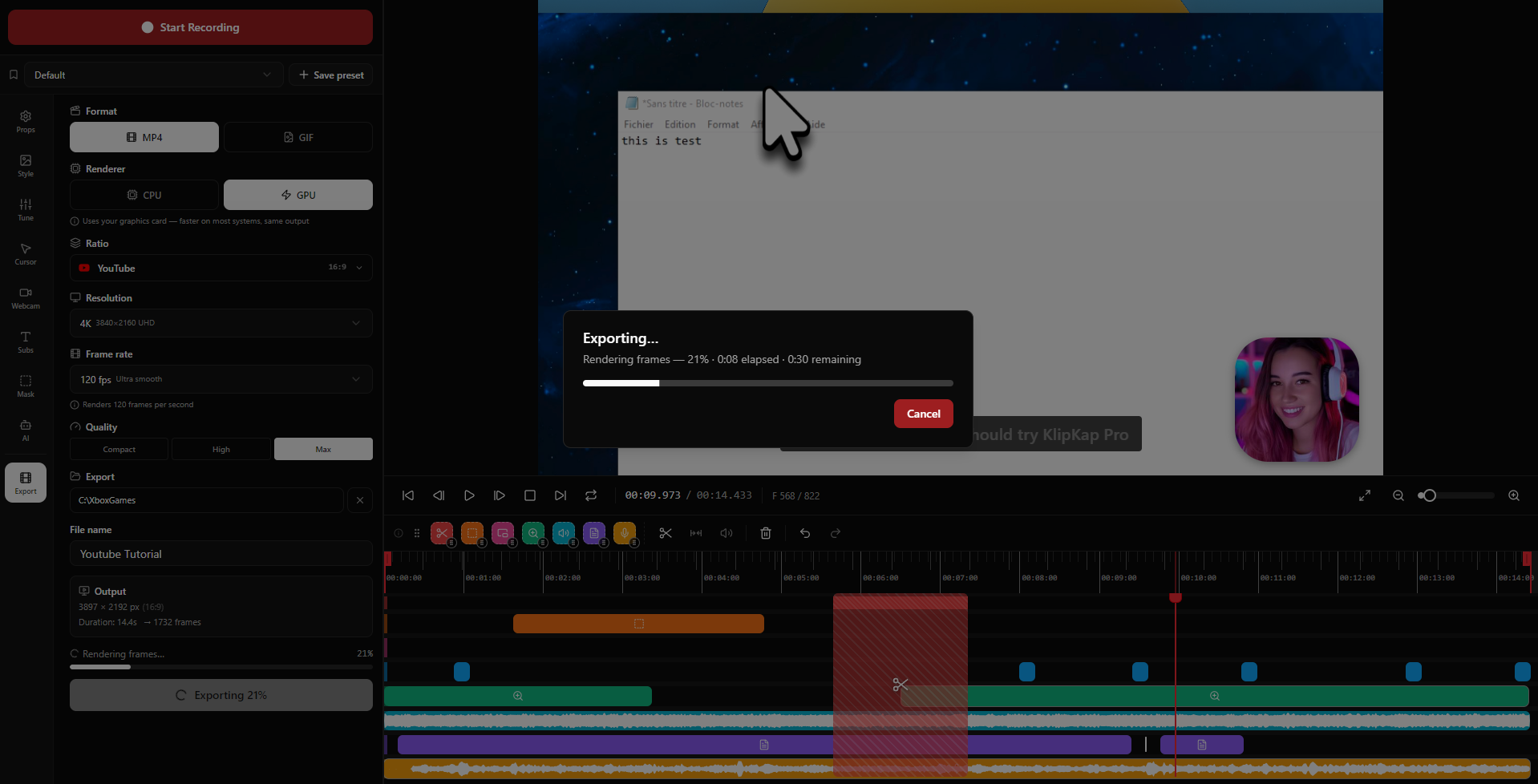
High-quality exports: Export in 1080p, 2K, or 4K with support for 60/120 fps.
Social media formats: Export videos for YouTube, TikTok, LinkedIn, Shorts, and other platforms.
Local processing: Keep recordings and AI processing on your computer without mandatory cloud uploads.
MCP integration: Connect KlipKap with AI agents and automation workflows through MCP.
Cross-platform: Available for Windows and macOS.
Watermark-free exports: Export professional videos without the free-tier watermark.
One-time purchase: Access Pro features without a recurring subscription.
Use Cases
Product demos: Create polished software demonstrations with automatic zooms and smooth cursor movement.
Tutorials and courses: Record step-by-step tutorials with subtitles, webcam overlays, and clean audio.
SaaS walkthroughs: Showcase product features and user workflows with professional screen recordings.
YouTube content: Create high-quality screen-recorded videos with cinematic effects and flexible exports.
Short-form content: Turn screen recordings into vertical videos for TikTok, Shorts, Reels, and other platforms.
LinkedIn content: Create product demos, feature announcements, and educational videos for professional audiences.
Bug reports: Record software issues while masking passwords, personal information, or other sensitive data.
Internal documentation: Create clear visual walkthroughs and process documentation for teams.
Online courses: Produce educational content with automatic subtitles and AI-enhanced voice audio.
AI automation workflows: Connect KlipKap to AI agents through MCP to build automated recording and video-production workflows.
Privacy-conscious recording: Record and process footage locally while masking confidential information before sharing.
Fazier Deal

Comments

Premium Products






































Find your next favorite product or submit your own. Made by @FalakDigital.
Copyright ©2026. All Rights Reserved