
Keep Screen On
Prevent your display from going to sleep with one click
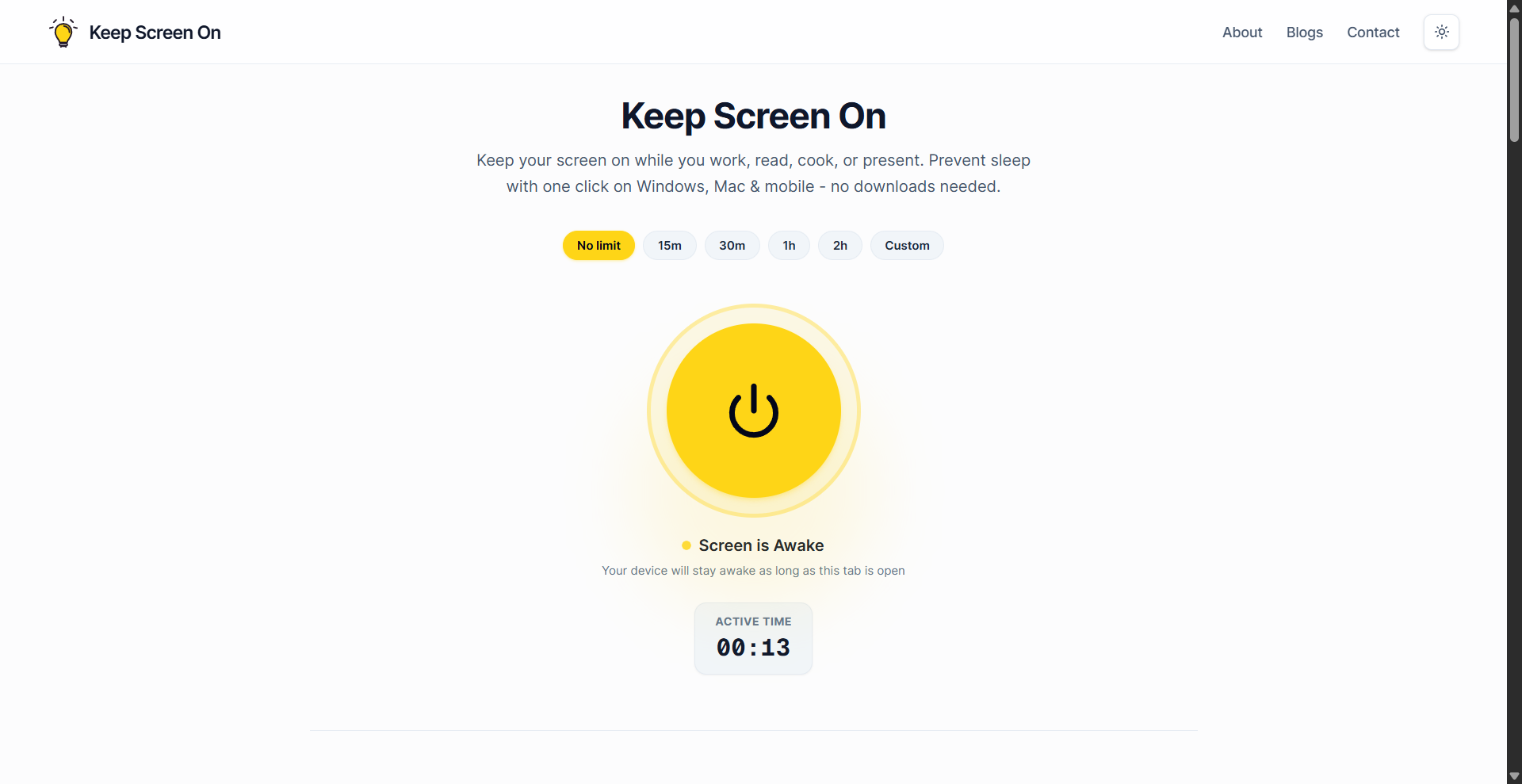
Ever step away for a quick coffee ☕ or chat, only to come back to a locked screen and your Teams/Slack status showing 'Away'? Annoying, right? Changing system sleep settings constantly is a pain.
That's why I built Keep Screen On! It's a super simple web app with one main goal:
👉 Keep your computer awake temporarily without changing any system settings.
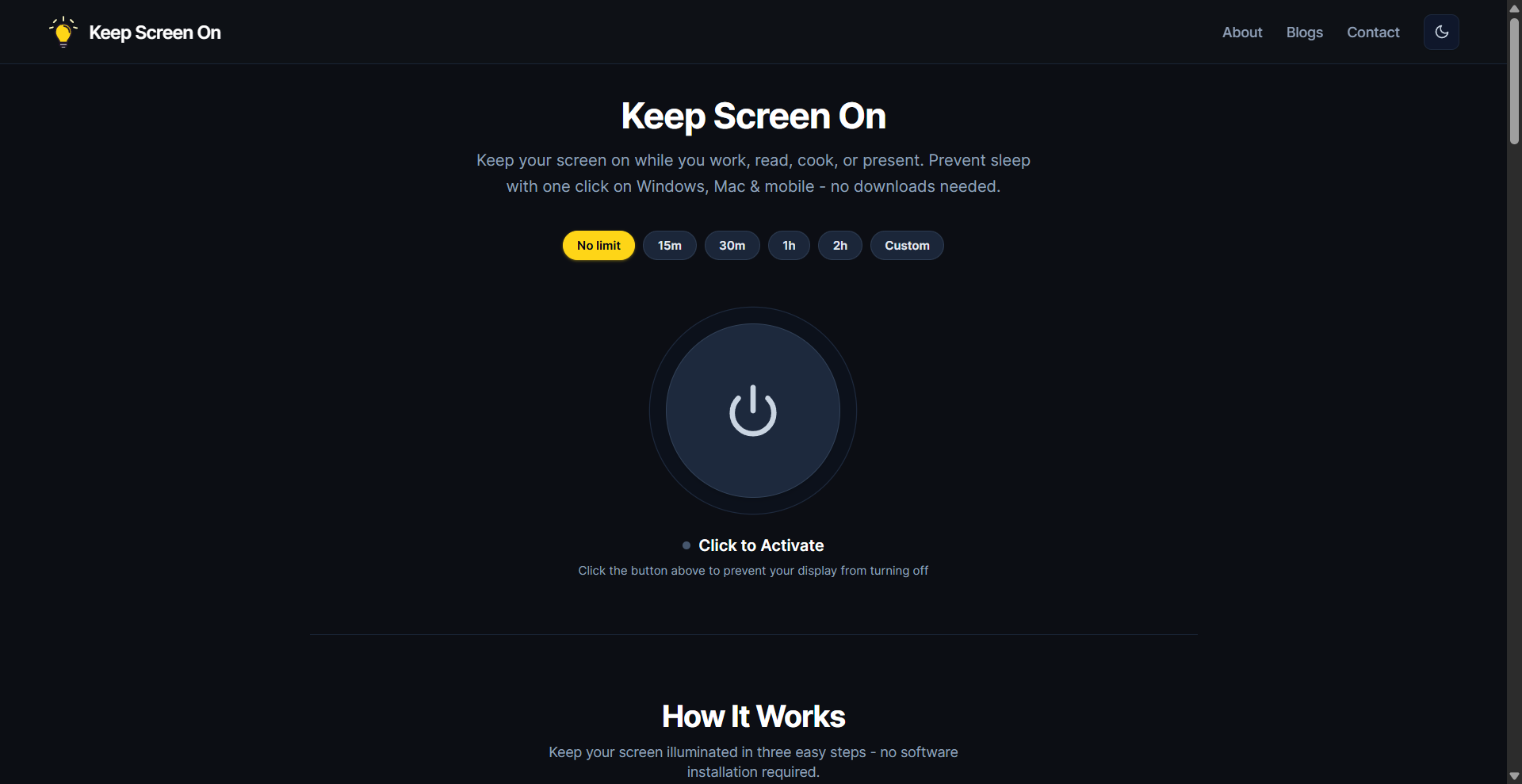
How? Just keep the Keep Screen On browser tab open and active in the foreground. The app uses the browser's built-in features (Screen Wake Lock API or fallbacks) to signal to your OS that you're "still active", preventing sleep/lock mode.
It's perfect for:
• Grabbing that quick coffee without logging back in.
• Keeping your status 'Online' in communication apps during short breaks.
• Avoiding the hassle of digging into system power settings for temporary needs.
It saves your widget preferences locally and works as an installable PWA.
Important Note: The magic only works while the Stay Awake tab is the active, foreground window in your browser. If you switch tabs or apps, your normal screen sleep settings will take over.
Check it out - Keep Screen On
Features
Prevents computer from sleeping or locking without changing system settings
Works directly in browser using the Screen Wake Lock API (with fallbacks)
Clock and battery widgets for quick glance utility
Minimalist To‑Do List for quick tasks and reminders
Built-in Pomodoro Timer to encourage focus and balance
Fully browser-based—no installation required unless you want to install as PWA
Saves your preferences locally (no cloud sync, no data collection)
Lightweight, fast, and privacy-friendly
PWA-enabled for easy installation across desktop and mobile devices
Use Cases
Keep your PC awake during short coffee or snack breaks
Prevent your status from going "Away" in communication apps like Teams or Slack
Use the Pomodoro timer for focused study or work sessions
Quickly jot down tasks during meetings or brainstorming
Monitor battery and time while staying productive
Avoid being logged out during long but passive activities (e.g., reading, watching tutorials)
Ideal for remote workers, students, coders, and online instructors

Comments


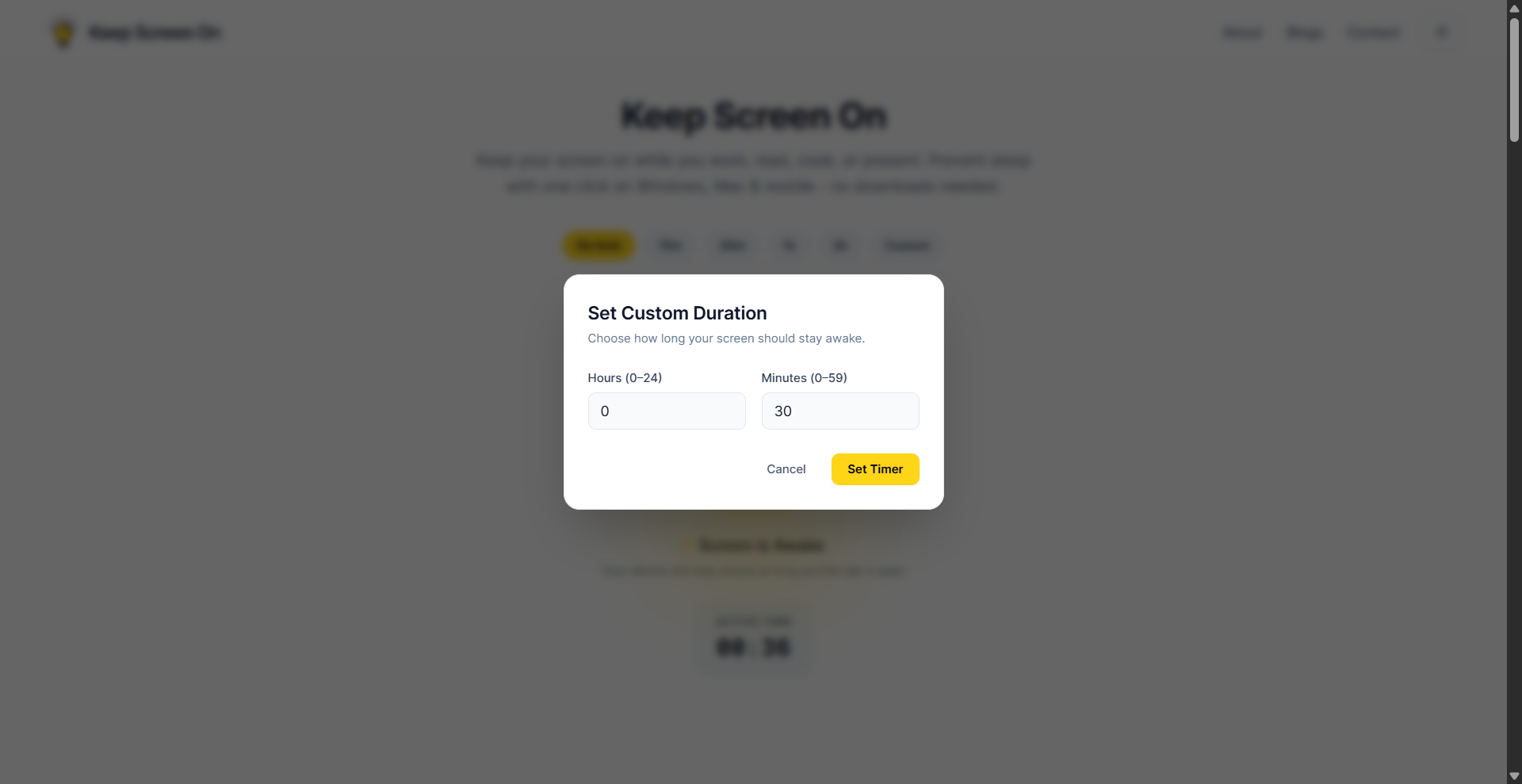
Why Keep Screen On? Changing system sleep timers or downloading third-party software (like Caffeine or Amphetamine) can be cumbersome—especially on managed work devices without admin rights. Key Features: No Downloads or Installs: Runs entirely in your browser via the official W3C Screen Wake Lock API. Flexible Timers: Choose preset durations (15m, 30m, 1h, 2h), set a custom timer, or leave it on indefinitely. Cross-Platform: Works on Windows, macOS, iOS, Android, Linux, and ChromeOS across Chrome, Safari, Edge, and Brave. Zero Data Collection: Runs 100% locally with zero tracking or account sign-ups.
Premium Products





















































Sponsors
Buy

Makers
Makers
Comments
Why Keep Screen On? Changing system sleep timers or downloading third-party software (like Caffeine or Amphetamine) can be cumbersome—especially on managed work devices without admin rights. Key Features: No Downloads or Installs: Runs entirely in your browser via the official W3C Screen Wake Lock API. Flexible Timers: Choose preset durations (15m, 30m, 1h, 2h), set a custom timer, or leave it on indefinitely. Cross-Platform: Works on Windows, macOS, iOS, Android, Linux, and ChromeOS across Chrome, Safari, Edge, and Brave. Zero Data Collection: Runs 100% locally with zero tracking or account sign-ups.
Premium Products
New to Fazier?

Find your next favorite product or submit your own. Made by @FalakDigital.
Copyright ©2026. All Rights Reserved