Keebye
Keebye
Private voice dictation for developers
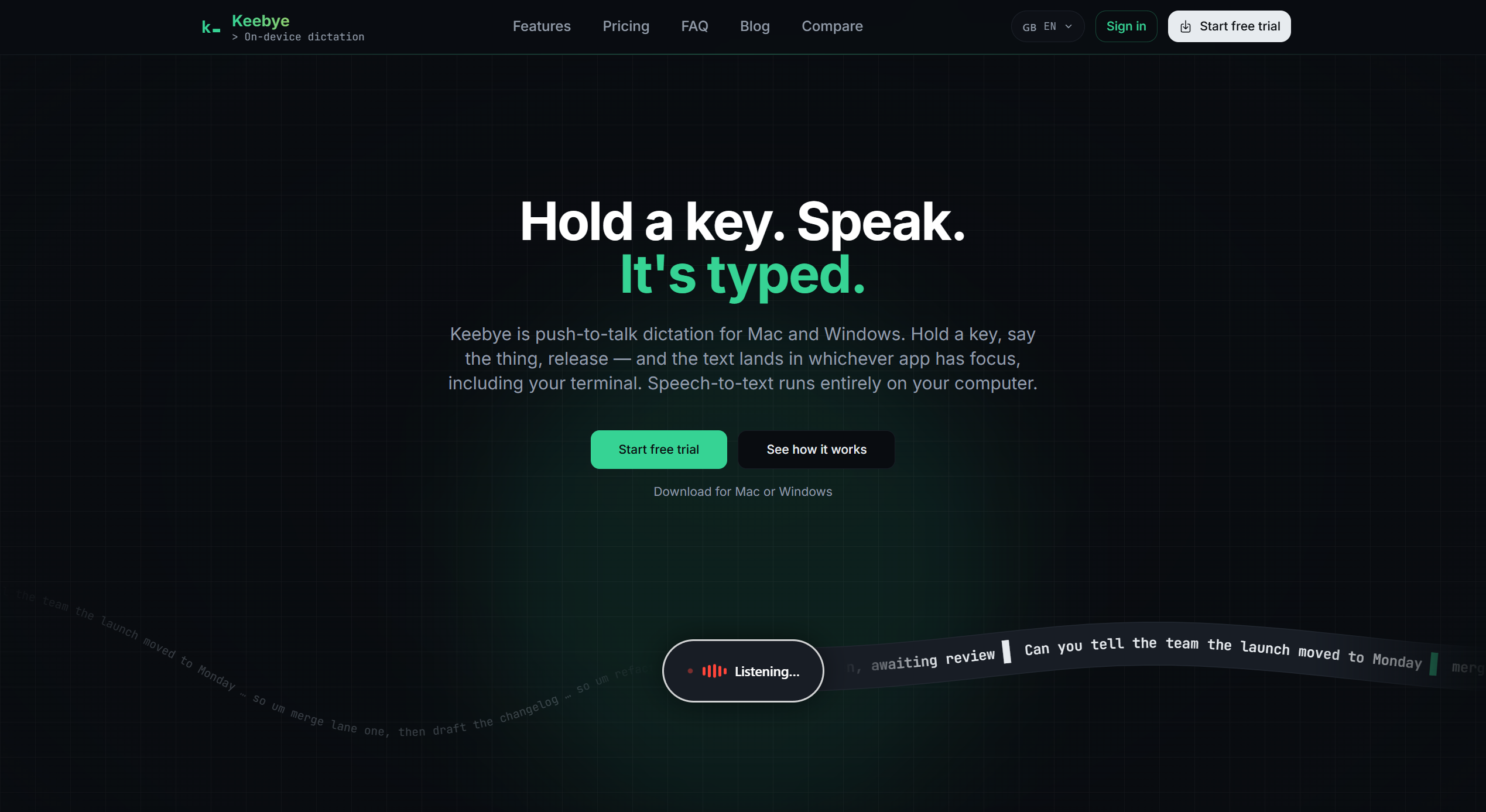
Keebye is a privacy-first voice dictation tool designed for developers and power users. It lets you turn speech into clean, ready-to-use text directly in your active application using a simple push-to-talk shortcut. Dictate code prompts, terminal commands, messages, documentation, and more without interrupting your workflow. With on-device speech recognition, offline support, and optional AI-powered text polishing, Keebye helps you work faster while keeping your voice data private.
Features
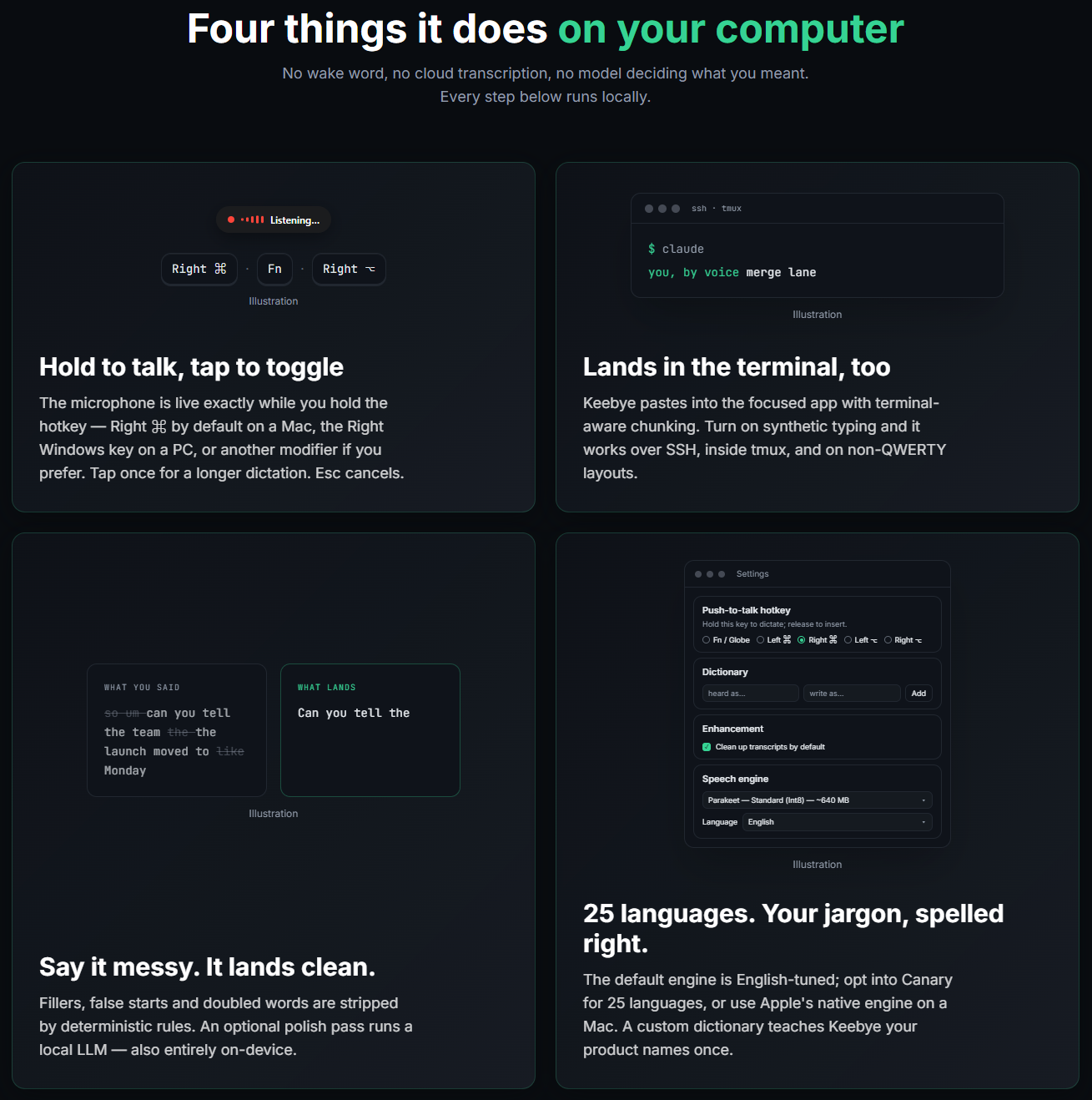
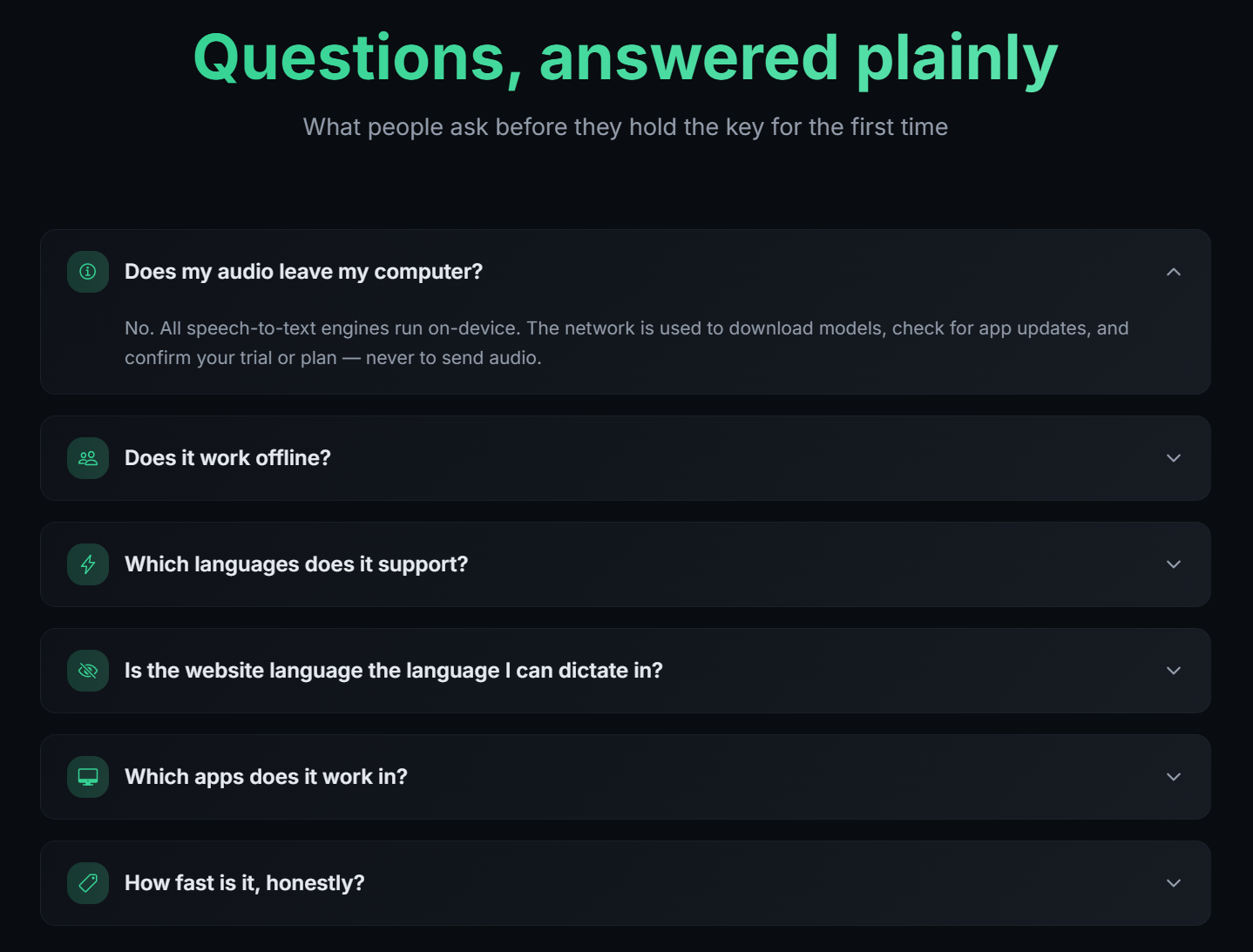
- On-device speech recognition: Transcribe speech locally to help keep your voice data private.
- Offline dictation: Dictate without an internet connection once the required models are downloaded.
- Push-to-talk shortcut: Start and stop dictation quickly with a keyboard hotkey.
- Text cleanup: Remove filler words, false starts, and unnecessary repetitions.
- AI-powered text polishing: Refine dictated text using optional local AI processing.
- Custom dictionary: Improve recognition of technical terms, names, and specialized vocabulary.
- Works across applications: Enter text directly into your active app, terminal, editor, or chat interface.
- Developer-friendly workflows: Designed for coding assistants, SSH sessions, terminals, and productivity tools.
- Privacy-focused design: Keep speech processing on your device rather than relying on cloud transcription.
- Faster communication: Create prompts, write messages, and capture ideas using your voice.
Use Cases
- AI coding assistants: Dictate detailed prompts to tools such as Claude Code, Cursor, and ChatGPT.
- Terminal commands: Speak commands and instructions instead of typing long strings.
- Remote development: Dictate text in SSH sessions and tmux workflows.
- Code documentation: Draft technical notes, explanations, README files, and documentation.
- Developer communication: Write Slack messages, issue reports, pull requests, and team updates.
- Prompt engineering: Express complex ideas naturally and turn them into clean, usable prompts.
- Writing and brainstorming: Capture ideas, notes, and outlines without breaking concentration.
- Accessibility and hands-free input: Reduce reliance on typing during everyday computer work.
- Multilingual workflows: Dictate in supported languages for writing and communication.
- Privacy-conscious productivity: Use voice input for sensitive workflows where local processing is preferred.

Comments

Premium Products



























































Find your next favorite product or submit your own. Made by @FalakDigital.
Copyright ©2026. All Rights Reserved