
KBSnap
Shrink any photo to an exact KB limit, right in your browser
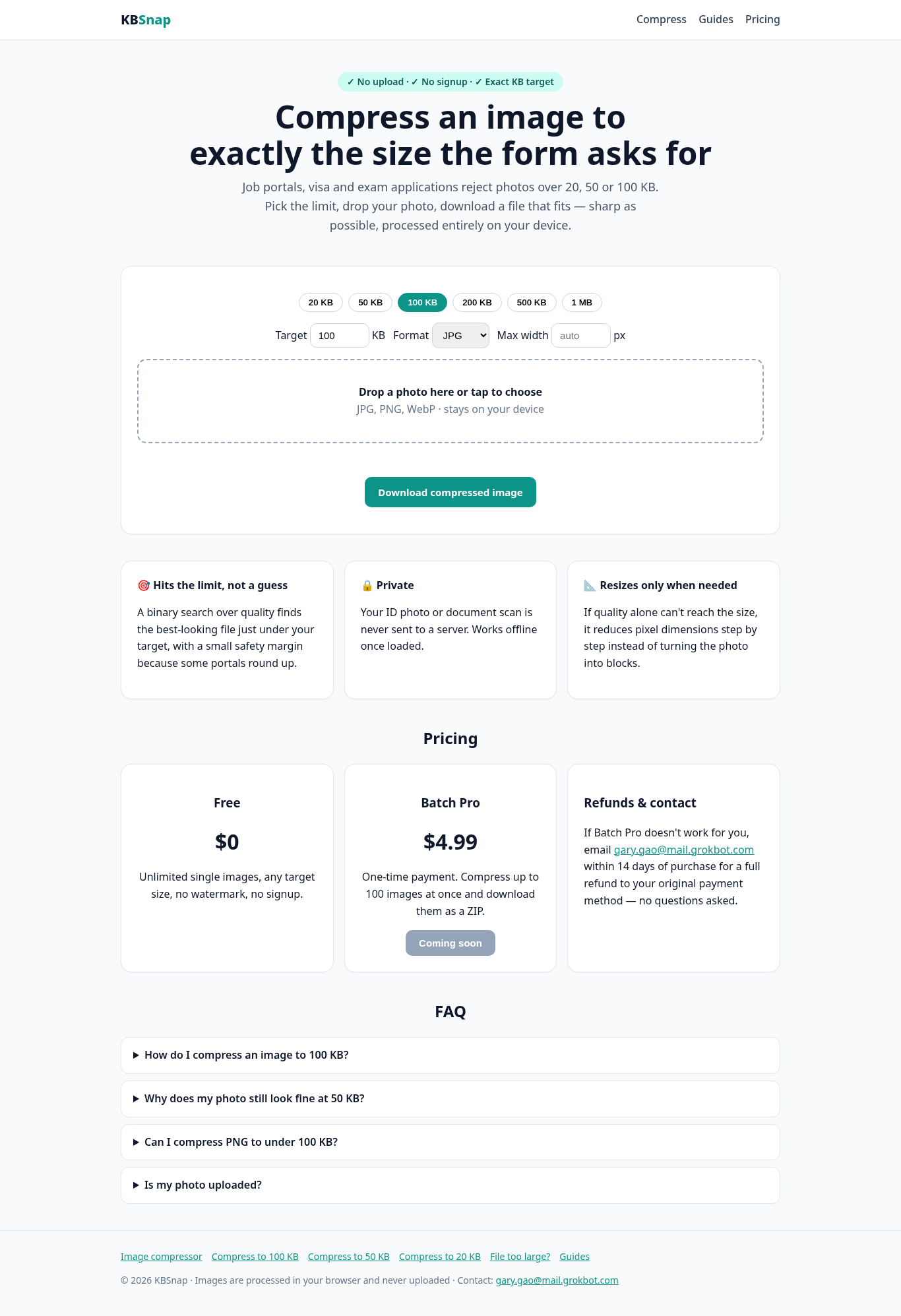
Ever had an upload rejected because your photo was "too large"? KBSnap hits the exact size a form asks for. Choose 20 KB, 50 KB, 100 KB, 200 KB, 500 KB, 1 MB or type your own limit, drop in the image, and download a file that fits. All processing happens on your device, so nothing is uploaded. Single images are free with no watermark; a batch mode is on the roadmap.
Features
Exact target sizes: 20/50/100/200/500 KB, 1 MB or custom
Runs 100% in the browser; images never leave your device
No sign-up, no watermark, free for single images
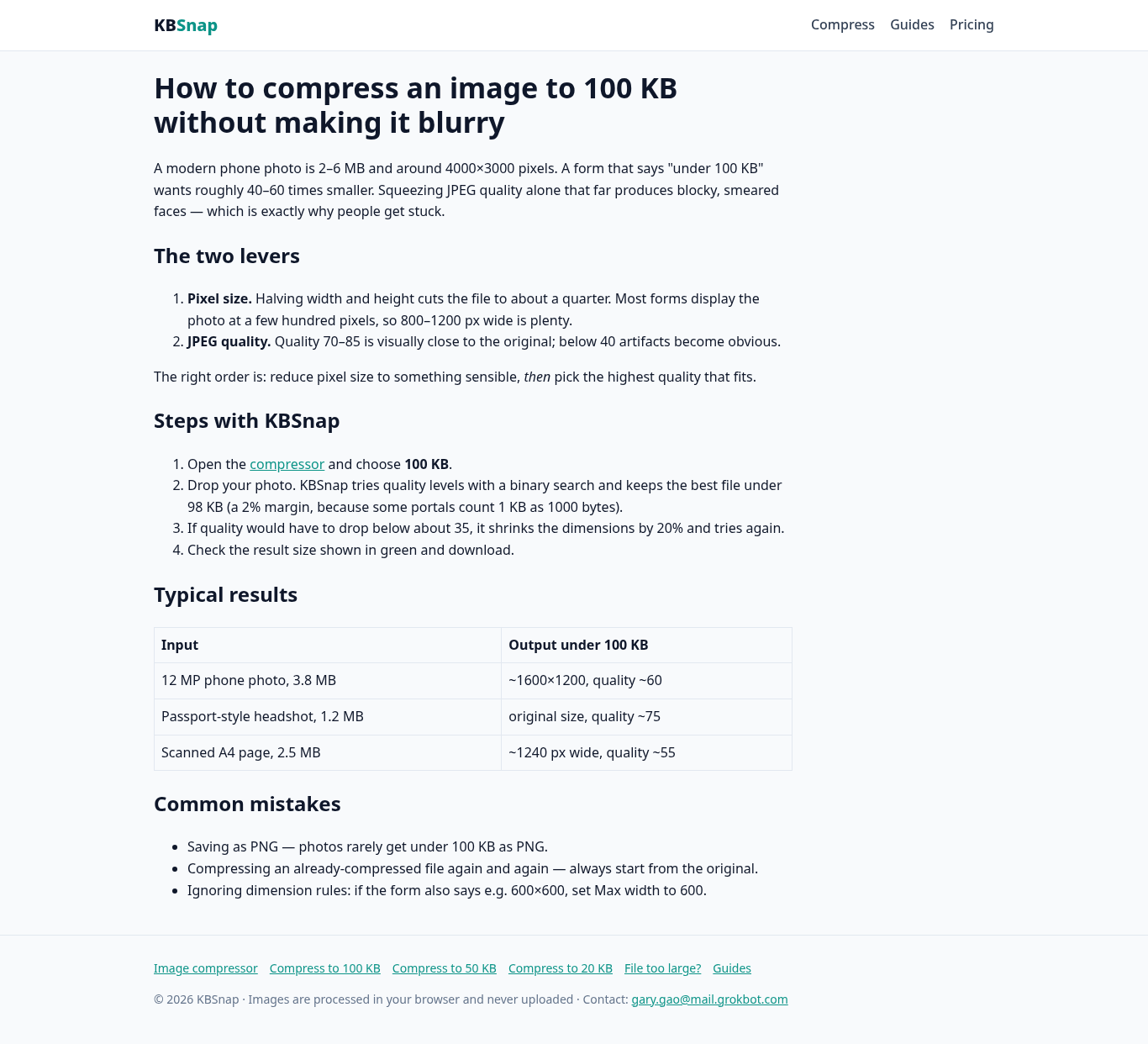
Keeps the highest quality that still fits the limit
Use Cases
Job application portals with strict photo/CV image limits
Visa and passport application uploads
Exam and university registration forms
Government and banking KYC document uploads

Comments

Hi Fazier! I built KBSnap after one too many upload forms told me my photo was over 50 KB with no hint how to fix it. General compressors shrink files by "some" amount; KBSnap aims for the number the form actually demands, and does it locally so your ID photos and documents stay on your machine. It's free for single images. I'd love feedback on which size presets you'd want added.
Hitting an exact size like 20 KB or 50 KB in the browser, without uploading the photo, is exactly what job, visa, and KYC forms need when they reject an image for being slightly over the limit. Keeping the highest quality that still fits, with no signup or watermark for single images, makes this much more practical than a generic compressor.
Hitting an exact KB ceiling locally is a neat trick for KYC and visa uploads. One thing that would decide whether I can use it for passport photos: does it reach the target by re-encoding JPEG quality, or does it also downscale pixel dimensions? Many portals specify both a file-size cap and exact pixel dimensions, so silently resizing would get the photo rejected. Also curious whether the output keeps the input format and strips EXIF metadata, which matters a lot for ID documents.

Very handy for visa and job portals. Many of those forms also cap pixel size (for example 600x600) or need JPG only, not just KB. A "fit both" option (size in KB plus width x height) would save people a second tool. Does it strip EXIF/location data on export too? That's worth saying on the page if so.

Exact-size targeting is the right angle: government and exam forms are exactly where "under 50 KB" blocks people. Two ideas: accept HEIC, since most phone photos for these forms come from iPhones, and add a signature mode (crop, white background, smaller KB target), because many of these forms ask for a photo and a signature separately.
Visa and job portals with a 50 KB limit are a real pain, so a tool that hits the exact size in the browser is genuinely handy. To answer your question about presets: 50 KB and 100 KB cover most government forms I've seen, and a "passport photo" preset that also crops to the right dimensions would save another step.

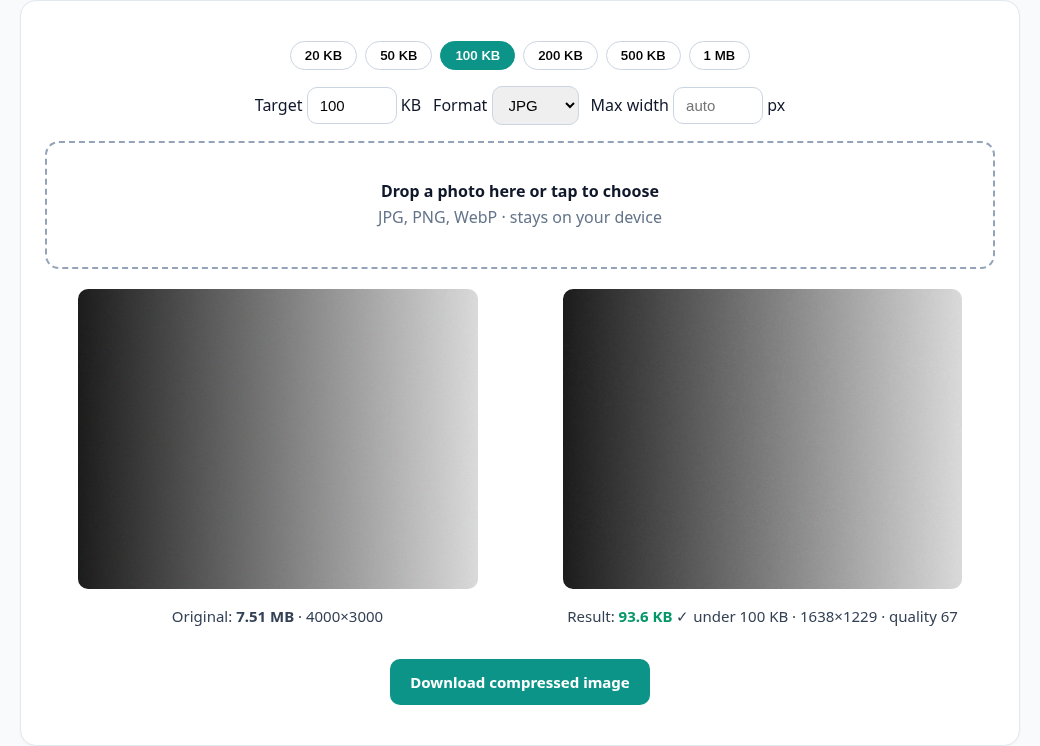
I saw the compressor lowers image quality first, then dimensions if needed, and shows the exact bytes and dimensions before download. Could you add a lock-dimensions option for forms that specify both a pixel size and a KB ceiling, even if the result warns that the limit cannot be met without resizing?
The part that matters most for visa photos is that the size cap and the pixel-size cap are separate rules on many portals. A short line on the page saying what happens when the KB target can only be met by shrinking dimensions, with final width, height and bytes shown before download, would make it easy to trust.
Premium Products









































Sponsors
Buy
Makers
Makers
Comments
Hi Fazier! I built KBSnap after one too many upload forms told me my photo was over 50 KB with no hint how to fix it. General compressors shrink files by "some" amount; KBSnap aims for the number the form actually demands, and does it locally so your ID photos and documents stay on your machine. It's free for single images. I'd love feedback on which size presets you'd want added.
Hitting an exact size like 20 KB or 50 KB in the browser, without uploading the photo, is exactly what job, visa, and KYC forms need when they reject an image for being slightly over the limit. Keeping the highest quality that still fits, with no signup or watermark for single images, makes this much more practical than a generic compressor.
Hitting an exact KB ceiling locally is a neat trick for KYC and visa uploads. One thing that would decide whether I can use it for passport photos: does it reach the target by re-encoding JPEG quality, or does it also downscale pixel dimensions? Many portals specify both a file-size cap and exact pixel dimensions, so silently resizing would get the photo rejected. Also curious whether the output keeps the input format and strips EXIF metadata, which matters a lot for ID documents.
Very handy for visa and job portals. Many of those forms also cap pixel size (for example 600x600) or need JPG only, not just KB. A "fit both" option (size in KB plus width x height) would save people a second tool. Does it strip EXIF/location data on export too? That's worth saying on the page if so.
Exact-size targeting is the right angle: government and exam forms are exactly where "under 50 KB" blocks people. Two ideas: accept HEIC, since most phone photos for these forms come from iPhones, and add a signature mode (crop, white background, smaller KB target), because many of these forms ask for a photo and a signature separately.
Visa and job portals with a 50 KB limit are a real pain, so a tool that hits the exact size in the browser is genuinely handy. To answer your question about presets: 50 KB and 100 KB cover most government forms I've seen, and a "passport photo" preset that also crops to the right dimensions would save another step.
I saw the compressor lowers image quality first, then dimensions if needed, and shows the exact bytes and dimensions before download. Could you add a lock-dimensions option for forms that specify both a pixel size and a KB ceiling, even if the result warns that the limit cannot be met without resizing?
The part that matters most for visa photos is that the size cap and the pixel-size cap are separate rules on many portals. A short line on the page saying what happens when the KB target can only be met by shrinking dimensions, with final width, height and bytes shown before download, would make it easy to trust.
Premium Products
New to Fazier?

Find your next favorite product or submit your own. Made by @FalakDigital.
Copyright ©2026. All Rights Reserved