
Jumpstart by WP Multitool
Finds the plugins slowing WordPress, one click to fix
Jumpstart is a separate plugin from the maker of WP Multitool, for people who want a WordPress site fixed without learning a dashboard.
Its "Why is it slow?" button measures the homepage (as a visitor) and the dashboard (as you) and names the plugins that take the most time, in milliseconds, plus how much of the page went to the database. The profiler is a temporary file that removes itself when the measurement ends.
Next to a plugin that costs your dashboard time there is one button: "Don't load on the dashboard". The plugin keeps running everywhere else. Jumpstart then loads the dashboard, the Plugins screen and the homepage, rolls back if anything fails, and measures again. "Load it again" undoes it.
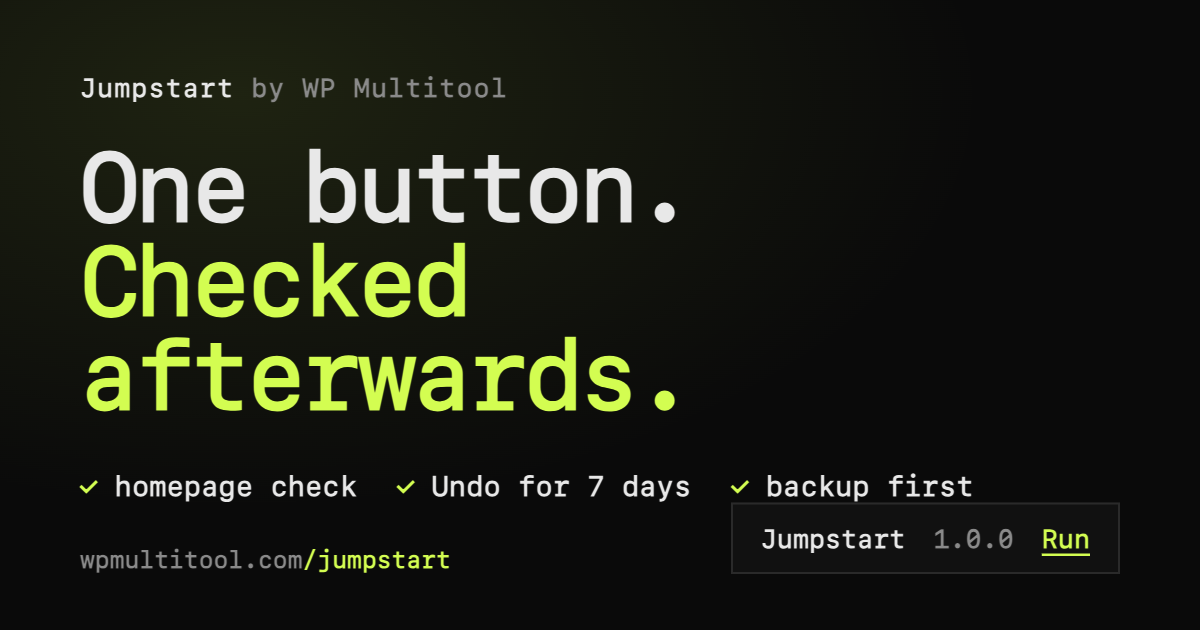
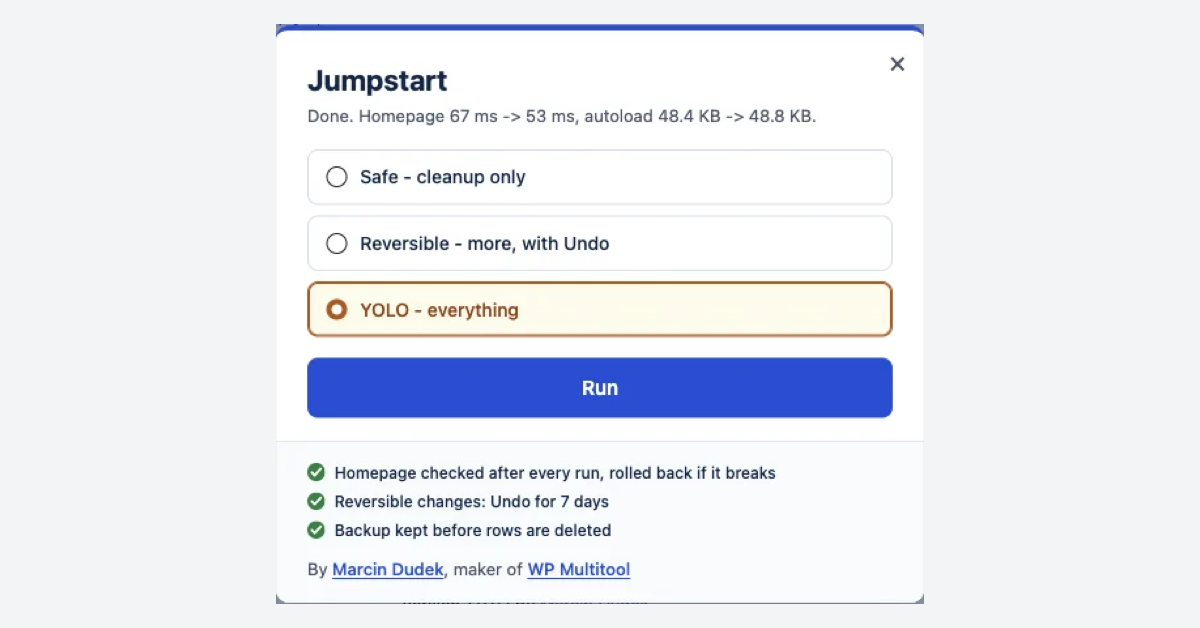
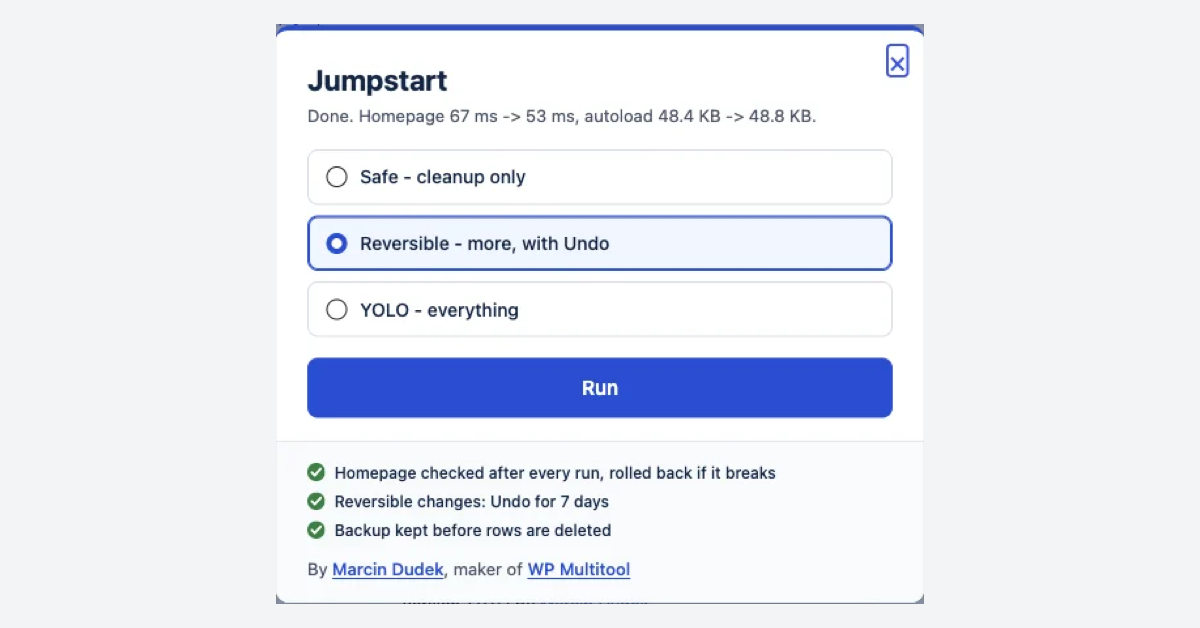
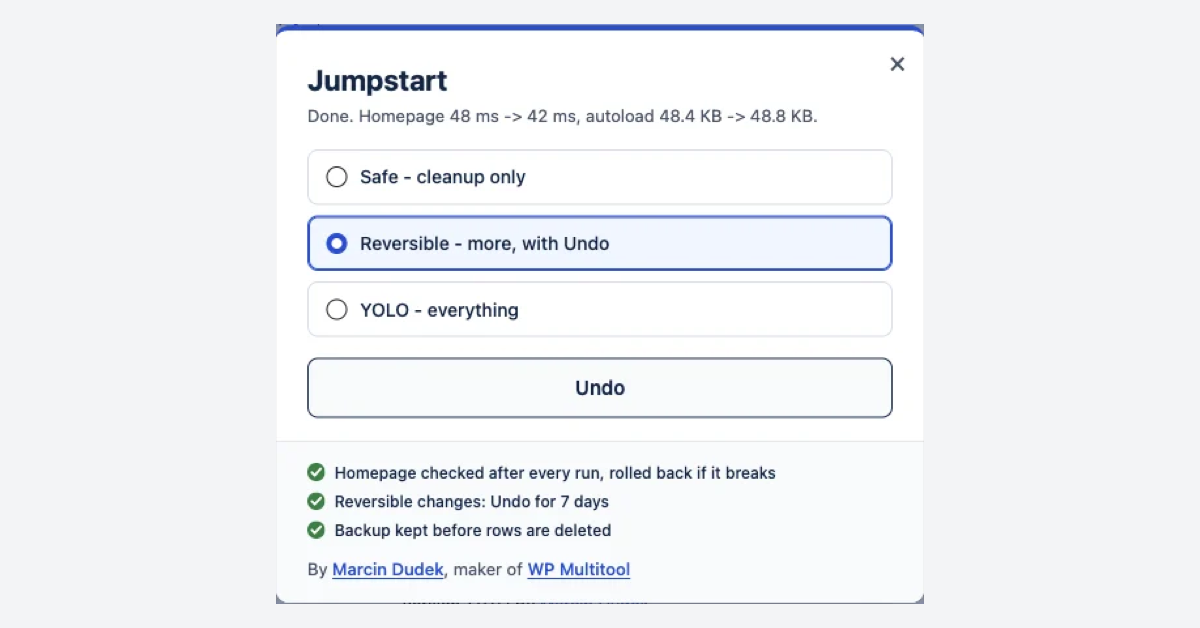
Then the cleanup: pick Safe, Reversible or YOLO. Settings changes run first, then it fetches the homepage as a logged-out visitor and puts the settings back if the page changed. Every delete goes to an SQL backup first. Undo for 7 days. If the run made little difference, it says so.
On my test site (about 50 plugins) a YOLO run took the dashboard from 1,790 ms to 1,108 ms. Your numbers will differ.
It does not need WP Multitool. No caching, images or CDN. $49 a year for one site, 14-day refund.
Features
"Why is it slow?" names the plugins that take the most time on your homepage and dashboard, in milliseconds
One button keeps a plugin off the dashboard, with automatic checks and rollback
Cleanup in Safe, Reversible or YOLO mode, SQL backup before every delete
Undo for 7 days
Use Cases
Your WordPress dashboard got slow and you want to know which plugin did it
You look after client sites and want a quick cleanup that can be undone

Comments

Hi, Marcin here, I make WP Multitool. WordPress is dead* It needs a Jumpstart! I built this one for people who don't want another dashboard to learn. You press "Why is it slow?", it names the plugins that take the most time on your homepage and dashboard, and next to each one there is a button to keep it off the dashboard. Then a cleanup you can undo for 7 days, with an SQL backup before every delete. My test site, about 50 plugins: dashboard 1,790 -> 1,108 ms. Your numbers will differ. If a run makes little difference, it tells you that too. $49/yr, one site. Happy to answer anything here. * Well maybe not dead, but super slow.
Premium Products









































Sponsors
Buy
Makers
Makers
Comments
Hi, Marcin here, I make WP Multitool. WordPress is dead* It needs a Jumpstart! I built this one for people who don't want another dashboard to learn. You press "Why is it slow?", it names the plugins that take the most time on your homepage and dashboard, and next to each one there is a button to keep it off the dashboard. Then a cleanup you can undo for 7 days, with an SQL backup before every delete. My test site, about 50 plugins: dashboard 1,790 -> 1,108 ms. Your numbers will differ. If a run makes little difference, it tells you that too. $49/yr, one site. Happy to answer anything here. * Well maybe not dead, but super slow.
Premium Products
New to Fazier?

Find your next favorite product or submit your own. Made by @FalakDigital.
Copyright ©2026. All Rights Reserved