
InboxFamily
Family email on your own domain, set up for you
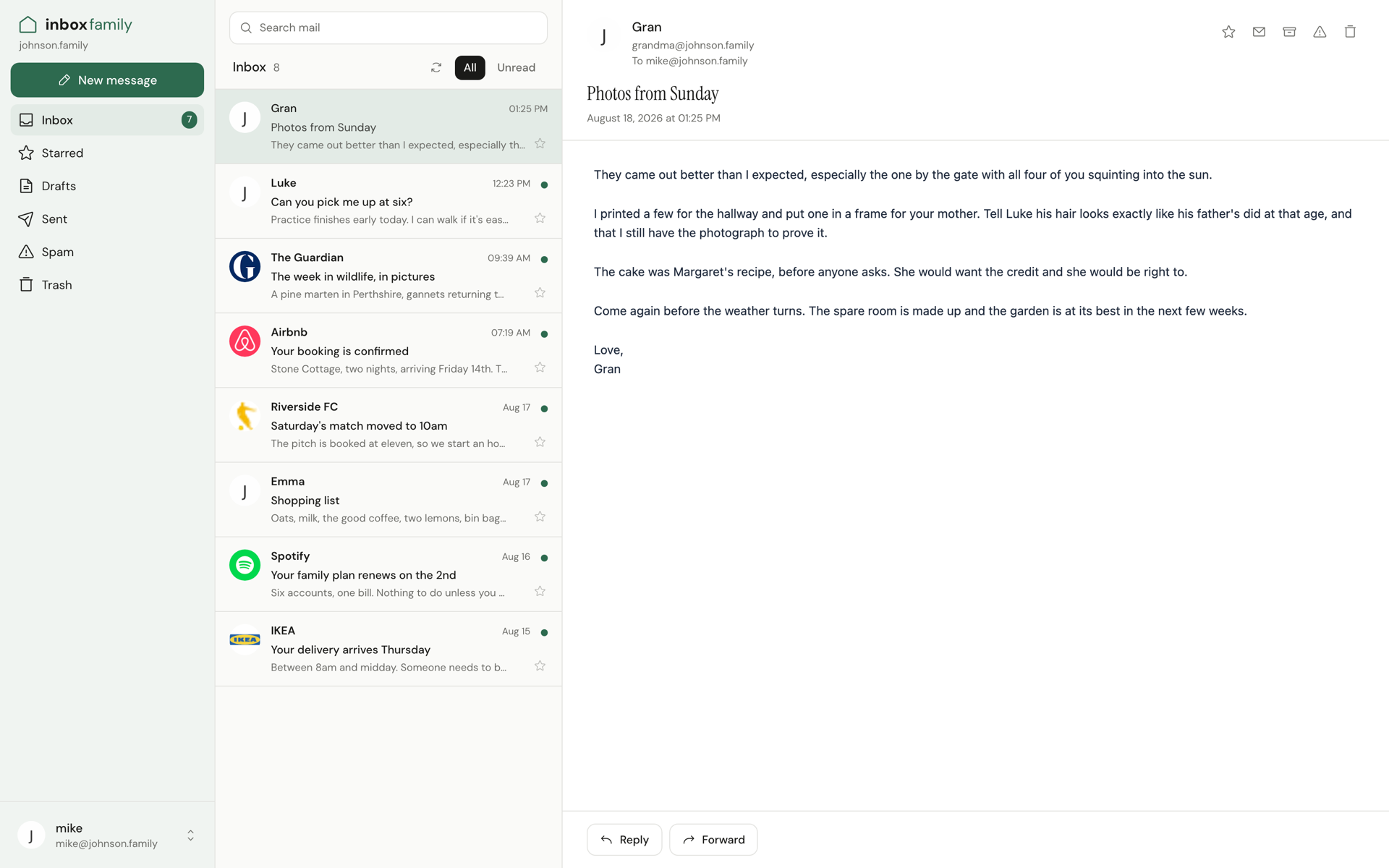
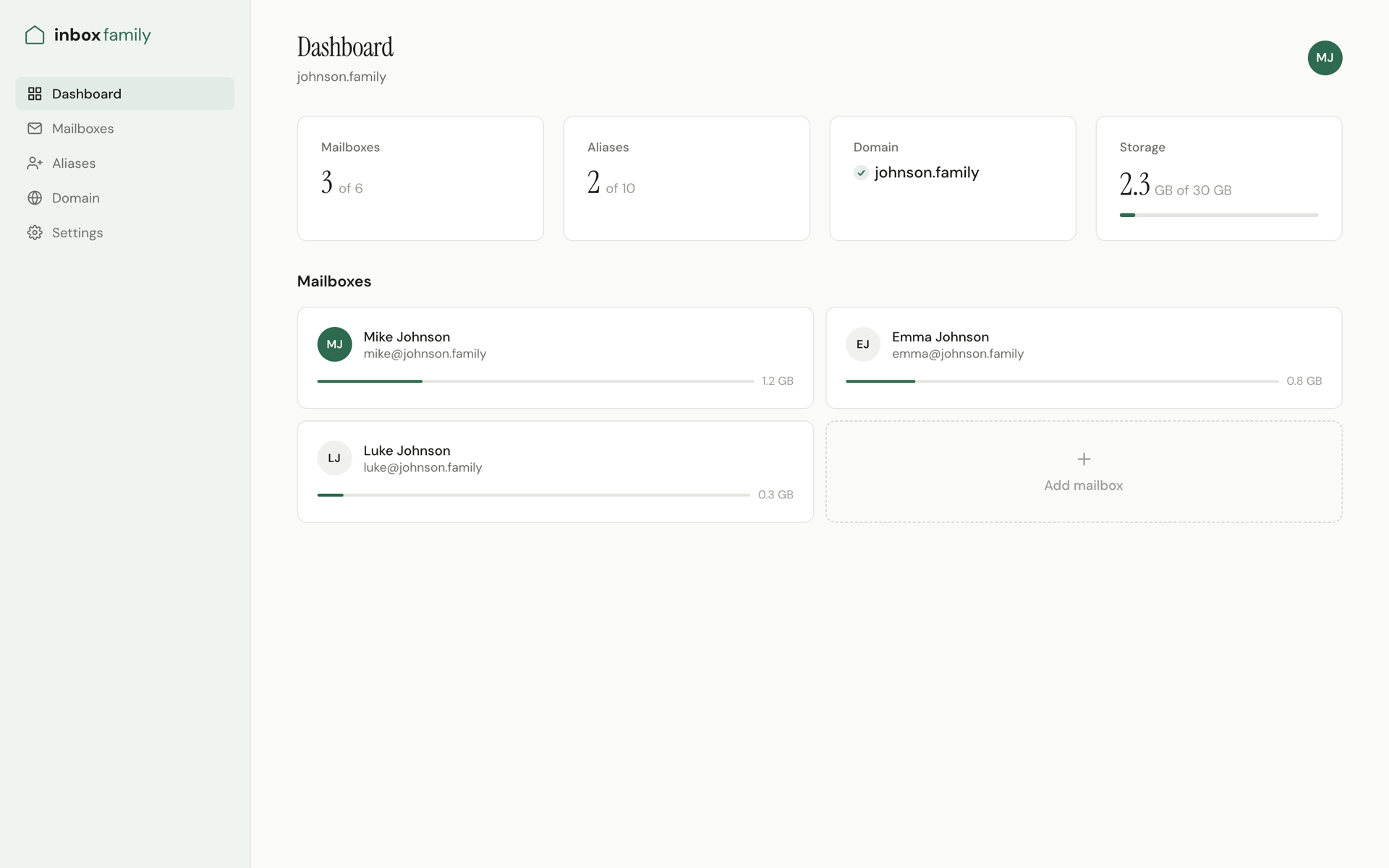
InboxFamily gives a family email addresses on its own domain, like [email protected]. You pick a name, pay, and the mailboxes are ready a few minutes later. We register the domain, write the DNS records (MX, SPF, DKIM, DMARC) and keep them correct, so nobody in the family has to learn what any of that means. One price for the household: $19 a month covers six mailboxes, ten aliases and a catch-all, with domain renewals included. Works in webmail and in any IMAP app. Already own a domain? Bring it.
Features
Six mailboxes, ten aliases and a catch-all for $19/month
Domain registered and DNS (MX, SPF, DKIM, DMARC) kept correct for you
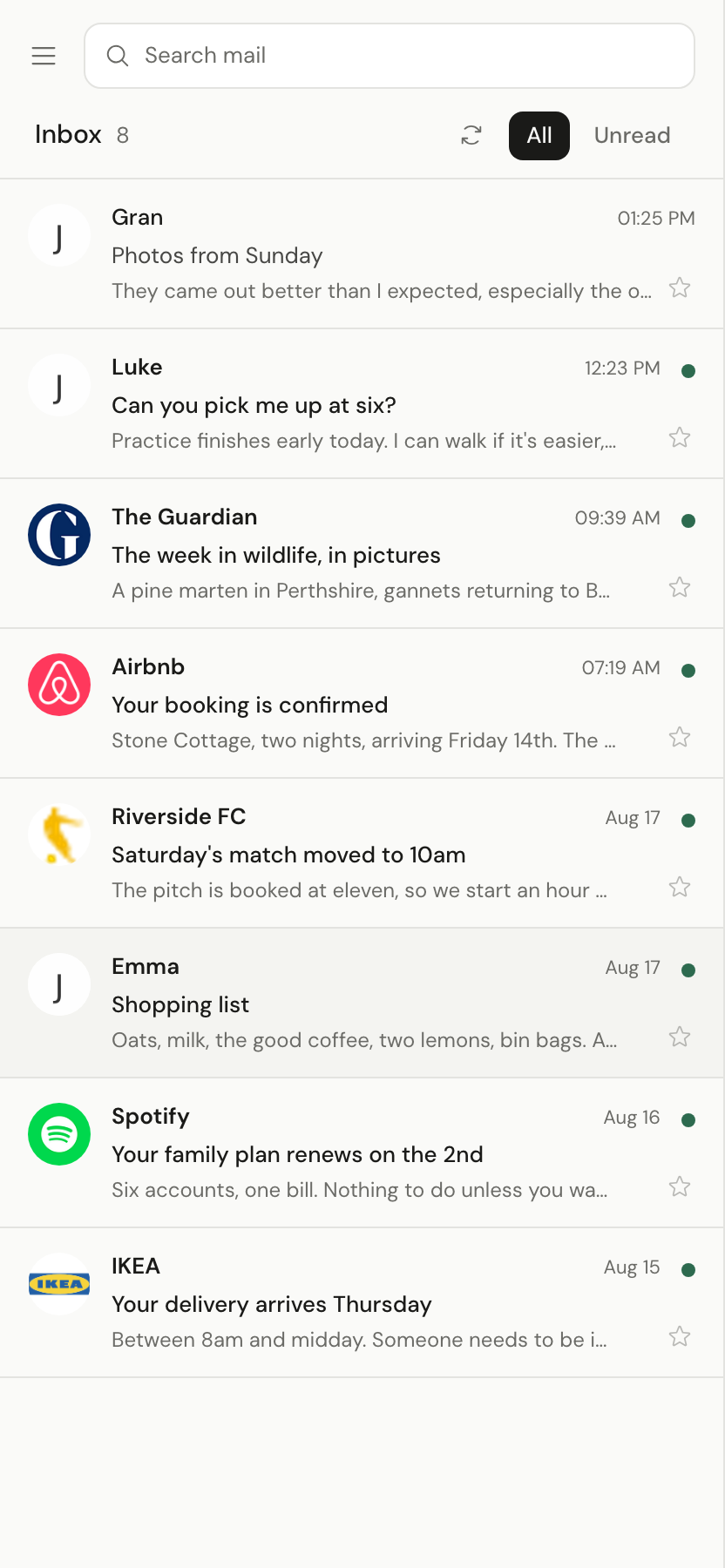
Webmail plus any IMAP app: Apple Mail, Outlook, Thunderbird
Bring your own domain, for example when leaving G Suite legacy
Use Cases
A family that wants addresses like [email protected] without touching DNS
Parents who want kids on their own mail, with the family in one place
Households moving off a free legacy Google Workspace plan

Comments



Hi, I'm Owen. Putting a family on its own email domain usually means a registrar account, a handful of DNS records and a provider that charges per person. Most families give up at the DNS step. InboxFamily does all of it for one household price. Happy to answer questions and hear what would make it more useful for your family.

Keeping DKIM and DMARC correct over time is the part families never notice until mail starts landing in spam, so owning that ongoing work is the real value here. Two questions: when a kid grows up or someone leaves the household, can their mailbox be exported or handed over to its own account? And for people leaving a legacy G Suite plan, do you import the old mail history or only move the domain?



Two questions about the parts that matter most once this address becomes the login for someone's bank and Apple ID. First, when you register the domain, is the family listed as the registrant, or is it held under InboxFamily's name? That decides who really owns the address years from now. Second, recovery: if a grandparent forgets their password, can a parent in the household reset it, and is there two-factor on webmail? For a family plan, the admin reset flow is probably the support ticket you'll see most.
Premium Products








































Sponsors
Buy
Comments
Hi, I'm Owen. Putting a family on its own email domain usually means a registrar account, a handful of DNS records and a provider that charges per person. Most families give up at the DNS step. InboxFamily does all of it for one household price. Happy to answer questions and hear what would make it more useful for your family.
Keeping DKIM and DMARC correct over time is the part families never notice until mail starts landing in spam, so owning that ongoing work is the real value here. Two questions: when a kid grows up or someone leaves the household, can their mailbox be exported or handed over to its own account? And for people leaving a legacy G Suite plan, do you import the old mail history or only move the domain?
Two questions about the parts that matter most once this address becomes the login for someone's bank and Apple ID. First, when you register the domain, is the family listed as the registrant, or is it held under InboxFamily's name? That decides who really owns the address years from now. Second, recovery: if a grandparent forgets their password, can a parent in the household reset it, and is there two-factor on webmail? For a family plan, the admin reset flow is probably the support ticket you'll see most.
Premium Products
New to Fazier?

Find your next favorite product or submit your own. Made by @FalakDigital.
Copyright ©2026. All Rights Reserved