InboxClean
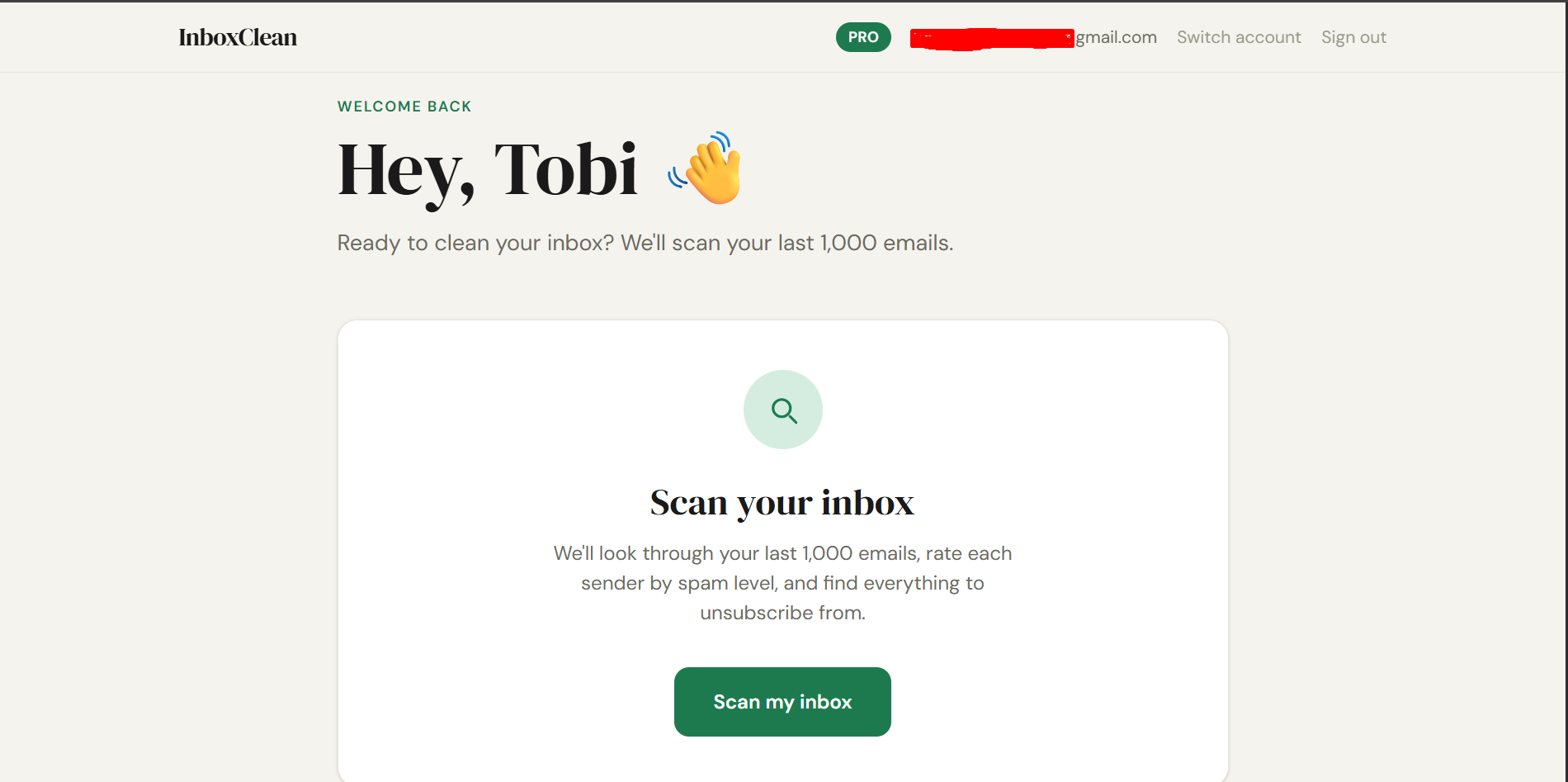
Scan 1,000 emails. Clean all of it. 60 seconds.
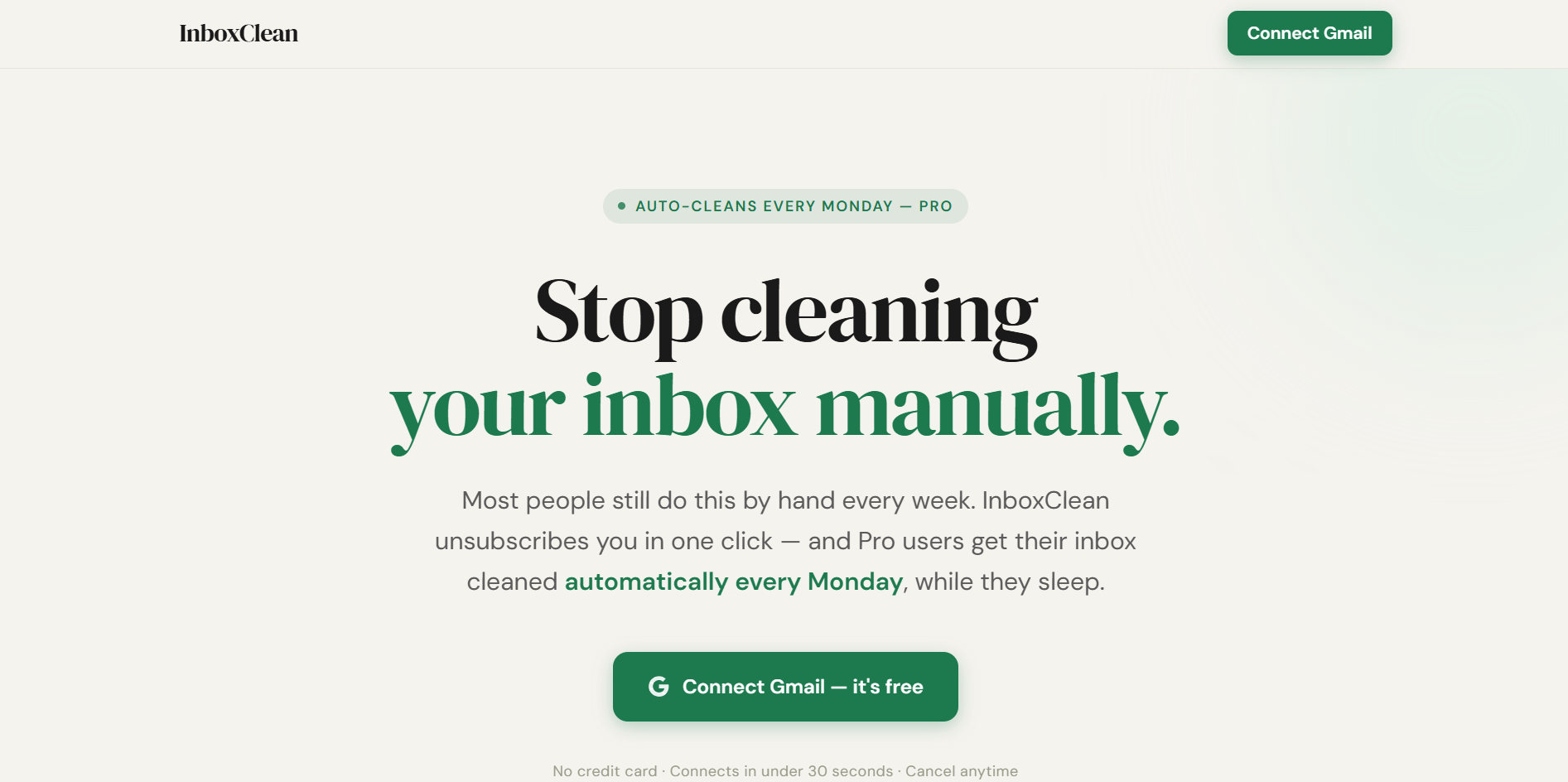
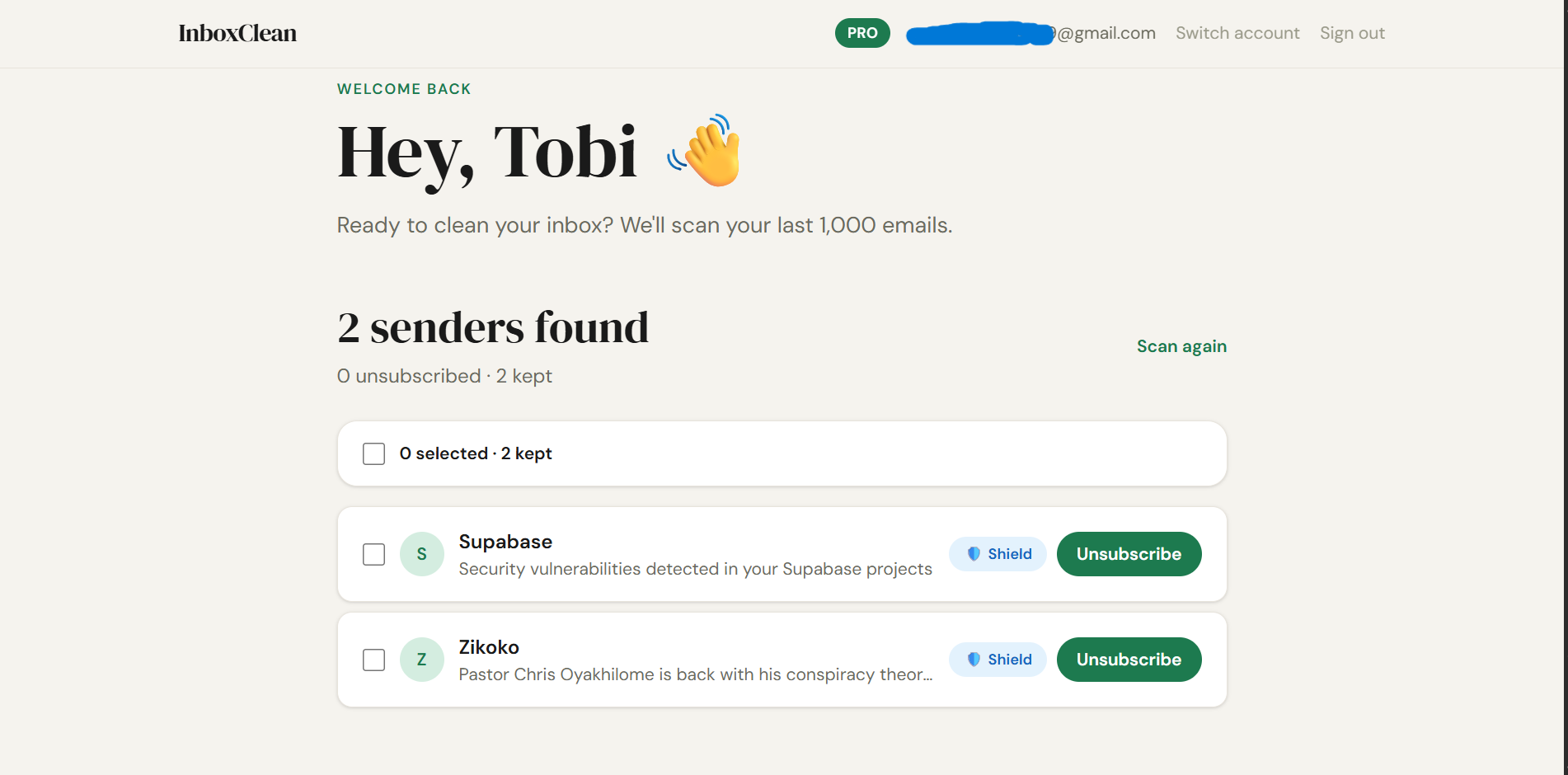
InboxClean scans your last 1,000 Gmail messages, groups them by sender domain, and lets you unsubscribe + trash all their emails in one click. Pro users get automatic weekly cleaning every Monday morning — completely hands-free.
Features
• Scans your last 1,000 Gmail emails in under 60 seconds
• Groups all emails by sender domain — LinkedIn appears once, not 47 times
• One-click unsubscribe + trash — hits the unsubscribe link and deletes all emails from that sender simultaneously
• Spam score rating for every sender (Low → Extreme) so you know who's the worst offender
• Inbox Shield — creates a permanent Gmail filter so cleaned senders can never reach your inbox again
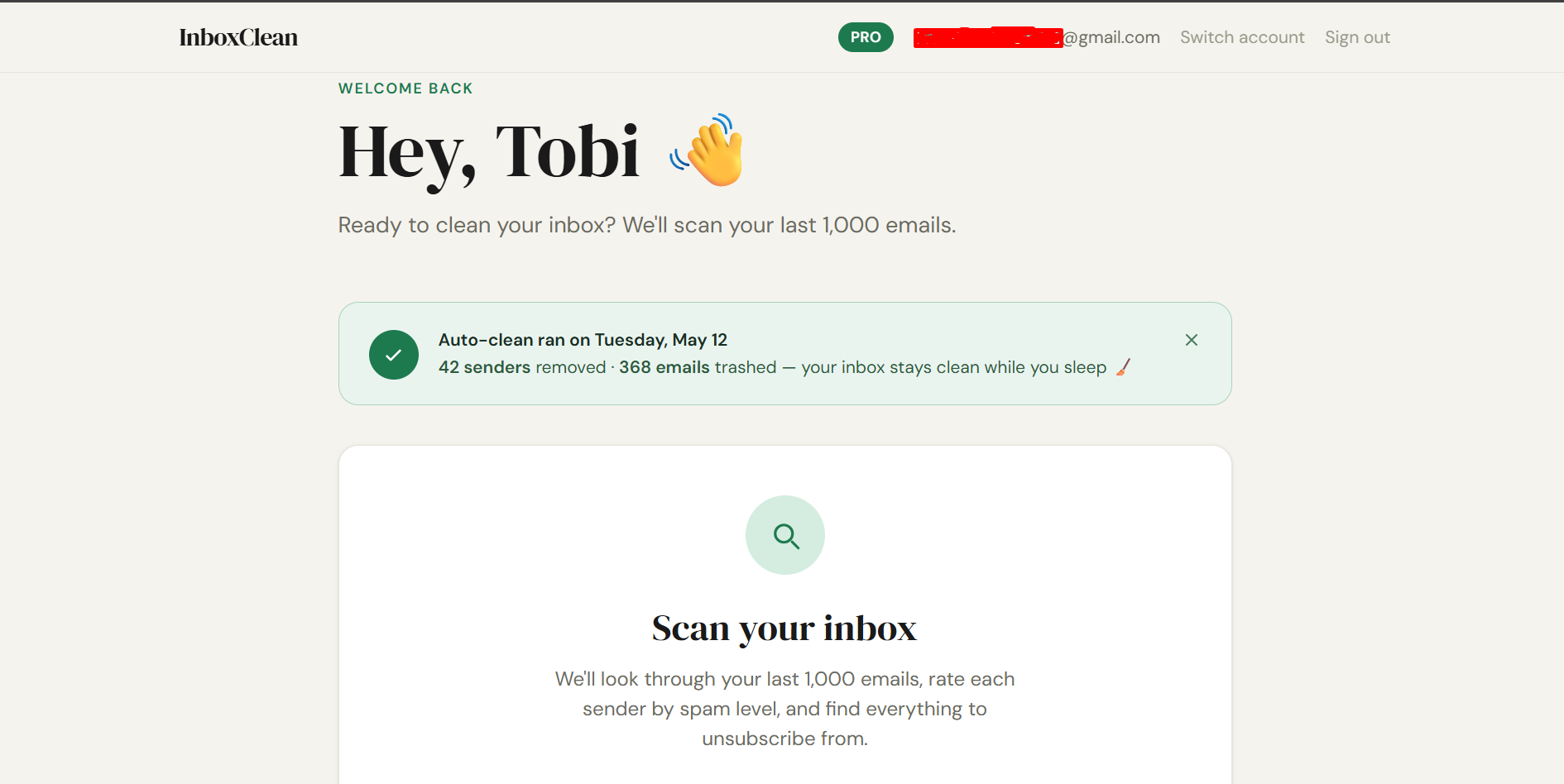
• Weekly auto-clean — Pro users get their inbox cleaned automatically every Monday morning
• Auto-clean report card — see exactly how many senders and emails were cleaned each week
• Referral system — share your link, both you and your friend get bonus unsubscribes
• Privacy-first — reads only email headers (From, Subject, Date), never your email content
• Built on Gmail OAuth — no passwords stored, revoke access anytime from Google
Use Cases
• Clearing a Gmail inbox buried under years of newsletters and promotional emails
• Bulk unsubscribing from hundreds of senders without clicking through each one manually
• Stopping promotional email from brands you bought from once and forgot about
• Keeping your inbox clean week after week without doing anything manually
• Finding out which senders are spamming you the most before deciding who to remove
• Permanently blocking senders so they never reach your inbox even if they ignore your unsubscribe
• Cleaning your inbox before switching to a new email workflow or productivity system
• Reducing email anxiety by turning an overwhelming inbox into a manageable one
• Saving hours per year that would otherwise be spent manually managing promotional email

Comments

Hey Fazier! 👋 Tobi here — solo founder, built this in 6 days while working a full-time job. The idea came from pure frustration. My Gmail had 340 active senders — newsletters, promotions, "we miss you" emails from brands I used once in 2021. The built-in unsubscribe takes 6 clicks per sender. At 340 senders, that's 2,040 clicks. I wasn't doing that. So I built the tool I actually wanted: → Scan 1,000 emails in 60 seconds → See every sender grouped by domain (LinkedIn once, not 47 times) → One click: unsubscribes + trashes everything from that sender → Pro: does this automatically every Monday while you sleep One honest thing to know before you try it: you'll see a Google "unverified app" warning when you sign in. Click Advanced → Go to InboxClean to proceed. We're in Google's OAuth verification queue — it's a slow, expensive process for a bootstrapped solo project. We're working through it. Despite that warning, we got our first paying user last week. That meant everything. Would love to know: what's the most embarrassing sender you find in your inbox? 👇 Drop your number — how many senders did you have? Try it free at https://inboxclean.email 🧹



Premium Products










































Sponsors
Buy

Makers
Makers
Comments
Hey Fazier! 👋 Tobi here — solo founder, built this in 6 days while working a full-time job. The idea came from pure frustration. My Gmail had 340 active senders — newsletters, promotions, "we miss you" emails from brands I used once in 2021. The built-in unsubscribe takes 6 clicks per sender. At 340 senders, that's 2,040 clicks. I wasn't doing that. So I built the tool I actually wanted: → Scan 1,000 emails in 60 seconds → See every sender grouped by domain (LinkedIn once, not 47 times) → One click: unsubscribes + trashes everything from that sender → Pro: does this automatically every Monday while you sleep One honest thing to know before you try it: you'll see a Google "unverified app" warning when you sign in. Click Advanced → Go to InboxClean to proceed. We're in Google's OAuth verification queue — it's a slow, expensive process for a bootstrapped solo project. We're working through it. Despite that warning, we got our first paying user last week. That meant everything. Would love to know: what's the most embarrassing sender you find in your inbox? 👇 Drop your number — how many senders did you have? Try it free at https://inboxclean.email 🧹
Premium Products
New to Fazier?

Find your next favorite product or submit your own. Made by @FalakDigital.
Copyright ©2026. All Rights Reserved