
Imgstyler
Create, edit, and restyle images with AI in one studio
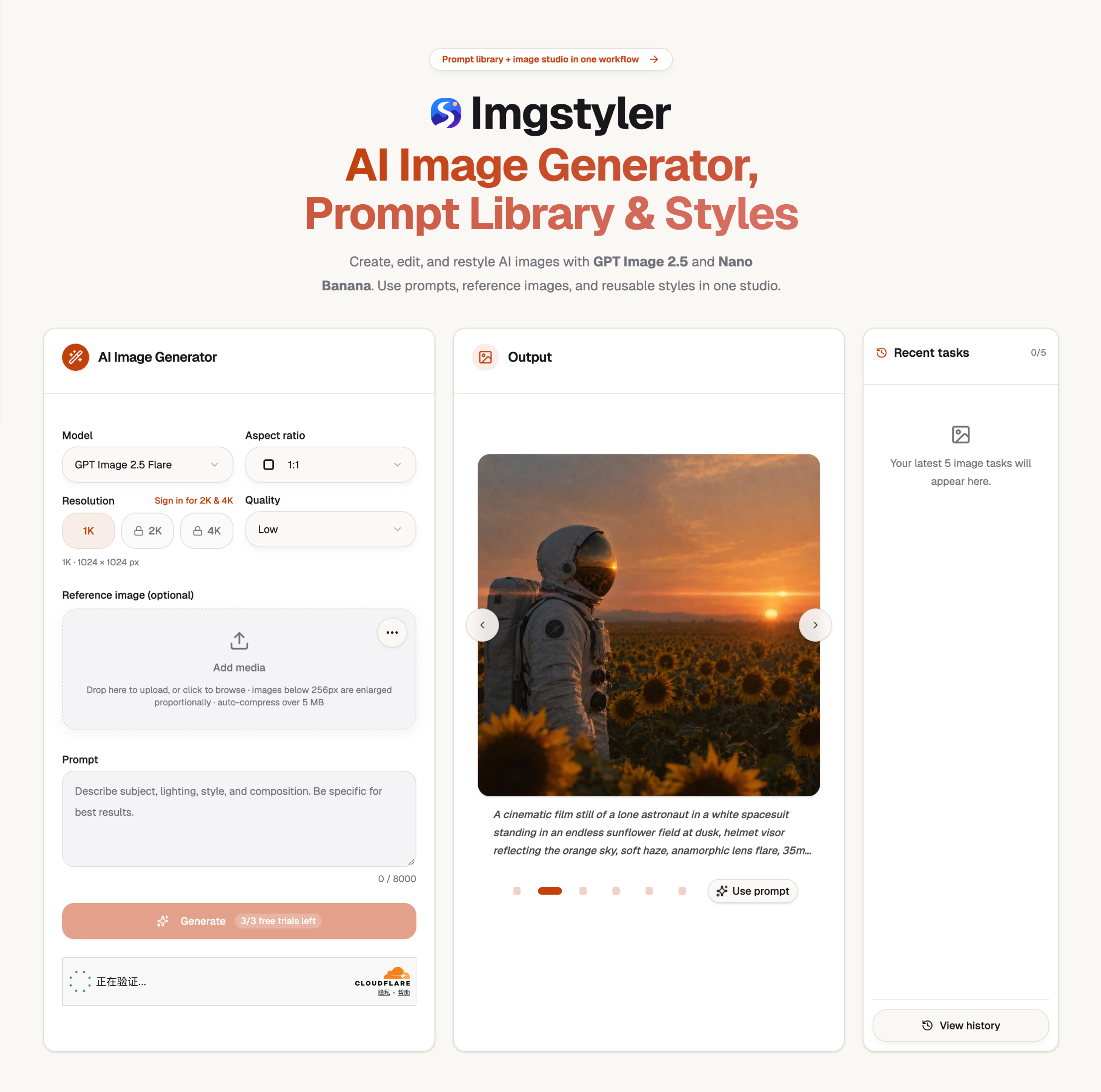
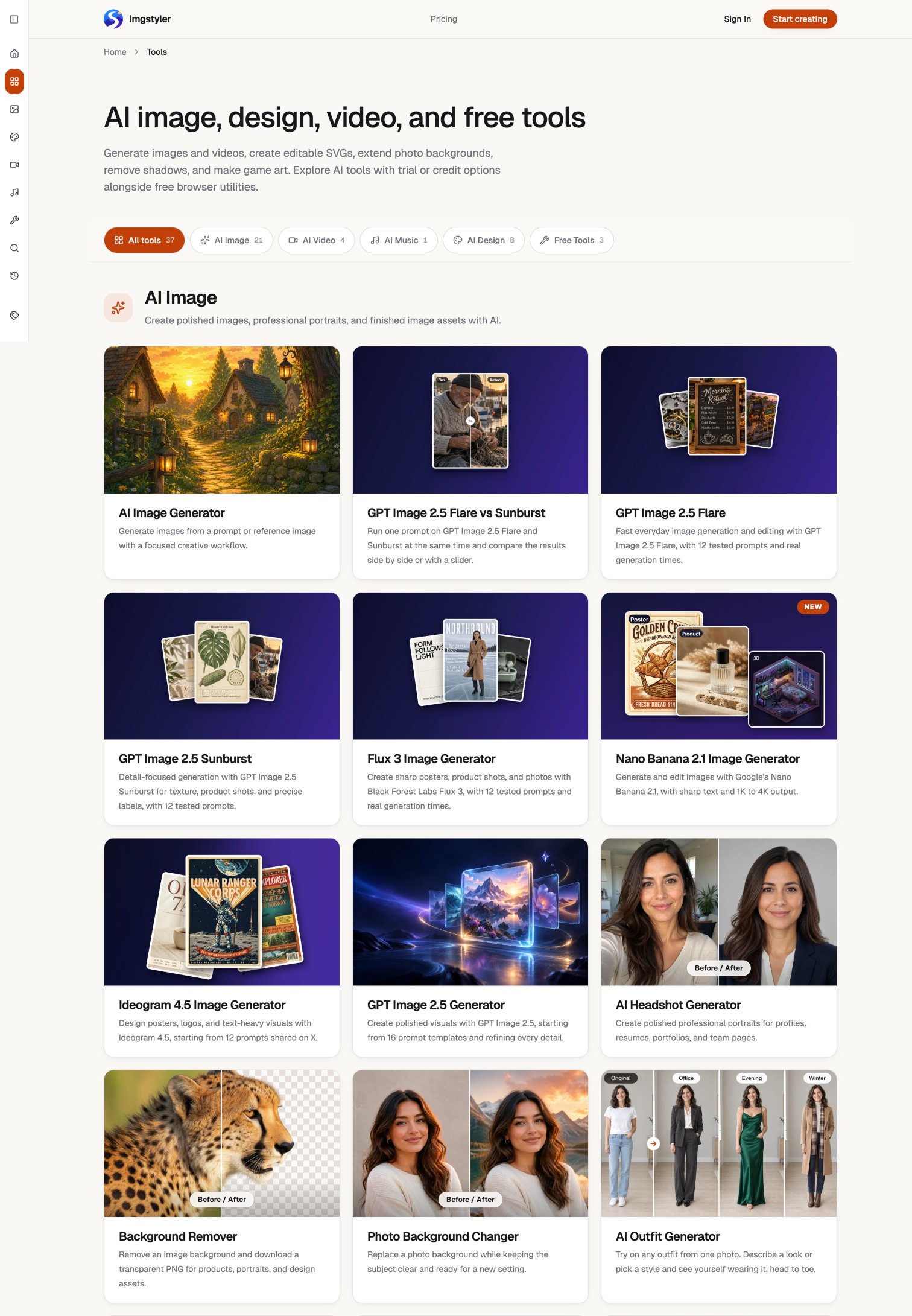
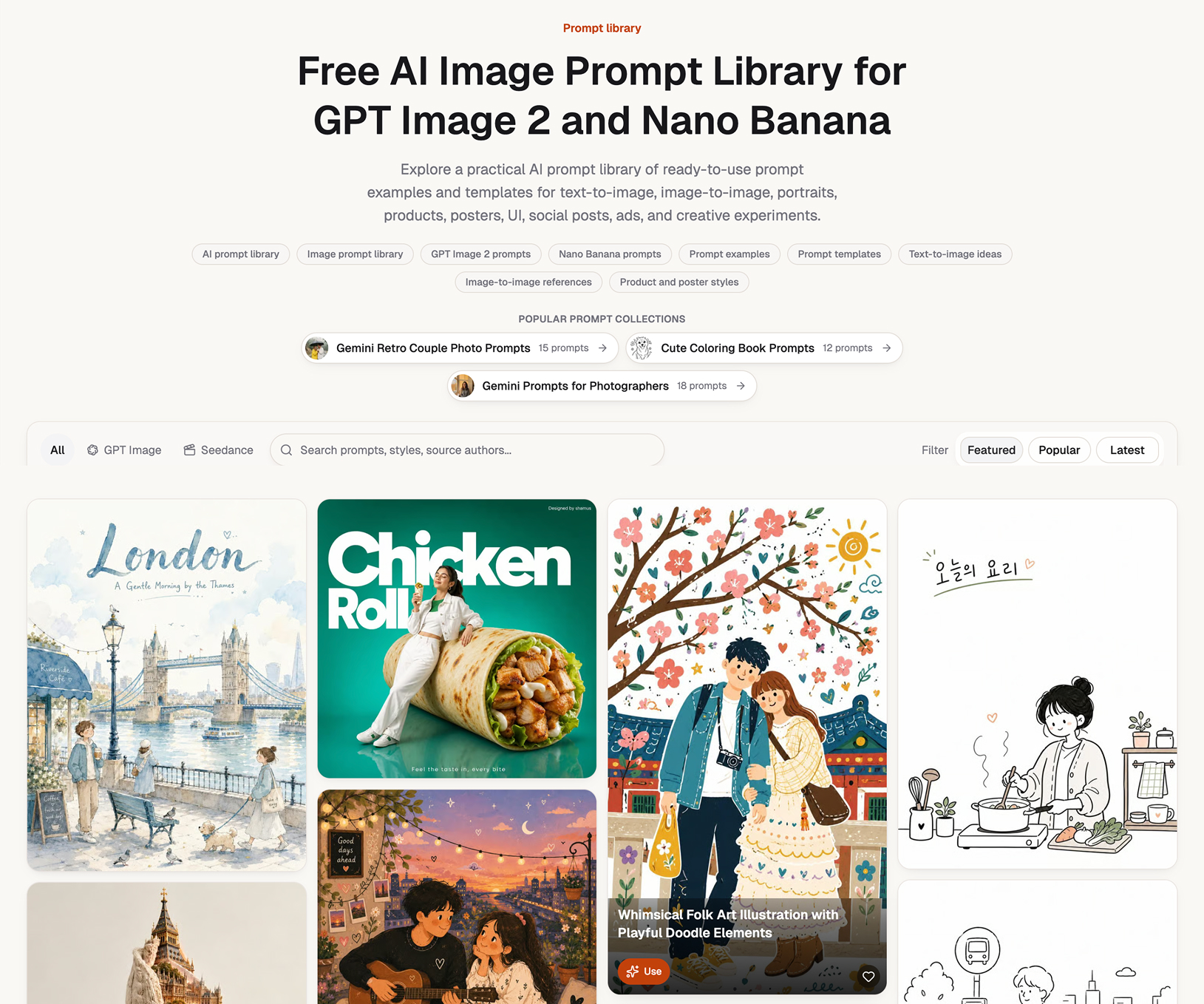
Imgstyler is an online AI image studio for creating, editing, and restyling visuals. Generate images from prompts or reference photos, then use focused tools for backgrounds, product photos, headshots, stickers, and more. Explore multiple image models and reusable styles in one place.
Features
• Generate images from text prompts and reference photos
• Edit and restyle existing images with AI
• Remove or change backgrounds and clean up photos
• Create product photography, headshots, stickers, and other visual assets
• Choose from multiple AI image models and style workflows
Use Cases
• Produce marketing and social media visuals
• Make product images for online stores
• Explore concepts and styles for creative projects
• Improve portraits and remove distracting backgrounds

Comments



One studio for create-edit-restyle is a smart scope — most tools only do one leg of that. Since image generation is never deterministic, I'm curious how you handle iteration: when a user restyles the same image a second time with slightly different wording, do you keep the earlier outputs visible for comparison? Side-by-side candidates made a real difference for me in photo editing, and it seems even more relevant when the whole style changes rather than one region.

The scope — generate, edit, and restyle in one studio — is the right one, since most people don't want to move a product photo between three tools. A practical question: when you restyle an existing product shot, how do you keep the product itself consistent across generations (logo, label text, stitching) while changing only the scene? Keeping earlier candidates visible for side-by-side comparison would make that much easier to judge.
Premium Products








































Sponsors
Buy
Awards
View all
Awards
View allMakers

Makers
Comments
One studio for create-edit-restyle is a smart scope — most tools only do one leg of that. Since image generation is never deterministic, I'm curious how you handle iteration: when a user restyles the same image a second time with slightly different wording, do you keep the earlier outputs visible for comparison? Side-by-side candidates made a real difference for me in photo editing, and it seems even more relevant when the whole style changes rather than one region.
The scope — generate, edit, and restyle in one studio — is the right one, since most people don't want to move a product photo between three tools. A practical question: when you restyle an existing product shot, how do you keep the product itself consistent across generations (logo, label text, stitching) while changing only the scene? Keeping earlier candidates visible for side-by-side comparison would make that much easier to judge.
Premium Products
New to Fazier?

Find your next favorite product or submit your own. Made by @FalakDigital.
Copyright ©2026. All Rights Reserved