
ImgPilot
AI image studio: generate, chat-edit, and convert
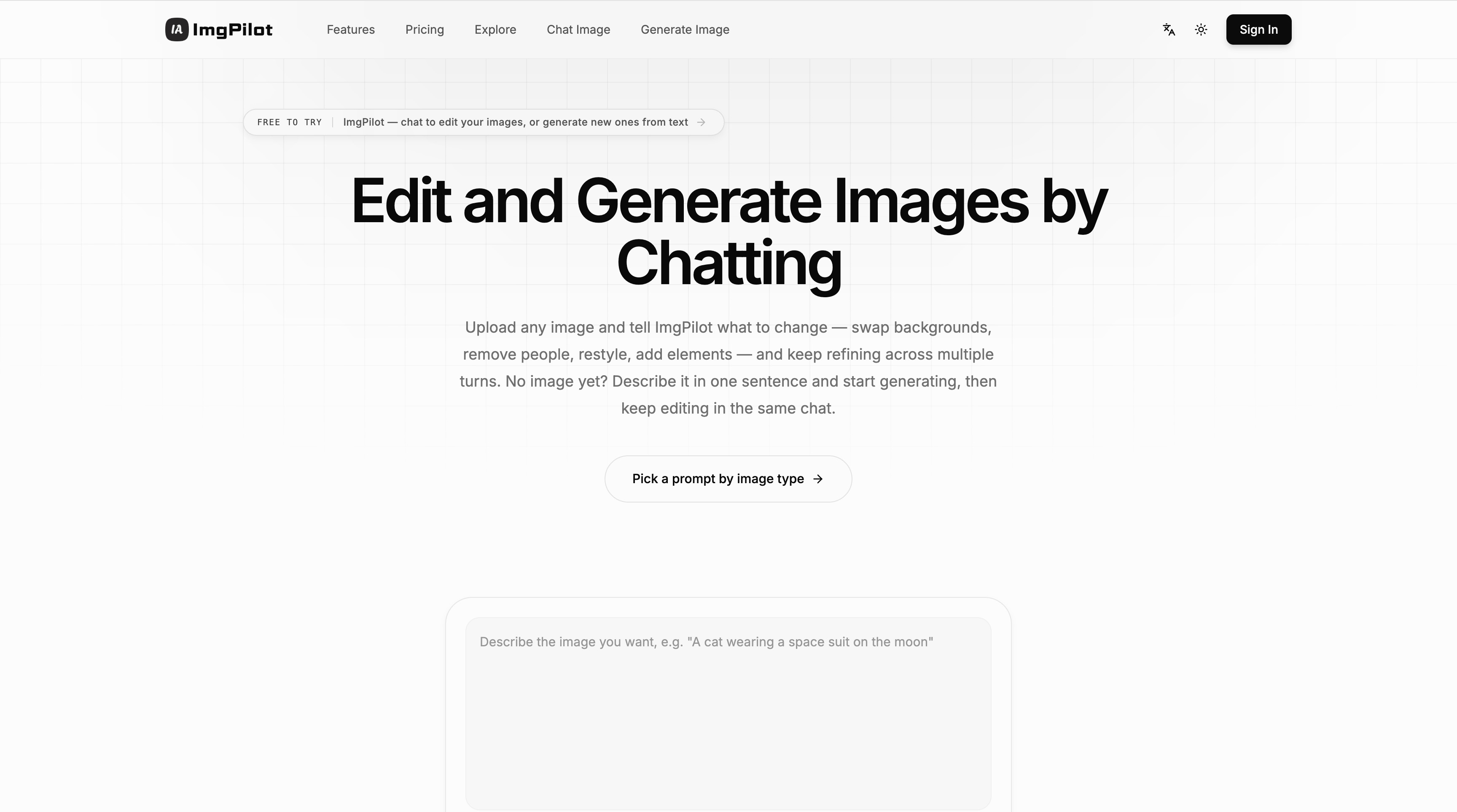
ImgPilot is a one-stop AI image studio built around three modes that take you from a raw idea all the way to a ready-to-publish file:
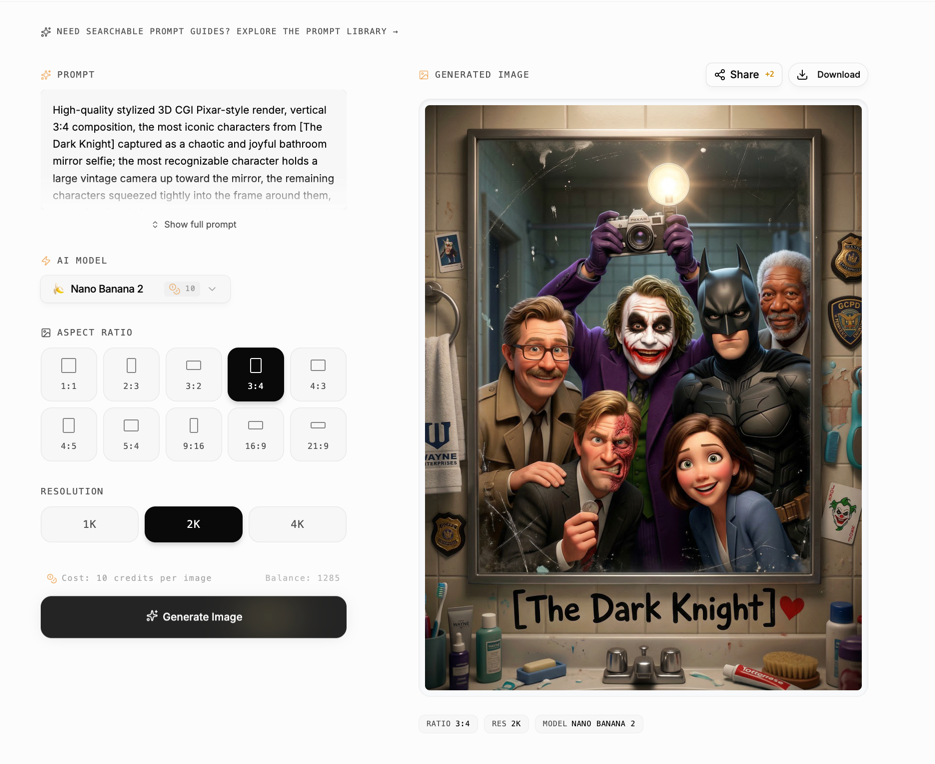
Image Generator — describe what you want in plain English. Turn a thought into a finished visual.
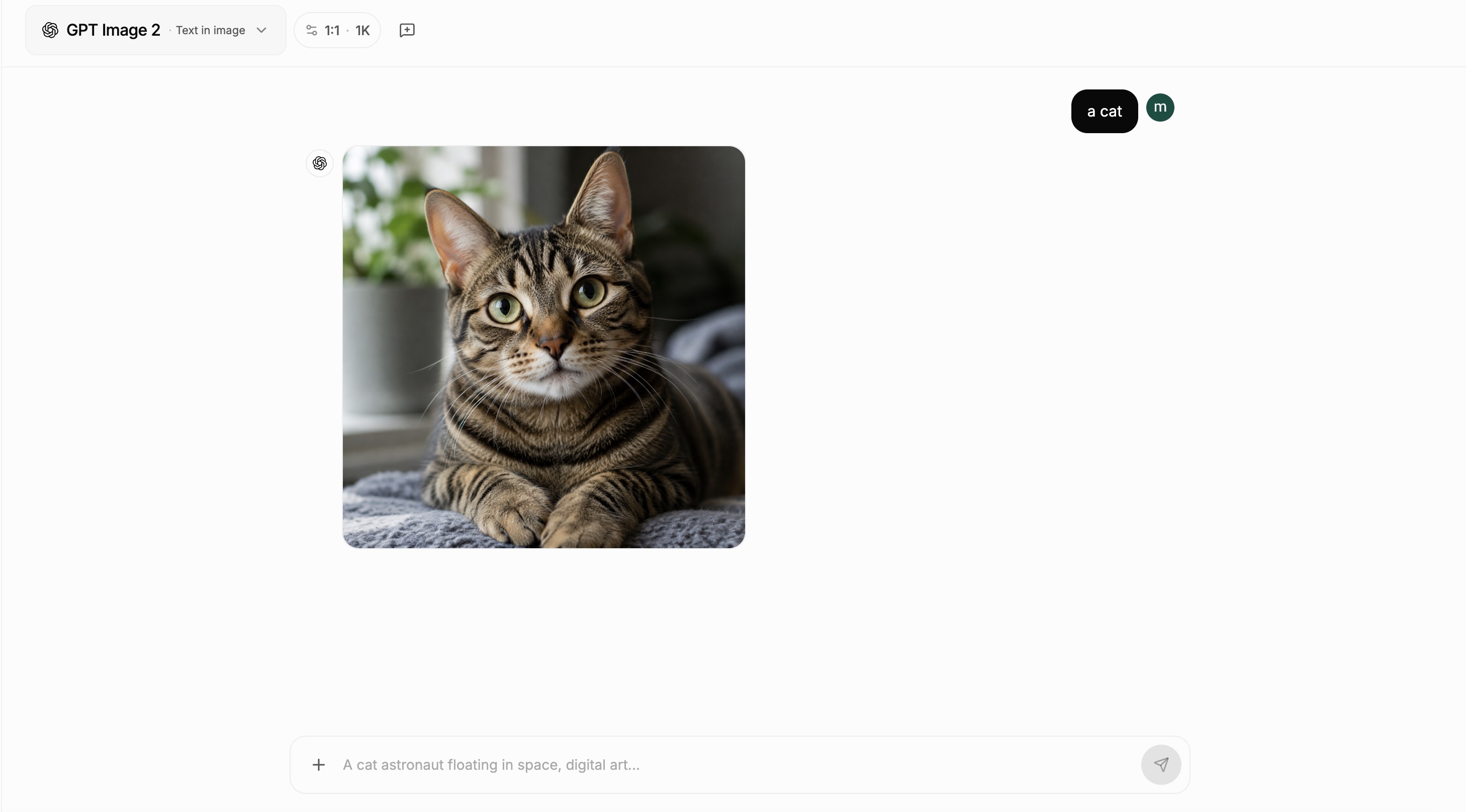
Chat to Image — keep refining through natural conversation. Upload references, request edits, swap backgrounds, change styles, iterate as many turns as you need.
Image Converter — instantly convert PNG, JPG, WebP, AVIF, HEIC and more, right in your browser. Files never leave your device.
The three modes are designed to flow together: generate an idea with AI, refine it through chat, then convert the final result into whatever format your destination needs — social media, blog, mobile app, print — all without leaving the site. Every AI creation is automatically archived to your history, so nothing ever gets lost.
Every new user gets starter credits on signup to try the AI features. Upgrade to a paid plan and you can also earn credits back by sharing what you create, turning each finished image into fuel for the next one. The Image Converter is fully free, requires no login, and runs entirely in your browser.

Comments



The three-mode flow makes sense, but chat-to-image is the one I'd push hardest on - the hard part of conversational editing is keeping the subject consistent across many turns instead of drifting into a different image each time. Curious whether you pin a seed/reference under the hood or just resend history. Also worth shouting louder that the converter runs fully local - "files never leave your device" is a real trust win that most HEIC/AVIF converters can't claim.


This is a very clear and well-structured assignment brief. I like that it gives students specific guidance on the story format, sources, interview requirements, editing expectations, and assessment criteria. The FAQ section is especially useful because it removes a lot of uncertainty around duration, subtitles, filming, editing, and what to do if an interview source falls through. Overall, it feels practical and easy to follow for students preparing a short video news package.
Premium Products



































Sponsors
Buy

Awards
View all
Awards
View all
Comments
The three-mode flow makes sense, but chat-to-image is the one I'd push hardest on - the hard part of conversational editing is keeping the subject consistent across many turns instead of drifting into a different image each time. Curious whether you pin a seed/reference under the hood or just resend history. Also worth shouting louder that the converter runs fully local - "files never leave your device" is a real trust win that most HEIC/AVIF converters can't claim.
This is a very clear and well-structured assignment brief. I like that it gives students specific guidance on the story format, sources, interview requirements, editing expectations, and assessment criteria. The FAQ section is especially useful because it removes a lot of uncertainty around duration, subtitles, filming, editing, and what to do if an interview source falls through. Overall, it feels practical and easy to follow for students preparing a short video news package.
Premium Products
New to Fazier?

Find your next favorite product or submit your own. Made by @FalakDigital.
Copyright ©2026. All Rights Reserved