
Imglio
Private image tools that run in the browser
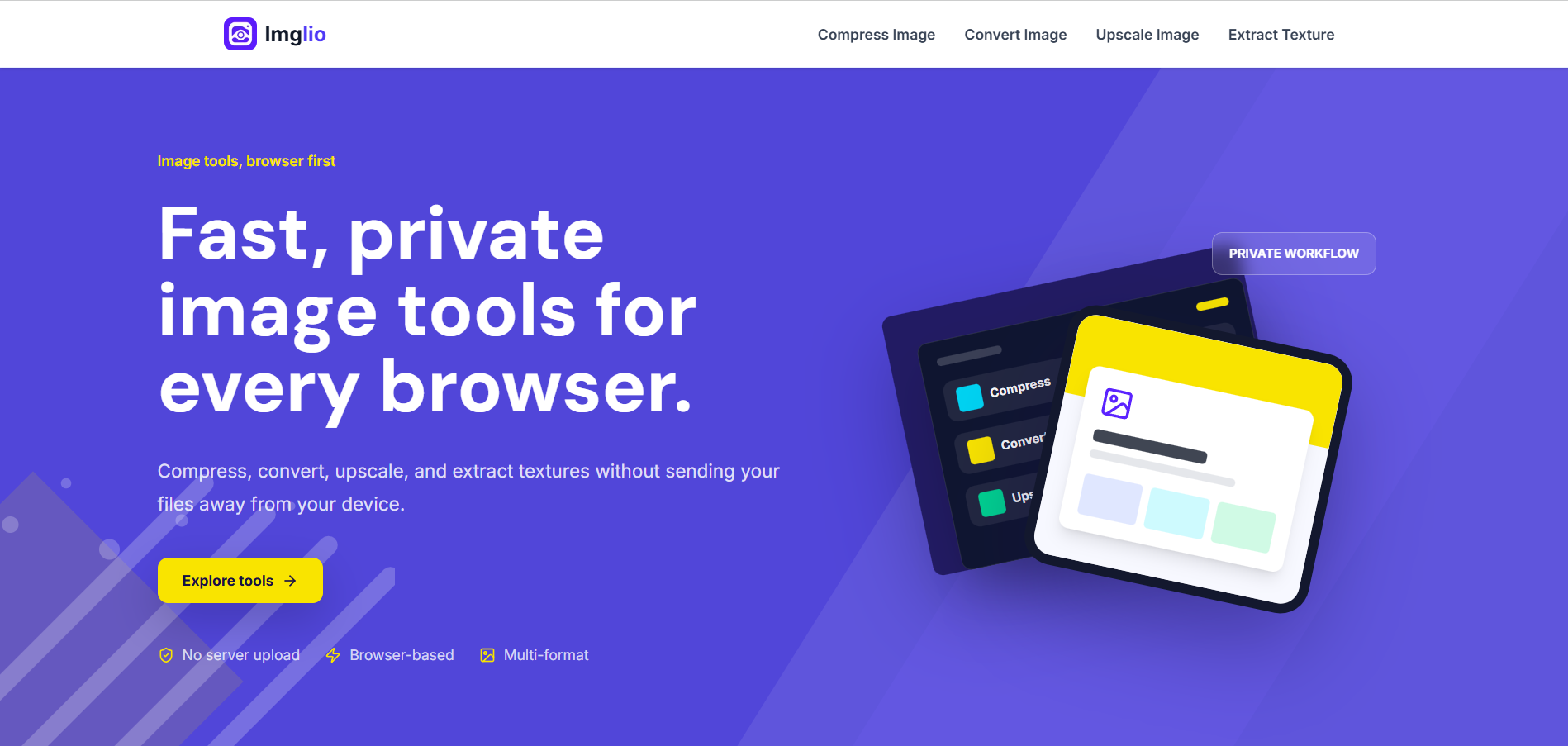
Imglio is a private, browser-based image toolkit for everyday image tasks. Compress, convert, upscale 2x/4x, and extract textures directly in your browser without uploading your files to a server. It’s built for creators, developers, and anyone who wants fast image tools while keeping sensitive images on their own device.
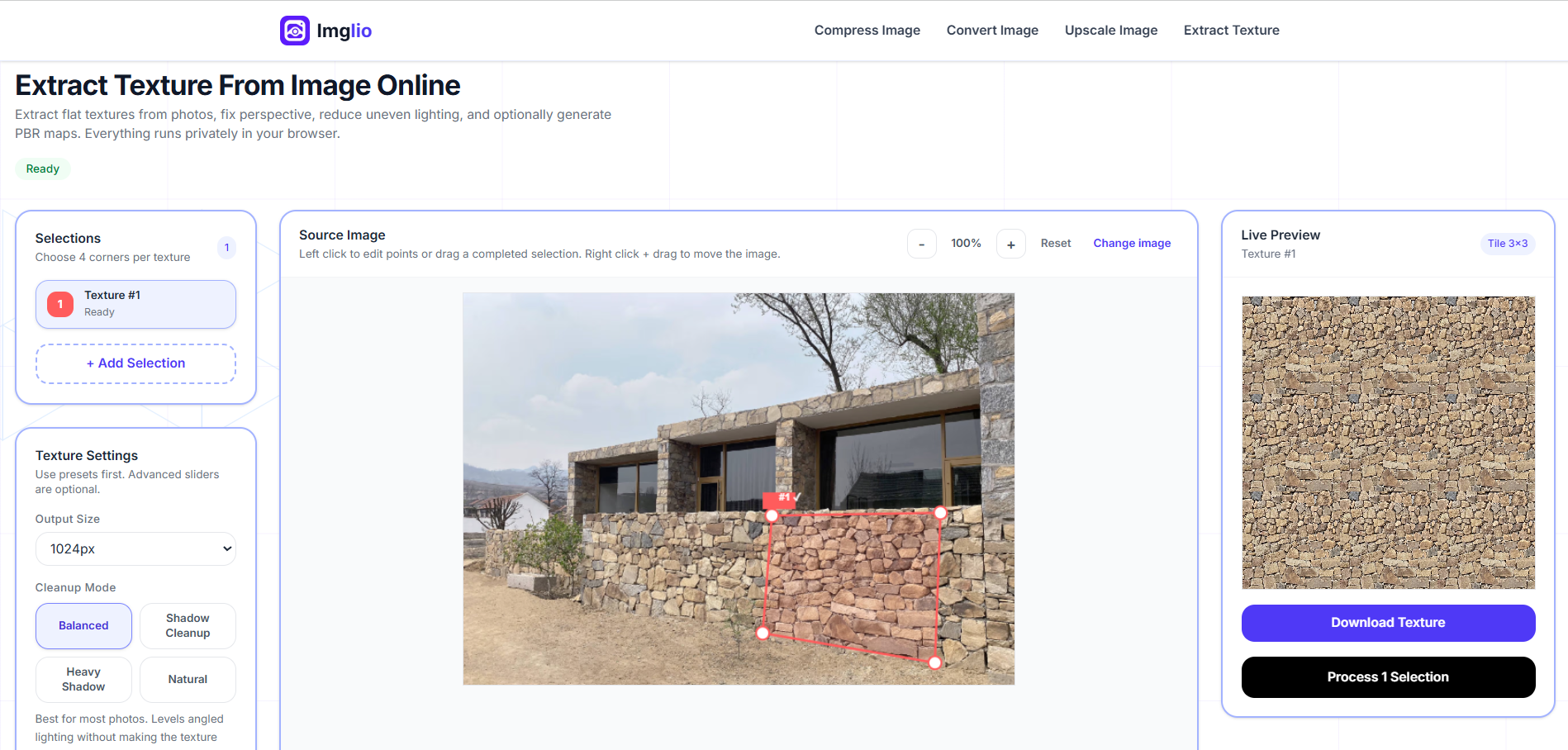
Features
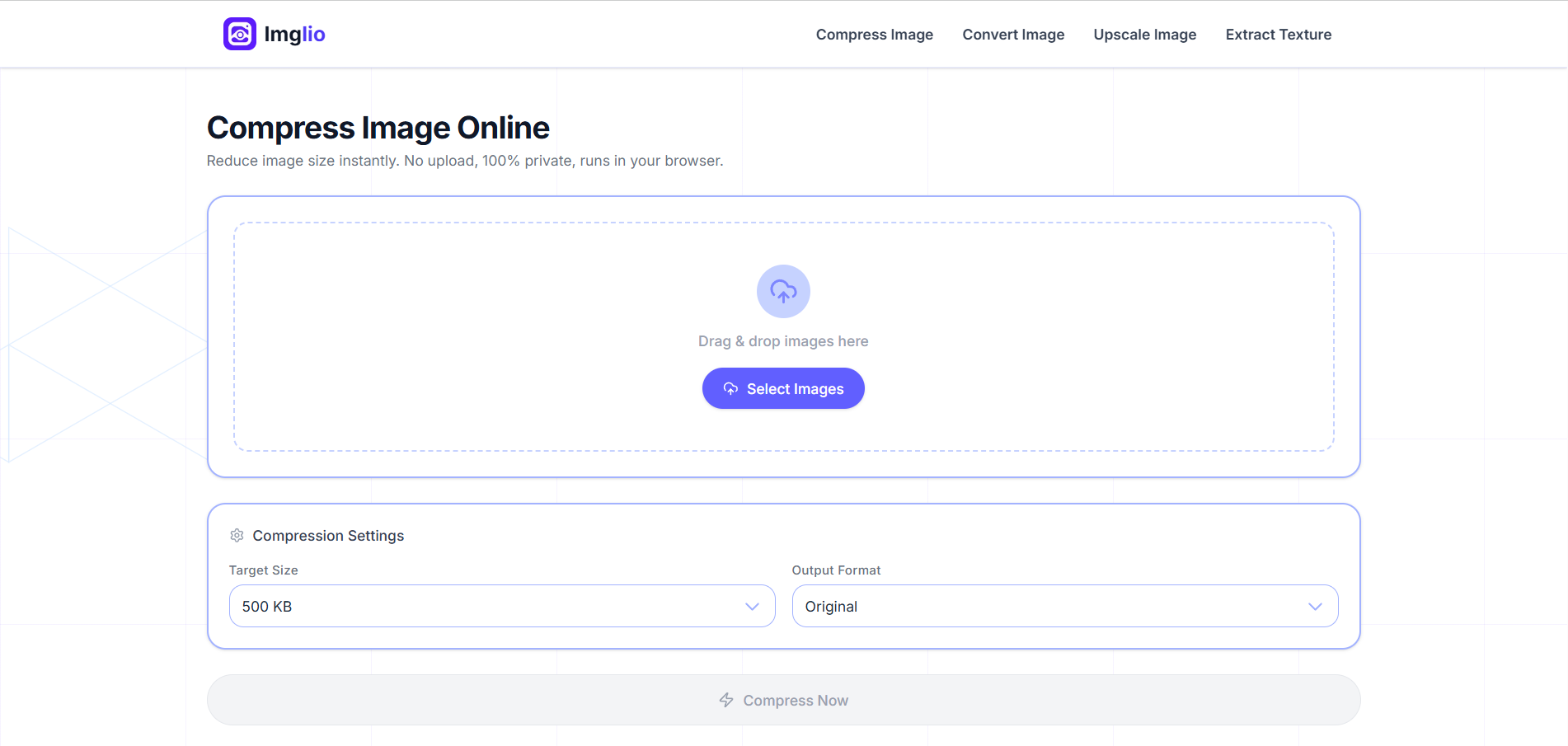
• Compress images to reduce file size while keeping them usable for websites, sharing, and storage.
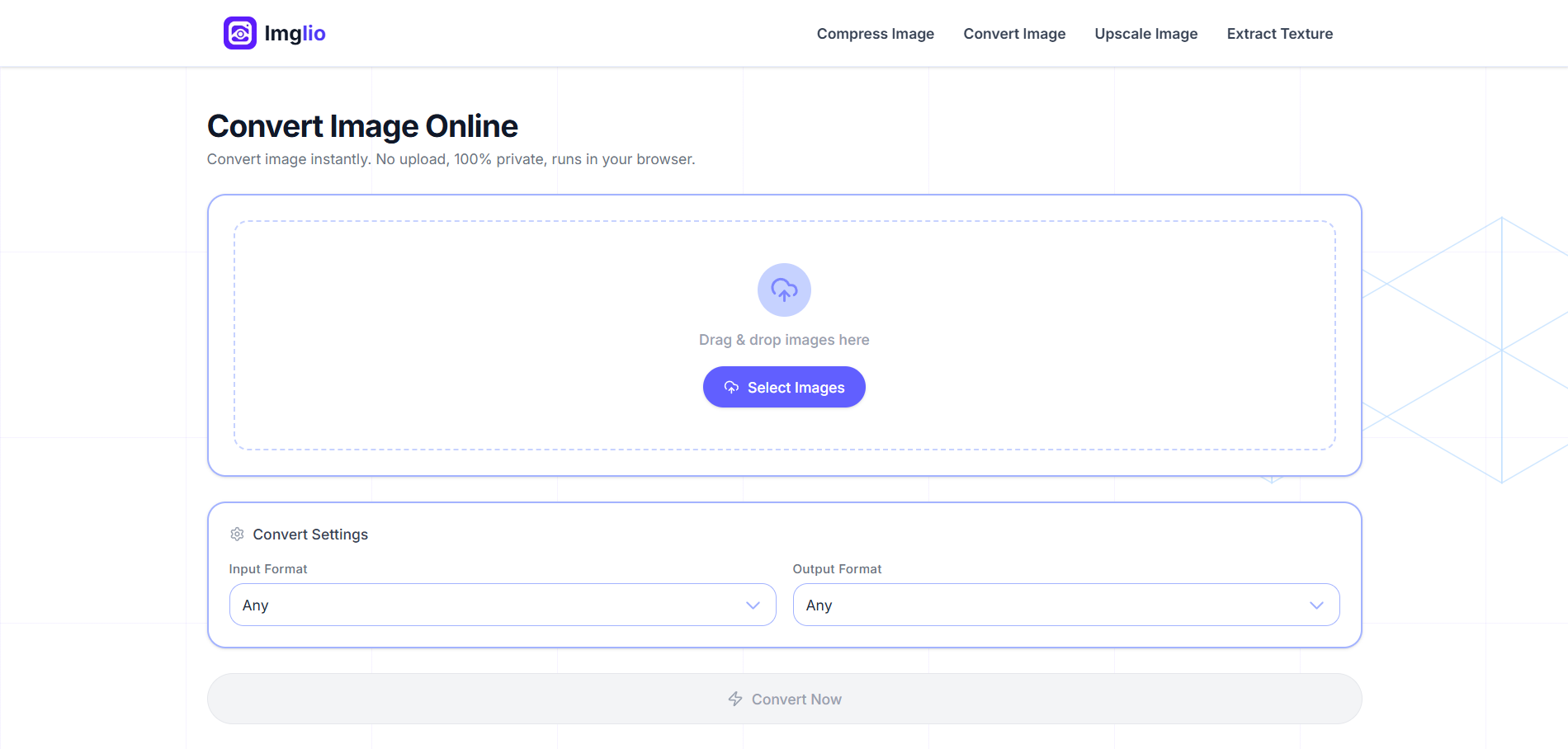
• Convert images between popular formats such as JPG, PNG, WEBP, and AVIF directly in the browser.
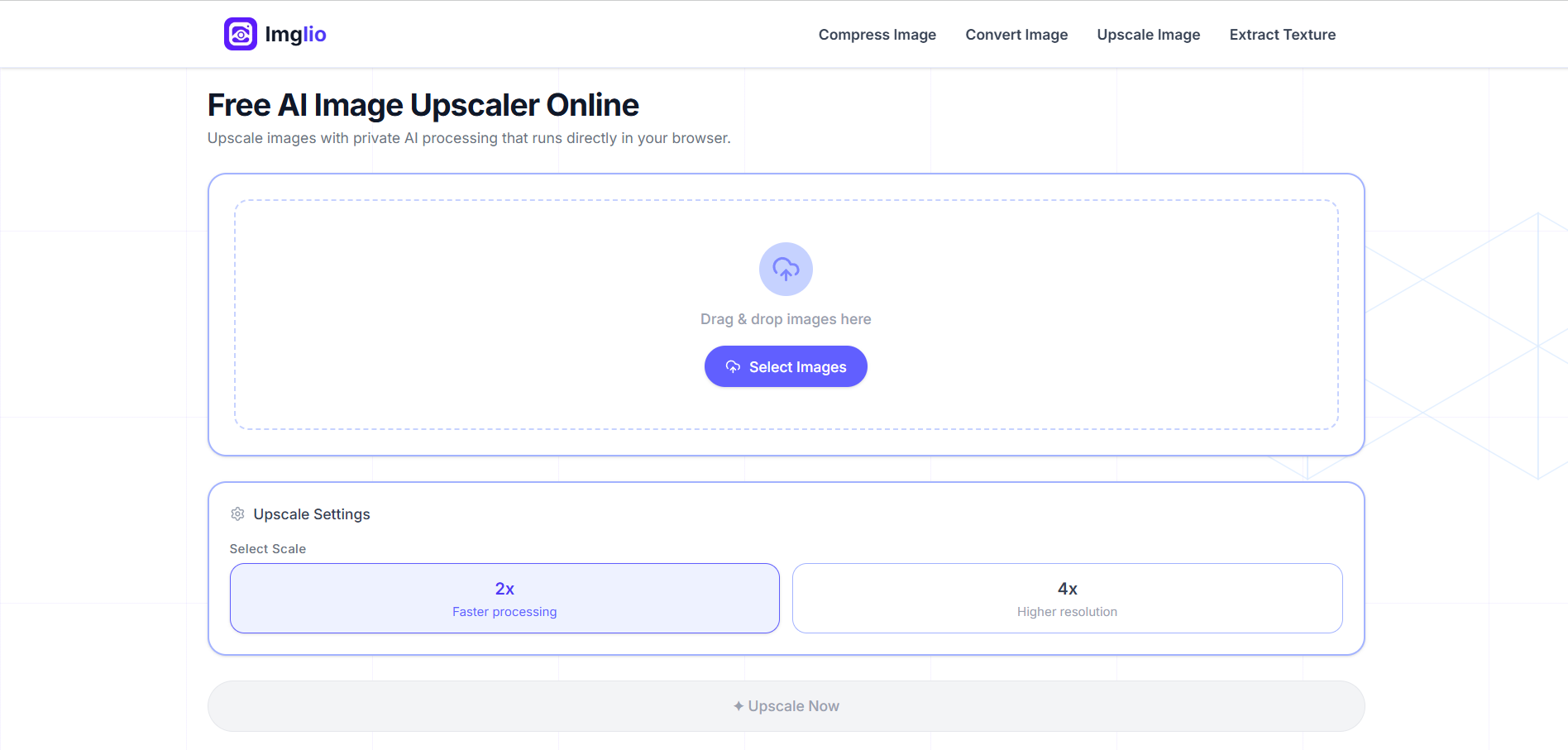
• Upscale images 2x or 4x using local browser-based AI processing, without sending your files to a server.
• Extract textures from images for quick material references, game assets, backgrounds, and creative experiments.
• Process files locally on your device, so sensitive images stay private and are not uploaded to a remote server.
• Use simple, fast tools with no complicated setup, making image processing easier for everyday workflows.
Use Cases
• Compress images before uploading them to websites, portfolios, blogs, or social media.
• Convert image formats when you need a smaller file, better browser support, or a specific format for your project.
• Upscale low-resolution images for previews, mockups, references, or cleaner visual assets.
• Extract textures from photos or images for game development, 3D materials, prototypes, and design references.
• Work with private or sensitive images without worrying about server uploads.
• Quickly process images during design, development, content creation, or asset preparation workflows.

Comments


The fully client-side approach is the standout: for anyone handling client screenshots or internal mockups, 'never leaves the device' removes a whole class of data-handling risk that server-based converters quietly carry. Bundling texture extraction next to compress, convert and upscale is an unexpectedly useful combo. One thing that would make the privacy claim even stronger for cautious users: a small visible cue that the network tab stays empty during processing, since 'no upload' lands harder when it is demonstrable. Nice launch.

The fully-local angle is the right call — 'no upload' means there's literally no retention policy to explain, which is a real trust win over the server-based converters. The 2x/4x upscale running in-browser is the impressive part; most tools quietly punt that to a backend GPU. Is the upscale using WebGPU where available with a WASM fallback, and is there a practical resolution ceiling before mobile browsers run out of memory? AVIF support is a nice touch too — still underserved by the free tools.


The local-only processing is the strongest differentiator here because it removes the usual upload/privacy concern for client images. One thing I would surface near the upscale and AVIF tools is a practical max image size or memory warning, so users know when to resize first before a browser tab runs out of RAM.



Love that this runs entirely client-side, the "extract textures" feature is a nice surprise too, didn't expect that alongside compress/convert/upscale. Privacy-first image tools are rare, most "free" converters quietly upload to a server. Bookmarking this for quick AVIF conversions. Nicely scoped, congrats on the launch!

Premium Products



































Sponsors
Buy

Awards
View all
Awards
View allMakers

Makers
Comments
The fully client-side approach is the standout: for anyone handling client screenshots or internal mockups, 'never leaves the device' removes a whole class of data-handling risk that server-based converters quietly carry. Bundling texture extraction next to compress, convert and upscale is an unexpectedly useful combo. One thing that would make the privacy claim even stronger for cautious users: a small visible cue that the network tab stays empty during processing, since 'no upload' lands harder when it is demonstrable. Nice launch.
The fully-local angle is the right call — 'no upload' means there's literally no retention policy to explain, which is a real trust win over the server-based converters. The 2x/4x upscale running in-browser is the impressive part; most tools quietly punt that to a backend GPU. Is the upscale using WebGPU where available with a WASM fallback, and is there a practical resolution ceiling before mobile browsers run out of memory? AVIF support is a nice touch too — still underserved by the free tools.
The local-only processing is the strongest differentiator here because it removes the usual upload/privacy concern for client images. One thing I would surface near the upscale and AVIF tools is a practical max image size or memory warning, so users know when to resize first before a browser tab runs out of RAM.
Love that this runs entirely client-side, the "extract textures" feature is a nice surprise too, didn't expect that alongside compress/convert/upscale. Privacy-first image tools are rare, most "free" converters quietly upload to a server. Bookmarking this for quick AVIF conversions. Nicely scoped, congrats on the launch!
Premium Products
New to Fazier?

Find your next favorite product or submit your own. Made by @FalakDigital.
Copyright ©2026. All Rights Reserved