
ImgKit.xyz
50 image tools that run entirely in your browser
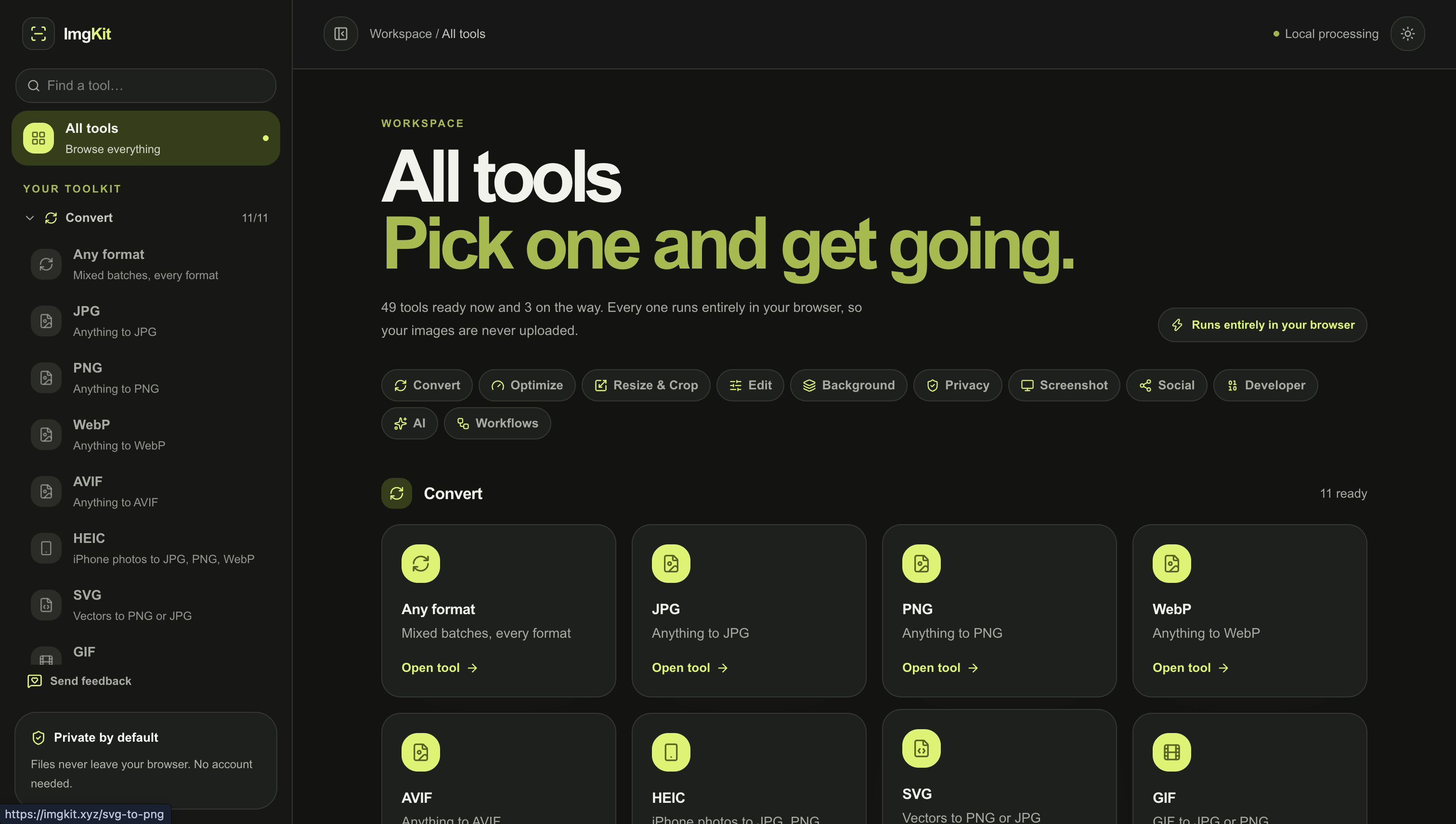
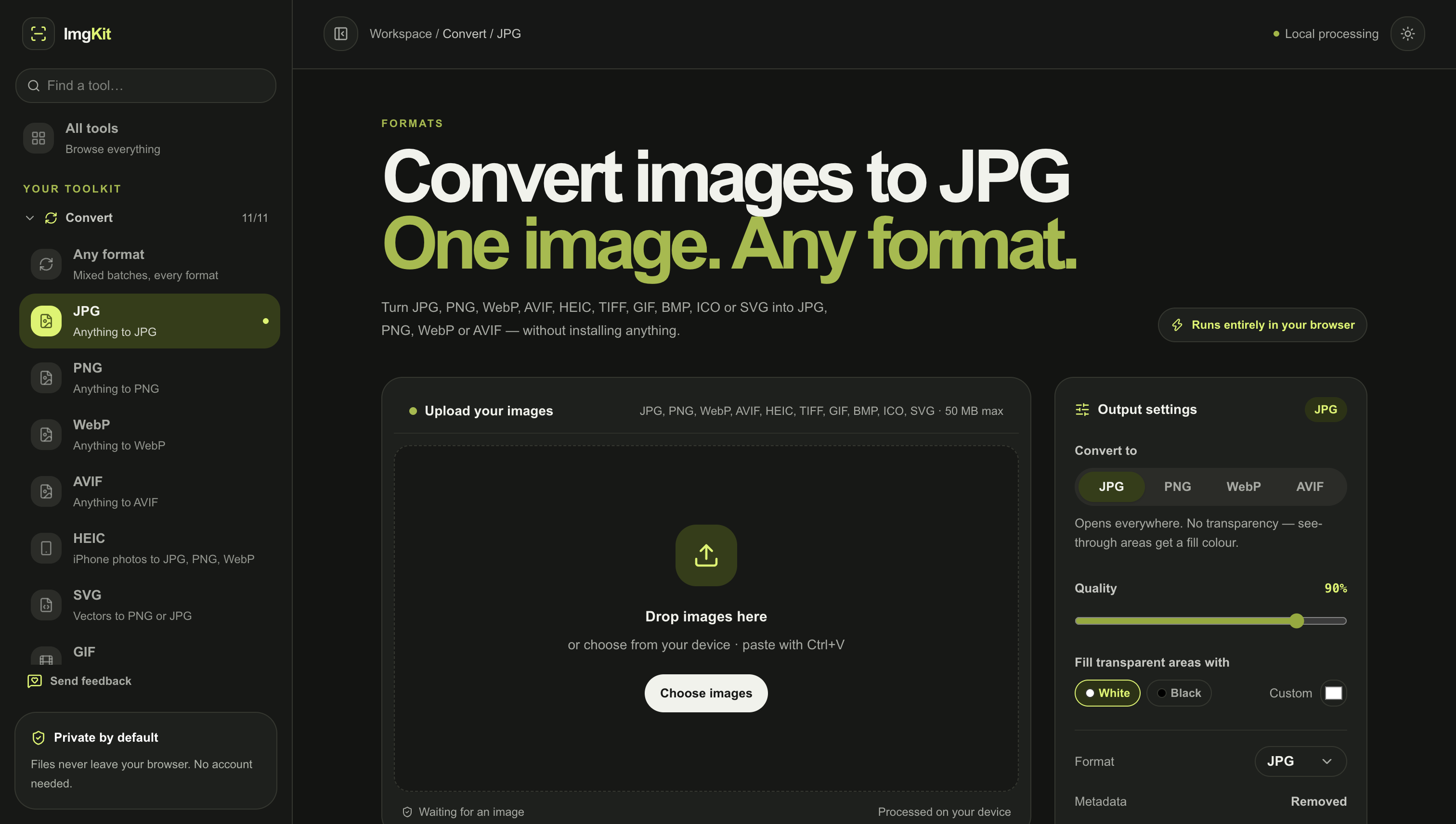
ImgKit is an all-in-one image toolkit for everyday image tasks. Instead of searching for a different website every time you need to compress, resize, convert, crop, watermark, or optimize an image, ImgKit puts everything in one place.
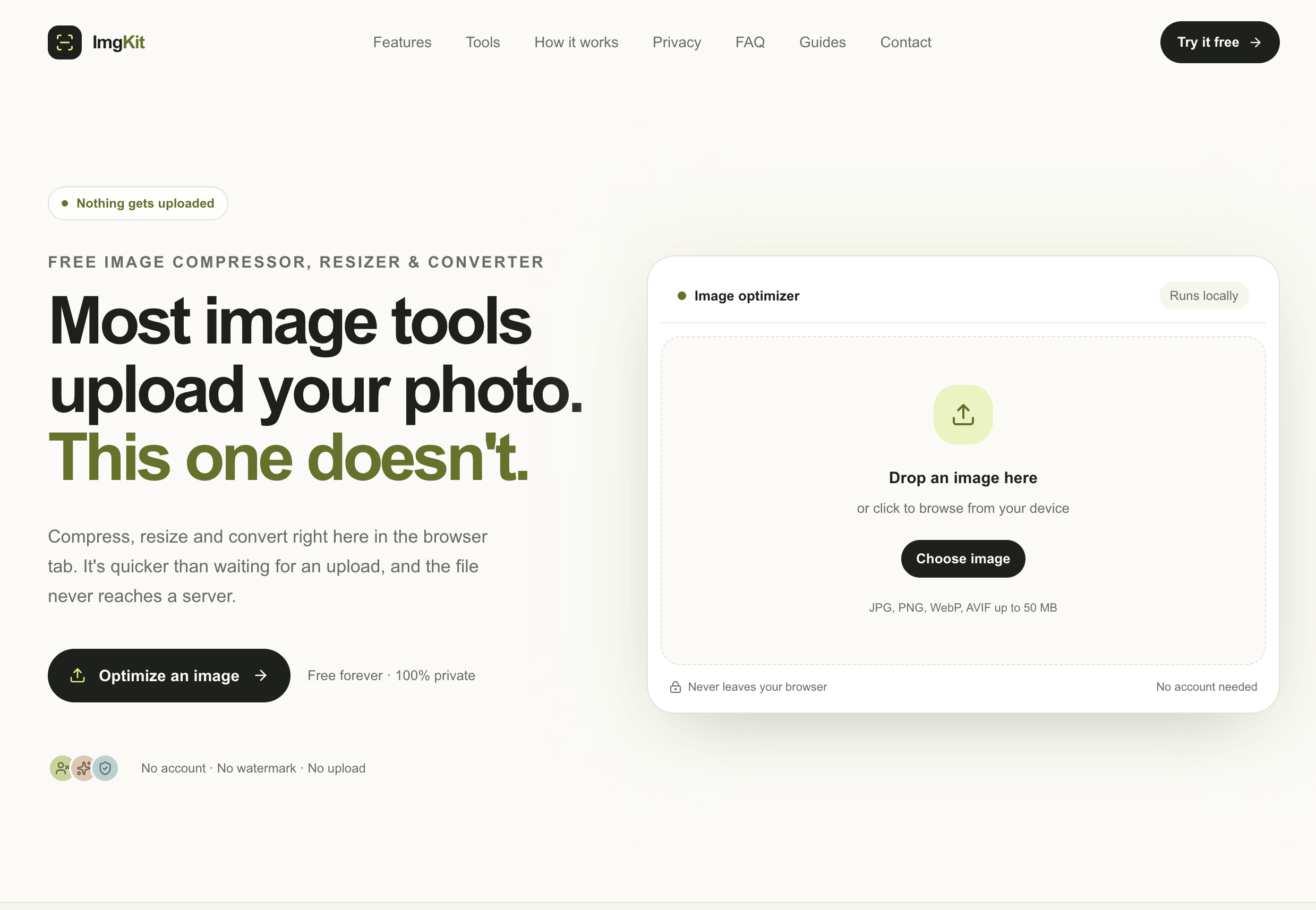
The key difference is privacy: image processing happens directly in your browser. Your images don't need to be uploaded to a server. You can even turn off your internet connection and continue using many of the tools.
ImgKit includes 50 tools for compression, resizing, format conversion, cropping, watermarking, metadata removal, and other common image tasks. It's designed to be fast, simple, and useful for developers, designers, creators, marketers, and anyone who works with images.
Features
- 50+ Image Tools — Compress, resize, convert, crop, watermark, optimize, and more in one place.
- 100% Browser-Based — Process images directly in your browser without sending them to a server.
- No Uploads — Your images stay on your device.
- Works Offline — Many tools continue to work even without an internet connection.
- Exact-Size Compression — Compress images to a specific file size when you have strict upload limits.
- Batch Processing — Process multiple images at once and save time.
- Multiple Format Support — Work with JPG, PNG, WebP, GIF, SVG, HEIC, and other common formats.
- HEIC Conversion — Convert iPhone HEIC photos to JPG or other formats.
- Image Resizer — Resize by pixels, percentage, or custom dimensions.
- Image Cropper — Quickly crop images to custom dimensions or common aspect ratios.
- Image Optimization — Reduce file size while keeping images looking good.
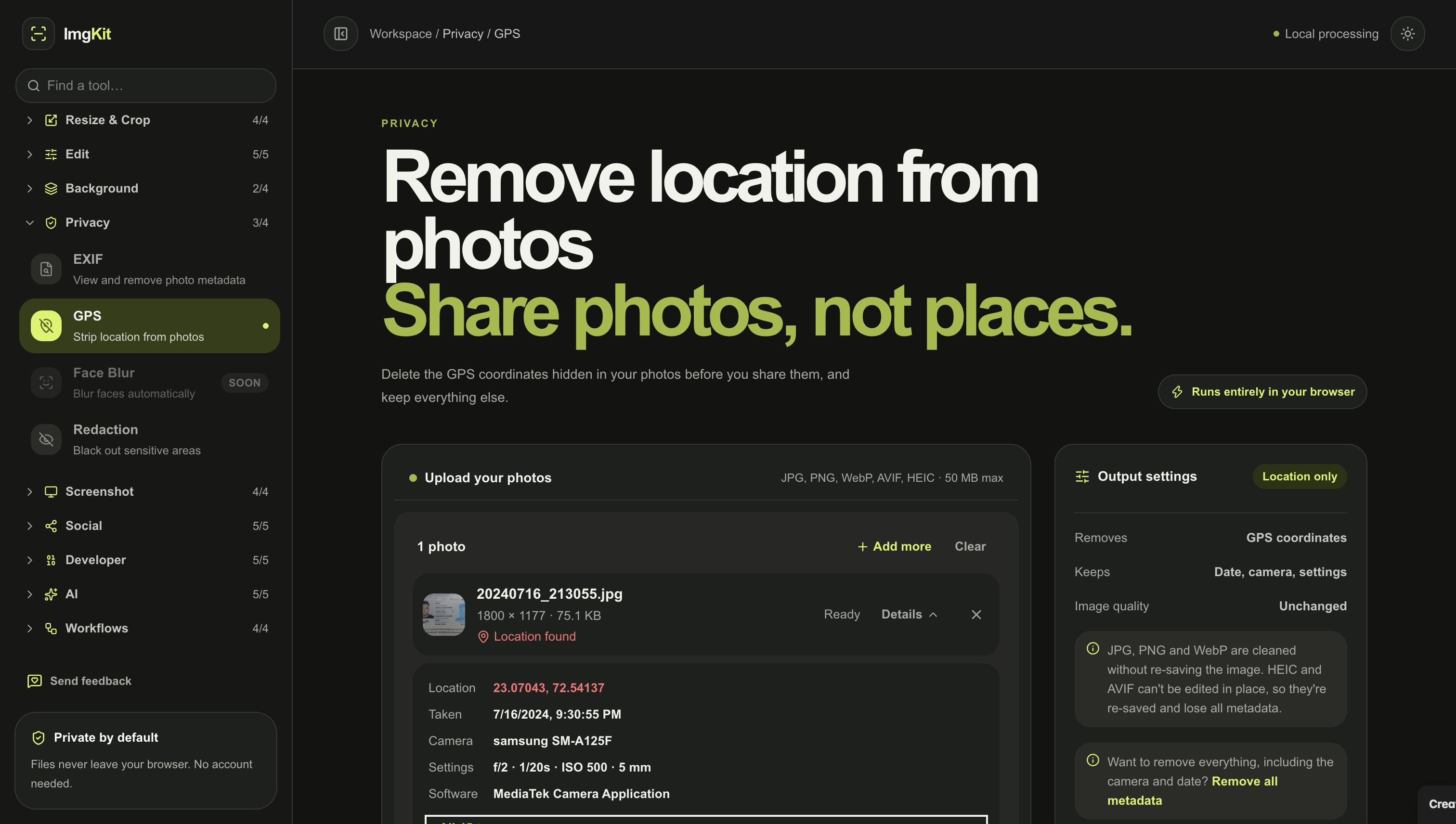
- Metadata Removal — Remove EXIF data and other hidden information from photos.
- GPS Data Removal — Remove location information stored inside photo metadata.
- Watermark Tools — Add text or image watermarks before sharing your images.
- Image Quality Controls — Adjust compression and quality based on your needs.
- Instant Preview — See the result before downloading.
- Fast Processing — Browser-based processing means you don't have to wait for files to upload and download.
- No Signup Required — Open ImgKit and start using the tools immediately.
- Free to Use — Access everyday image utilities without installing expensive software.
- Mobile Friendly — Use image tools from your phone, tablet, or desktop.
Use Cases
- Website Optimization — Compress images before uploading them to improve page speed.
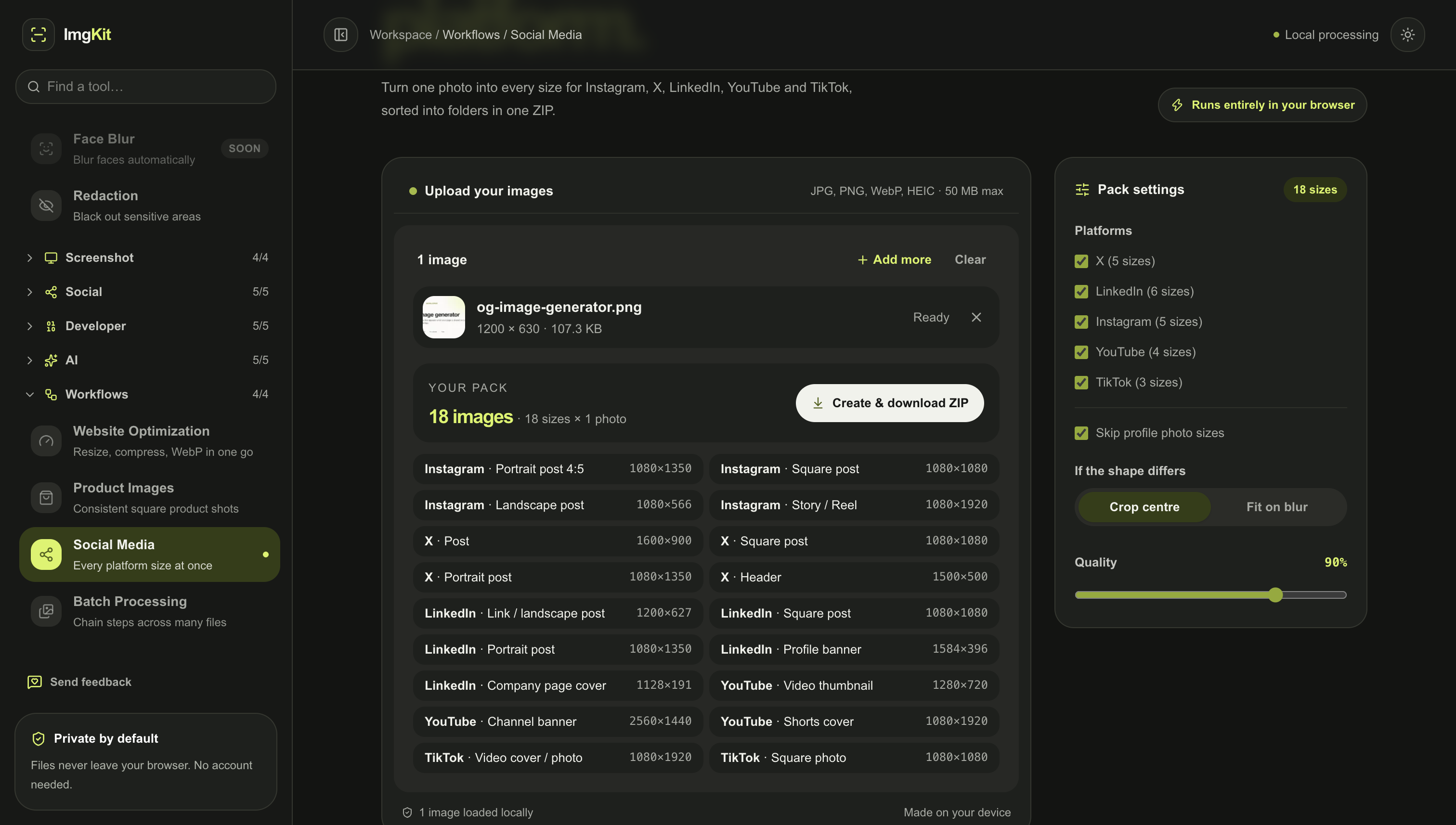
- Social Media — Resize and optimize images for Instagram, LinkedIn, X, and other platforms.
- Developer Workflows — Quickly convert, resize, compress, and optimize assets during development.
- E-commerce — Prepare product images with the right dimensions and file sizes.
- Blogging & SEO — Reduce image sizes before publishing articles and landing pages.
- Privacy Protection — Remove GPS and EXIF metadata before sharing personal photos.
- iPhone Photos — Convert HEIC photos into widely supported formats.
- Email Attachments — Reduce large images so they fit attachment size limits.
- Web Design — Convert images to WebP or other web-friendly formats.
- Content Creation — Quickly prepare images for videos, thumbnails, posts, and websites.
- Freelancers & Agencies — Handle common client image tasks from one toolkit.
- Students — Resize and compress images for assignments and online submissions.
- Print Preparation — Resize and optimize images before printing.
- Bulk Image Work — Process multiple images instead of repeating the same task one by one.
- Quick One-Off Tasks — No software installation needed for a simple image job.

Comments


I built ImgKit because I was tired of searching for a different image tool every time I needed to compress, resize, convert, or edit an image. So I put 50+ everyday image tools in one place, with processing happening directly in the browser. No uploads. No signup. Just open ImgKit and get the job done. 🖼️🚀 I’d love to hear what you think and which tools you’d like to see next!

The exact-size compression combined with batch processing is what stands out to me — hitting a strict upload limit across a whole folder of images without sending anything to a server solves a real workflow pain. Does the batch mode also strip GPS and EXIF metadata in the same pass, or is that a separate step?

The fully browser-based approach is the standout here — no uploads means I can strip GPS/EXIF metadata from client photos without worrying about where the files end up. Exact-size compression is also a rare find for strict upload limits. One question: in batch mode, can I apply the same target file size to a whole set of images and keep the original filenames? That would make this my default pre-publish step.
Doing everything client-side so images never get uploaded is a real selling point, especially for people handling client files. For the exact-size compression feature, how do you hit a target like 100 KB in the browser without it taking forever on big photos? Does batch processing run in a web worker so the tab doesn't freeze?

The exact-size compression combined with batch processing is the most practical part for me — hitting a strict upload limit across many images without re-doing each one saves real time. The metadata and GPS removal is also a thoughtful privacy touch before sharing photos publicly. One question: when batch-processing, can you keep each image's original format, or does the batch output convert everything to one chosen format?

I don't know dude most of the stuff written in this comment section looks like AI. but let me tell you, tthis is real cool. Of course I can have all of these in different places. But I can take all from one place is a nice thing, and i don't have to download any software too to get this done. Thanks man.
Premium Products























































Sponsors
Buy

Makers
Makers
Comments
I built ImgKit because I was tired of searching for a different image tool every time I needed to compress, resize, convert, or edit an image. So I put 50+ everyday image tools in one place, with processing happening directly in the browser. No uploads. No signup. Just open ImgKit and get the job done. 🖼️🚀 I’d love to hear what you think and which tools you’d like to see next!
The exact-size compression combined with batch processing is what stands out to me — hitting a strict upload limit across a whole folder of images without sending anything to a server solves a real workflow pain. Does the batch mode also strip GPS and EXIF metadata in the same pass, or is that a separate step?
The fully browser-based approach is the standout here — no uploads means I can strip GPS/EXIF metadata from client photos without worrying about where the files end up. Exact-size compression is also a rare find for strict upload limits. One question: in batch mode, can I apply the same target file size to a whole set of images and keep the original filenames? That would make this my default pre-publish step.
Doing everything client-side so images never get uploaded is a real selling point, especially for people handling client files. For the exact-size compression feature, how do you hit a target like 100 KB in the browser without it taking forever on big photos? Does batch processing run in a web worker so the tab doesn't freeze?
The exact-size compression combined with batch processing is the most practical part for me — hitting a strict upload limit across many images without re-doing each one saves real time. The metadata and GPS removal is also a thoughtful privacy touch before sharing photos publicly. One question: when batch-processing, can you keep each image's original format, or does the batch output convert everything to one chosen format?
I don't know dude most of the stuff written in this comment section looks like AI. but let me tell you, tthis is real cool. Of course I can have all of these in different places. But I can take all from one place is a nice thing, and i don't have to download any software too to get this done. Thanks man.
Premium Products
New to Fazier?

Find your next favorite product or submit your own. Made by @FalakDigital.
Copyright ©2026. All Rights Reserved