
ImgKit.xyz
50 Image Tools, Right in Your Browser
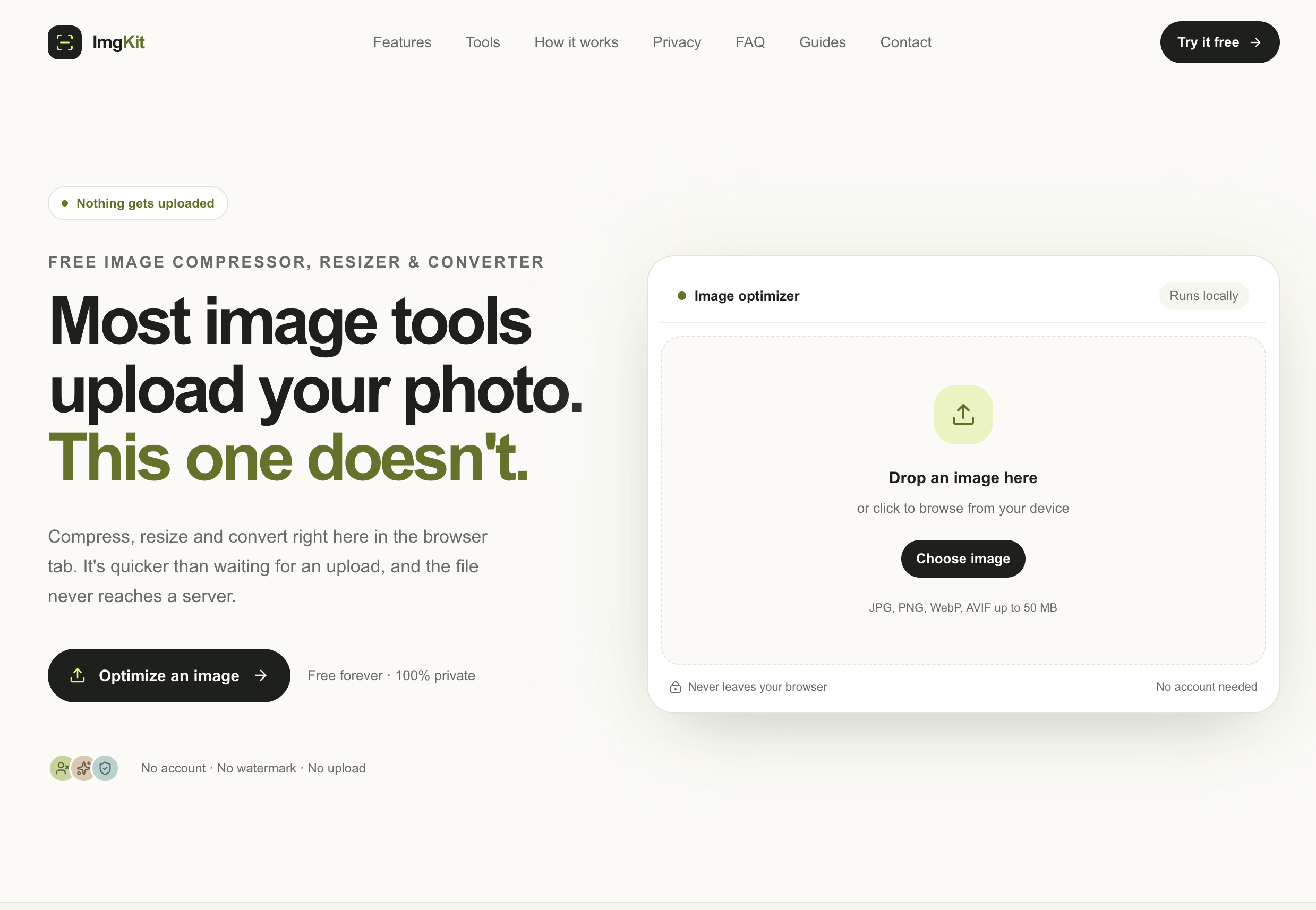
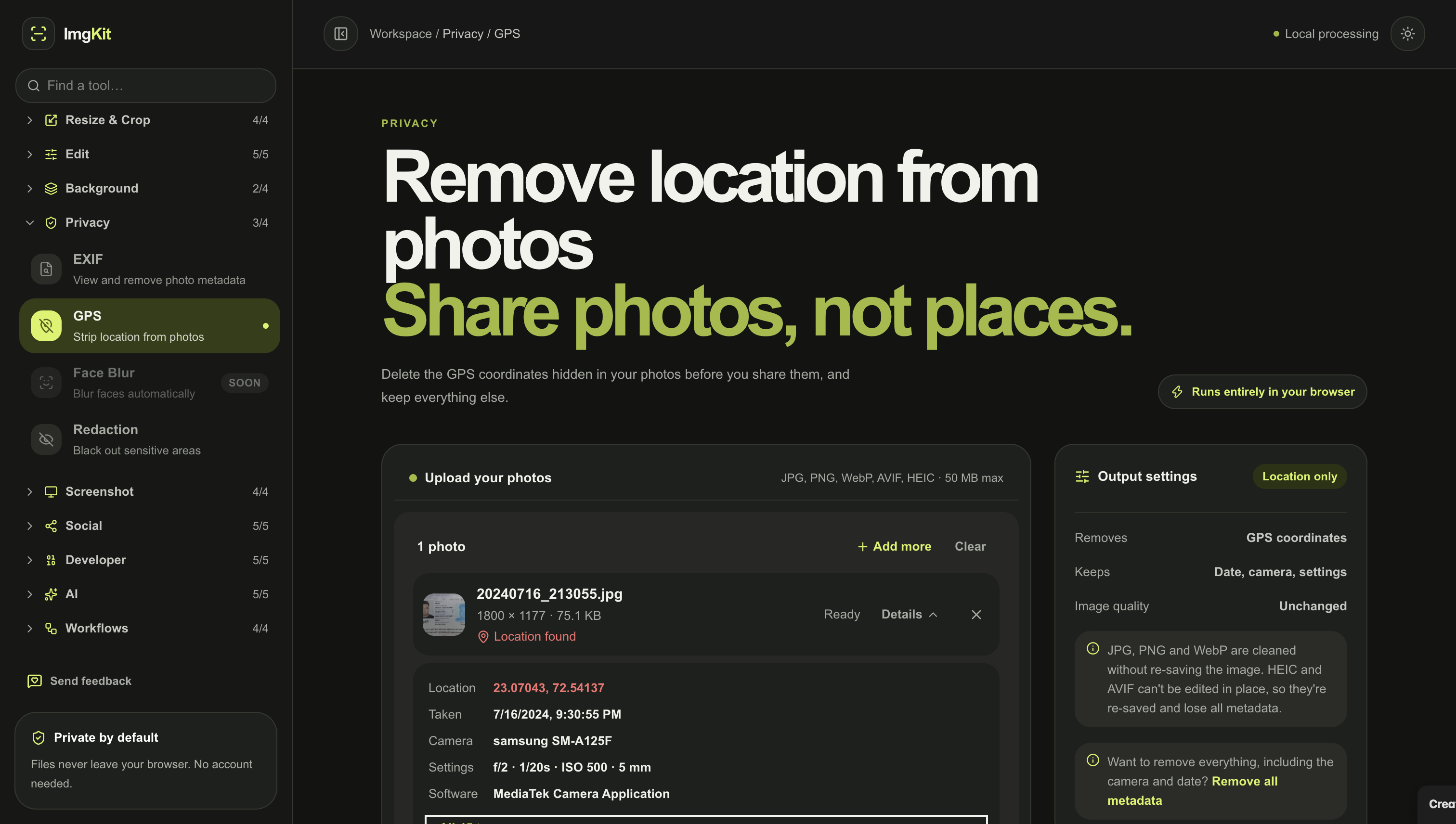
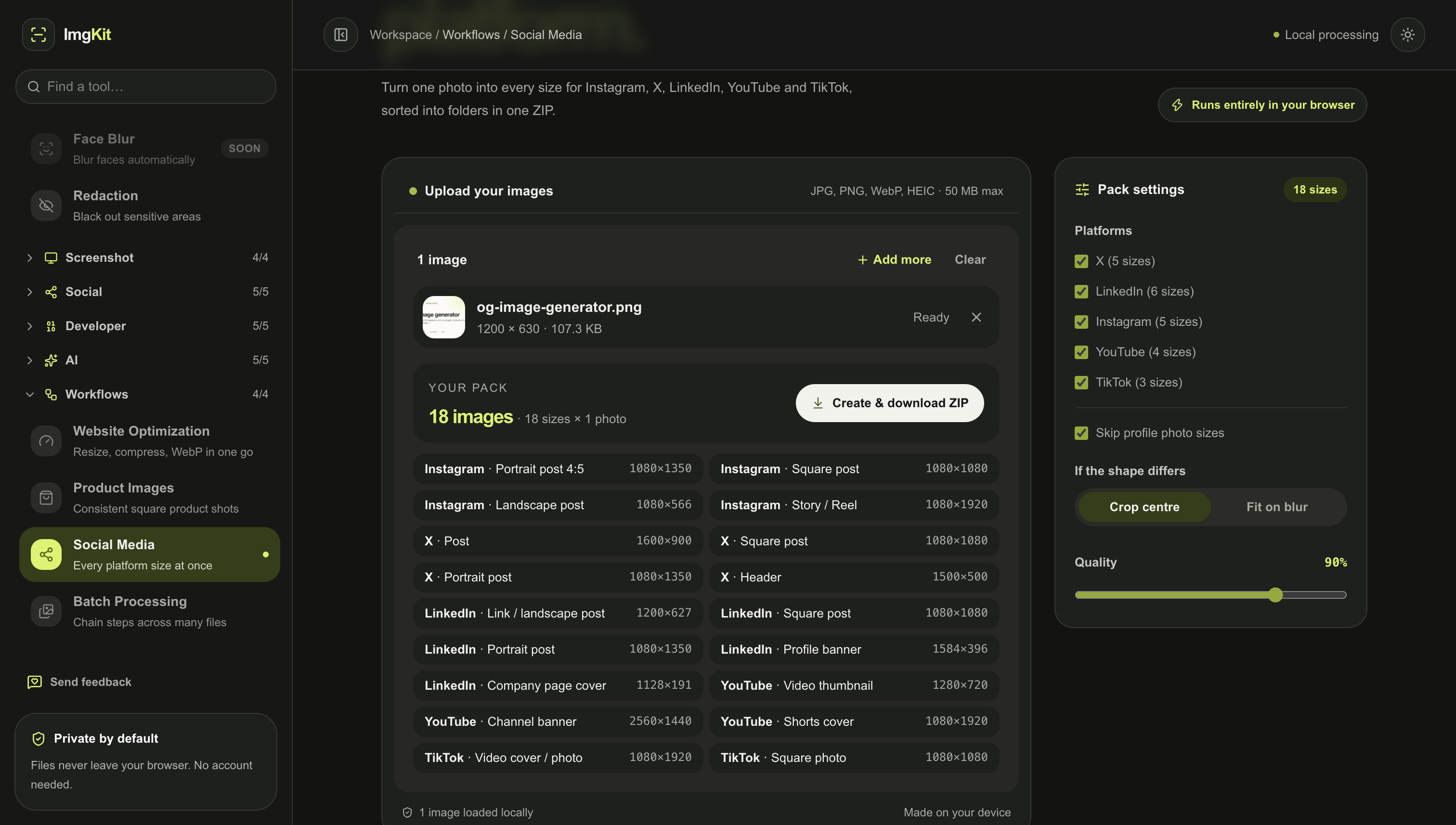
ImgKit is an all-in-one image toolkit for everyday image tasks. Instead of searching for a different website every time you need to compress, resize, convert, crop, watermark, or optimize an image, ImgKit puts everything in one place.
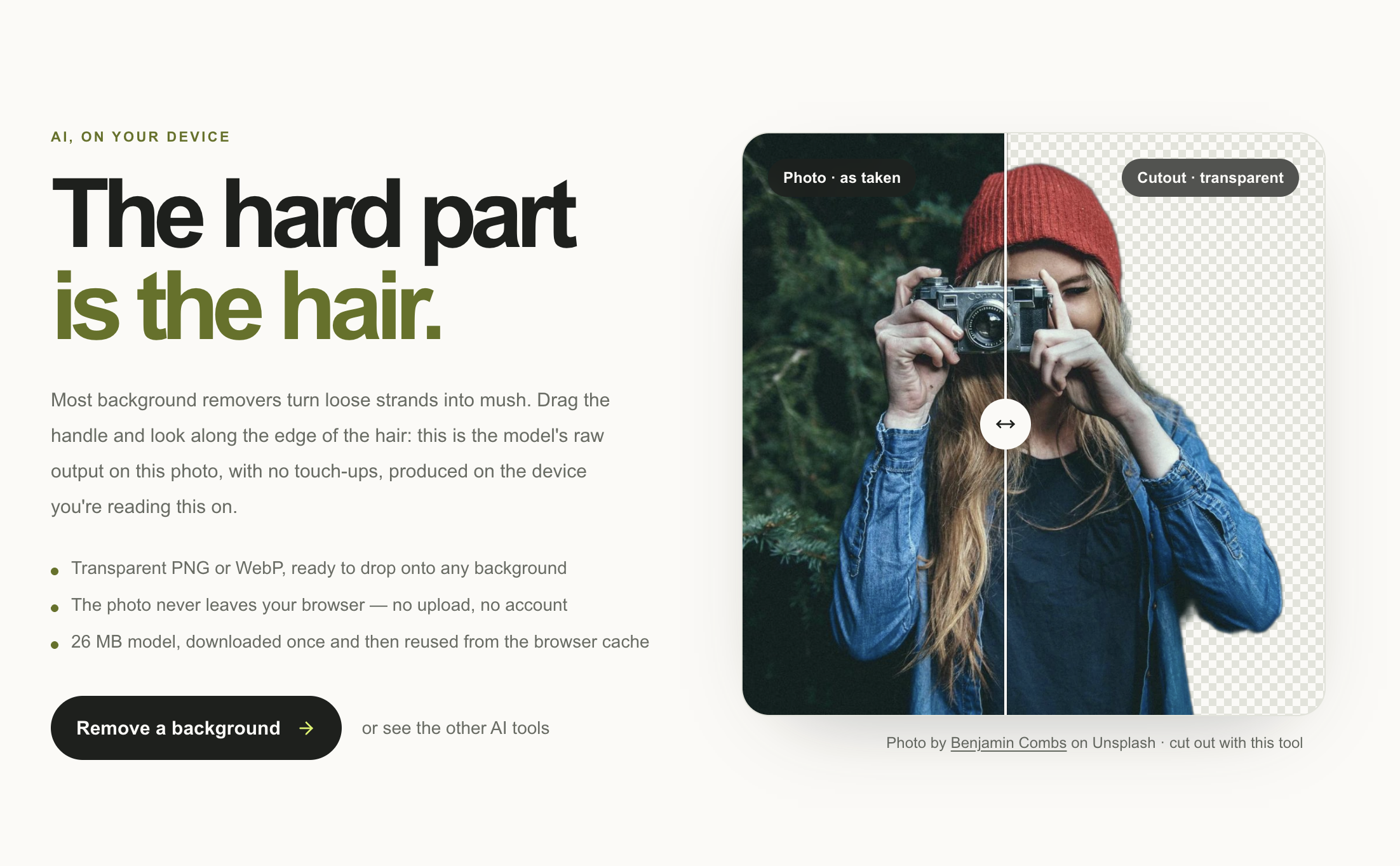
The key difference is privacy: image processing happens directly in your browser. Your images don't need to be uploaded to a server. You can even turn off your internet connection and continue using many of the tools.
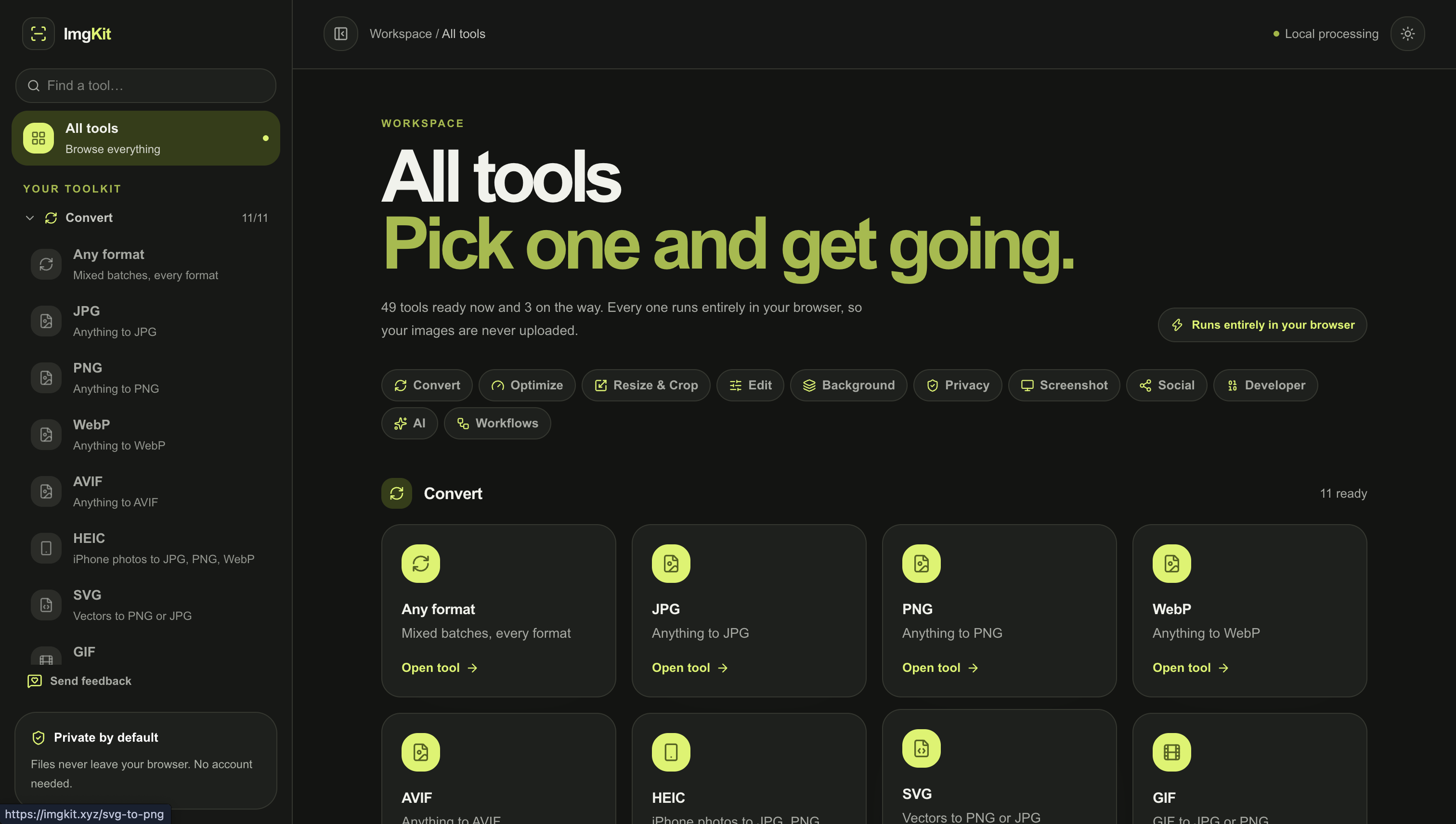
ImgKit includes 50 tools for compression, resizing, format conversion, cropping, watermarking, metadata removal, and other common image tasks. It's designed to be fast, simple, and useful for developers, designers, creators, marketers, and anyone who works with images.
Features
- 50+ image tools
- Browser-based processing
- No image uploads
- Works offline
- Exact-size compression
- Metadata & GPS removal
Use Cases
- Compress images before uploading to a website
- Resize images for social media
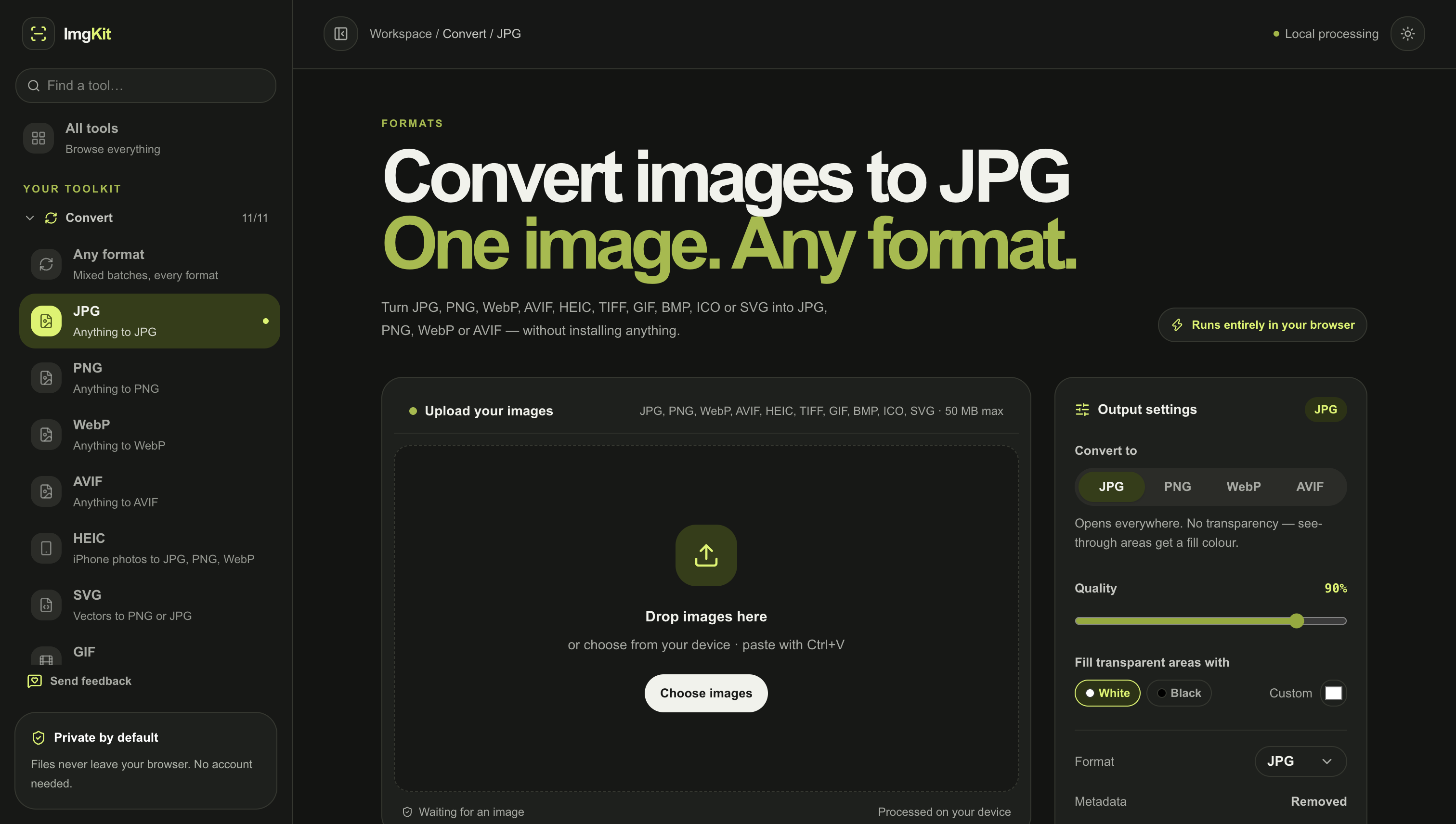
- Convert HEIC, JPG, PNG, WebP, and other formats
- Remove EXIF/GPS data from photos
- Prepare images for websites and apps
- Quickly edit images without installing software

Comments


I built ImgKit because I was tired of searching for a different image tool every time I needed to compress, resize, convert, or edit an image. So I put 50+ everyday image tools in one place, with processing happening directly in the browser. No uploads. No signup. Just open ImgKit and get the job done. 🖼️🚀 I’d love to hear what you think and which tools you’d like to see next!
HEIC conversion and offline use are listed together, but a browser usually has to download a HEIC decoder before it can read those files. Does 'works offline' cover HEIC after that decoder is cached, or only JPG, PNG, and WebP that the browser already understands? On the watermark tool, is the mark burned into the pixels, and can you set opacity and position, or is it a fixed corner stamp?
Doing all the processing in the browser with no uploads is a strong selling point for anyone handling client photos. The metadata and GPS removal tool is something I'd use before posting photos publicly, and exact-size compression helps with upload limits. Do the tools handle batch jobs for something like 50 HEIC files at once?

The exact-size compression and metadata removal tools are the parts I'd use most, especially as everything stays in the browser. For large batches, such as a folder of 200 photos, does the tab cope with memory or is there a recommended limit? A simple batch queue with a progress bar might make that easier to trust.


Premium Products























































Sponsors
Buy

Makers
Makers
Comments
I built ImgKit because I was tired of searching for a different image tool every time I needed to compress, resize, convert, or edit an image. So I put 50+ everyday image tools in one place, with processing happening directly in the browser. No uploads. No signup. Just open ImgKit and get the job done. 🖼️🚀 I’d love to hear what you think and which tools you’d like to see next!
HEIC conversion and offline use are listed together, but a browser usually has to download a HEIC decoder before it can read those files. Does 'works offline' cover HEIC after that decoder is cached, or only JPG, PNG, and WebP that the browser already understands? On the watermark tool, is the mark burned into the pixels, and can you set opacity and position, or is it a fixed corner stamp?
Doing all the processing in the browser with no uploads is a strong selling point for anyone handling client photos. The metadata and GPS removal tool is something I'd use before posting photos publicly, and exact-size compression helps with upload limits. Do the tools handle batch jobs for something like 50 HEIC files at once?
The exact-size compression and metadata removal tools are the parts I'd use most, especially as everything stays in the browser. For large batches, such as a folder of 200 photos, does the tab cope with memory or is there a recommended limit? A simple batch queue with a progress bar might make that easier to trust.
Premium Products
New to Fazier?

Find your next favorite product or submit your own. Made by @FalakDigital.
Copyright ©2026. All Rights Reserved