
Img2threejs converter online
img2threejs is a online image to Three.js converter.
img2threejs: Convert Images into Editable Three.js Models
Introduction
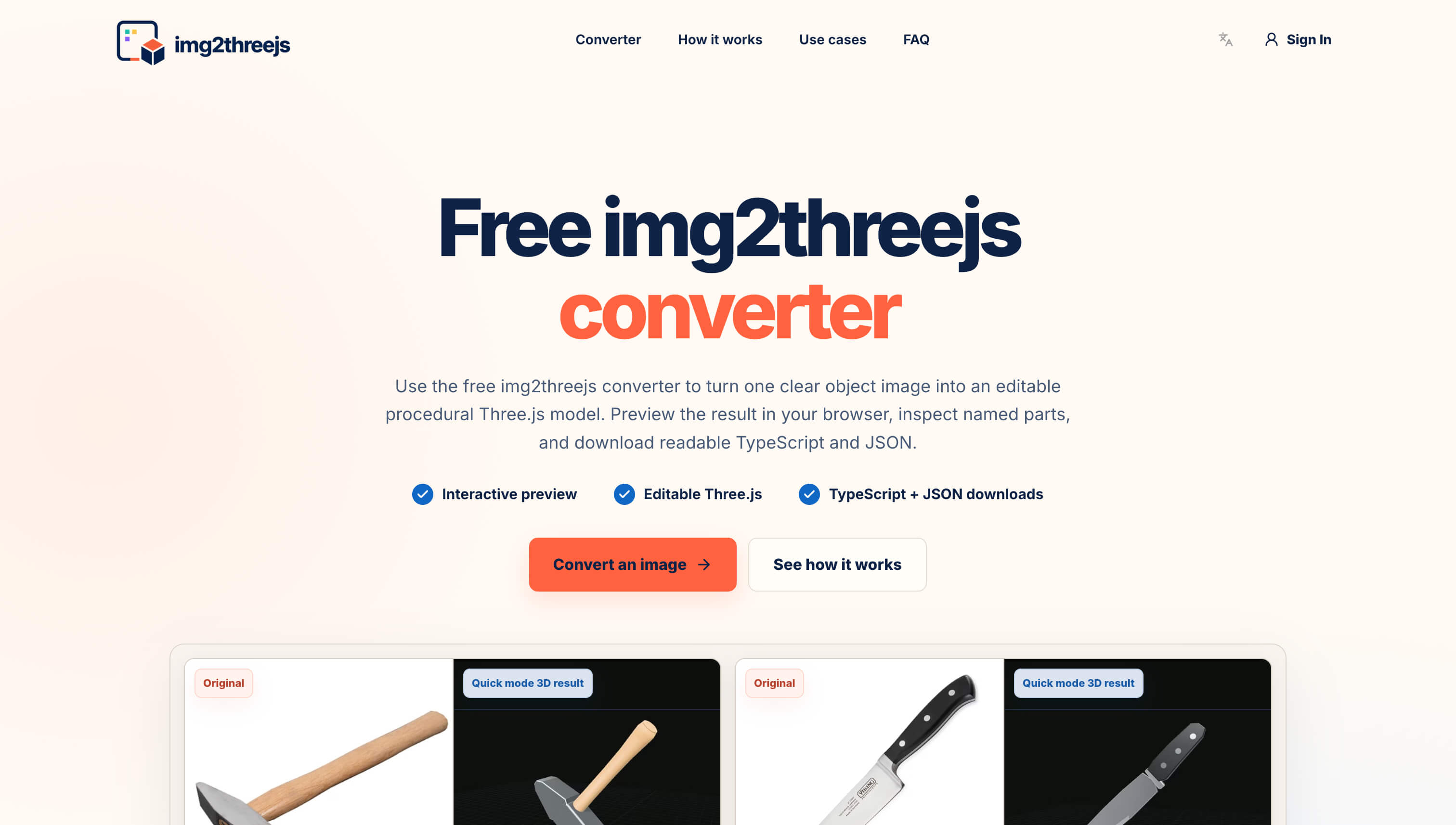
img2threejs is an image-to-Three.js converter that turns reference images into editable procedural 3D models.
Upload a clear image of an object, preview the generated model in your browser, and export readable Three.js TypeScript code and a structured JSON specification.
Unlike many image-to-3D tools that return a single opaque mesh, img2threejs creates named components, materials, geometry, and transforms. This makes the result easier to inspect, modify, animate, and integrate into a web application.
img2threejs is designed for developers, designers, indie makers, and product teams that need a fast starting point for browser-based 3D.
Features
Interactive Product Previews
Convert a product photo into an initial interactive 3D model for e-commerce pages, product explainers, landing pages, and configurators.
Because the output contains named parts, developers can change materials, highlight features, rotate components, or connect individual parts to clicks and application state.
Game Prop Prototypes
Create a structured draft of a tool, appliance, weapon, furniture item, or mechanical object before investing in final 3D modeling, texturing, collision geometry, and animation.
Three.js Creative Coding
Use the generated TypeScript as a foundation for WebGL experiments, educational projects, technical demonstrations, interactive storytelling, and browser-based visualization.
The dimensions, materials, colors, components, lighting, and animation can all be modified with a normal Three.js and Git workflow.
Technical and Educational Models
Named components make it easier to explain how an object is assembled, highlight individual parts, and build interactive technical diagrams or educational experiences.
Use Cases
Interactive product previews
Use a clean product photo to create a browser-native draft for product viewers, explainers, configurators, and landing-page interactions. Named components make it easier to highlight one feature, swap a material, respond to a click, or connect product state to a specific part. Final production polish may still require manual modeling and art direction.
Game prop prototypes
Block out a recognizable prop as named components before investing in final modeling, textures, collision shapes, and animation. A procedural draft can clarify how the object is assembled, which pieces should move, and where a later high-detail asset must preserve structure. Treat it as an editable prototype rather than a finished game-ready mesh.
Three.js creative coding
Start from a familiar reference and keep the result as readable TypeScript that fits a Three.js project and Git workflow. Creative coders can vary dimensions, colors, repeated elements, or camera behavior without rebuilding an imported mesh. The structured JSON also gives an AI coding assistant a constrained description to edit instead of an open-ended visual prompt.
Inspectable web 3D assets
Keep components, materials, and transforms available for replacement and continued editing. A developer can address one wheel, button, handle, panel, or attachment without flattening the object into a single opaque asset. That semantic hierarchy is useful for educational demos, internal concept reviews, technical explainers, and interfaces where application state needs to reach a particular part.

Comments


Exporting named Three.js components instead of one opaque mesh is the smart part here — being able to target an individual part from application state is what makes these drafts usable in a real configurator. Curious how it handles photos where parts are occluded: does it infer hidden geometry or just skip those components?
Exporting named Three.js components instead of one opaque mesh is the smart part here — being able to target an individual part from application state is what makes these drafts usable in a real configurator. Curious how it handles photos where parts are occluded: does it infer hidden geometry or just skip those components?

The structured, named-component approach is what really stands out here. It makes the generated 3D model feel less like a static output and more like a usable starting point for actual development. The Three.js + Git workflow is especially interesting for turning quick visual prototypes into interactive experiences.

Premium Products























































Sponsors
Buy

Awards
View all
Awards
View allMakers

Makers
Comments
Exporting named Three.js components instead of one opaque mesh is the smart part here — being able to target an individual part from application state is what makes these drafts usable in a real configurator. Curious how it handles photos where parts are occluded: does it infer hidden geometry or just skip those components?
Exporting named Three.js components instead of one opaque mesh is the smart part here — being able to target an individual part from application state is what makes these drafts usable in a real configurator. Curious how it handles photos where parts are occluded: does it infer hidden geometry or just skip those components?
The structured, named-component approach is what really stands out here. It makes the generated 3D model feel less like a static output and more like a usable starting point for actual development. The Three.js + Git workflow is especially interesting for turning quick visual prototypes into interactive experiences.
Premium Products
New to Fazier?

Find your next favorite product or submit your own. Made by @FalakDigital.
Copyright ©2026. All Rights Reserved