
Image25
A prompt box that prints pictures.
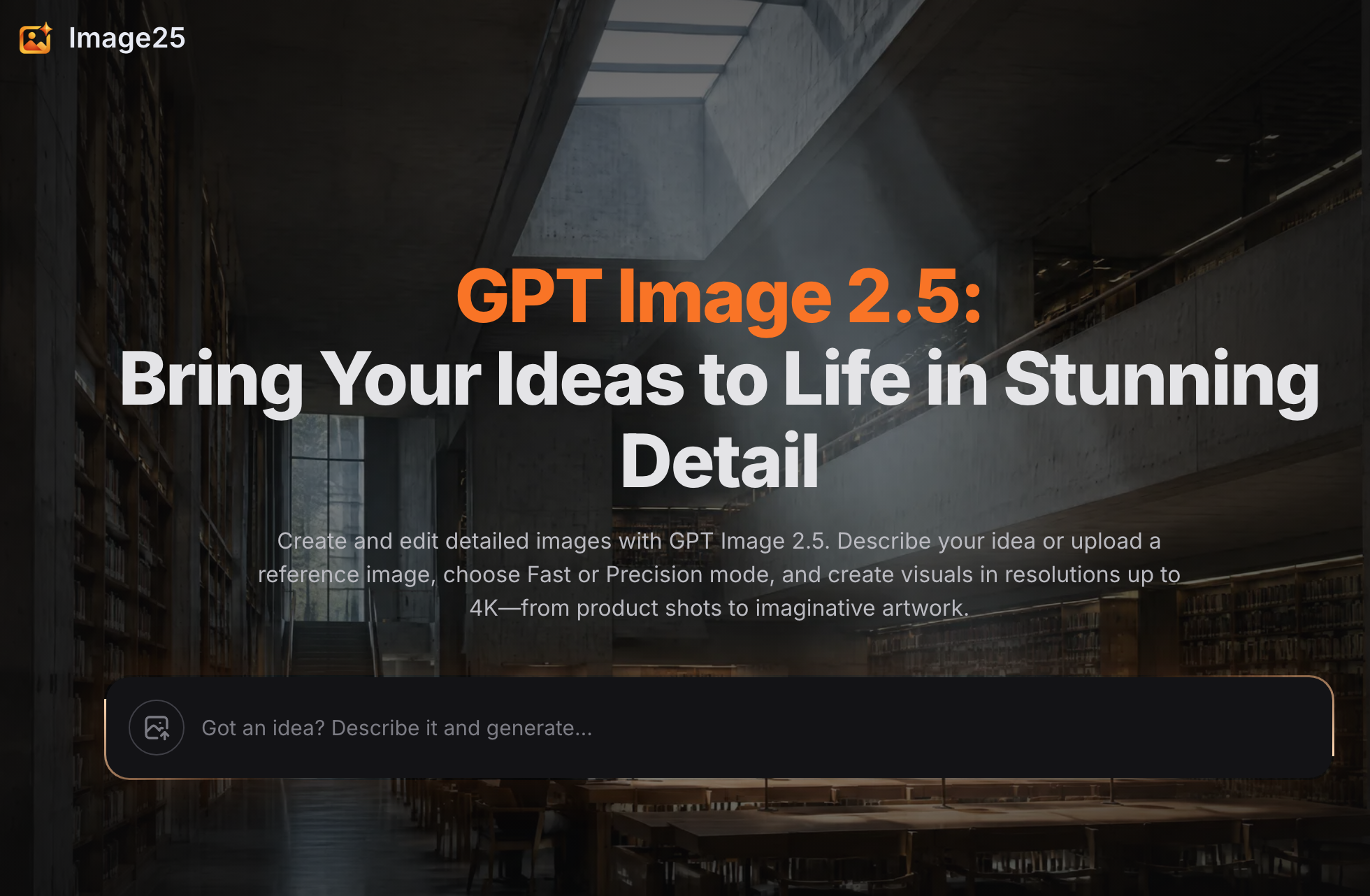
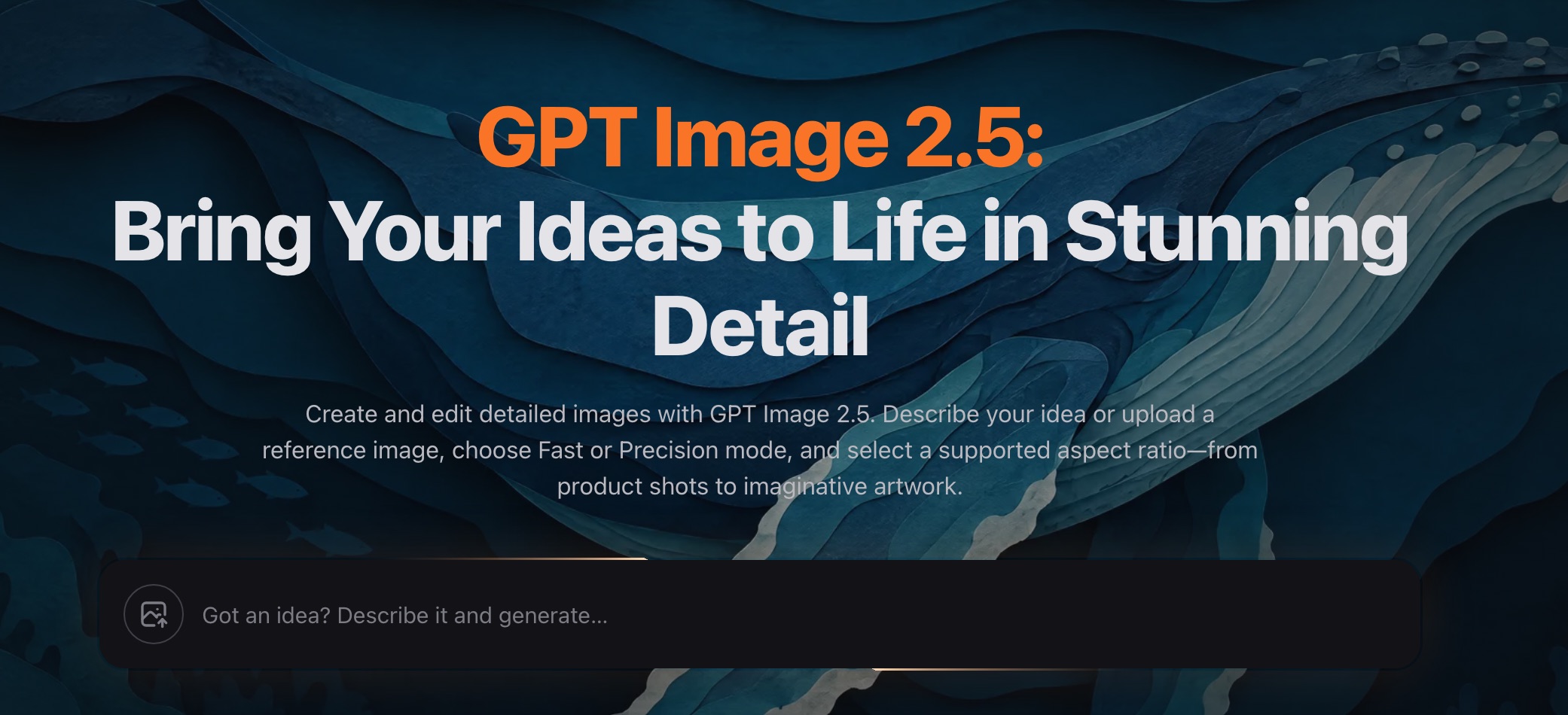
Some of us think in, not layers and brushes. Image25 is for us. Describe a picture the way you'd describe it to a friend, and GPT Image 2.5 draws it — high-resolution, framed the way you picked, ready to download from your browser. No design, no learning curve, no mystery pricing: the cost of every image is shown before it's made, failed attempts are free, and your first credits are on the house.

Features
- Text-to-image generation with GPT Image 2.5
- Transparent background option for ready-to-use assets
- Six quality levels, from quick drafts to Max
- One-click preview and download in the browser
- Free starter credits — failed generations never charged
Use Cases
- Newsletter and blog illustrations
- Ebook and report covers
- Presentation and pitch deck visuals
- Character and concept art for stories
- Ad and social media creatives

Comments

Hey everyone 👋 Maker of Image25 here. The idea came from my own habit: I'd write a blog post in 40 minutes, then burn two hours hunting for a cover image that almost fit. AI generators existed, but kept getting surprised by credit costs — and once I paid for a batch of failed generations. That stung enough to build my own. So Image25 runs on GPT Image 2.5 and three rules I wanted as a user: the price of an image shown before you make it, failed generations cost nothing, and you never need a subscription for a one-off image — a $4.9 pack does the job. It's live now and I'd genuinely love your feedback, especially on two things: what would make you trust a tool like this enough to pay, and what feature is missing before it could replace your current workflow? I'll be in the comments all day.



Showing the price before a generation and not charging failed attempts is what makes the blog-cover story concrete. Six quality levels plus a transparent-background option would help newsletter assets, but the quality tier should list pixel size next to the price so a Max render is not a surprise versus a draft. The $4.9 one-off pack is a better fit than a subscription if those sizes stay visible before you generate.

Showing the price of each image before you generate it, and not charging for failed attempts, is what makes this feel trustworthy next to credit-metered tools. Would you consider letting users pick an aspect-ratio preset (e.g. 1200x630 for blog covers) up front and remembering it per project, so a one-off $4.9 pack isn't spent on the wrong crop?
The upfront price plus not charging for failed generations is the part that would make me pay. Most image tools hide the cost until after a bad batch, which is exactly the habit you described with blog covers. One thing I'd want before it replaced a design workflow is a way to lock aspect ratio and a brand color palette across a set, so a newsletter cover, social crop, and pitch slide stay consistent instead of three separate prompts. The $4.9 pack for one-offs is a sensible alternative to a subscription if those constraints are visible before you generate.


I like that Image25 gives you clear controls for quality, aspect ratio, background, and reference images, while separating quick generations from the more detailed Precision mode. That makes it easier to choose the right setup for a product image versus an early concept. A side-by-side gallery showing the same prompt in Fast and Precision would help people see when the extra credits are worth it. Is that something you’re considering?
Premium Products






















































Sponsors
Buy

Makers
Makers
Comments
Hey everyone 👋 Maker of Image25 here. The idea came from my own habit: I'd write a blog post in 40 minutes, then burn two hours hunting for a cover image that almost fit. AI generators existed, but kept getting surprised by credit costs — and once I paid for a batch of failed generations. That stung enough to build my own. So Image25 runs on GPT Image 2.5 and three rules I wanted as a user: the price of an image shown before you make it, failed generations cost nothing, and you never need a subscription for a one-off image — a $4.9 pack does the job. It's live now and I'd genuinely love your feedback, especially on two things: what would make you trust a tool like this enough to pay, and what feature is missing before it could replace your current workflow? I'll be in the comments all day.
Showing the price before a generation and not charging failed attempts is what makes the blog-cover story concrete. Six quality levels plus a transparent-background option would help newsletter assets, but the quality tier should list pixel size next to the price so a Max render is not a surprise versus a draft. The $4.9 one-off pack is a better fit than a subscription if those sizes stay visible before you generate.
Showing the price of each image before you generate it, and not charging for failed attempts, is what makes this feel trustworthy next to credit-metered tools. Would you consider letting users pick an aspect-ratio preset (e.g. 1200x630 for blog covers) up front and remembering it per project, so a one-off $4.9 pack isn't spent on the wrong crop?
The upfront price plus not charging for failed generations is the part that would make me pay. Most image tools hide the cost until after a bad batch, which is exactly the habit you described with blog covers. One thing I'd want before it replaced a design workflow is a way to lock aspect ratio and a brand color palette across a set, so a newsletter cover, social crop, and pitch slide stay consistent instead of three separate prompts. The $4.9 pack for one-offs is a sensible alternative to a subscription if those constraints are visible before you generate.
I like that Image25 gives you clear controls for quality, aspect ratio, background, and reference images, while separating quick generations from the more detailed Precision mode. That makes it easier to choose the right setup for a product image versus an early concept. A side-by-side gallery showing the same prompt in Fast and Precision would help people see when the extra credits are worth it. Is that something you’re considering?
Premium Products
New to Fazier?

Find your next favorite product or submit your own. Made by @FalakDigital.
Copyright ©2026. All Rights Reserved