
image to video generator
AI image-to-video generator turns still photos into smooth
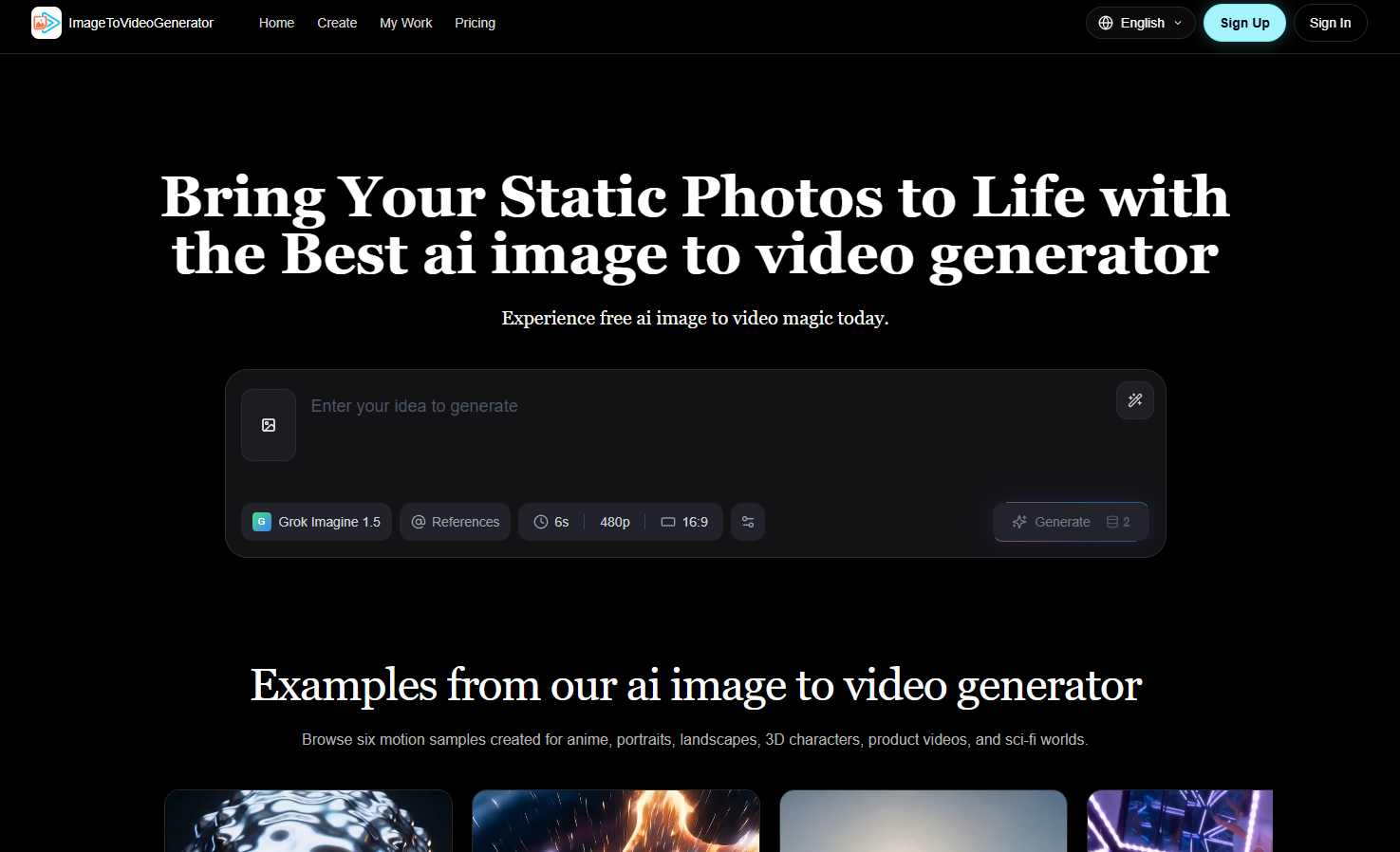
Fed up with expensive video shooting setups, complicated editing software, and flawed AI animation tools that distort subjects, waste time or overspend your production budget, this all-in-one AI image-to-video generator solves all these common creator pain points by matching each uploaded photo to specialized visual models for portraits, products, anime, landscapes and sci-fi scenes, locking original subject structure to stop frame flicker and shape deformation.
It offers a simple three-step upload-preview-export workflow that demands no professional editing skills, automating repetitive asset creation to drastically cut production costs. It also supplies tiered budget-friendly credit plans with full commercial usage rights for paid users and zero credit deductions for failed renders.
Perfectly fitting casual creators, marketing teams and studios, it enables fast, reliable dynamic videos made purely from static images.

Comments


image to video generator Your product has strong potential, but I found a few key improvements that could make it even better. I'd love to share my feedback and suggestions—please contact me at [email protected]

Routing each upload to a subject-specific model (portrait vs product vs landscape) is a better answer to frame flicker than one general model with more steps — the subject-structure locking is the detail that actually matters for product shots. Does the free tier let you preview motion before spending a credit, or is export the only way to see the result?
Premium Products



















































Sponsors
Buy

Makers

Makers
Comments
image to video generator Your product has strong potential, but I found a few key improvements that could make it even better. I'd love to share my feedback and suggestions—please contact me at [email protected]
Routing each upload to a subject-specific model (portrait vs product vs landscape) is a better answer to frame flicker than one general model with more steps — the subject-structure locking is the detail that actually matters for product shots. Does the free tier let you preview motion before spending a credit, or is export the only way to see the result?
Premium Products
New to Fazier?

Find your next favorite product or submit your own. Made by @FalakDigital.
Copyright ©2026. All Rights Reserved