Image Converter 24
Image Converter 24 is the best free image converter online
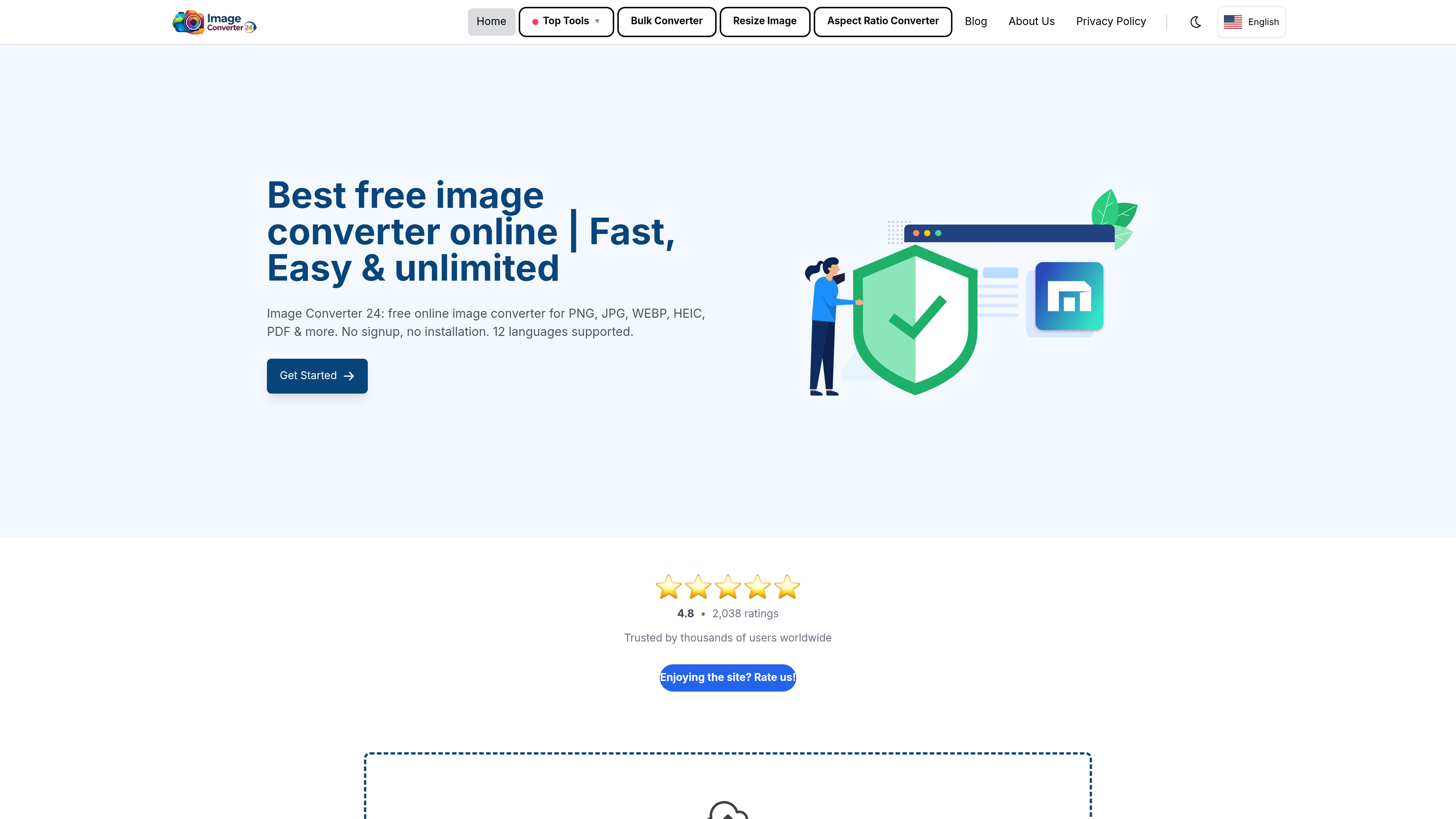
Image Converter 24 is a free online image converter for PNG, JPG, WebP, HEIC, PDF, TIFF, TGA, ICO, SVG and 20+ other formats. There is no signup, no watermark and no installation. Upload your images, pick a format and download the result in seconds. It also includes bulk conversion, resizing, aspect ratio and DPI tools, plus 100+ specialized converters for designers, game developers, photographers and everyday users. It works on any device and supports 12 languages.
Features
- Convert between 20+ formats: JPG, PNG, WebP, HEIC, PDF, TIFF, TGA, ICO, SVG, BMP and more
- 100% free with no signup, no watermark and no hidden fees
- Bulk converter to process many images at once
- Most tools run in your browser, so your files never leave your device
- Resize images, change the aspect ratio and adjust DPI
- Specialized tools: PNG to ICO in all sizes, PSD layers to PNG, merge images into one PDF, HEIC to PDF, and more
- Wallpaper tools for PC, iPhone and Samsung screens
- Free AI image generator
- Works on phones, tablets and desktops, with nothing to install
- Available in 12 languages
Use Cases
- Web designers convert PNG or JPG to WebP for faster page loading, and PNG logos to SVG for responsive sites
- Photographers turn RAW and DNG files into JPG for sharing, and keep lossless PNG or TIFF masters
- Game developers convert TGA textures and screenshots to PNG, or PNG to TGA with alpha for game assets
- Students and office workers merge scans and photos into a single PDF for submission
- iPhone users convert HEIC photos to JPG or PDF so they open anywhere
- Small business owners build PDF catalogs from product photos and prepare print-ready logos
- Print and design work: PNG to TIFF at 300 or 600 DPI, and resizing images to A4
- App and website developers create favicons and app icons in every size, from 16×16 to 1024×1024
- Crafters convert PNG to full-color SVG for Cricut machines
- Anyone who wants a custom wallpaper for a PC, iPhone or Samsung screen at the exact resolution
- E-commerce sellers batch-convert and resize hundreds of product images at once

Comments


Hi Fazier community! 👋 I built Image Converter 24 because most online converters annoy you with signups, watermarks, daily limits or a paywall after a few files. I wanted a tool that just works: upload, pick a format, download. Most of the tools (bulk converter, resize, aspect ratio, DPI) run directly in your browser, so your images never leave your device. The site is available in 12 languages and covers 20+ formats, plus niche tools like PNG to ICO in all sizes, PSD layers to PNG, and HEIC to PDF. I'd love your feedback: which format or tool is missing that you'd like to see next? Thanks for checking it out! 🙏

I’ve been using Image Converter 24, and what I like is that it goes beyond basic image conversion. The bulk converter, resizing and DPI controls, PSD layer extraction, PNG-to-ICO tools, and wallpaper features make it useful for different workflows. I also appreciate that most tools run directly in the browser, so you can work with your files without uploading them to a server.


Premium Products



































Sponsors
Buy

Makers
Makers
Comments
Hi Fazier community! 👋 I built Image Converter 24 because most online converters annoy you with signups, watermarks, daily limits or a paywall after a few files. I wanted a tool that just works: upload, pick a format, download. Most of the tools (bulk converter, resize, aspect ratio, DPI) run directly in your browser, so your images never leave your device. The site is available in 12 languages and covers 20+ formats, plus niche tools like PNG to ICO in all sizes, PSD layers to PNG, and HEIC to PDF. I'd love your feedback: which format or tool is missing that you'd like to see next? Thanks for checking it out! 🙏
I’ve been using Image Converter 24, and what I like is that it goes beyond basic image conversion. The bulk converter, resizing and DPI controls, PSD layer extraction, PNG-to-ICO tools, and wallpaper features make it useful for different workflows. I also appreciate that most tools run directly in the browser, so you can work with your files without uploading them to a server.
Premium Products
New to Fazier?

Find your next favorite product or submit your own. Made by @FalakDigital.
Copyright ©2026. All Rights Reserved