iLikePDF
Free PDF & Image Tools — Fast, Simple, No Signup
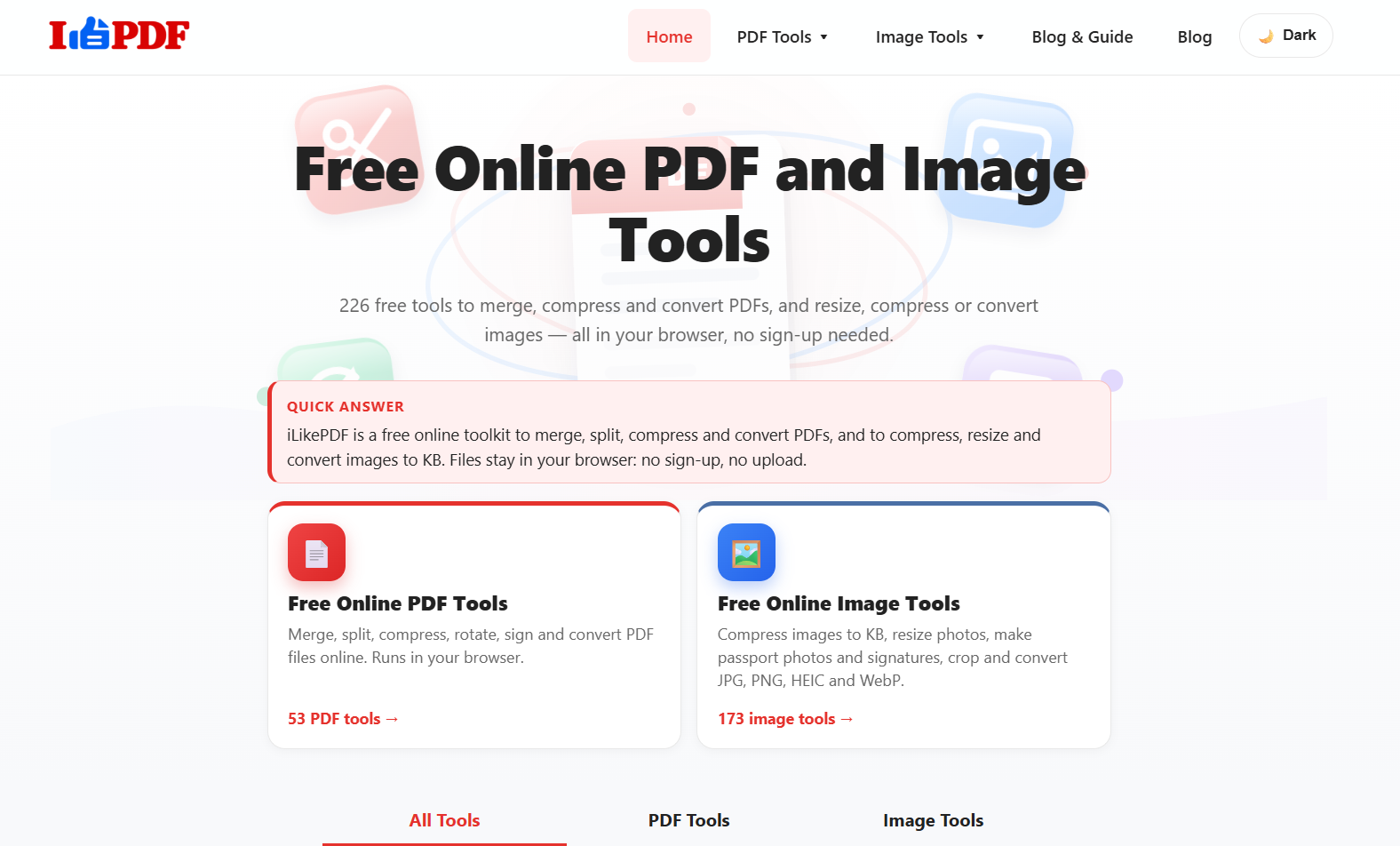
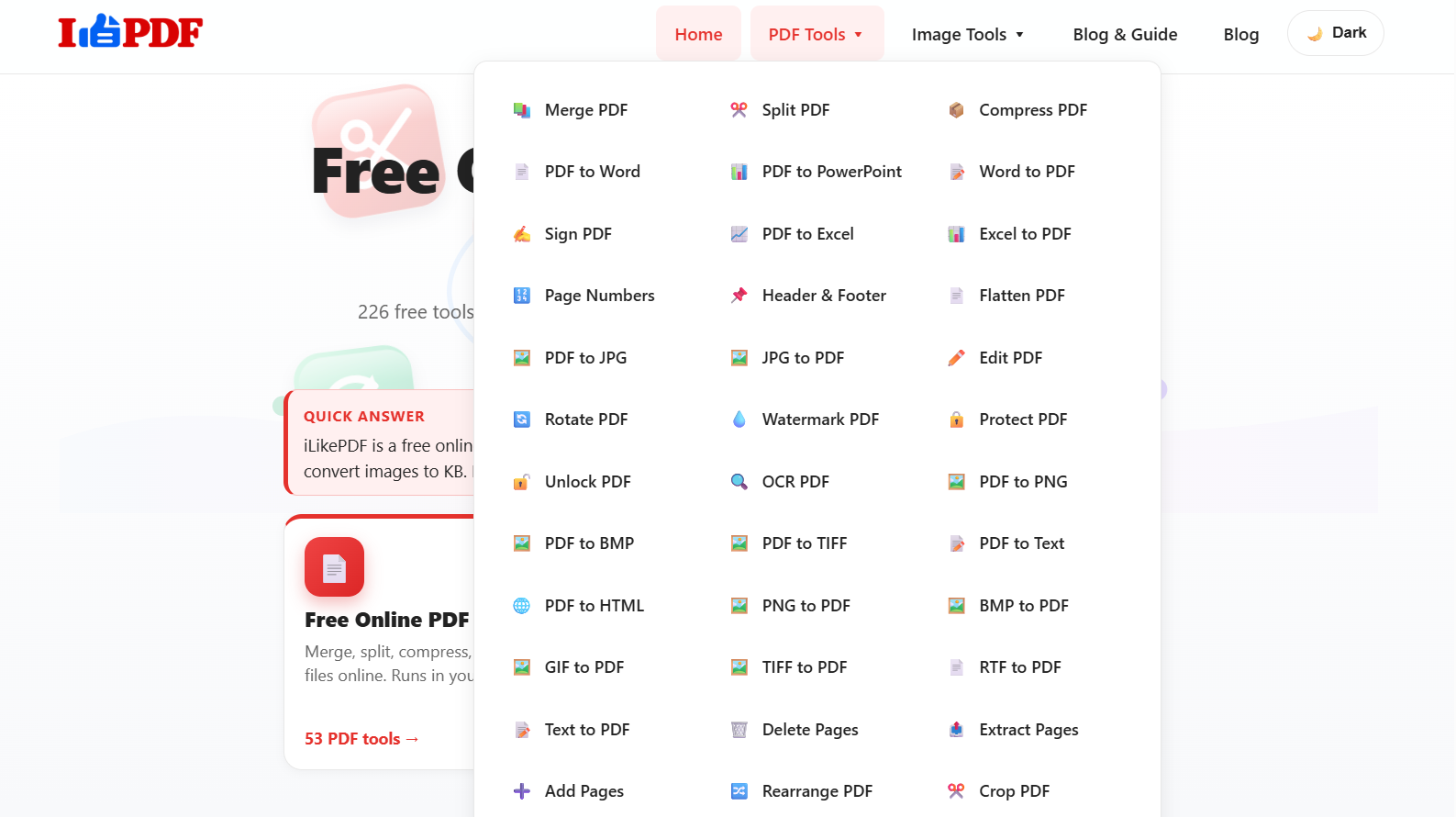
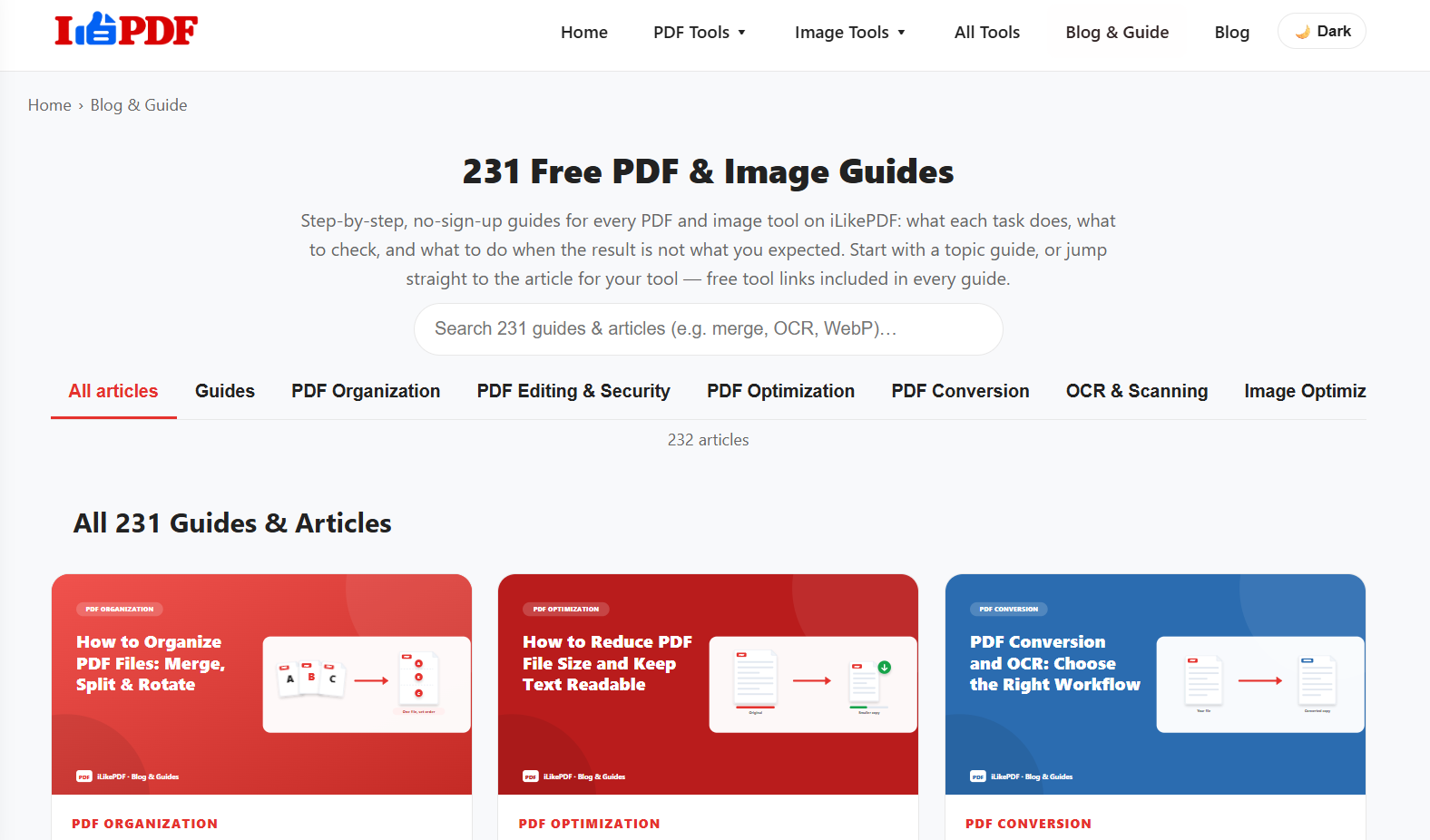
iLikePDF is a free online platform offering 230+ PDF and image tools for everyday file tasks. Merge, split, compress, convert, edit, rotate, organize, watermark, protect, and unlock PDF files, along with useful image conversion and optimization tools.
Built for speed and simplicity, iLikePDF helps students, professionals, freelancers, teachers, and small businesses handle documents without installing complicated software. Most tools work directly in your browser and require no signup.
Features
• 230+ free PDF and image tools in one place
• Merge multiple PDF files into one document
• Split PDFs and extract selected pages
• Compress PDF files to reduce file size
• Convert PDF files to Word, JPG, PowerPoint, and other formats
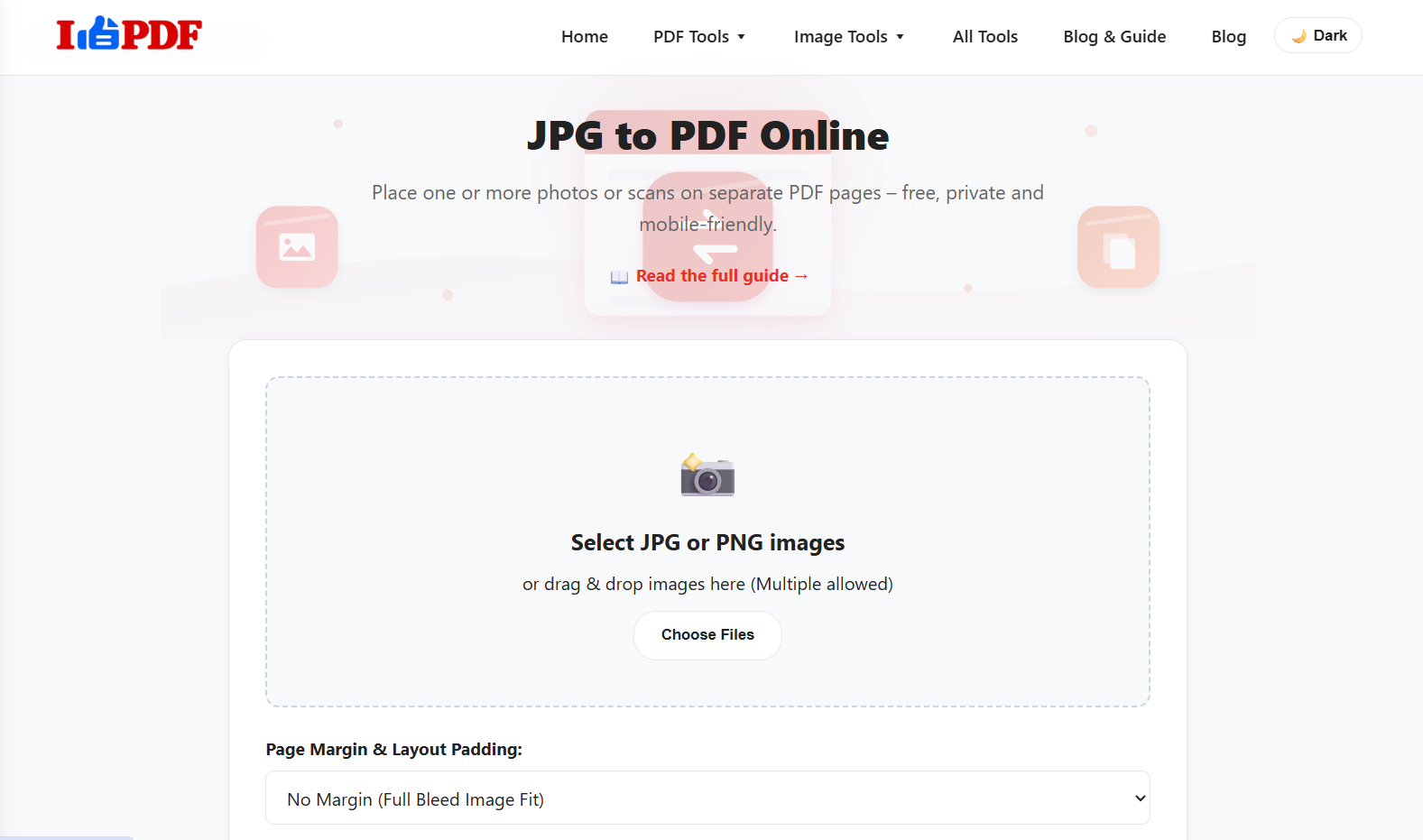
• Convert Word, JPG, and other files into PDF
• Edit, rotate, reorder, and organize PDF pages
• Add page numbers and watermarks to PDFs
• Password-protect and unlock PDF documents
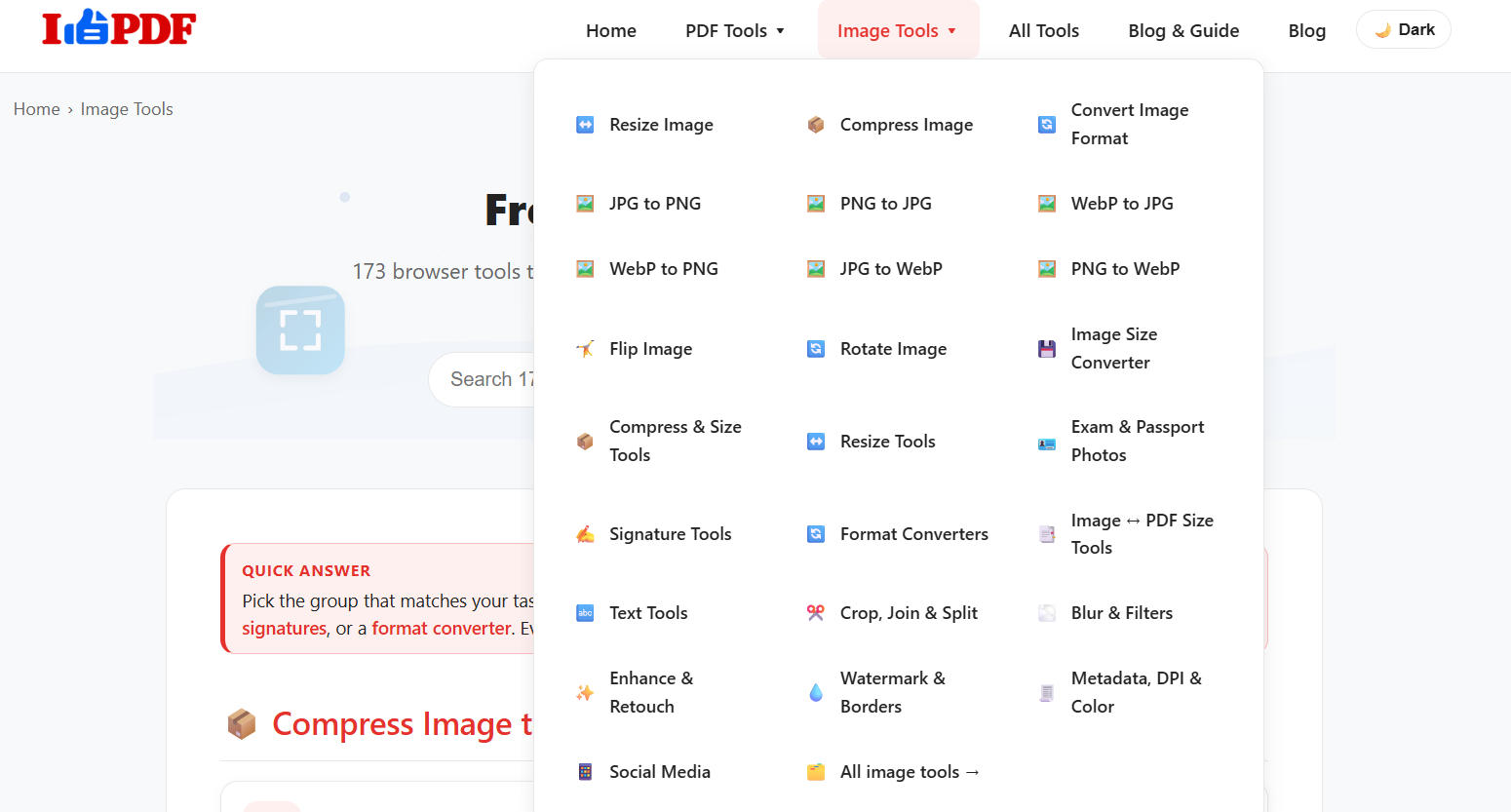
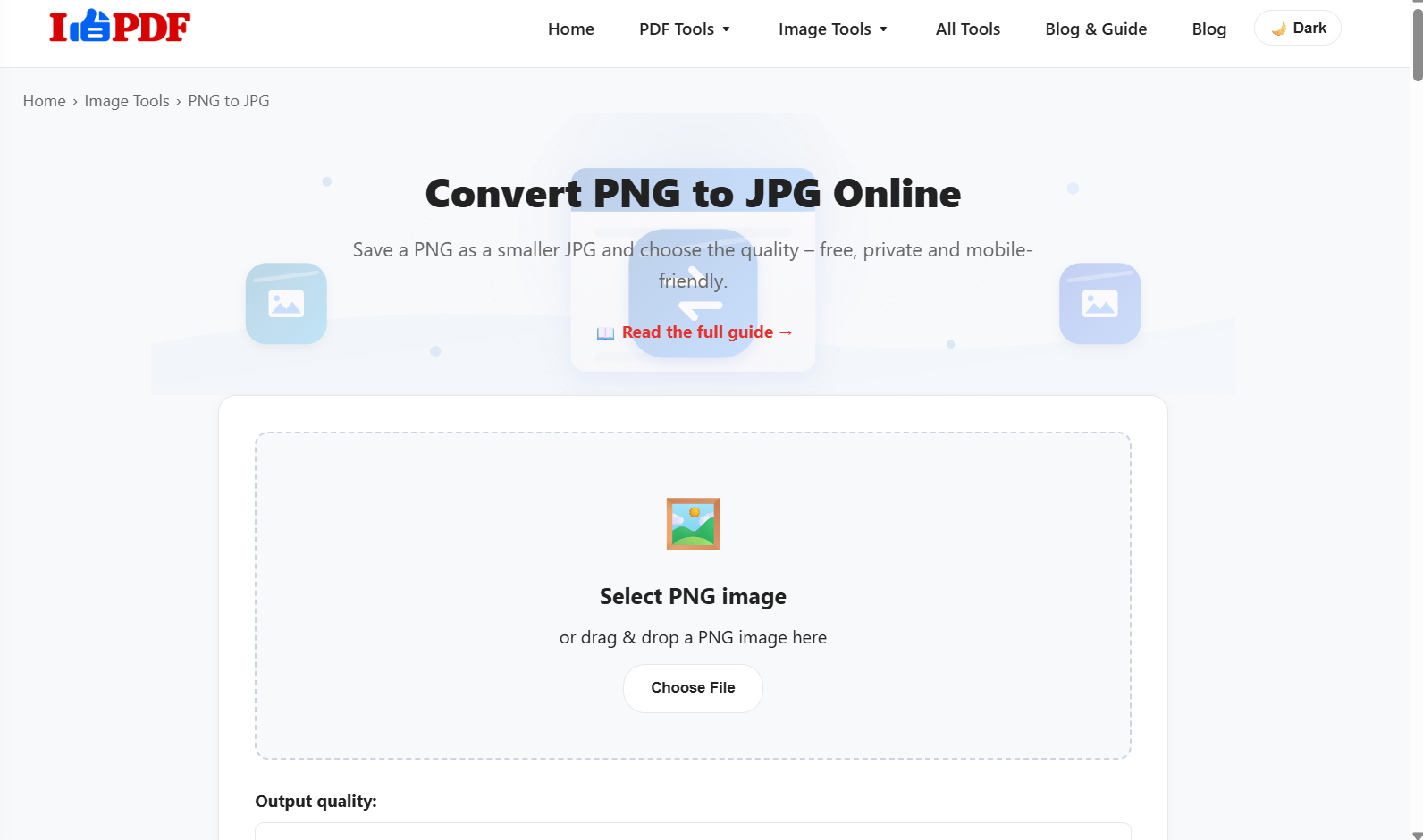
• Resize, compress, convert, crop, and optimize images
• Browser-based tools with no software installation
• Simple, fast, and mobile-friendly interface
Use Cases
• Combine invoices, reports, notes, or scanned pages into one PDF
• Reduce large PDF file sizes before emailing or uploading
• Convert PDF documents into editable Word files
• Turn images, scans, or documents into a shareable PDF
• Extract selected pages from books, reports, or documents
• Add page numbers or watermarks before sharing documents
• Protect sensitive files with a password
• Resize and compress images for websites, blogs, social media, or online forms
• Prepare assignments, resumes, presentations, business documents, and client files
• Quickly manage documents from desktop or mobile without installing software

Comments

Concrete Takeoff Services provide precise material quantity calculations and detailed cost estimates for construction projects. We cover concrete foundations, slabs, footings, walls, driveways, and structural elements. Our professional takeoffs help contractors reduce material waste, control project costs, and prepare accurate, competitive bids.https://fkconcreteestimating.com/services/concrete-takeoff-services
Hi Fazier community! We built iLikePDF to make everyday PDF and image tasks simpler and more accessible. Many users need to merge, split, compress, convert, resize, or organize files but do not want to install complicated software or create an account. iLikePDF brings 230+ free PDF and image tools together in one simple, browser-based platform. It is useful for students, professionals, freelancers, teachers, and small businesses. We are continuously improving the platform and would love to hear your feedback. Which PDF or image tool do you use most often, and what should we add next? Thanks for checking out iLikePDF!

The no-signup browser tools are the useful part for one-off files, but 230 tools on one page is a lot to scan when you only need a sequence. If I compress a client PDF and then watermark it, do I download and re-upload between those tools, or is there one flow that keeps the file in the session? Also, do unlock and password-protect run entirely in the browser, or is the file uploaded? I would want that answered before putting a contract through it.

One case worth handling: people often compress or merge a contract after it has been e-signed (DocuSign, Aadhaar eSign, etc.) to email it. Rewriting the file breaks the digital signature, so the copy no longer verifies even though it looks identical. Does iLikePDF detect a signed PDF and warn before compress/merge/watermark, or offer to attach it unchanged? That one warning would save a lot of awkward "your copy isn't valid" emails.


The exam-photo tools are a smart niche: hitting an exact KB limit and pixel size is exactly where generic compressors fail, so that alone will bring people back. I noticed a few tools (Compress PDF, Word to PDF, OCR) are marked as "Limited version" — what is the limitation there: file size, features, or do those run on a server? Also, since the processing libraries load from a CDN on first use, have you considered making it a PWA so the tools keep working offline after the first visit?
Premium Products











































Sponsors
Buy
Makers
Makers
Comments
Concrete Takeoff Services provide precise material quantity calculations and detailed cost estimates for construction projects. We cover concrete foundations, slabs, footings, walls, driveways, and structural elements. Our professional takeoffs help contractors reduce material waste, control project costs, and prepare accurate, competitive bids.https://fkconcreteestimating.com/services/concrete-takeoff-services
Hi Fazier community! We built iLikePDF to make everyday PDF and image tasks simpler and more accessible. Many users need to merge, split, compress, convert, resize, or organize files but do not want to install complicated software or create an account. iLikePDF brings 230+ free PDF and image tools together in one simple, browser-based platform. It is useful for students, professionals, freelancers, teachers, and small businesses. We are continuously improving the platform and would love to hear your feedback. Which PDF or image tool do you use most often, and what should we add next? Thanks for checking out iLikePDF!
The no-signup browser tools are the useful part for one-off files, but 230 tools on one page is a lot to scan when you only need a sequence. If I compress a client PDF and then watermark it, do I download and re-upload between those tools, or is there one flow that keeps the file in the session? Also, do unlock and password-protect run entirely in the browser, or is the file uploaded? I would want that answered before putting a contract through it.
One case worth handling: people often compress or merge a contract after it has been e-signed (DocuSign, Aadhaar eSign, etc.) to email it. Rewriting the file breaks the digital signature, so the copy no longer verifies even though it looks identical. Does iLikePDF detect a signed PDF and warn before compress/merge/watermark, or offer to attach it unchanged? That one warning would save a lot of awkward "your copy isn't valid" emails.
The exam-photo tools are a smart niche: hitting an exact KB limit and pixel size is exactly where generic compressors fail, so that alone will bring people back. I noticed a few tools (Compress PDF, Word to PDF, OCR) are marked as "Limited version" — what is the limitation there: file size, features, or do those run on a server? Also, since the processing libraries load from a CDN on first use, have you considered making it a PWA so the tools keep working offline after the first visit?
Premium Products
New to Fazier?

Find your next favorite product or submit your own. Made by @FalakDigital.
Copyright ©2026. All Rights Reserved