
https://ai-design-home.com/
Redesign your space from a photo with AI
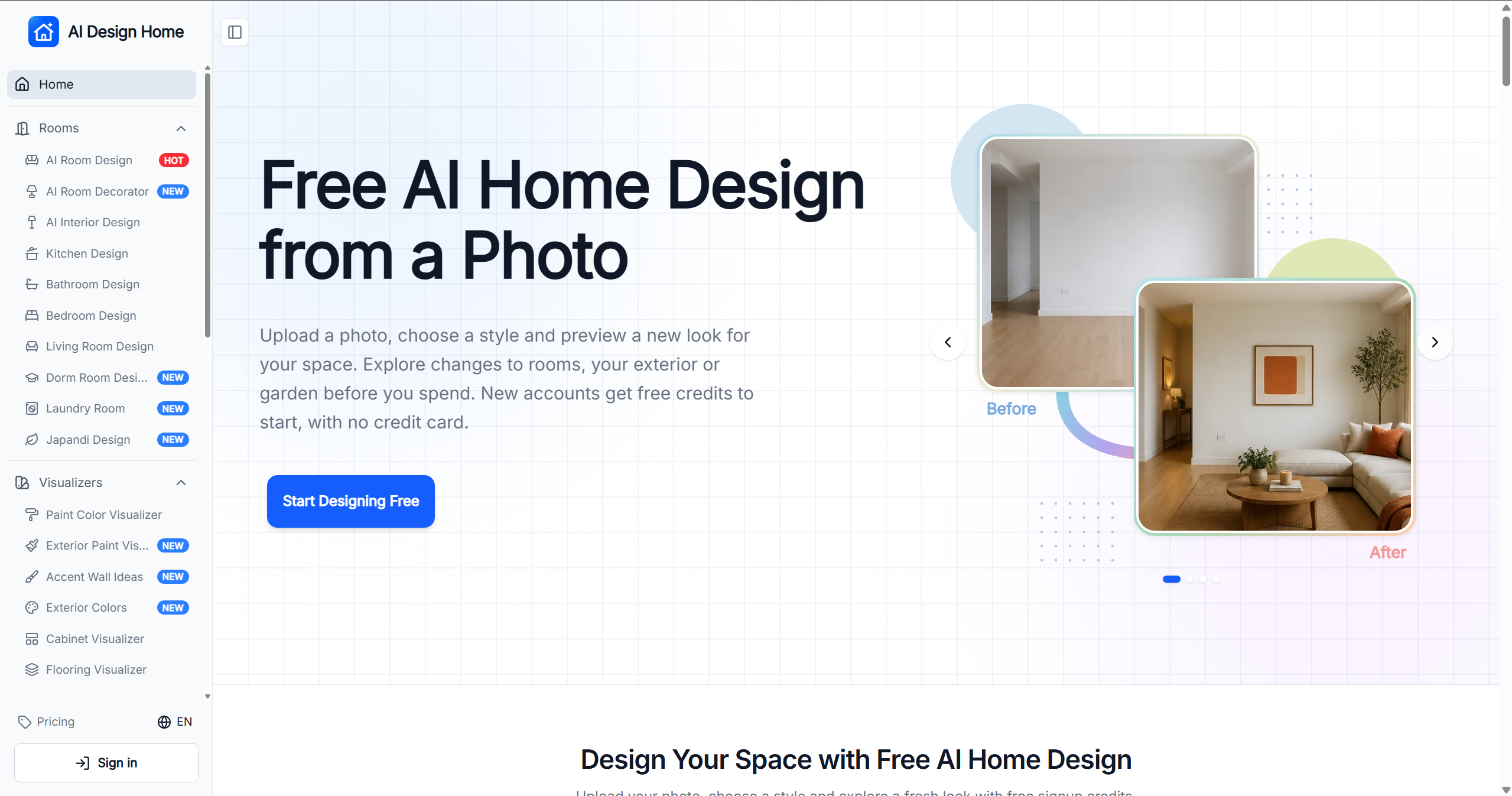
AI Design Home helps you visualize changes to your space before making them. Upload a photo of a room, house exterior, or garden, choose a style, and generate a realistic design preview based on your own space.
Explore ideas for furniture, colors, finishes, and layouts in your browser. Compare the result with your original photo and download designs to share. New accounts receive free credits to get started.
Features
Features
Turn a photo of your space into an AI design preview
Redesign rooms, exteriors, and gardens
Choose a style and describe the changes you want
Preview paint colors, cabinets, flooring, and other finishes
Compare before and after images and download the result
Access design tools and your saved results from one account
Use Cases
Preview a room makeover before buying furniture or decor
Explore kitchen and bathroom renovation ideas
Test paint colors and finishes on your own photos
Plan exterior and garden updates
Create design concepts to discuss with family, clients, or contractors

Comments


Hi everyone! We’re building AI Design Home to help people explore ideas for their own spaces before they commit to a renovation or purchase. Upload a photo of a room, exterior, or garden, choose a style, and describe what you’d like to change. You can compare the AI-generated preview with your original photo and share the result with someone helping you plan. New accounts get free credits to try it. We’d love to hear which spaces or design tools you’d like us to improve next.
Tested this on a few listing photos. The "compare with original" view is the part that actually matters — most room redesign tools bury the before/after and you lose track of what the model changed. Two things I'd want next: batch upload for a whole listing (10–15 photos at once), and an option to keep existing architecture untouched while only swapping furniture or paint. If the output moves a window or changes ceiling height, an agent can't use it for a listing.
Tested this on a few listing photos. The "compare with original" view is the part that actually matters — most room redesign tools bury the before/after and you lose track of what the model changed. Two things I'd want next: batch upload for a whole listing (10–15 photos at once), and an option to keep existing architecture untouched while only swapping furniture or paint. If the output moves a window or changes ceiling height, an agent can't use it for a listing.
Uploading a photo of your own room and comparing before and after is more useful than generic mood boards, and I like that paint, cabinets and flooring can be previewed separately. One suggestion: let people pin elements that must stay unchanged, like windows or a fixed sofa, so the preview stays realistic enough to take to a contractor. Do you plan to add that?
Premium Products






















































Sponsors
Buy

Makers
Makers
Comments
Hi everyone! We’re building AI Design Home to help people explore ideas for their own spaces before they commit to a renovation or purchase. Upload a photo of a room, exterior, or garden, choose a style, and describe what you’d like to change. You can compare the AI-generated preview with your original photo and share the result with someone helping you plan. New accounts get free credits to try it. We’d love to hear which spaces or design tools you’d like us to improve next.
Tested this on a few listing photos. The "compare with original" view is the part that actually matters — most room redesign tools bury the before/after and you lose track of what the model changed. Two things I'd want next: batch upload for a whole listing (10–15 photos at once), and an option to keep existing architecture untouched while only swapping furniture or paint. If the output moves a window or changes ceiling height, an agent can't use it for a listing.
Tested this on a few listing photos. The "compare with original" view is the part that actually matters — most room redesign tools bury the before/after and you lose track of what the model changed. Two things I'd want next: batch upload for a whole listing (10–15 photos at once), and an option to keep existing architecture untouched while only swapping furniture or paint. If the output moves a window or changes ceiling height, an agent can't use it for a listing.
Uploading a photo of your own room and comparing before and after is more useful than generic mood boards, and I like that paint, cabinets and flooring can be previewed separately. One suggestion: let people pin elements that must stay unchanged, like windows or a fixed sofa, so the preview stays realistic enough to take to a contractor. Do you plan to add that?
Premium Products
New to Fazier?

Find your next favorite product or submit your own. Made by @FalakDigital.
Copyright ©2026. All Rights Reserved