
Homeport
Run, watch and share all your local dev servers in one app
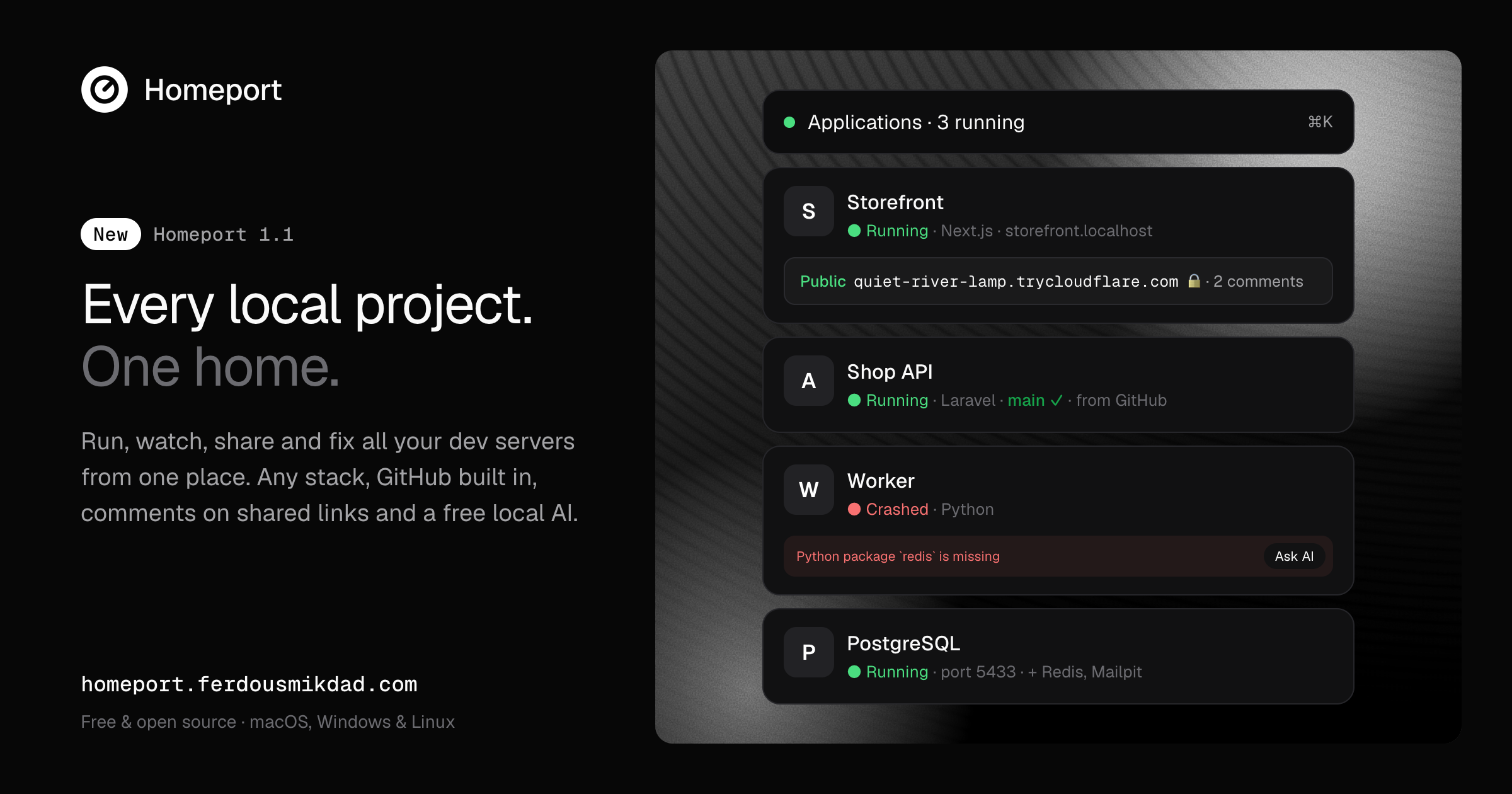
Homeport is a free, open-source desktop app that runs all your local projects from one place. Point it at a folder, or your whole ~/Projects directory, and it works out the framework, package manager and a free port. Then it starts the project, with no config files and no account.
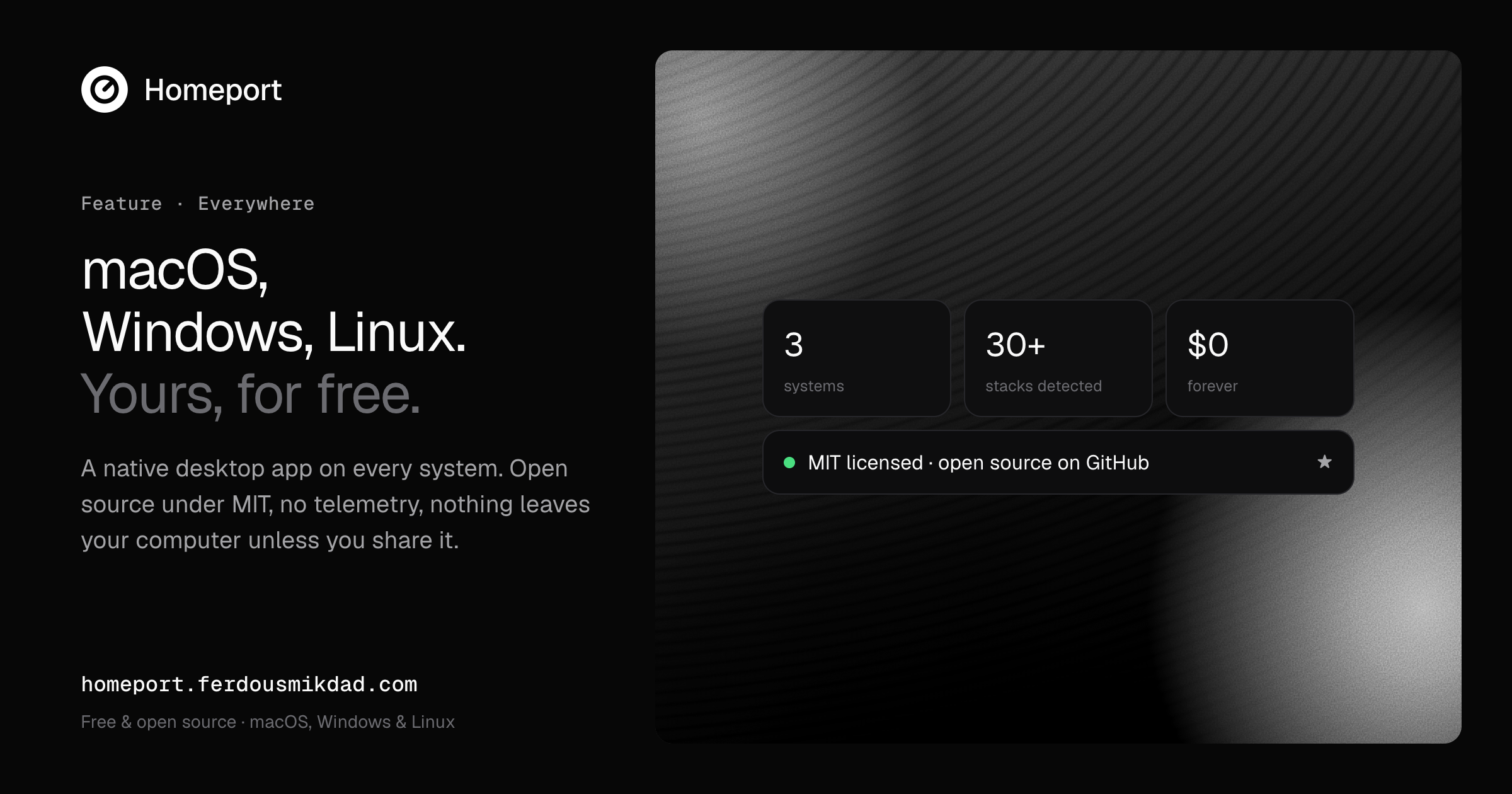
Start, stop and watch every dev server, database and worker from one dashboard. Share any running app with a password-protected public link that stops on its own. When something crashes, click "Why?" to get a plain explanation and a one-click fix. Works on macOS, Windows and Linux.
Features
• Runs any stack: detects Next.js, Laravel, Python, MkDocs and more, and installs missing dependencies
• Named URLs like shop.localhost instead of port numbers
• Command palette (⌘K) to start, stop, view logs or share any app with the keyboard
• Public share links through Cloudflare Tunnels, with a password and an expiry
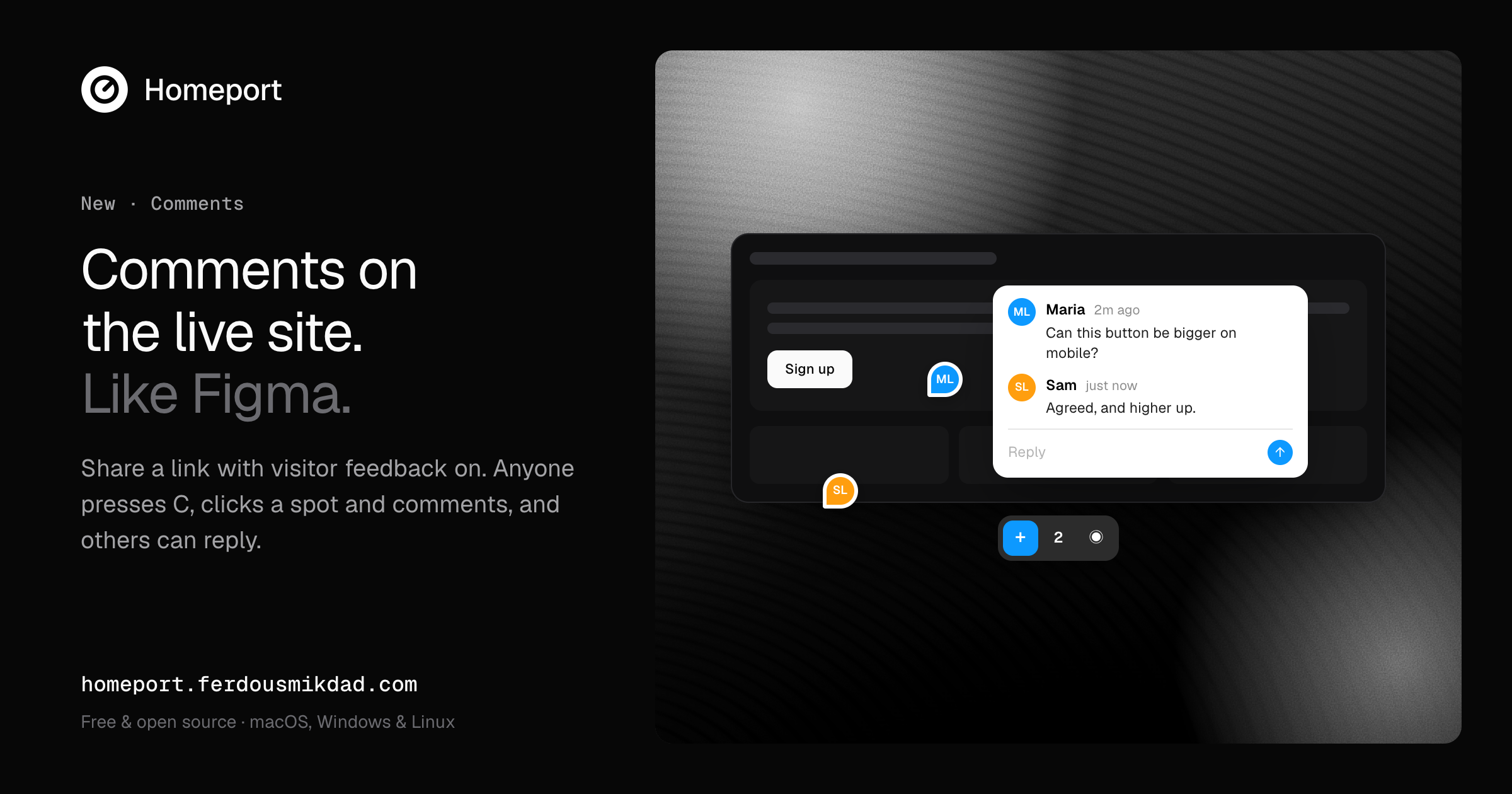
• Comments on the live site, like Figma: visitors click a spot and leave feedback
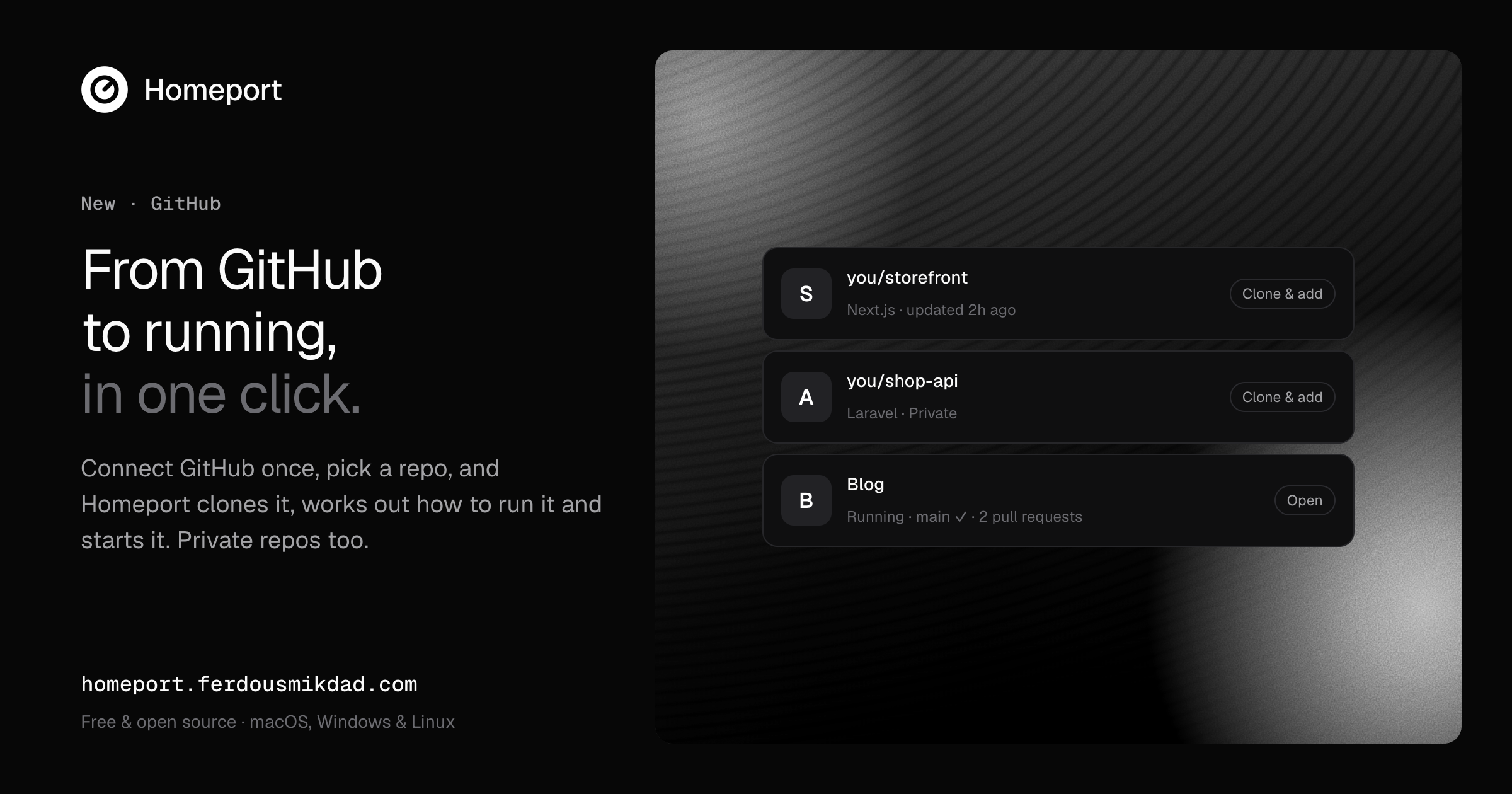
• GitHub integration: clone a repo and run it in one click, with CI status on every card
• Phone preview: scan a QR code to open your app on any device on your Wi-Fi
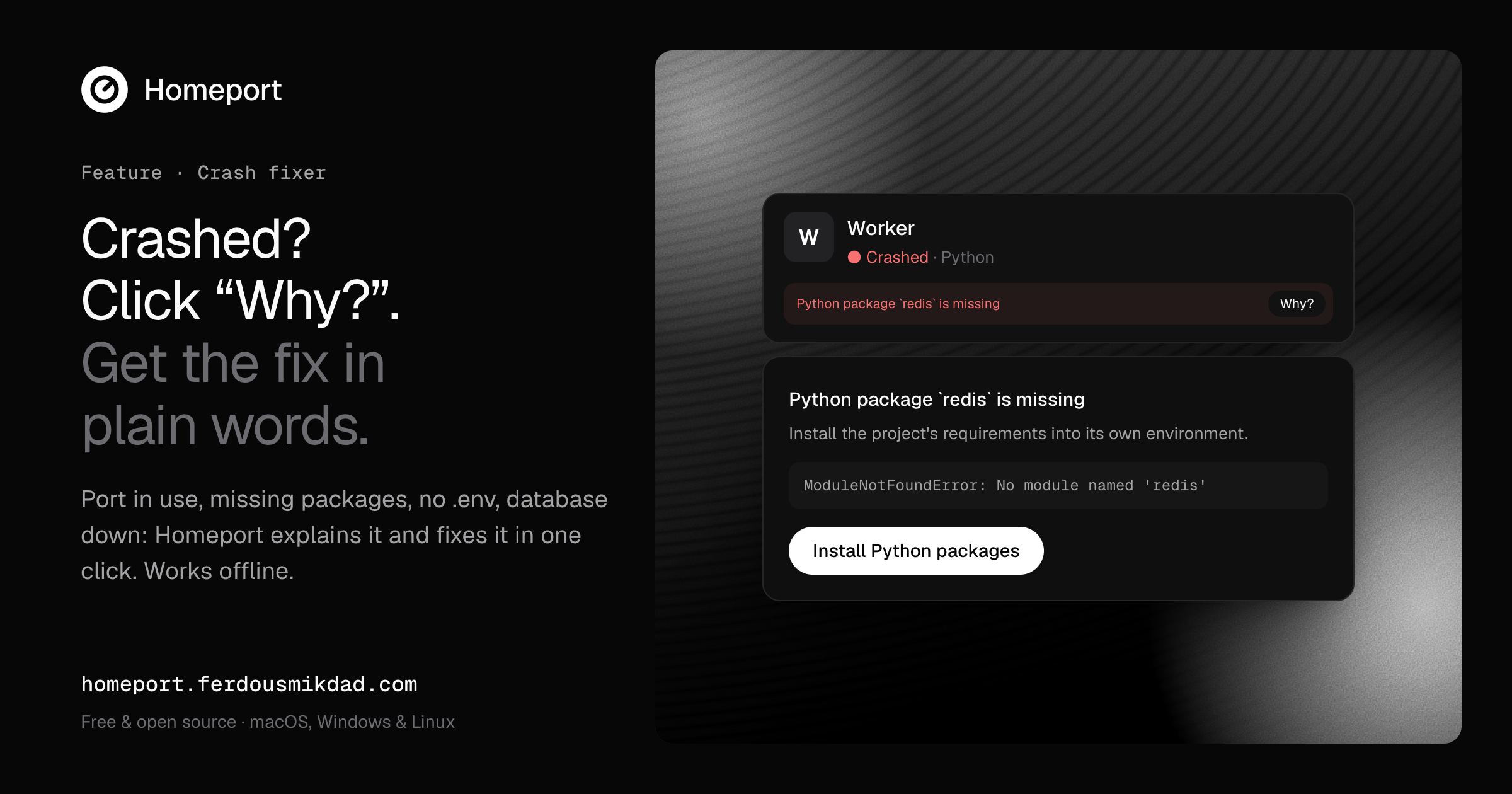
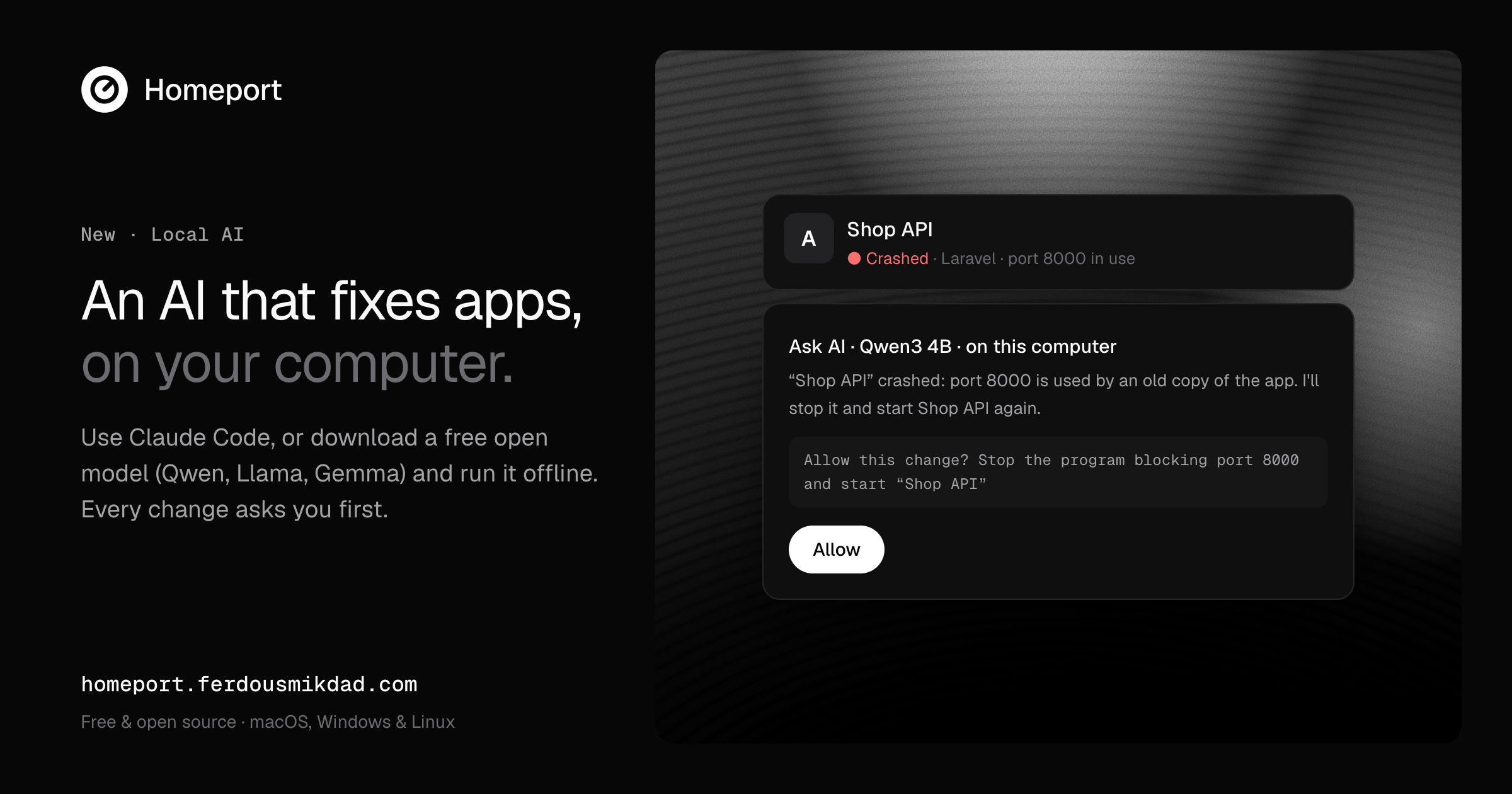
• Crash fixer: plain-language explanations of errors with one-click fixes, works offline
• One-click databases: PostgreSQL, MySQL/MariaDB, Redis, MongoDB, Mailpit
• Optional local AI (Claude Code or a free offline model through Ollama) that asks before every change
Use Cases
• Developers juggling several projects who are tired of keeping track of terminals and ports
• Running a full stack (API, frontend, worker, database) with a single click, in order
• Sending a client or teammate a secure, temporary link to a work-in-progress site and getting comments on it
• Testing a site on a real phone without deploying it
• Getting a new or cloned repo running fast without reading its setup docs
• Fixing common crashes (port in use, missing packages, no .env) without searching online

Comments

Premium Products




















































Find your next favorite product or submit your own. Made by @FalakDigital.
Copyright ©2026. All Rights Reserved