
HiTranscript
Social video transcripts, subtitles, and exports
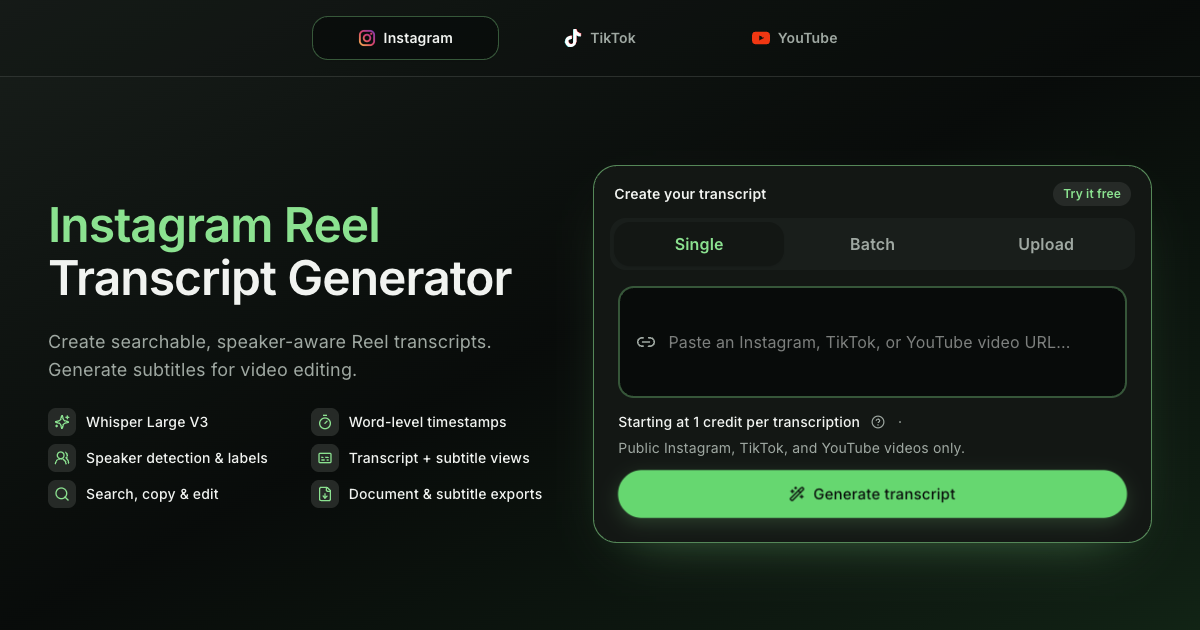
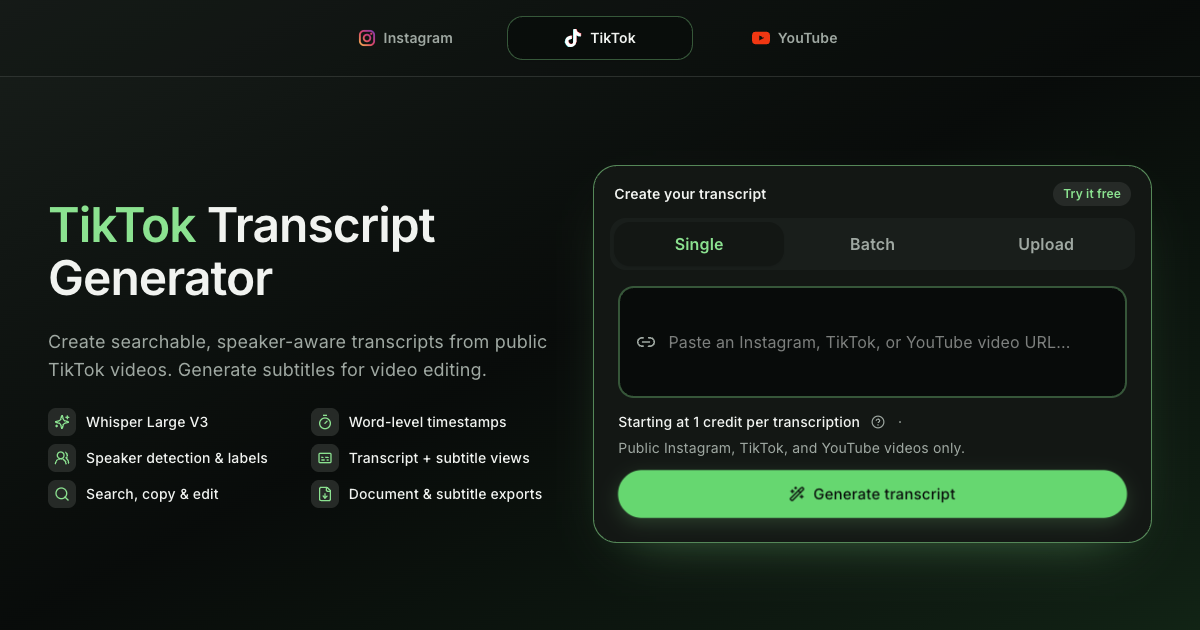
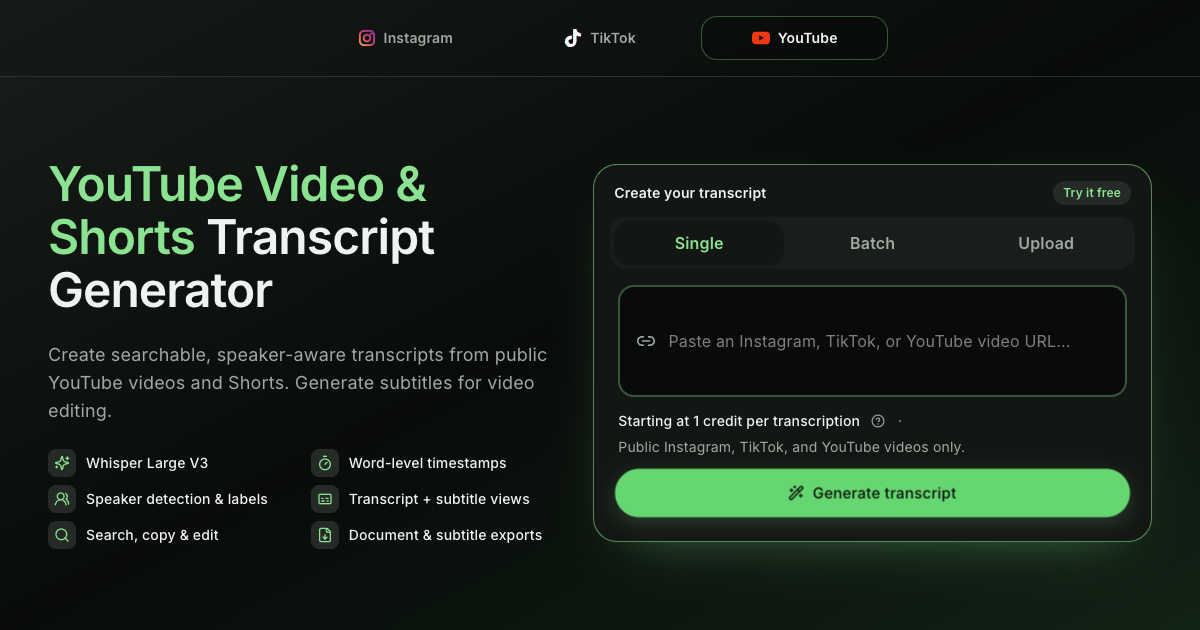
HiTranscript turns public Instagram Reels, TikTok videos, YouTube videos, and supported uploads into searchable transcripts and timed subtitles. Review timestamps and detected speakers, then copy or export the result for research, editing, and content workflows.
Features
Transcription in 99 languages with Whisper Large V3
Word-level timestamps and speaker labels
Transcript and subtitle review views
TXT, DOCX, PDF, SRT, WebVTT, CSV, and XLSX exports
Single, batch, and file-upload workflows
Use Cases
Creators extracting hooks and scripts from social videos
Marketers turning video research into briefs and reusable copy
Editors generating timed subtitle files
Learners creating searchable notes from tutorials and explainers

Comments


I built HiTranscript after repeatedly losing time moving between social video platforms, transcription tools, and subtitle editors. It gives creators, marketers, editors, and learners one place to turn public Instagram Reels, TikTok videos, YouTube videos, and uploaded files into searchable transcripts and timed subtitles, with speaker labels and practical export formats. I would love feedback on which source and export format you rely on most.


The batch workflow plus word-level timestamps is a strong combo for editors — generating SRT files directly instead of a separate conversion step saves real time. One suggestion: an export preset with character-per-line limits for subtitles, since reels move fast and auto-generated lines can overflow the frame. The 99-language Whisper coverage is impressive for a solo-built tool.


The batch workflow plus SRT/WebVTT export is a strong combo for editors working through a content backlog. Covering 99 languages with Whisper Large V3 is impressive. One idea: a browser extension that adds a "Get transcript" button directly on video pages could cut a lot of copy-paste friction for your core use case.
Premium Products








































Sponsors
Buy

Makers
Makers
Comments
I built HiTranscript after repeatedly losing time moving between social video platforms, transcription tools, and subtitle editors. It gives creators, marketers, editors, and learners one place to turn public Instagram Reels, TikTok videos, YouTube videos, and uploaded files into searchable transcripts and timed subtitles, with speaker labels and practical export formats. I would love feedback on which source and export format you rely on most.
The batch workflow plus word-level timestamps is a strong combo for editors — generating SRT files directly instead of a separate conversion step saves real time. One suggestion: an export preset with character-per-line limits for subtitles, since reels move fast and auto-generated lines can overflow the frame. The 99-language Whisper coverage is impressive for a solo-built tool.
The batch workflow plus SRT/WebVTT export is a strong combo for editors working through a content backlog. Covering 99 languages with Whisper Large V3 is impressive. One idea: a browser extension that adds a "Get transcript" button directly on video pages could cut a lot of copy-paste friction for your core use case.
Premium Products
New to Fazier?

Find your next favorite product or submit your own. Made by @FalakDigital.
Copyright ©2026. All Rights Reserved