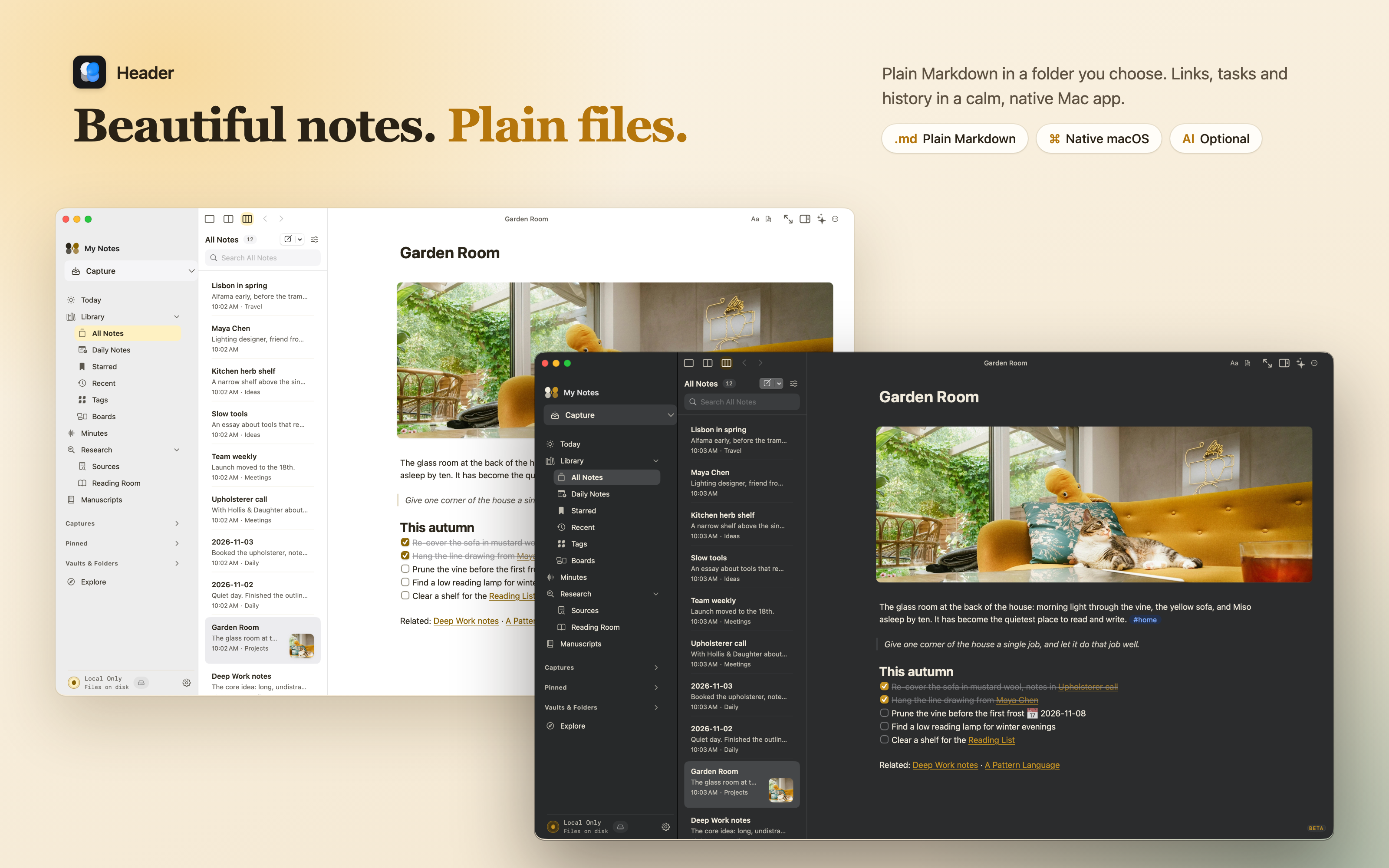
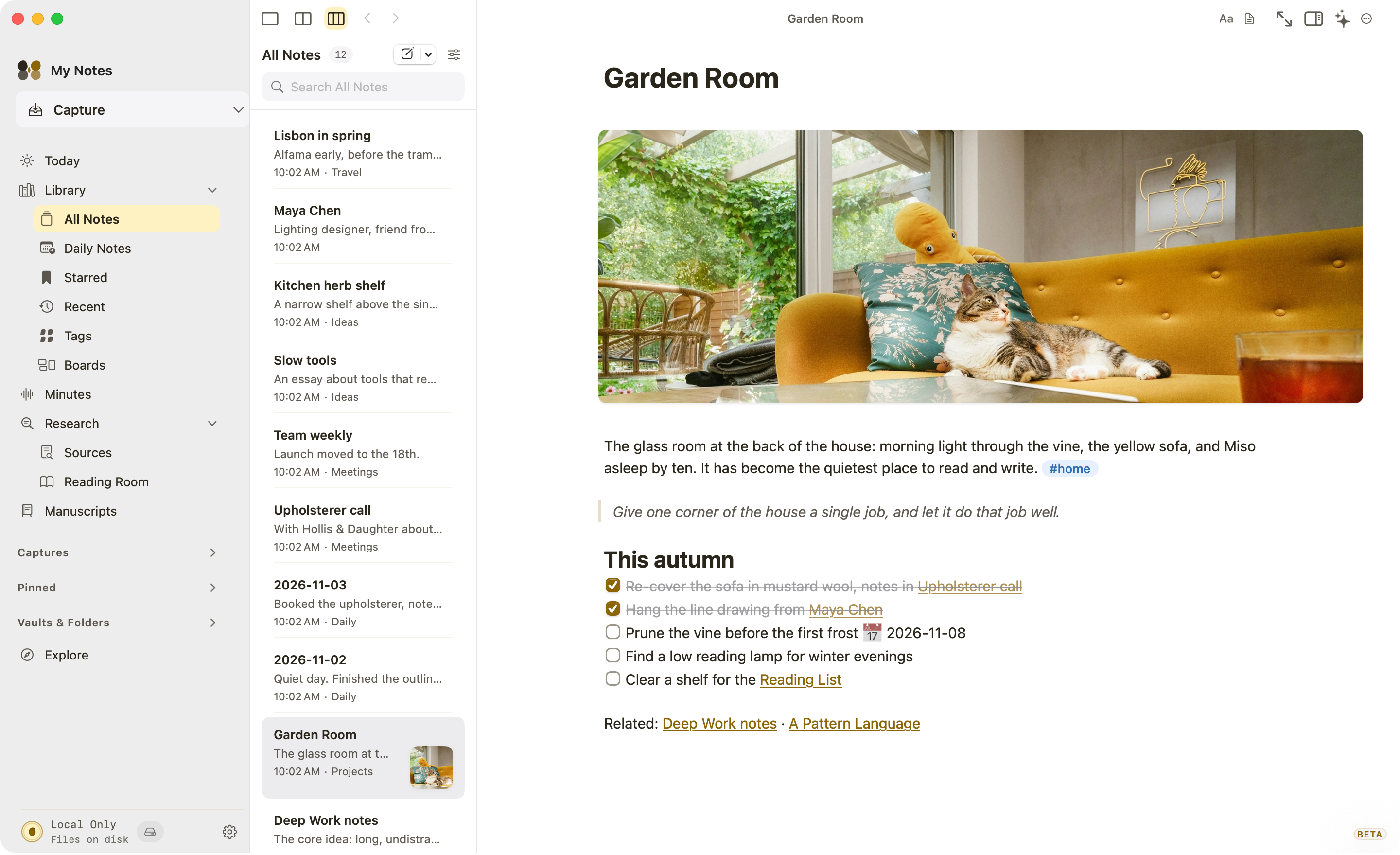
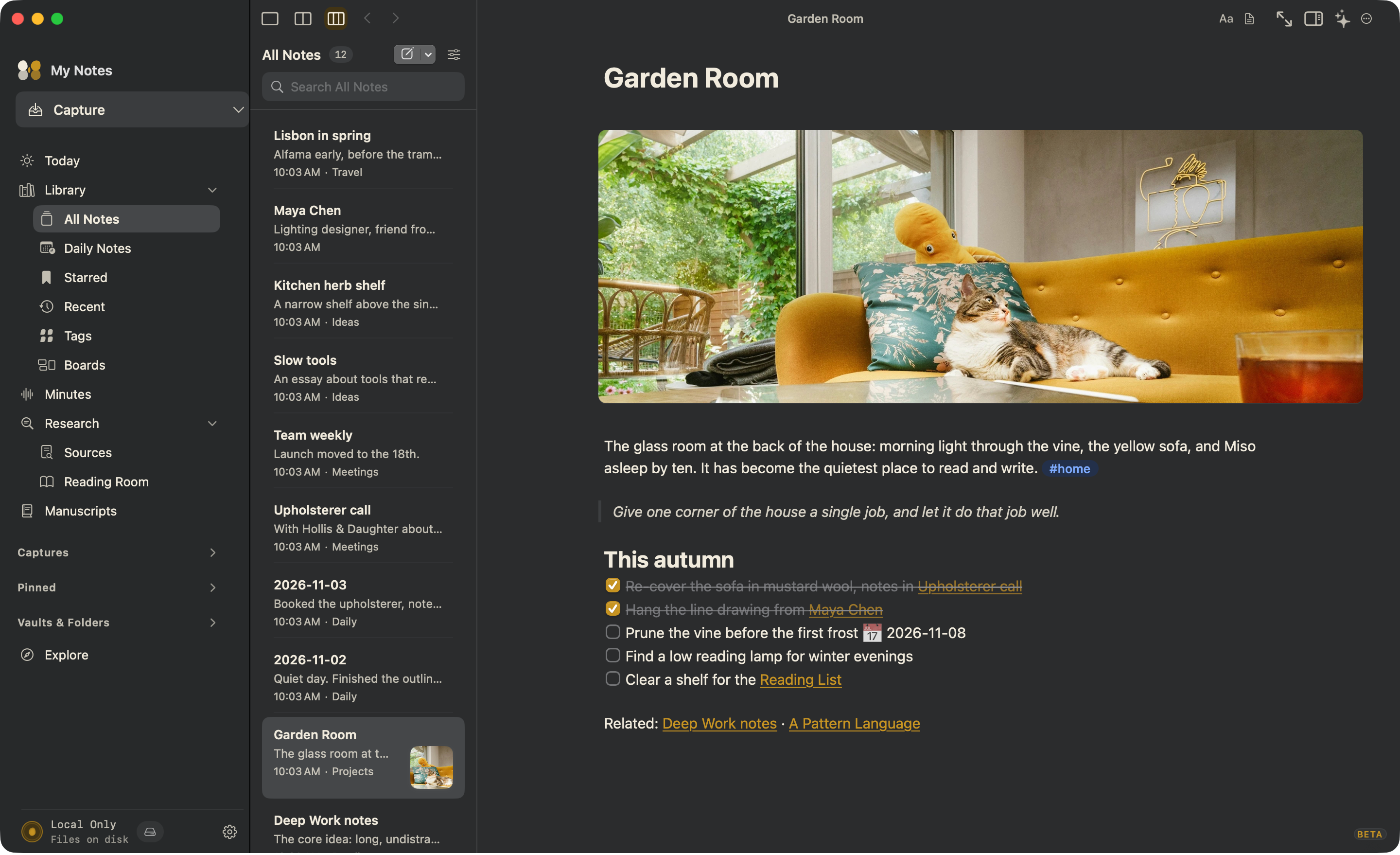
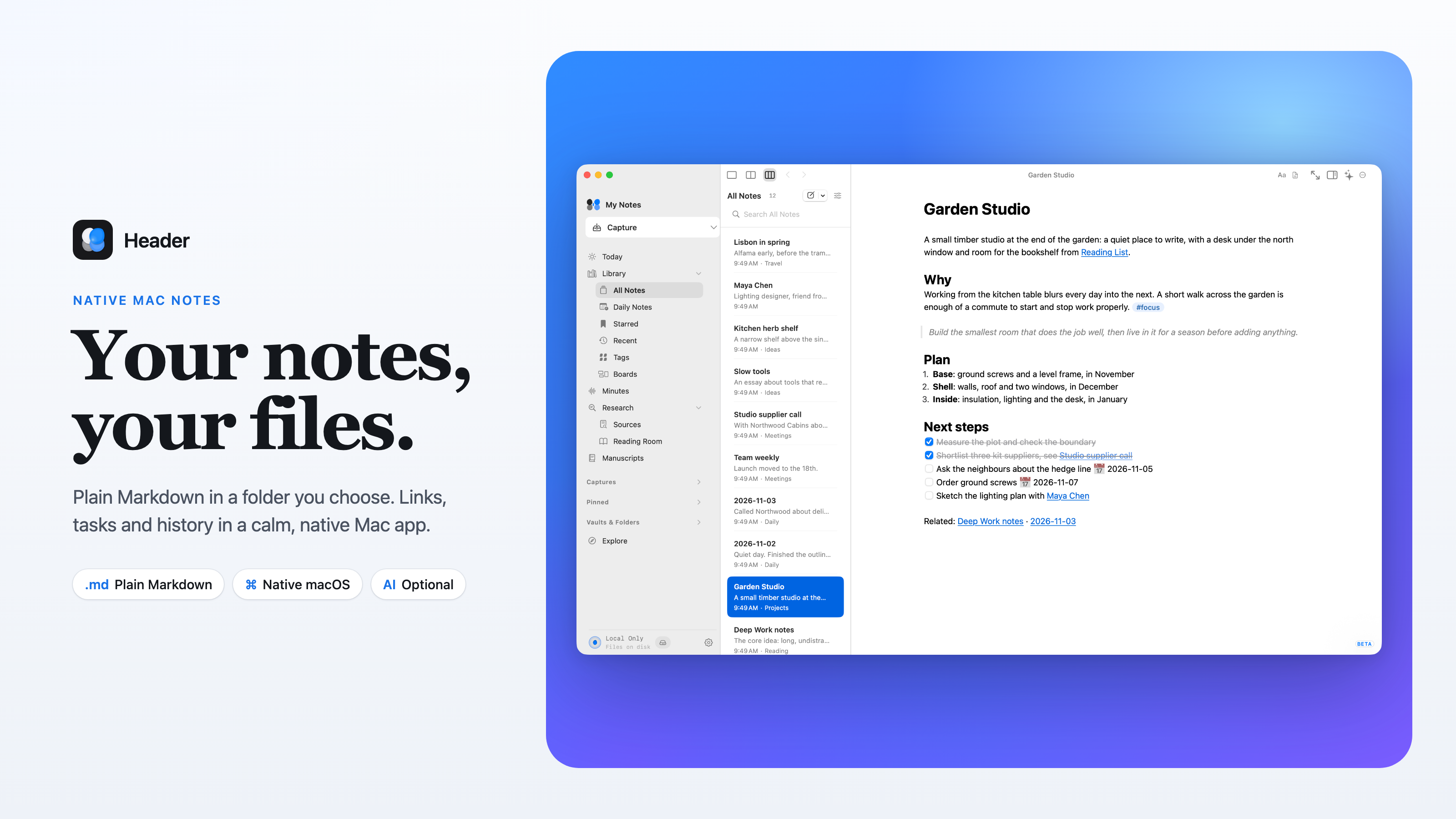
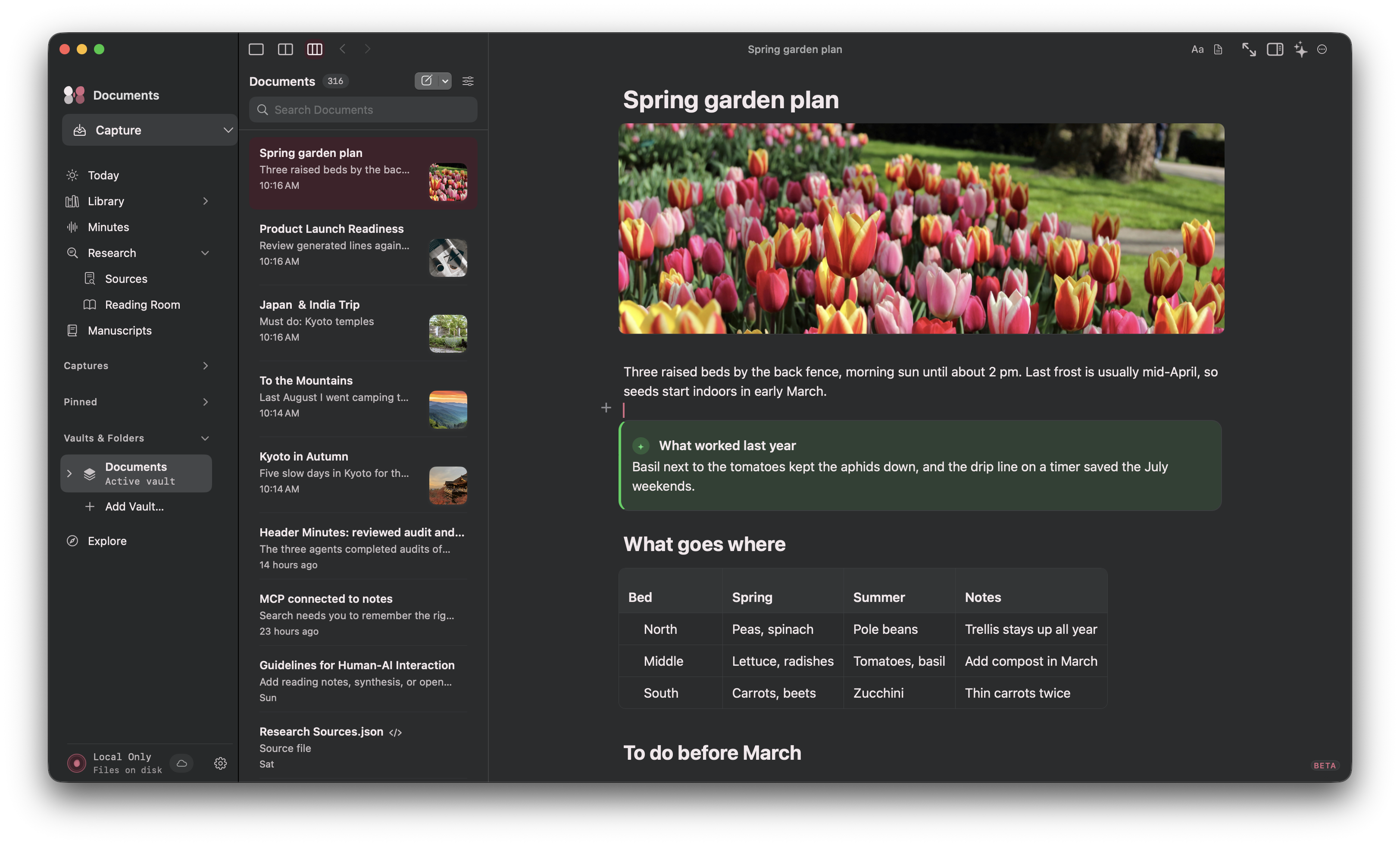
Header is a native Mac notes app where every note is a plain Markdown file in a folder you choose. Your notes stay readable in any editor and work with Finder, iCloud Drive and Git.
Link ideas with wiki links, keep tasks with due dates inside your notes, and ask questions of your own notes with answers that cite the notes they came from. AI is optional: use Apple Intelligence on your Mac, bring your own key for a cloud model, or turn it off completely.
Free during the public beta. Requires macOS 14.4 or later.
Features
- Plain Markdown files in a folder you choose, with no proprietary database
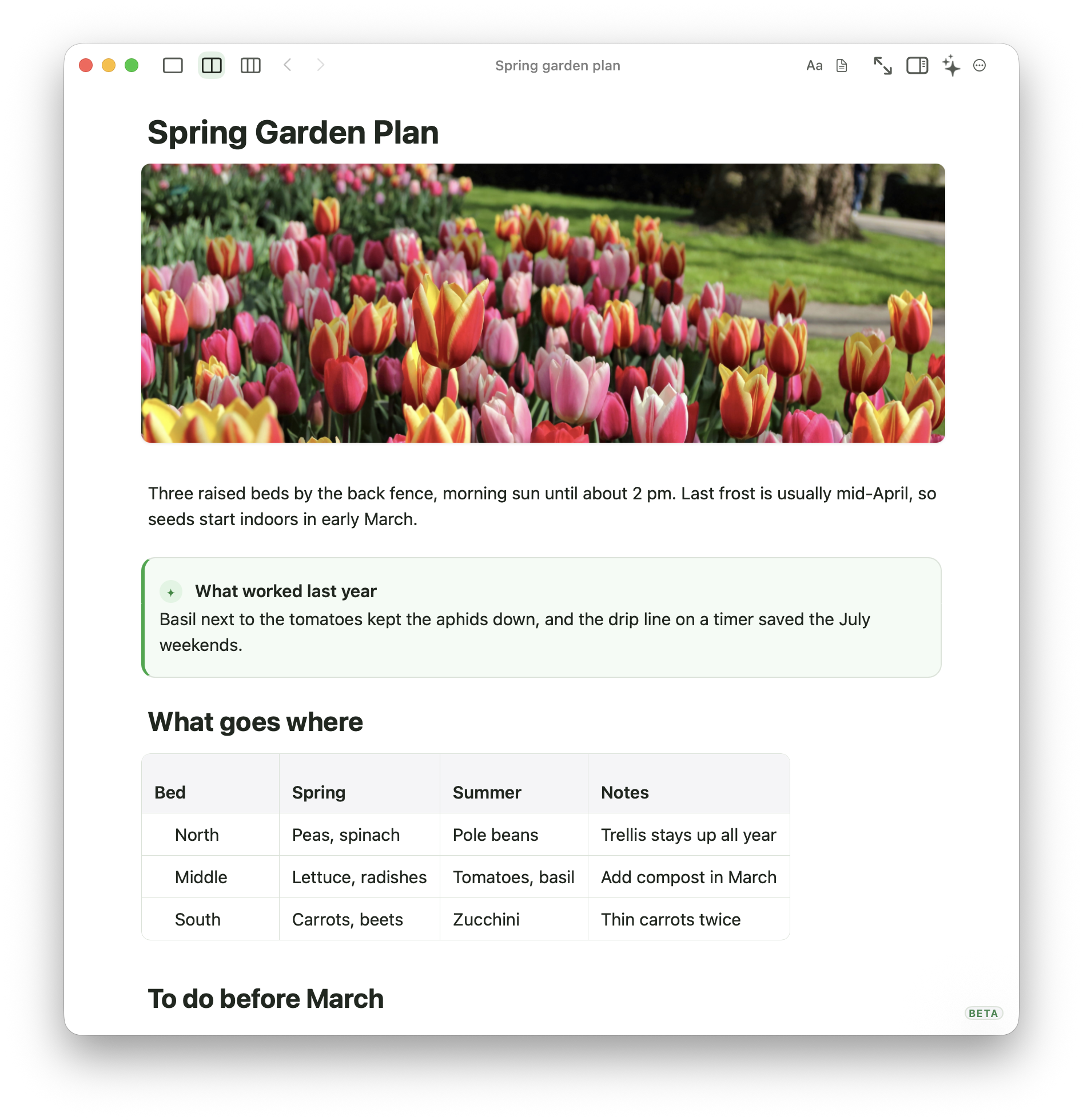
- Rich, source and split editing views
- Wiki links, backlinks and a graph of connected notes
- Tasks with due dates inside notes, gathered in Today
- Lenses: saved views over notes, tasks and properties
- Ask Header: answers from your notes, with citations you can check
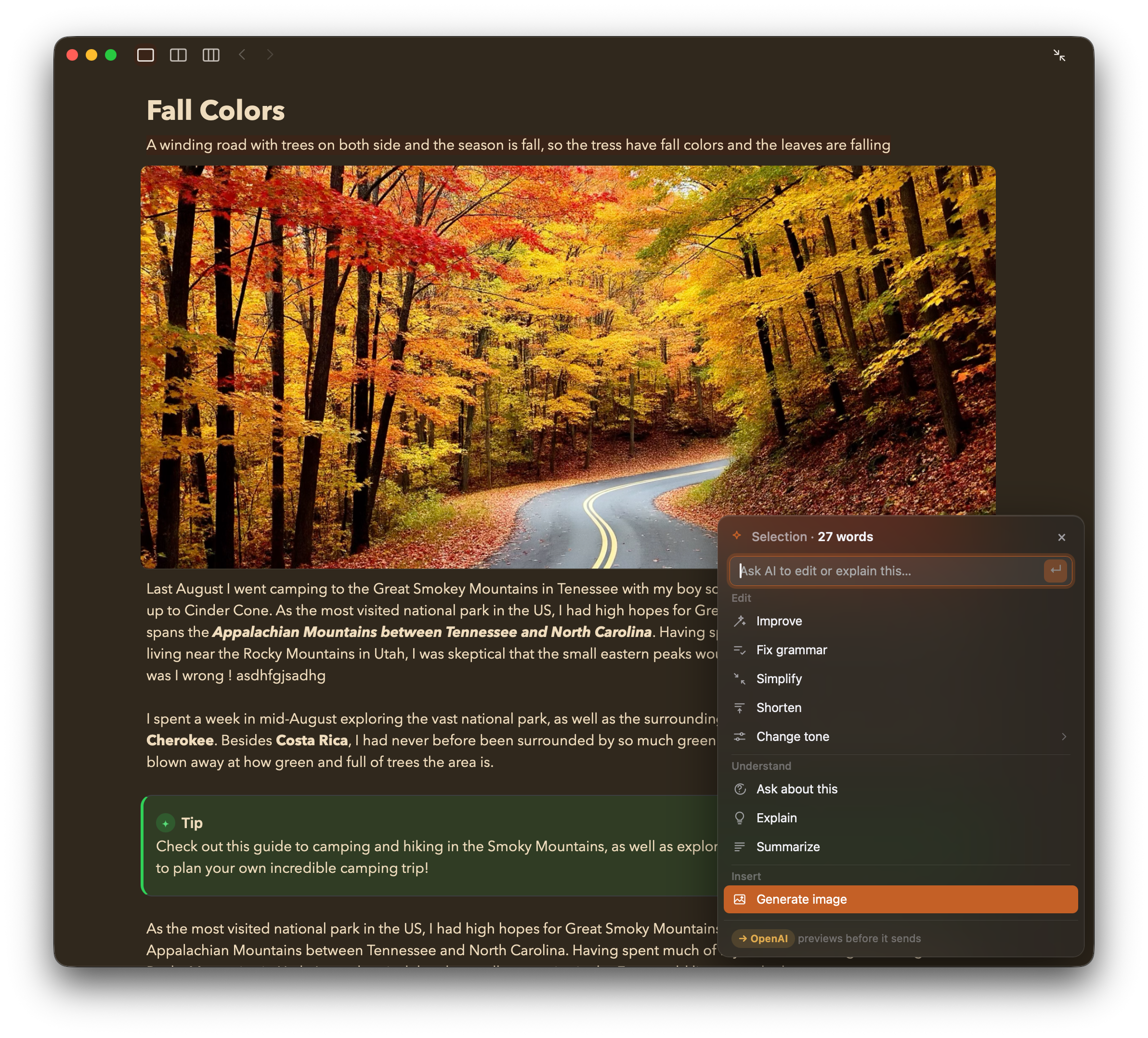
- Optional AI: Apple Intelligence on device, your own cloud API key, or none
- Quick Capture, web clipper and voice notes
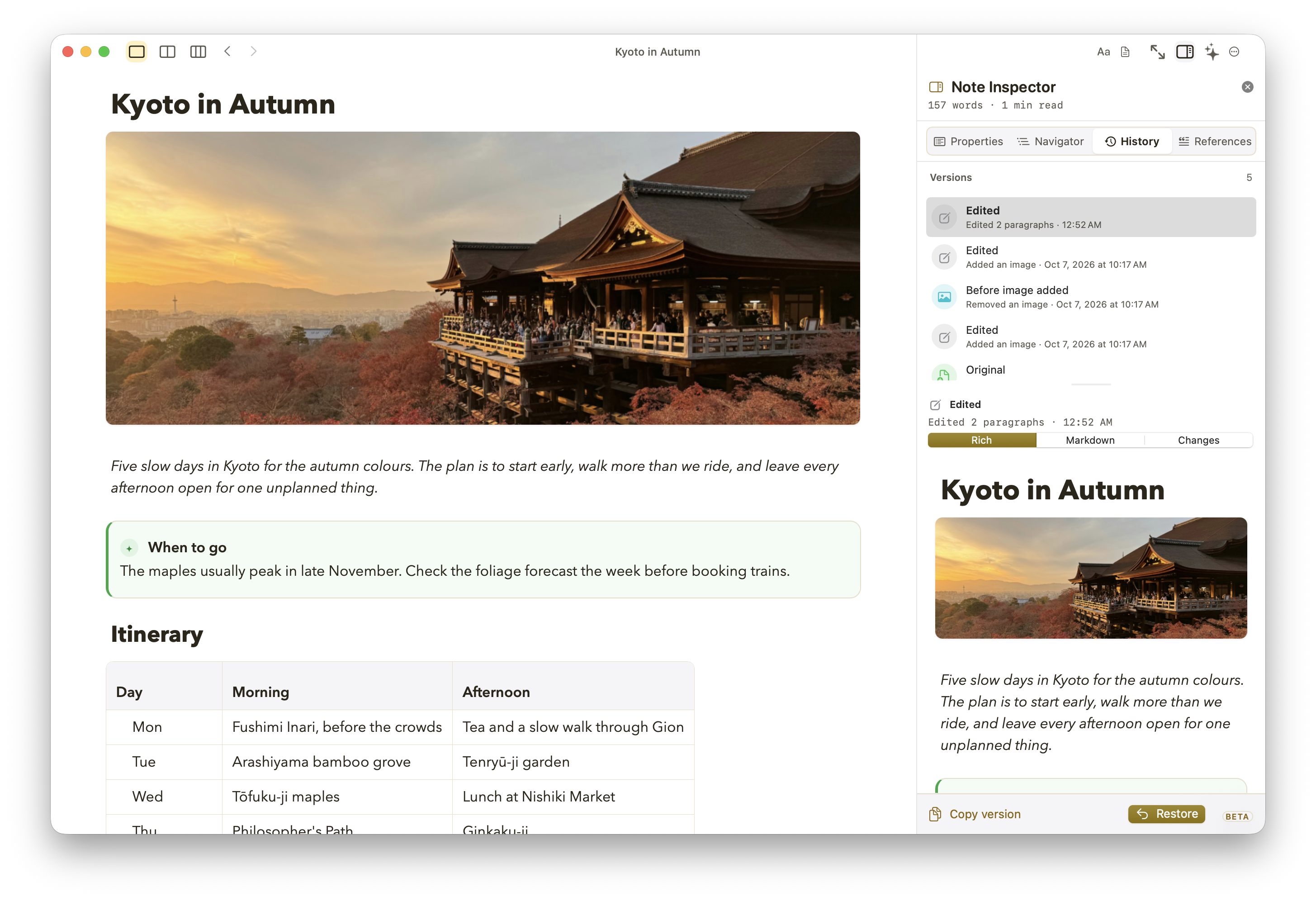
- Time Travel history to see and restore earlier versions
- App lock and per-note encryption with Touch ID
- Native macOS app for Apple silicon and Intel
Use Cases
- Keep a personal knowledge base you can open in any editor, now or in ten years
- Plan projects with linked notes and tasks that have due dates
- Take meeting notes and see what's due today in one place
- Collect research and web clippings, then ask questions across them
- Move from Obsidian or another Markdown app without converting your notes
- Write privately on your Mac, with AI only when you choose it

Comments


Hi Fazier 👋 I'm the maker of Header, a native Mac notes app built on one simple idea: your notes should be plain Markdown files in a folder you own, and the app should still feel beautiful to use. I kept switching notes apps and every move meant exporting, converting and losing something along the way. I wanted notes that would outlive any app, including mine. What you get: • Every note is a .md file. Open them in any editor, sync them with iCloud Drive or Git, and keep them for good. • Wiki links, backlinks and a graph, so ideas connect as you write. • Tasks with due dates inside your notes, gathered each morning in Today. • Ask Header answers questions from your own notes and shows which notes it used, so you can check the answer. • AI is optional. Use Apple Intelligence on your Mac, bring your own API key, or switch it off. Header works fully without it. • App lock and per-note encryption with Touch ID. Header is in public beta and free while the beta runs. It needs macOS 14.4 or later and runs on Apple silicon and Intel. I'd love your honest feedback, especially if you're coming from Obsidian, Bear or Apple Notes. What would make you switch, and what's missing? I'll be here all day answering questions. Thanks for checking it out!
Premium Products






















































Sponsors
Buy

Makers
Makers
Comments
Hi Fazier 👋 I'm the maker of Header, a native Mac notes app built on one simple idea: your notes should be plain Markdown files in a folder you own, and the app should still feel beautiful to use. I kept switching notes apps and every move meant exporting, converting and losing something along the way. I wanted notes that would outlive any app, including mine. What you get: • Every note is a .md file. Open them in any editor, sync them with iCloud Drive or Git, and keep them for good. • Wiki links, backlinks and a graph, so ideas connect as you write. • Tasks with due dates inside your notes, gathered each morning in Today. • Ask Header answers questions from your own notes and shows which notes it used, so you can check the answer. • AI is optional. Use Apple Intelligence on your Mac, bring your own API key, or switch it off. Header works fully without it. • App lock and per-note encryption with Touch ID. Header is in public beta and free while the beta runs. It needs macOS 14.4 or later and runs on Apple silicon and Intel. I'd love your honest feedback, especially if you're coming from Obsidian, Bear or Apple Notes. What would make you switch, and what's missing? I'll be here all day answering questions. Thanks for checking it out!
Premium Products
New to Fazier?

Find your next favorite product or submit your own. Made by @FalakDigital.
Copyright ©2026. All Rights Reserved