
H3 Max
Describe the shot. Get it back with sound, in seconds.
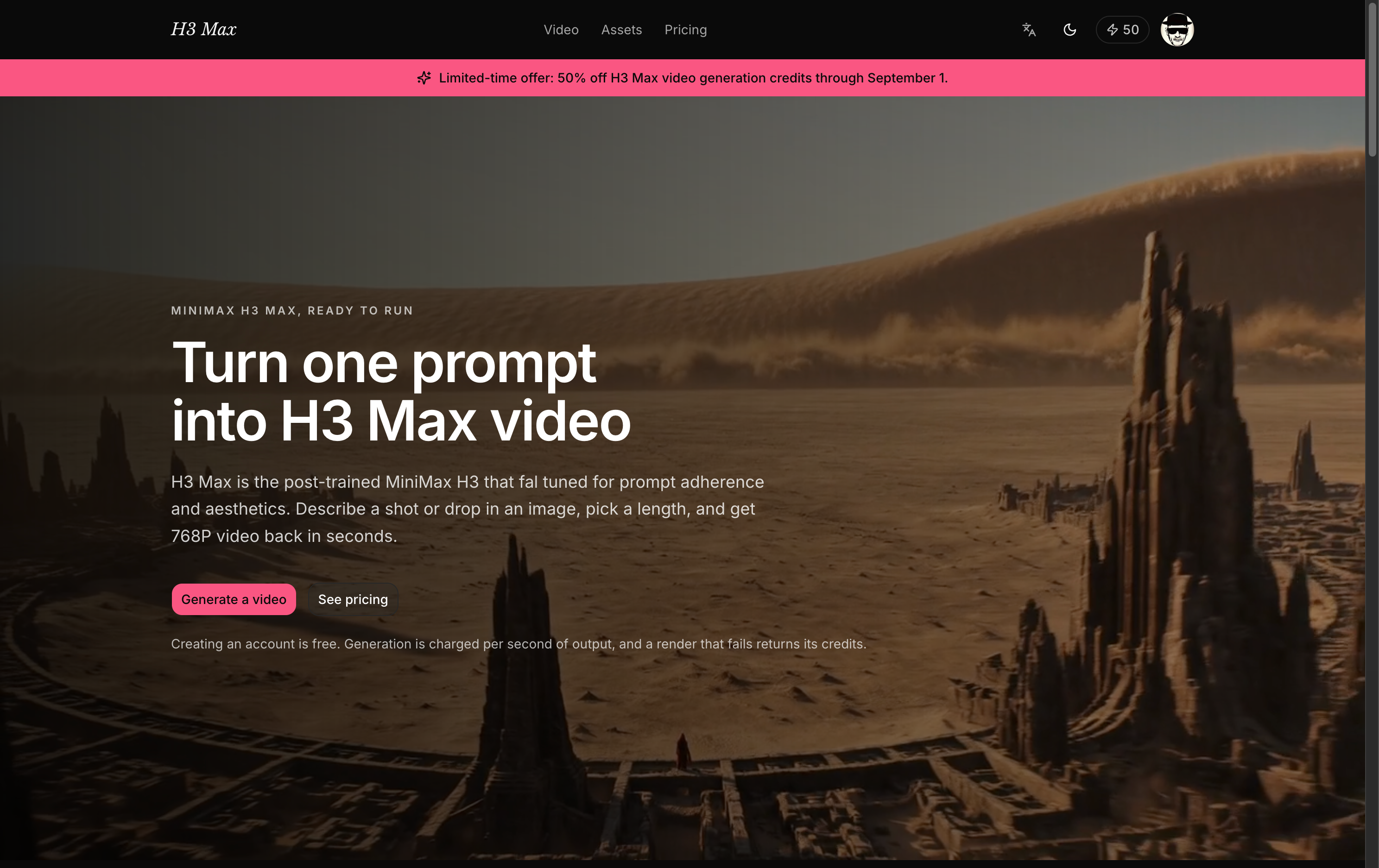
H3 Max turns a written prompt or a single still image into a 5–15 second video
with synchronized audio and directed camera motion. There is no timeline, no
node graph, and nothing to install — you type the shot you want, watch it come
back, and adjust.
It runs on MiniMax's H3 family: **H3 Max**, post-trained for prompt adherence,
for fast 480P and 768P work, and **standard H3** when a piece needs to finish at
2K or 4K.
**Who it's for.** People who need short shots quickly and often — social and
performance marketers testing creative, editors and directors blocking out a
sequence before committing a crew, solo creators without a studio behind them,
and product teams that need a moving hero shot this afternoon rather than next
quarter. If you are producing a feature, this is a previz tool. If you are
producing a week of content, it may be the whole pipeline.
**Why this rather than the others.**
- **The shot arrives with its audio.** Most generators hand back a silent clip
and leave you to score it. This one doesn't, which removes an entire pass from
the process.
- **You pay by the second, for what actually rendered.** Pricing is per second
of output and the exact cost appears on the button before you commit. A render
that fails returns its credits automatically — you are never billed for a
video you did not receive.
- **Iterating is cheap on purpose.** Draft at 480P until the shot is right, then
re-run the one you kept at 768P. The price difference between exploring and
finishing is the point of having both.
- **You can direct where a shot lands.** Give it a first frame and a last frame,
and the motion between them is yours to specify rather than to hope for.
- **Nothing to set up.** Sign in and generate. New accounts start with free
credits, and an account costs nothing to keep.
Features
**Text to video.** A prompt is enough. Describe subject, motion, lens, and mood;
H3 Max was post-trained specifically to follow what you wrote.
**Image to video.** Upload one image and it animates. Add a second image as the
end frame and the model works out the movement between them.
**Audio, generated with the picture.** Sound arrives synchronized to the shot,
not layered on afterward.
**5 to 15 seconds per render.** Long enough to be a real shot, short enough to
iterate on. Longer pieces are assembled from several renders.
**480P to 4K.** H3 Max covers 480P and 768P. Standard H3 adds 2K and 4K for
work that has to hold up on a large screen.
**Per-second credit pricing.** Cost scales with the length and resolution you
actually chose, shown before you run it. Failed renders are refunded without
you asking.
**A library of everything you have made.** Every generation is kept with its
prompt and settings, so a shot from last week is one click from being re-run
with one word changed.
**English and Chinese throughout.**
Use Cases
**Ad and social creative.** Produce a dozen variants of the same concept in an
afternoon, run them, and put the budget behind whichever one performs. The unit
of work is a shot, not a shoot.
**Previz and storyboards.** Show a client or a crew what the sequence looks like
before anyone books a location. Moving boards land differently than a stack of
stills.
**Product and e-commerce.** Animate a product still into a hero shot — a slow
push in, a turn, a change of light — without a table-top studio.
**Bringing stills to life.** Archive photographs, illustrations, concept art, key
frames. One image in, motion out, with the end frame under your control.
**Music, mood, and title work.** Short atmospheric pieces where the sound and
the image are generated together, which is exactly the case that benefits from
audio arriving with the picture.
**Pitches and prototypes.** A concept explains itself faster as ten seconds of
video than as a paragraph, and at this price it is worth making one just to find
out whether the idea reads.

Comments


Hey 👋 Three things kept bugging me about AI video: clips came back silent, I paid for renders that failed, and exploring an idea cost the same as finishing it. H3 Max is my answer. Describe a shot or drop in an image, get 5–15 seconds back with audio already synced. First frame + last frame if you want to direct where it lands. Runs on MiniMax H3 / H3 Max. You pay per second of output, the cost is on the button before you commit, and failed renders refund automatically. Draft at 480P, finish at 768P, go to 2K/4K on standard H3 when it matters. Free credits to start, no card. Tell me where it breaks — that's what I'm here for today.
Premium Products


























Sponsors
Buy

Comments
Hey 👋 Three things kept bugging me about AI video: clips came back silent, I paid for renders that failed, and exploring an idea cost the same as finishing it. H3 Max is my answer. Describe a shot or drop in an image, get 5–15 seconds back with audio already synced. First frame + last frame if you want to direct where it lands. Runs on MiniMax H3 / H3 Max. You pay per second of output, the cost is on the button before you commit, and failed renders refund automatically. Draft at 480P, finish at 768P, go to 2K/4K on standard H3 when it matters. Free credits to start, no card. Tell me where it breaks — that's what I'm here for today.
Premium Products
New to Fazier?

Find your next favorite product or submit your own. Made by @FalakDigital.
Copyright ©2026. All Rights Reserved