
Grid Maker
Add a customizable drawing grid to any photo
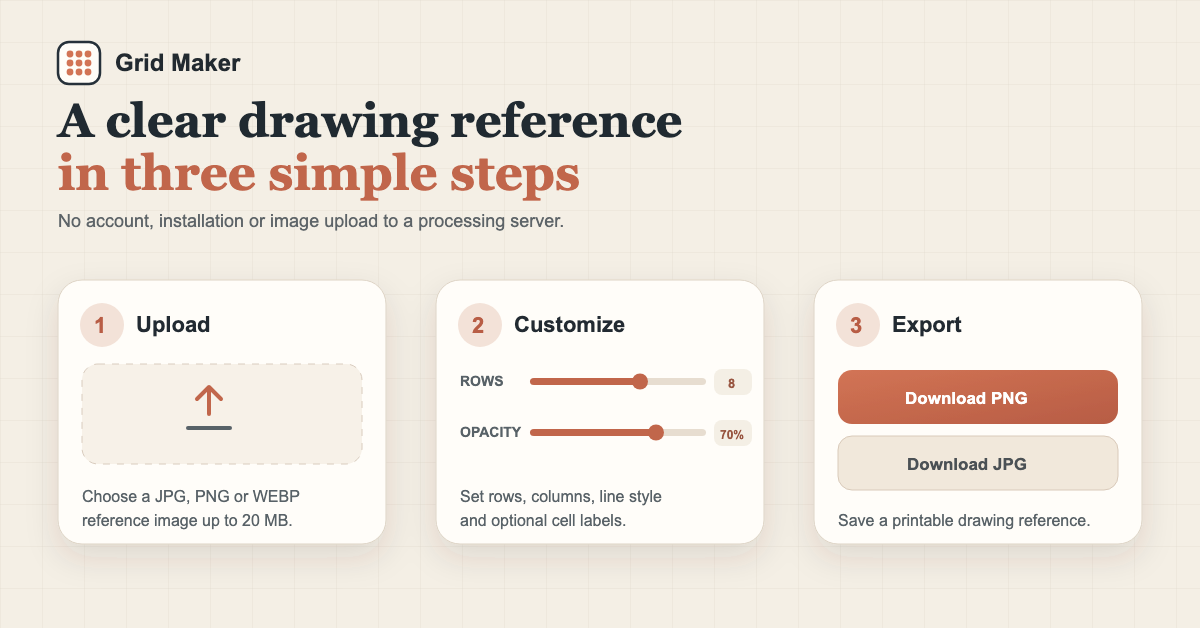
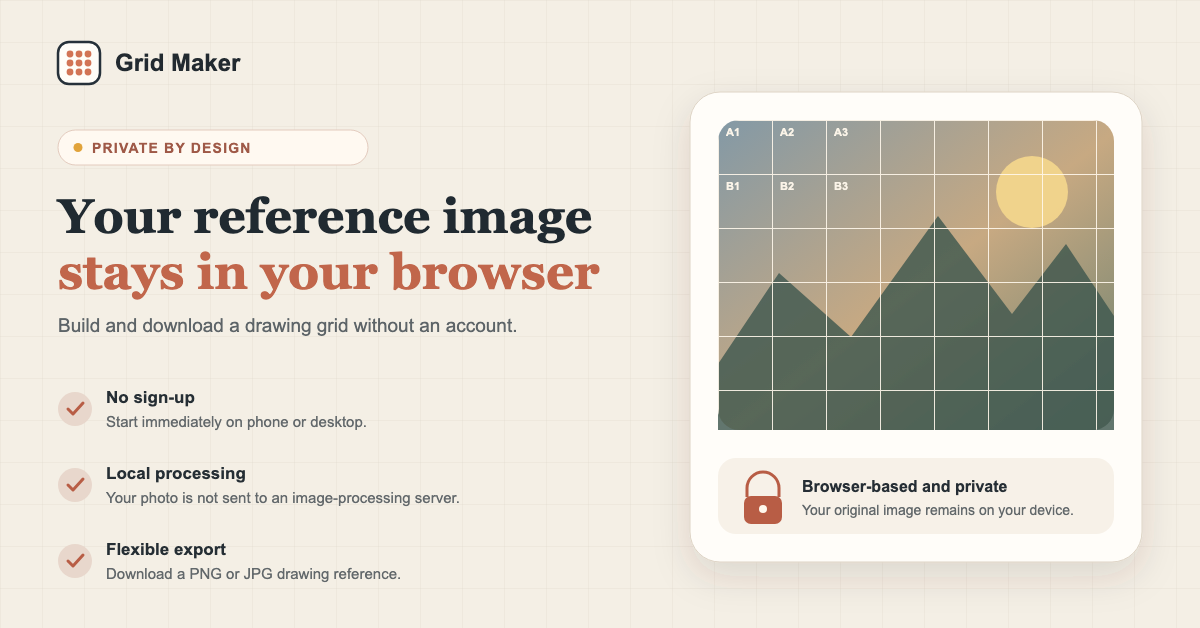
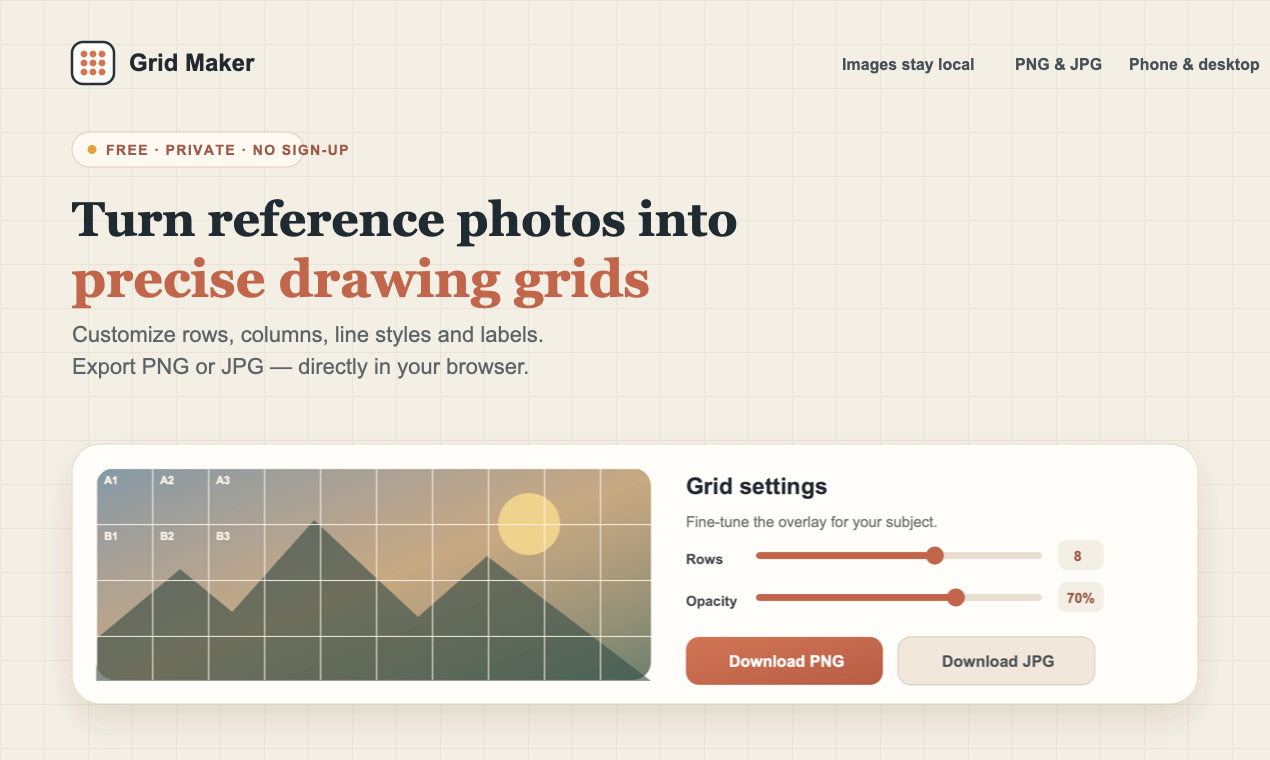
Grid Maker is a free browser-based drawing tool that adds a customizable grid to any reference photo. Upload a JPG, PNG, or WEBP image, choose the row and column count, adjust line color, width, opacity, and optional cell labels, then export the finished reference as PNG or JPG. It is designed for drawing beginners, art students, teachers, portrait artists, illustrators, and mural artists who use the grid method to study proportions or scale artwork. Images are processed locally in the browser, with no sign-up required.
Features
• Custom rows and columns from 2 to 24
• Adjustable line color, width, and opacity
• Optional A1-style cell labels
• Crop and straighten references before applying the grid
• PNG and JPG export
• Local browser processing with no sign-up
Use Cases
• Create gridded reference photos for portrait drawing
• Prepare classroom exercises for the grid method
• Scale sketches onto larger paper, canvas, walls, or panels
• Study proportions, angles, negative space, and placement
• Build printable or on-screen references for drawing practice

Comments


I built Grid Maker to give artists, students, and teachers a fast, private way to prepare reference photos for the grid method. The goal was to keep the workflow practical: upload an image, crop and straighten it, tune the grid, and export a PNG or JPG without creating an account or sending the image to a processing server. I’d love feedback on which grid controls or export options would make it more useful for drawing practice and classroom work.
Premium Products








































Sponsors
Buy
Makers
Makers
Comments
I built Grid Maker to give artists, students, and teachers a fast, private way to prepare reference photos for the grid method. The goal was to keep the workflow practical: upload an image, crop and straighten it, tune the grid, and export a PNG or JPG without creating an account or sending the image to a processing server. I’d love feedback on which grid controls or export options would make it more useful for drawing practice and classroom work.
Premium Products
New to Fazier?

Find your next favorite product or submit your own. Made by @FalakDigital.
Copyright ©2026. All Rights Reserved