
GPT Image 2.5 AI Video Generator
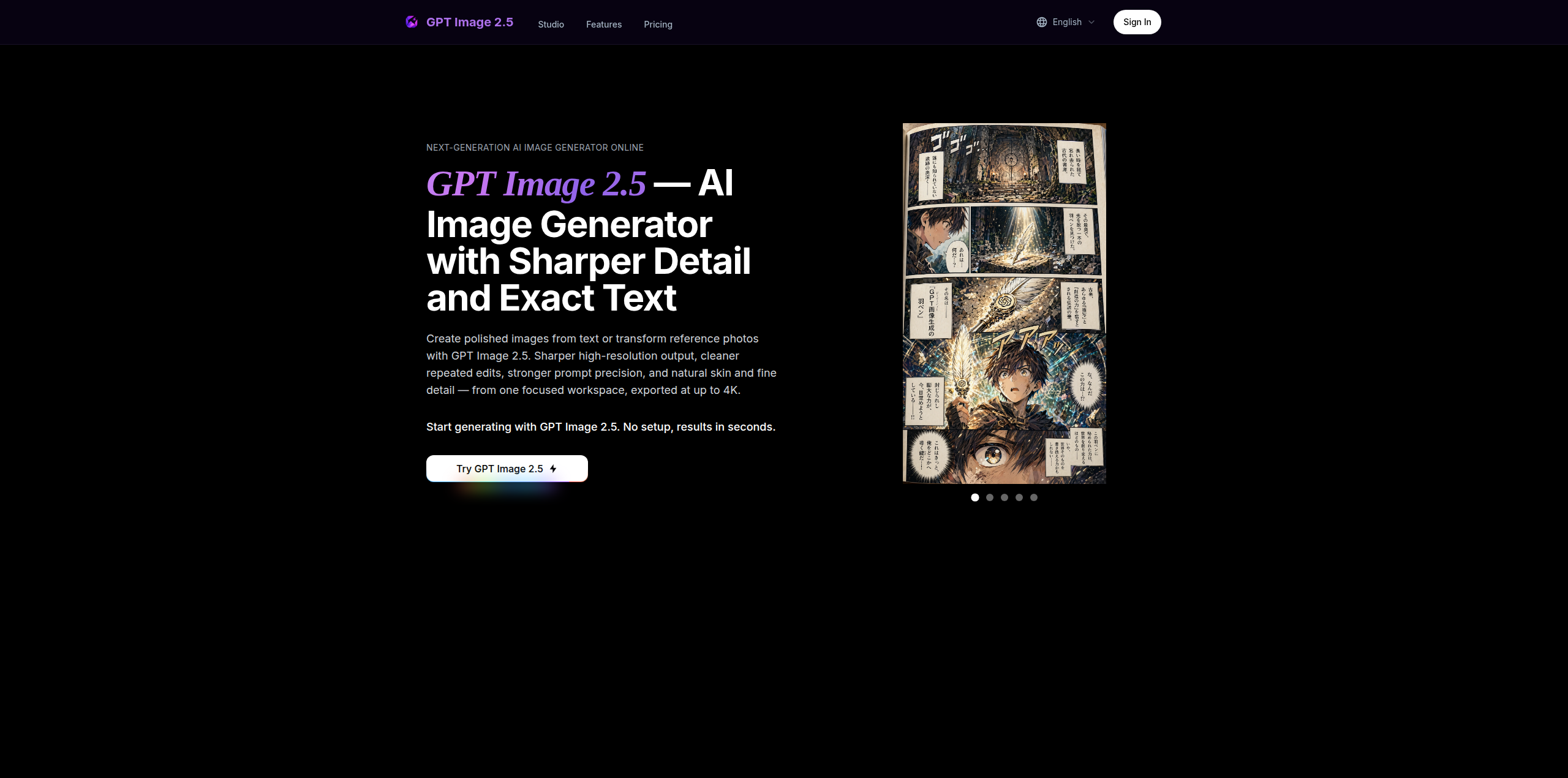
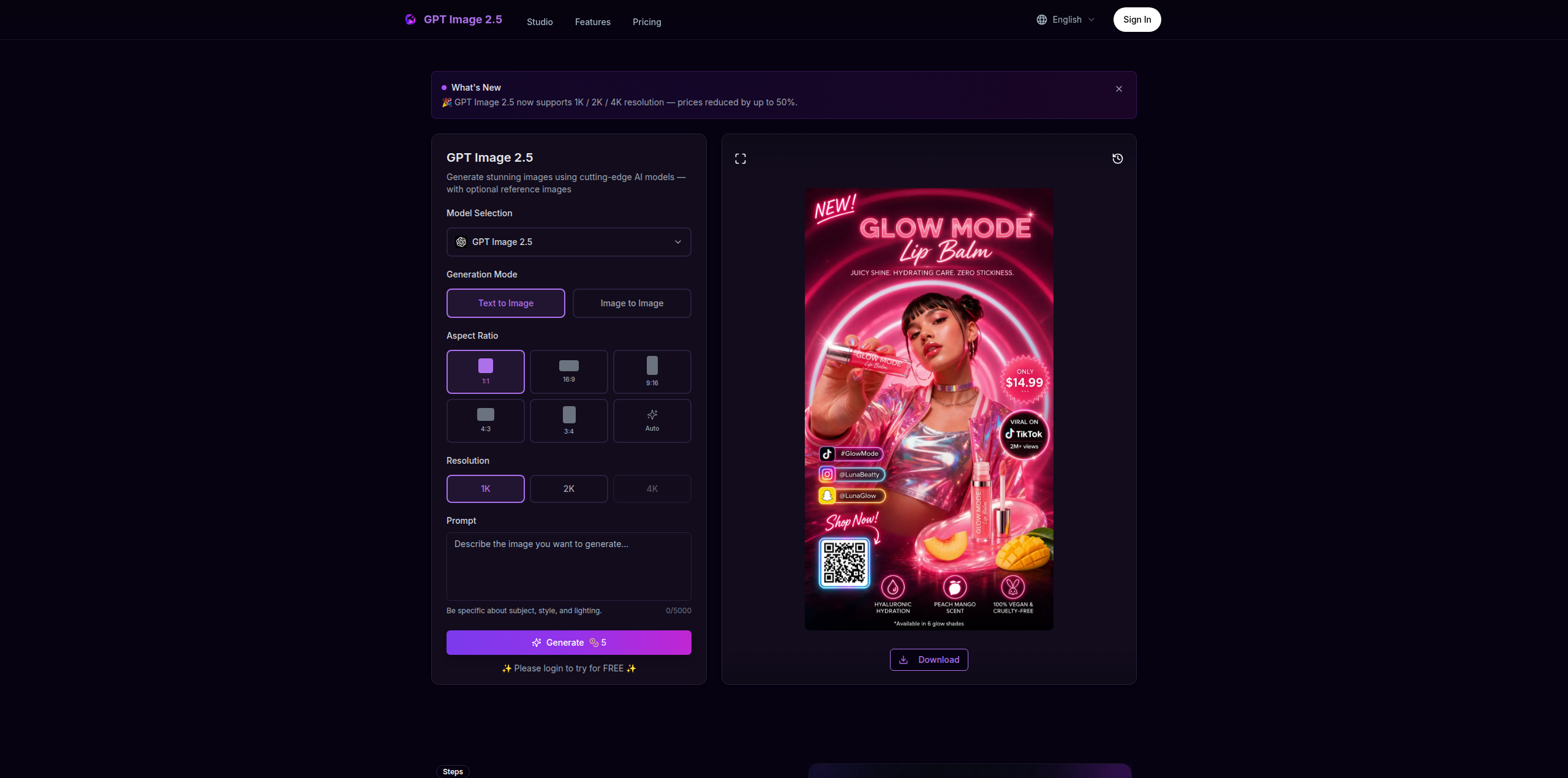
AI Image Generator
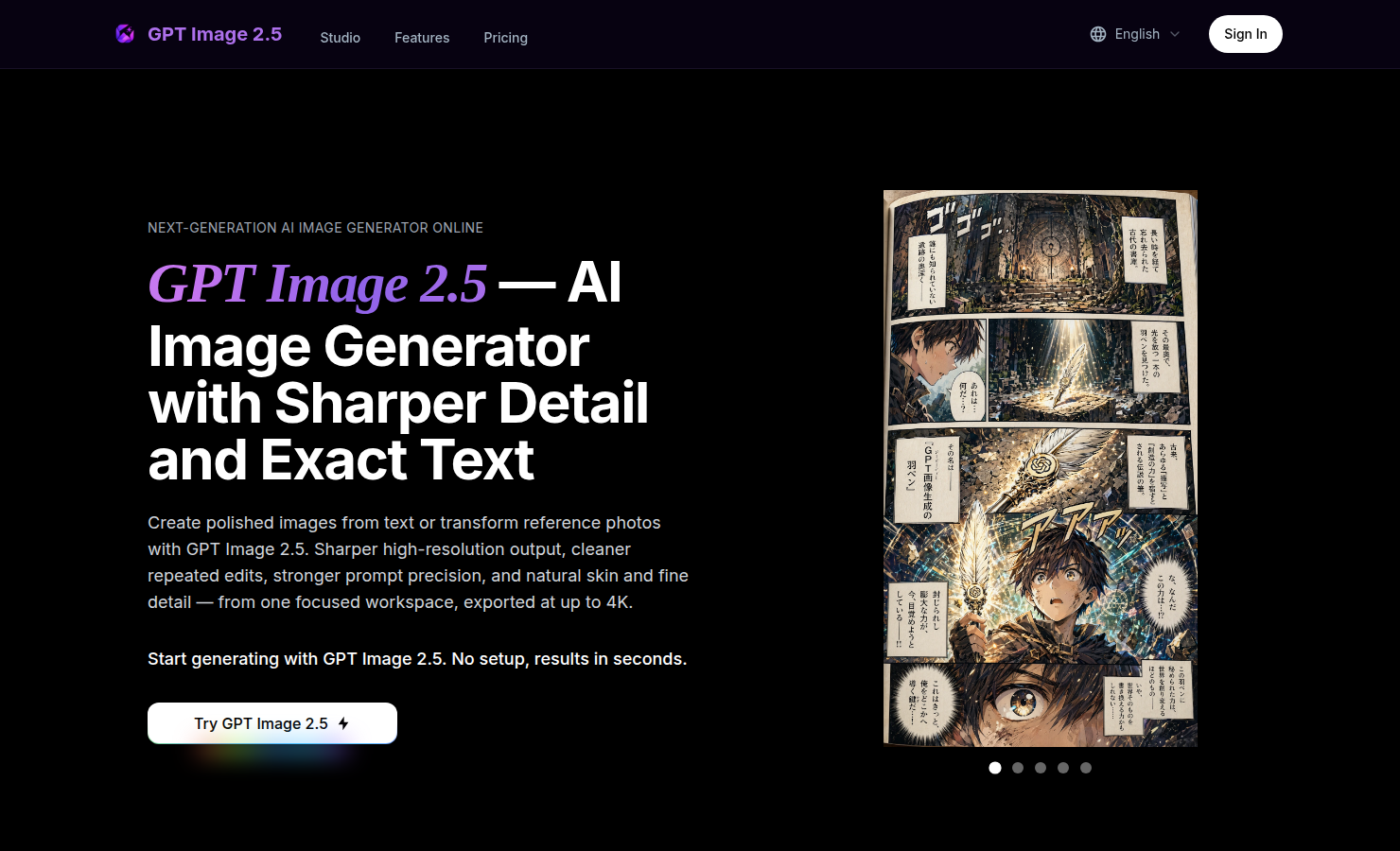
Features
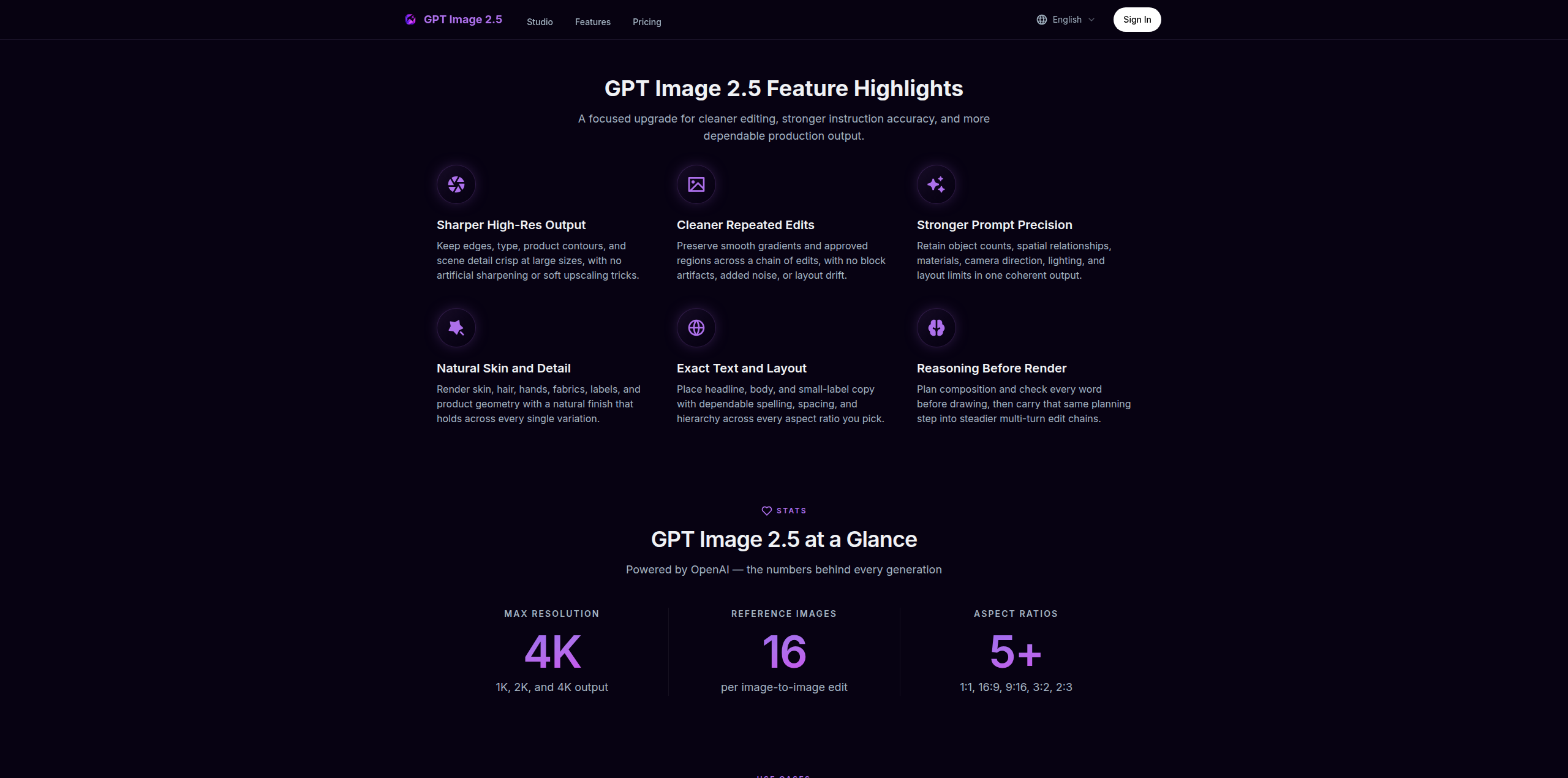
1. Sharper High-Resolution Output
GPT Image 2.5 keeps edges, typography, product contours, and scene detail crisp at large sizes. Output is available at 1K, 2K, and true 4K with no artificial sharpening or soft upscaling tricks, so a hero image holds up on a billboard as well as on a phone.
2. Cleaner Repeated Edits
Chain a dozen edits and the approved regions stay exactly as they were. GPT Image 2.5 preserves smooth gradients and color across every revision, with no block artifacts, added noise, or layout drift between rounds.
3. Stronger Prompt Precision
Object counts, spatial relationships, materials, camera direction, lighting, and layout limits all land in one coherent output. Long briefs with many constraints are retained instead of being partially dropped.
4. Natural Skin and Detail
Skin, hair, hands, fabrics, labels, and product geometry render with a natural finish that stays stable across variations. The refined decode stage removes the blocky noise of earlier generations while keeping realistic grain and micro-detail.
5. Exact Text and Layout
Headline, body, and small-label copy are placed with dependable spelling, spacing, and hierarchy in every aspect ratio. Multilingual text stays accurate, making localized marketing and packaging visuals possible from a single prompt.
6. Reasoning Before Render
A planning pass reads the brief, resolves counts and text content, and checks its own plan for conflicts before the first pixel is drawn. The same planning step carries into multi-turn edit chains for steadier results.
Use Cases
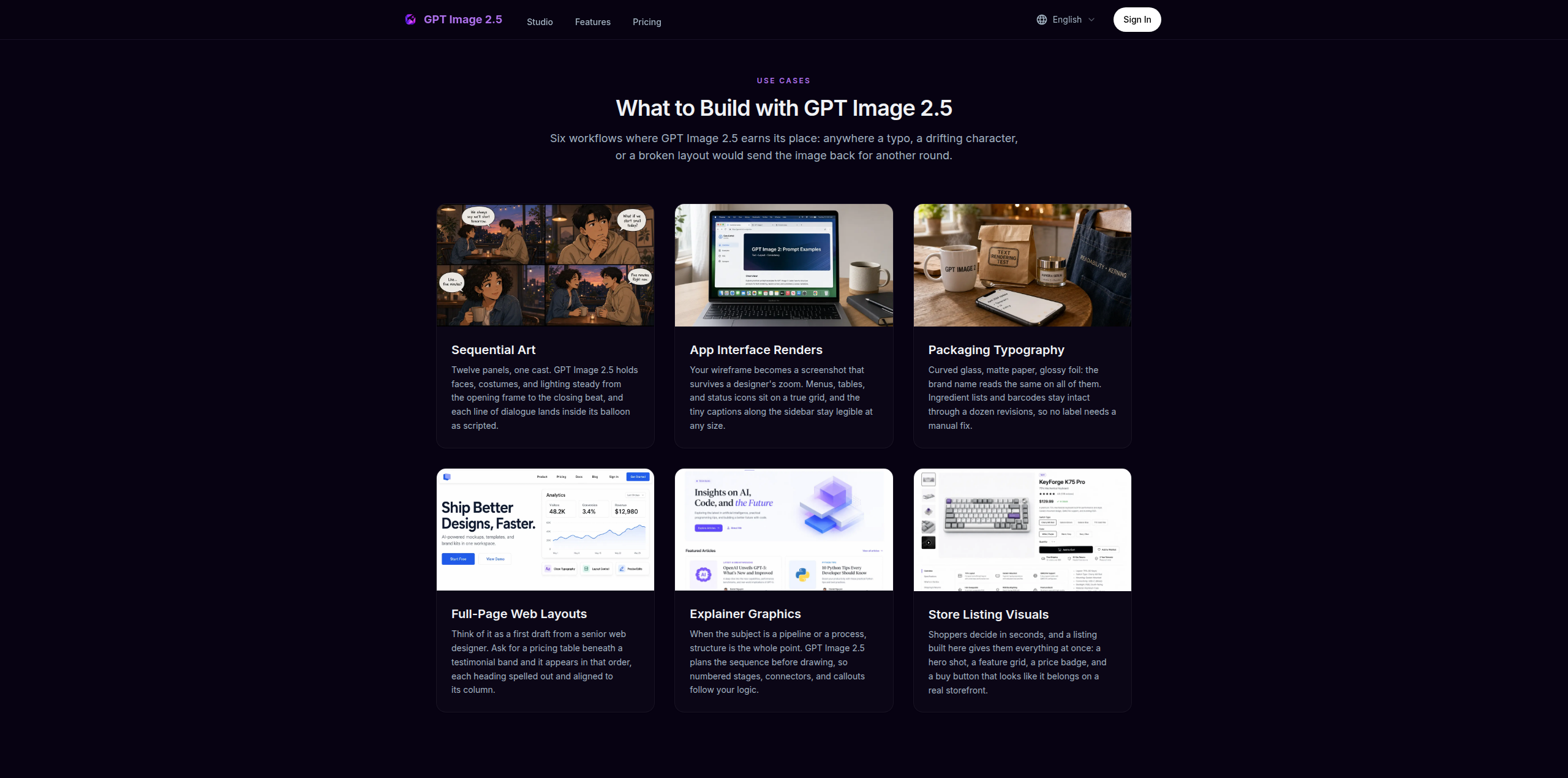
• Sequential Art: Holds faces, costumes, and lighting steady for comics and storyboards.
• App Interface Renders: Turn wireframes into high-res screenshots for SaaS demos.
• Packaging Typography: Maintains brand name and label integrity across revisions.
• Full-Page Web Layouts: Rapid prototyping for web designers with accurate text alignment.
• Explainer Graphics: Creates structured technical diagrams and workflow infographics.
• Store Listing Visuals: Generates professional product photography and storefront assets.

Comments






The repeated edits feature caught my attention. Most image tools drift after a few rounds, with color shifts or layout changes in areas you already approved. Locking approved regions across a long edit chain solves a real problem for anyone doing client revisions. How many edit rounds have you tested before quality starts to drop?
The repeated-edits consistency is the standout feature for me. Most image generators drift after a few rounds of revisions, so keeping approved regions exactly intact across a dozen chained edits is genuinely useful for product mockups and sequential art. One question: how well does it preserve brand logos and small-label typography across multiple edits?


Premium Products








































Sponsors
Buy

Awards
View all
Awards
View allMakers
Makers
Comments
The repeated edits feature caught my attention. Most image tools drift after a few rounds, with color shifts or layout changes in areas you already approved. Locking approved regions across a long edit chain solves a real problem for anyone doing client revisions. How many edit rounds have you tested before quality starts to drop?
The repeated-edits consistency is the standout feature for me. Most image generators drift after a few rounds of revisions, so keeping approved regions exactly intact across a dozen chained edits is genuinely useful for product mockups and sequential art. One question: how well does it preserve brand logos and small-label typography across multiple edits?
Premium Products
New to Fazier?

Find your next favorite product or submit your own. Made by @FalakDigital.
Copyright ©2026. All Rights Reserved