Goodesign
AI interior design & virtual staging
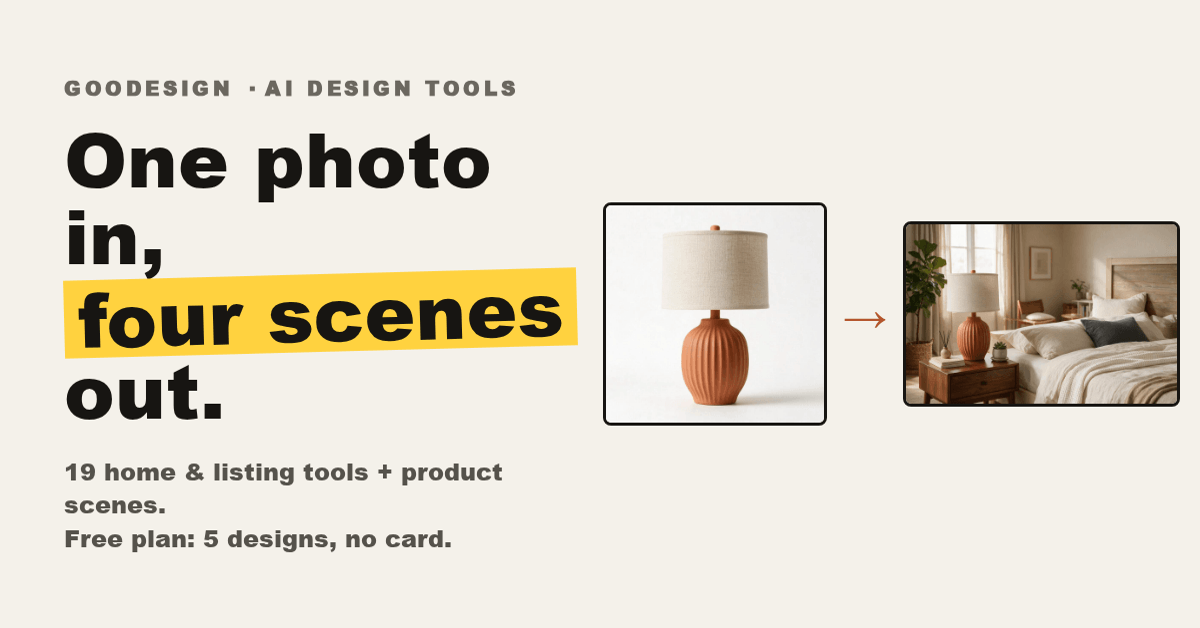
Goodesign is an AI photo studio for real estate listings and product photos. Upload one photo and get a staged, polished, buyer-ready visual in seconds - no Photoshop skills, no physical staging, no photographer. 20 focused tools cover the whole listing-photo workflow, and the UI speaks 8 languages.

Features
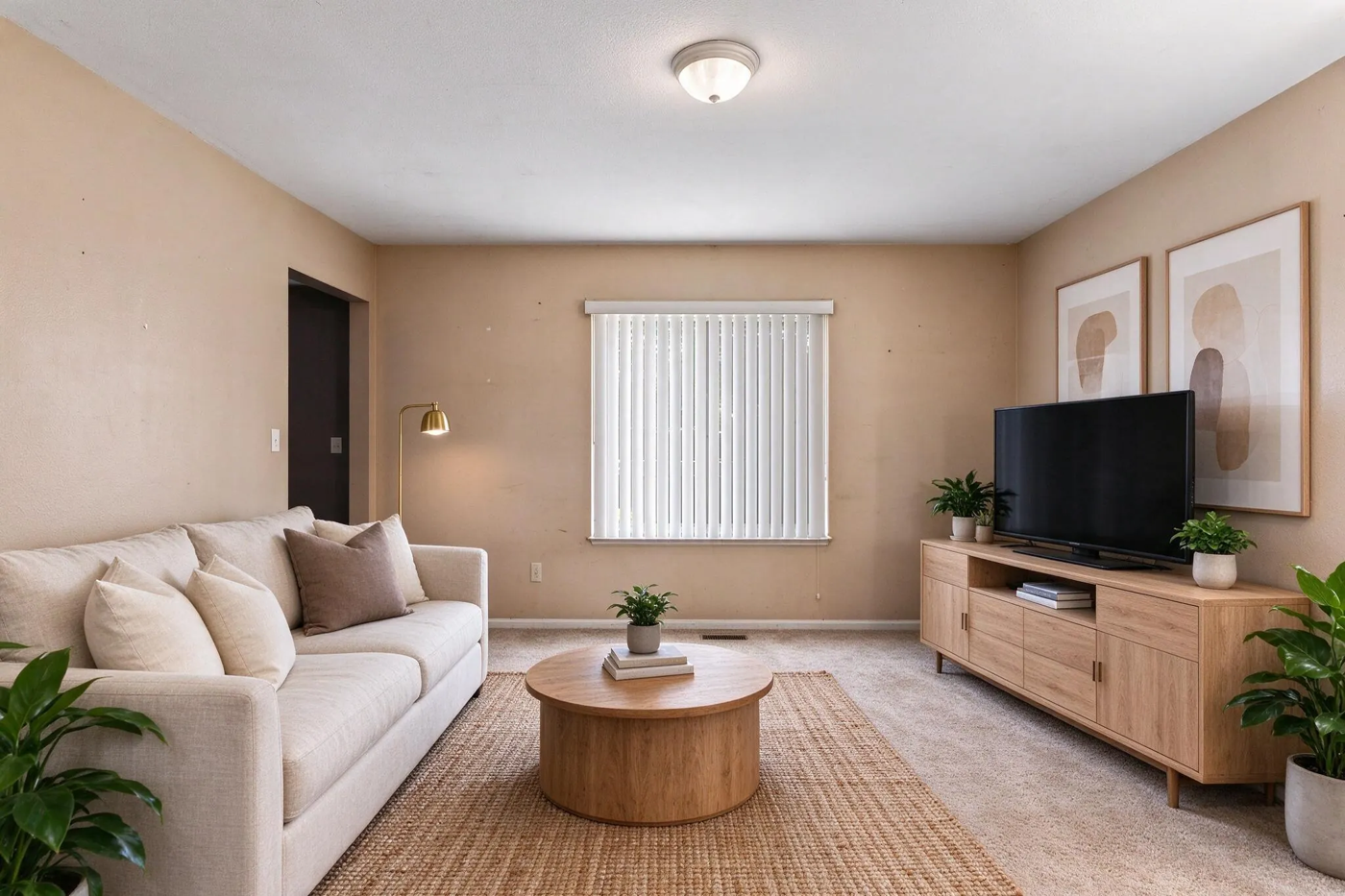
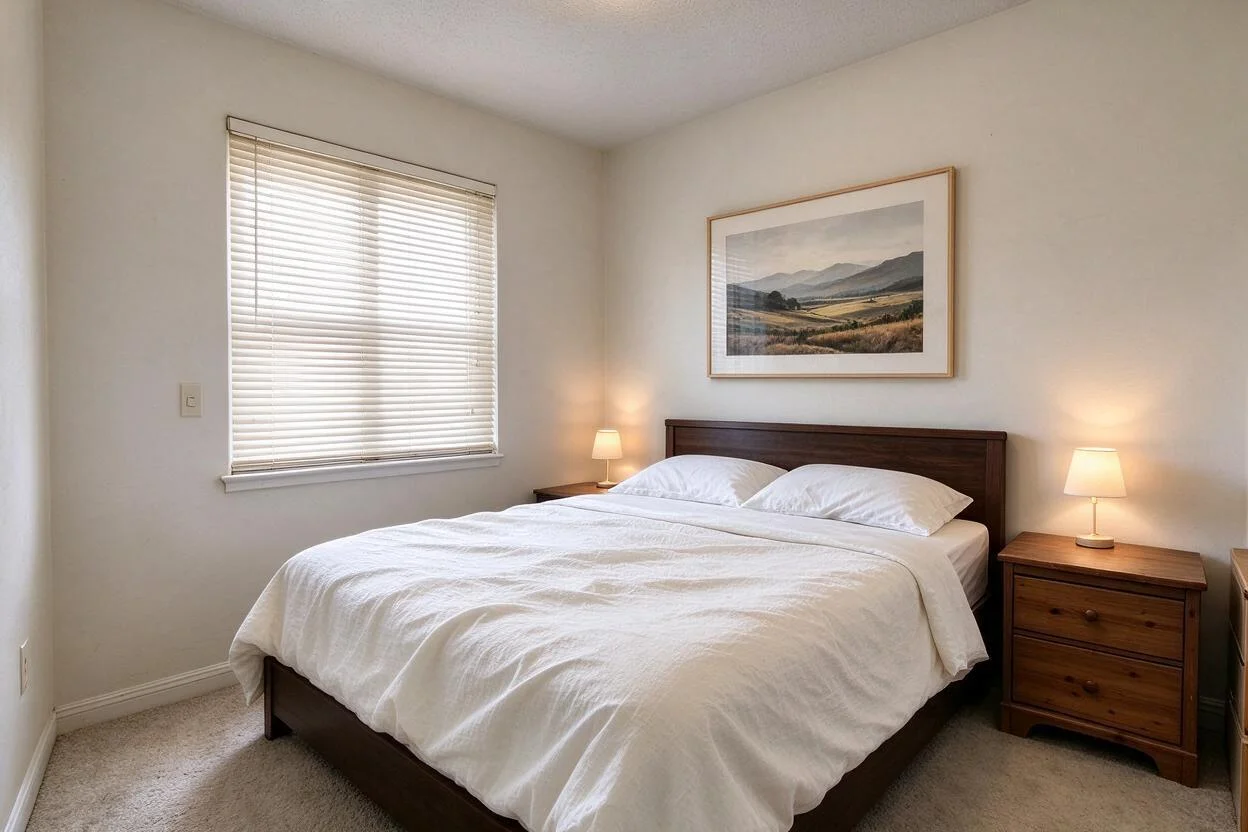
Virtual staging - furnish empty rooms in matching styles
Repaint walls, restyle surfaces, swap furniture
Declutter and remove objects; add furniture or a pool
Day-to-dusk, sky replacement, lawn replacement
Enhance and upscale to print-ready resolution
AI product scenes and merchant product visualizer
Use Cases
Real estate listing photos that sell
E-commerce product visuals at scale
Interior design moodboards and restyling

Comments

The list of 20 focused tools, from day-to-dusk and sky replacement to decluttering, makes this feel like a full listing-photo workflow rather than a single gimmick. I'm curious how consistent the virtual staging is when the input room is very small or badly lit. Eight UI languages is a nice touch for international agents.

Having 20 focused tools, from day-to-dusk to declutter and sky replacement, makes this feel like a full listing-photo pipeline. For virtual staging, does it keep the room's real dimensions and window/door positions fixed so agents avoid misleading buyers? An optional 'virtually staged' label on exports would be a helpful compliance feature for real estate listings.

Premium Products














































Makers

Makers
Comments
The list of 20 focused tools, from day-to-dusk and sky replacement to decluttering, makes this feel like a full listing-photo workflow rather than a single gimmick. I'm curious how consistent the virtual staging is when the input room is very small or badly lit. Eight UI languages is a nice touch for international agents.
Having 20 focused tools, from day-to-dusk to declutter and sky replacement, makes this feel like a full listing-photo pipeline. For virtual staging, does it keep the room's real dimensions and window/door positions fixed so agents avoid misleading buyers? An optional 'virtually staged' label on exports would be a helpful compliance feature for real estate listings.
Premium Products
New to Fazier?

Find your next favorite product or submit your own. Made by @FalakDigital.
Copyright ©2026. All Rights Reserved