GIF Master
Frame-by-frame GIF editing and background removal
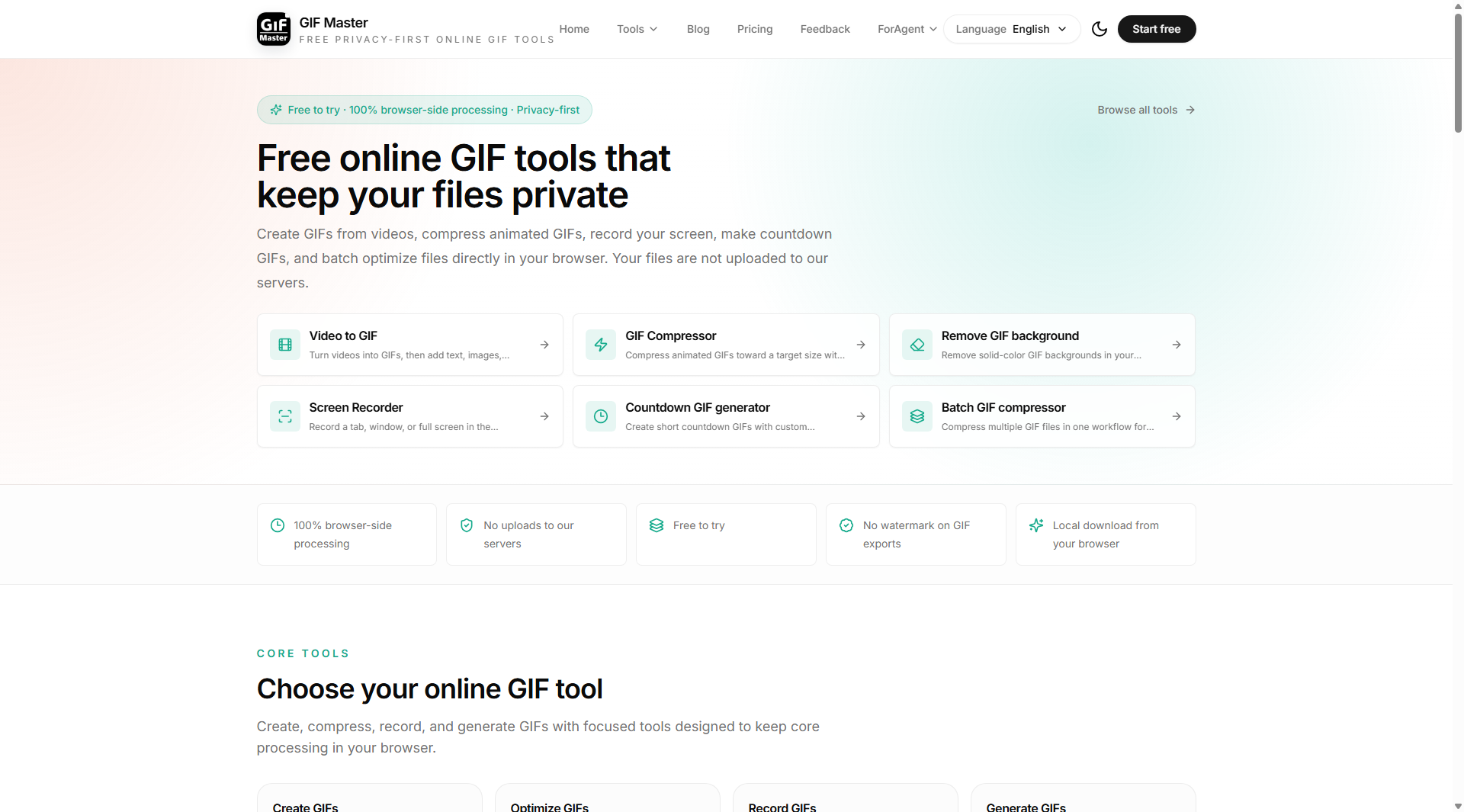
GIF Master is a browser-based toolkit for editing, converting, and compressing animated GIFs.
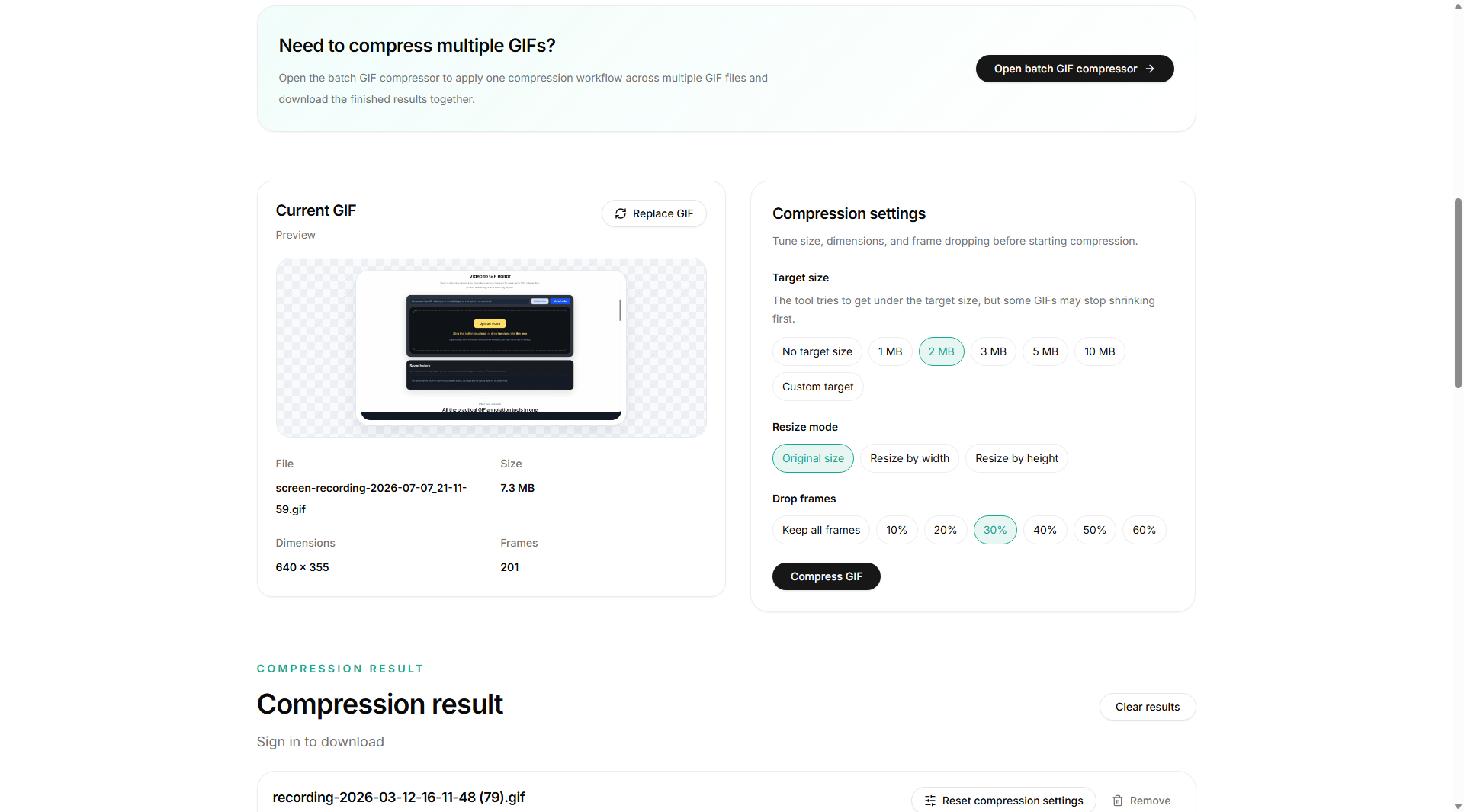
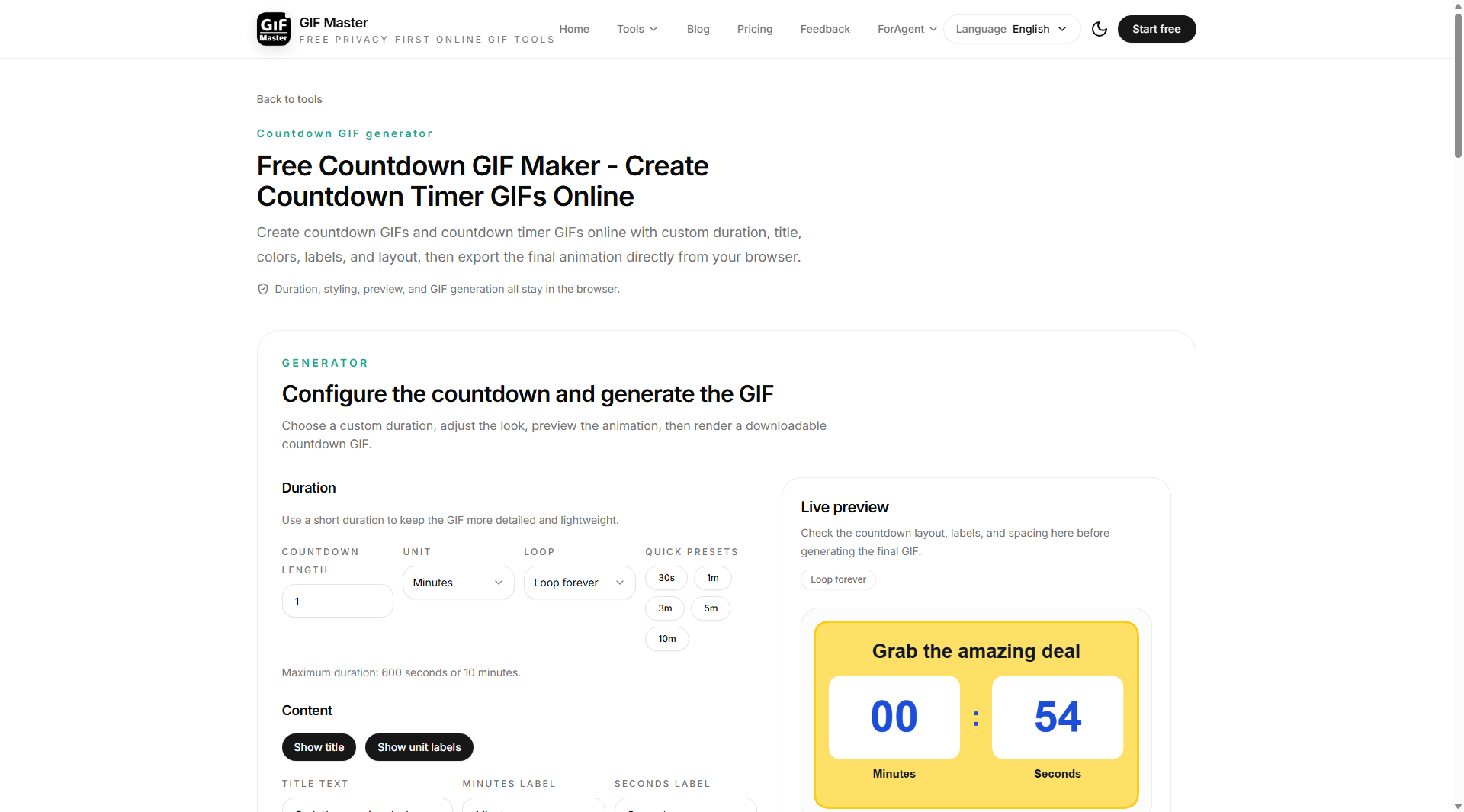
It helps creators, designers, marketers, and social media teams handle common GIF workflows without installing a desktop video editor. Users can compress GIFs for websites, messaging apps, social platforms, and online communities, convert GIFs to PNG, JPG, JPEG, and other image formats, resize and crop animations, and add captions.
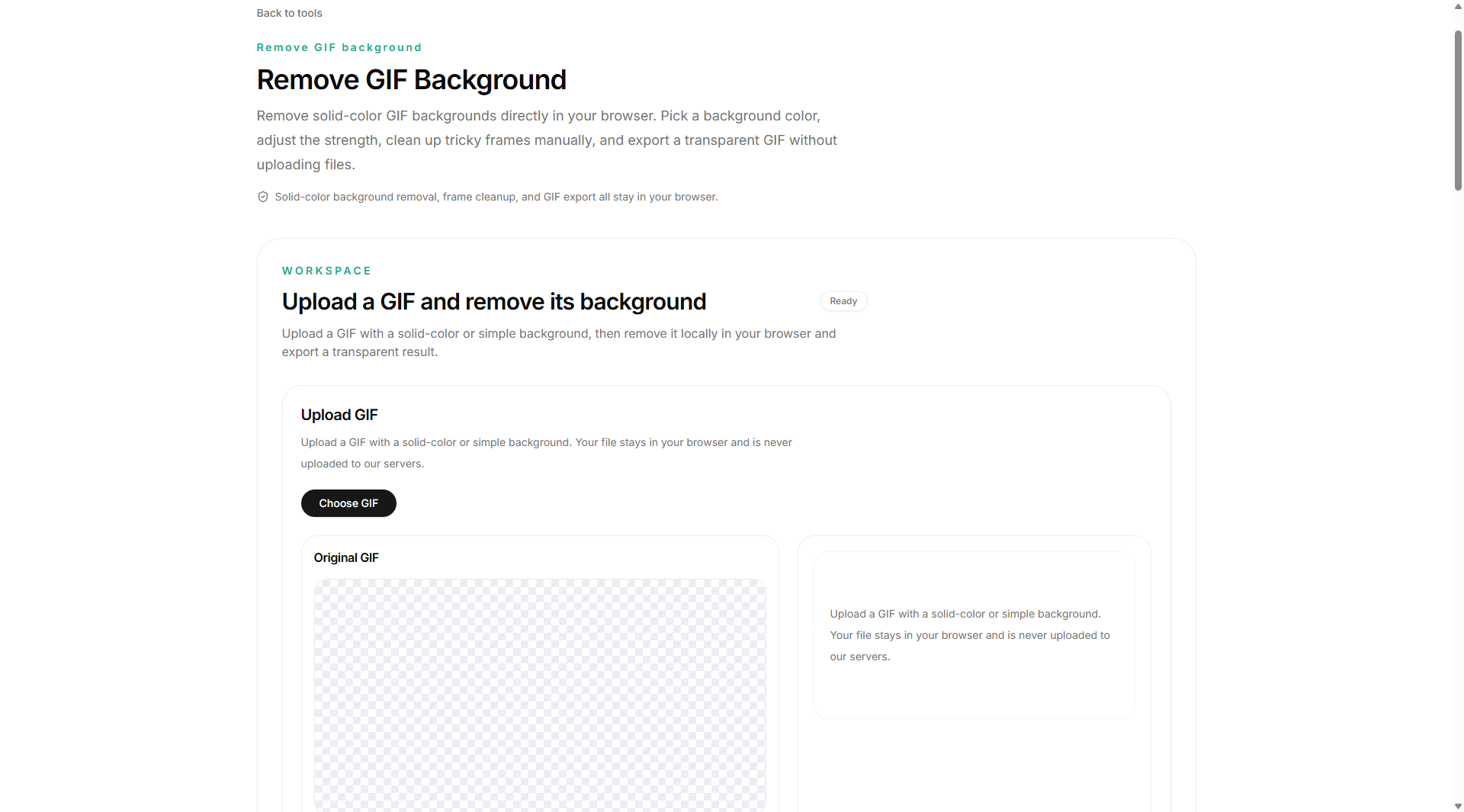
GIF Master's most distinctive workflow is animated GIF background removal. Users can inspect the animation frame by frame and correct difficult areas when automatic processing leaves inconsistent results. The edge cleanup tools are useful for removing leftover background pixels around hair, hands, clothing, objects, and other detailed outlines.
This makes GIF Master useful for product animations, memes, reaction GIFs, transparent assets, social media content, and other animated visual projects.
Features
- Frame-by-frame GIF editing for precise animation control
- Automatic GIF background removal with manual refinement options
- Edge cleanup for removing leftover background pixels around detailed outlines
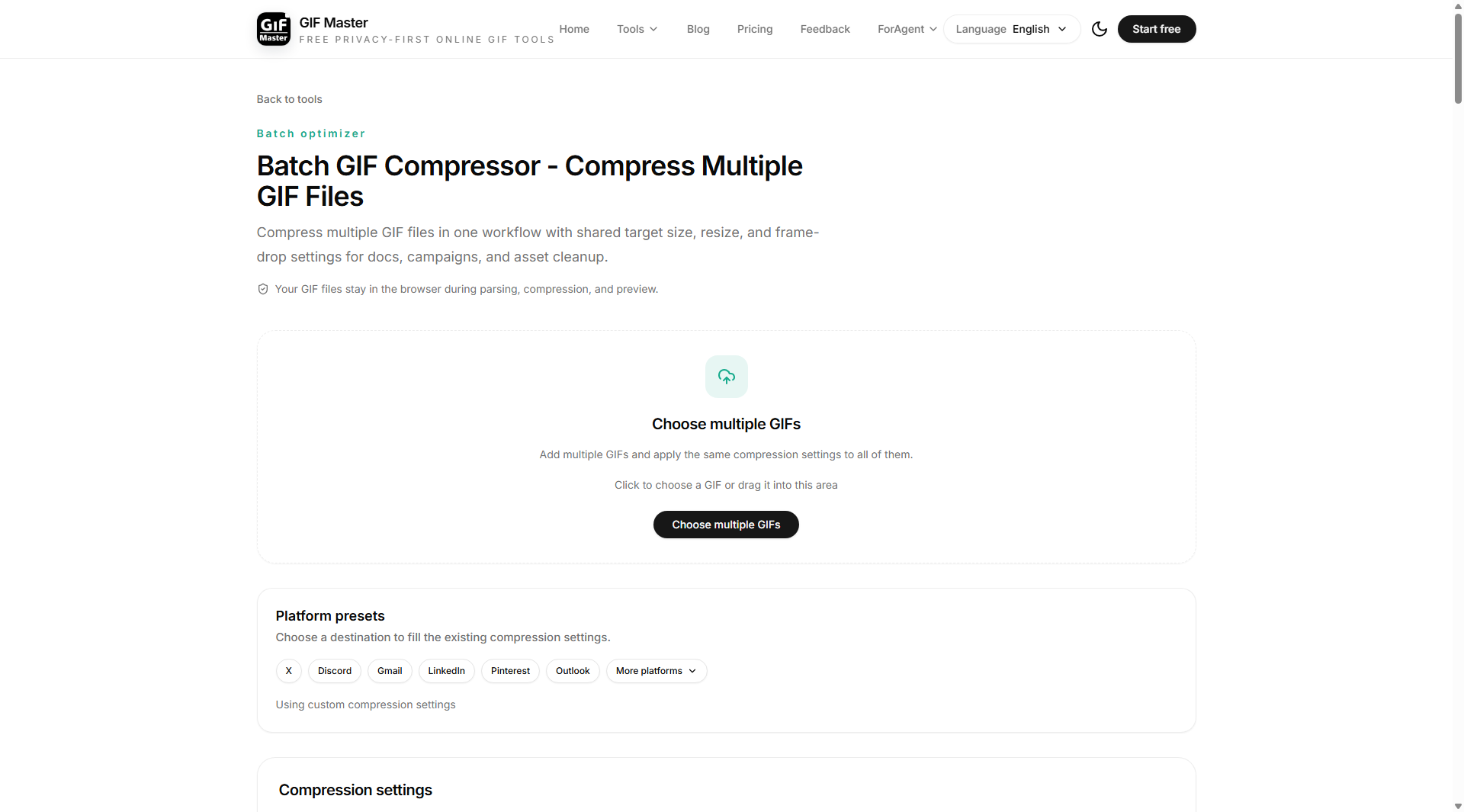
- GIF compression with control over output size and quality
- Convert GIFs to PNG, JPG, JPEG, and other image formats
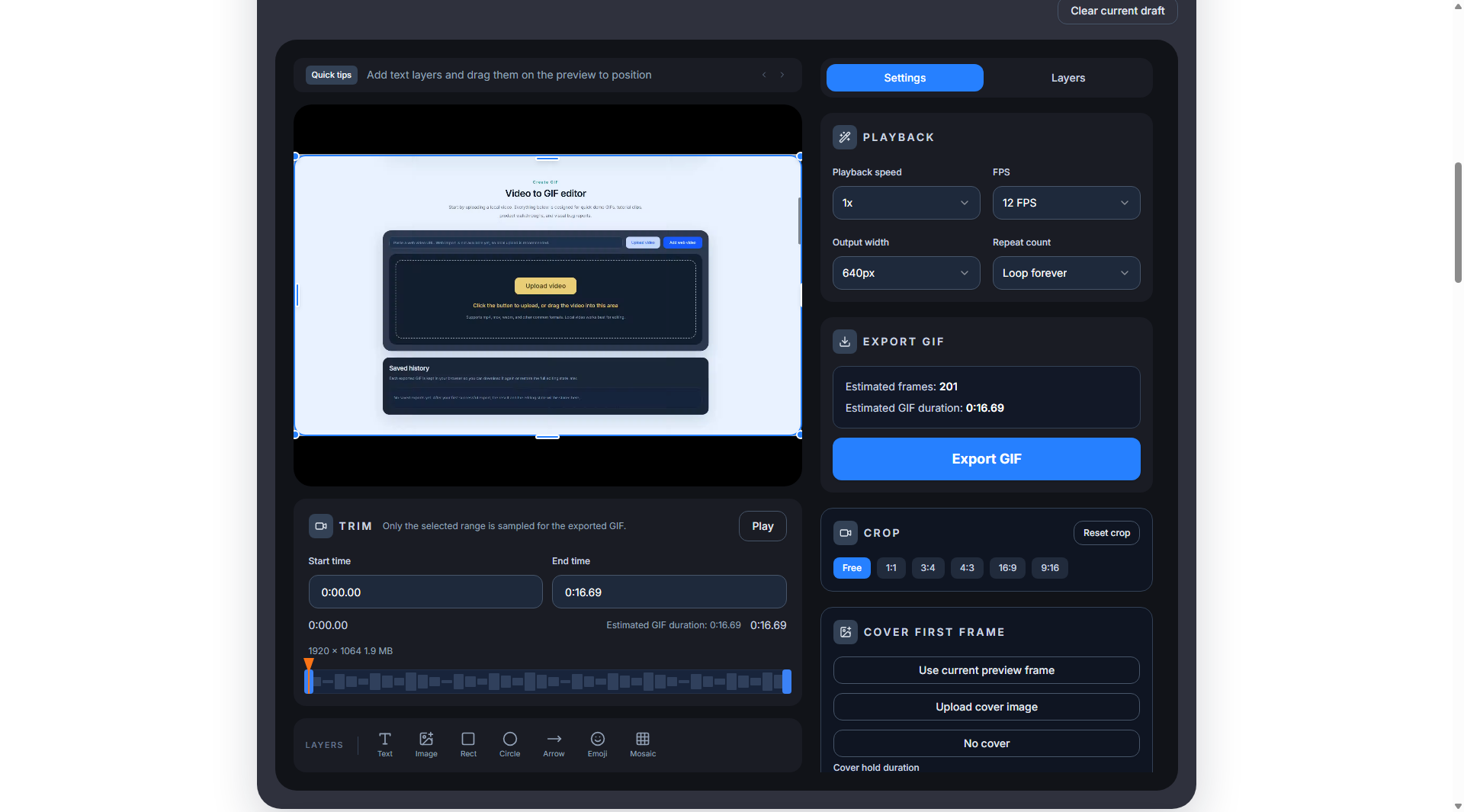
- Resize and crop animated GIFs for different platforms and layouts
- Add captions and text overlays to animated GIFs
- Batch processing for handling multiple GIF files more efficiently
- Browser-based workflow with no desktop video editor required
- Download edited and converted GIF assets for reuse in other projects
Use Cases
- Remove the background from animated product images and promotional GIFs
- Create transparent GIF assets for websites, landing pages, and online stores
- Clean up rough edges around moving subjects after automatic background removal
- Prepare smaller GIFs for Discord, Slack, messaging apps, and social media
- Compress multiple GIFs when files are too large to upload or share
- Convert selected GIF frames into PNG or JPG images for thumbnails and posts
- Edit reaction GIFs, memes, captions, and short animated social content
- Create reusable animated assets for marketing campaigns and presentations
- Refine character, logo, and object animations frame by frame
- Convert and prepare GIF files for different publishing and design workflows

Comments


We built GIF Master after seeing how difficult it can be to edit animated GIFs with the same level of control available for static images. Most quick background removal tools work well for a single image, but animated content introduces a different problem. Subjects move between frames, backgrounds change, and automatic processing can leave inconsistent edges or small background artifacts. Traditional video editors can handle these tasks, but they are often too complicated for someone who simply needs to clean up, resize, compress, or convert a GIF. GIF Master brings these workflows into one focused browser-based toolkit. The background removal workflow lets users review an animation frame by frame and refine difficult areas manually, especially around detailed edges. The platform also includes GIF compression, format conversion, resizing, cropping, captions, and other everyday tools for animated images. We are building GIF Master for creators, designers, marketers, meme makers, and anyone who needs a practical way to prepare animated visual content. We would love feedback on which GIF workflows are most frustrating and what tools would make them easier.
Premium Products



























Sponsors
Buy

Makers
Makers
Comments
We built GIF Master after seeing how difficult it can be to edit animated GIFs with the same level of control available for static images. Most quick background removal tools work well for a single image, but animated content introduces a different problem. Subjects move between frames, backgrounds change, and automatic processing can leave inconsistent edges or small background artifacts. Traditional video editors can handle these tasks, but they are often too complicated for someone who simply needs to clean up, resize, compress, or convert a GIF. GIF Master brings these workflows into one focused browser-based toolkit. The background removal workflow lets users review an animation frame by frame and refine difficult areas manually, especially around detailed edges. The platform also includes GIF compression, format conversion, resizing, cropping, captions, and other everyday tools for animated images. We are building GIF Master for creators, designers, marketers, meme makers, and anyone who needs a practical way to prepare animated visual content. We would love feedback on which GIF workflows are most frustrating and what tools would make them easier.
Premium Products
New to Fazier?

Find your next favorite product or submit your own. Made by @FalakDigital.
Copyright ©2025. All Rights Reserved