Framecast
Mac screen recordings that zoom and edit themselves
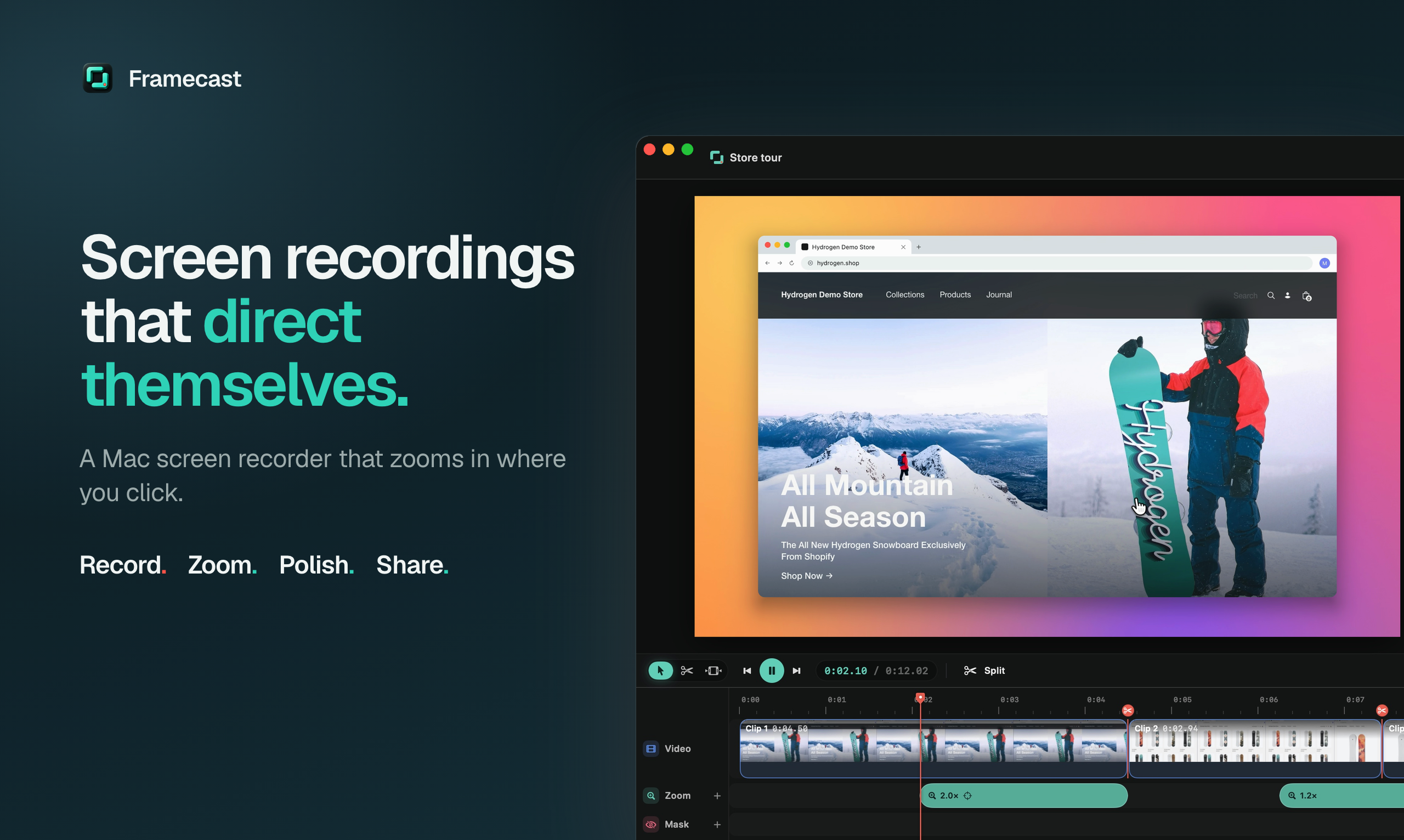
Framecast is a native Mac screen recorder that does the editing for you. Hit record and just talk: it zooms in on every click, glides your cursor, frames your camera and blurs anything private before you open an editor.
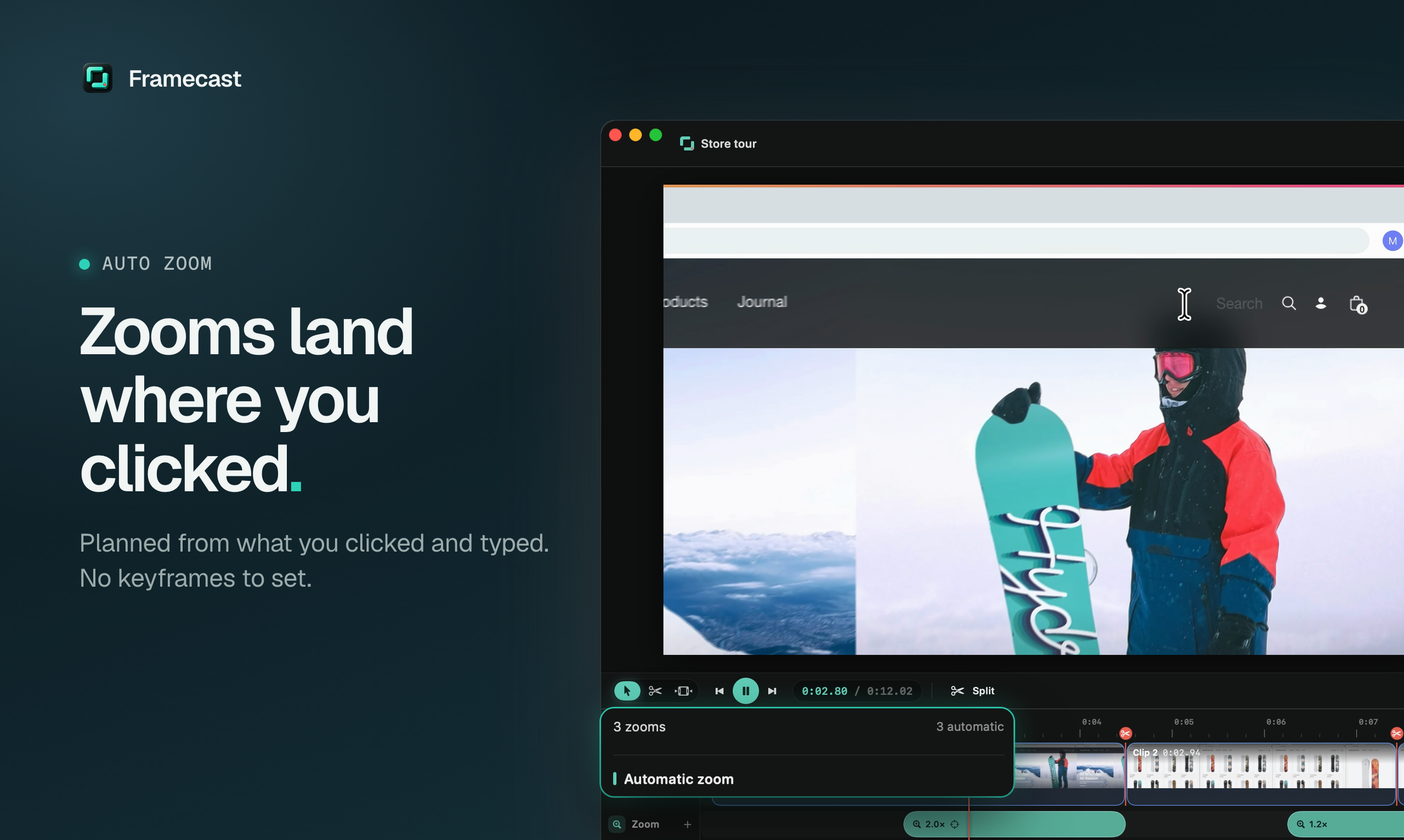
It knows what you clicked, so a zoom frames the whole button or dialog, not just the cursor. One recording becomes a polished demo, a 9:16 clip, a step-by-step guide and a click-through demo.
Built in Swift and Metal for the Mac. Transcripts, captions and AI run on your Mac, and nothing is uploaded until you share. Free to try with every feature; pay once to export (3 Macs, every future update). macOS 14 or later.
Features
- Auto zoom that knows which control you clicked, and follows your typing
- Oops key: press ⌥⌘O after a fluffed line and the bad take is cut
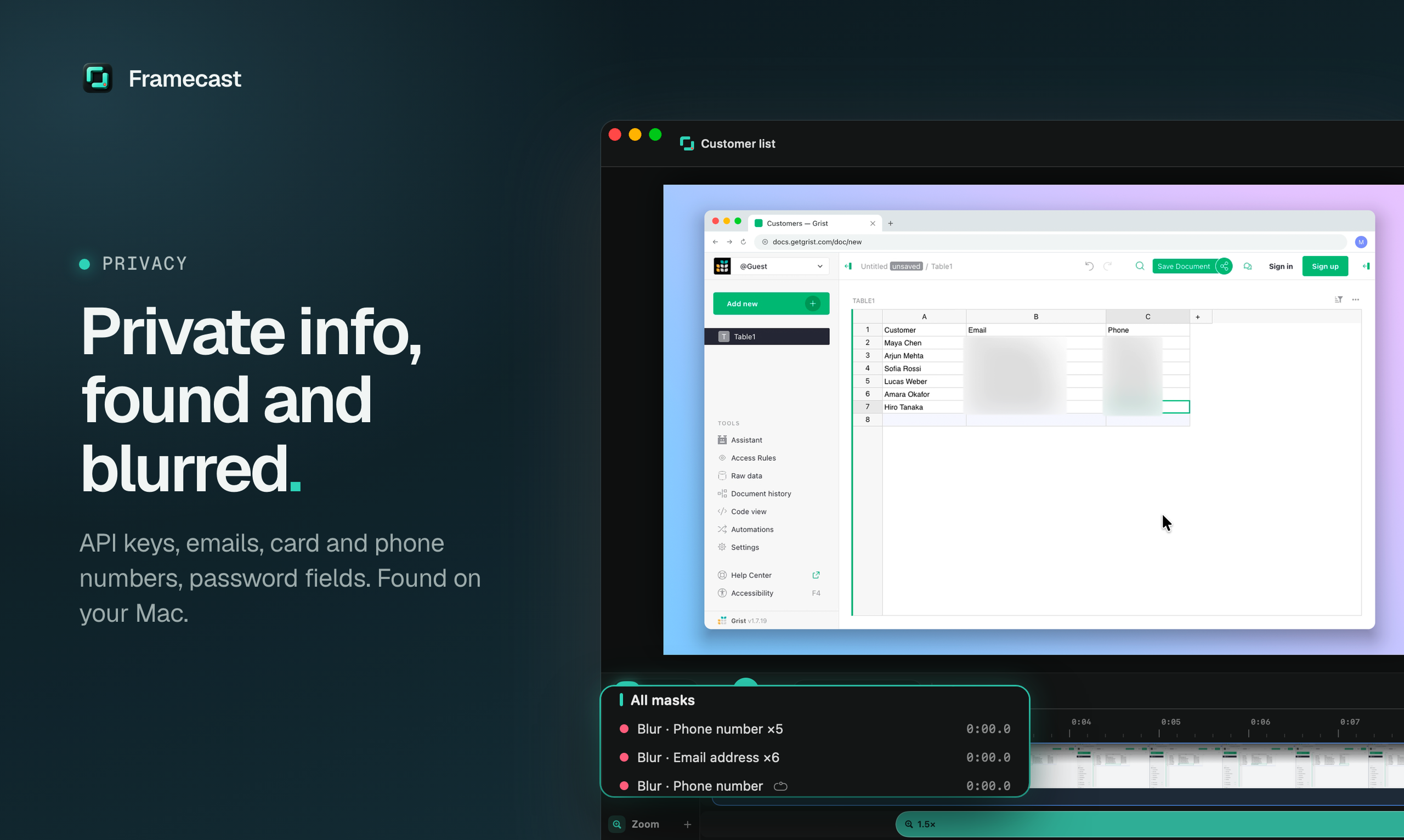
- Finds API keys, passwords, emails and card numbers on screen and blurs them as you scroll
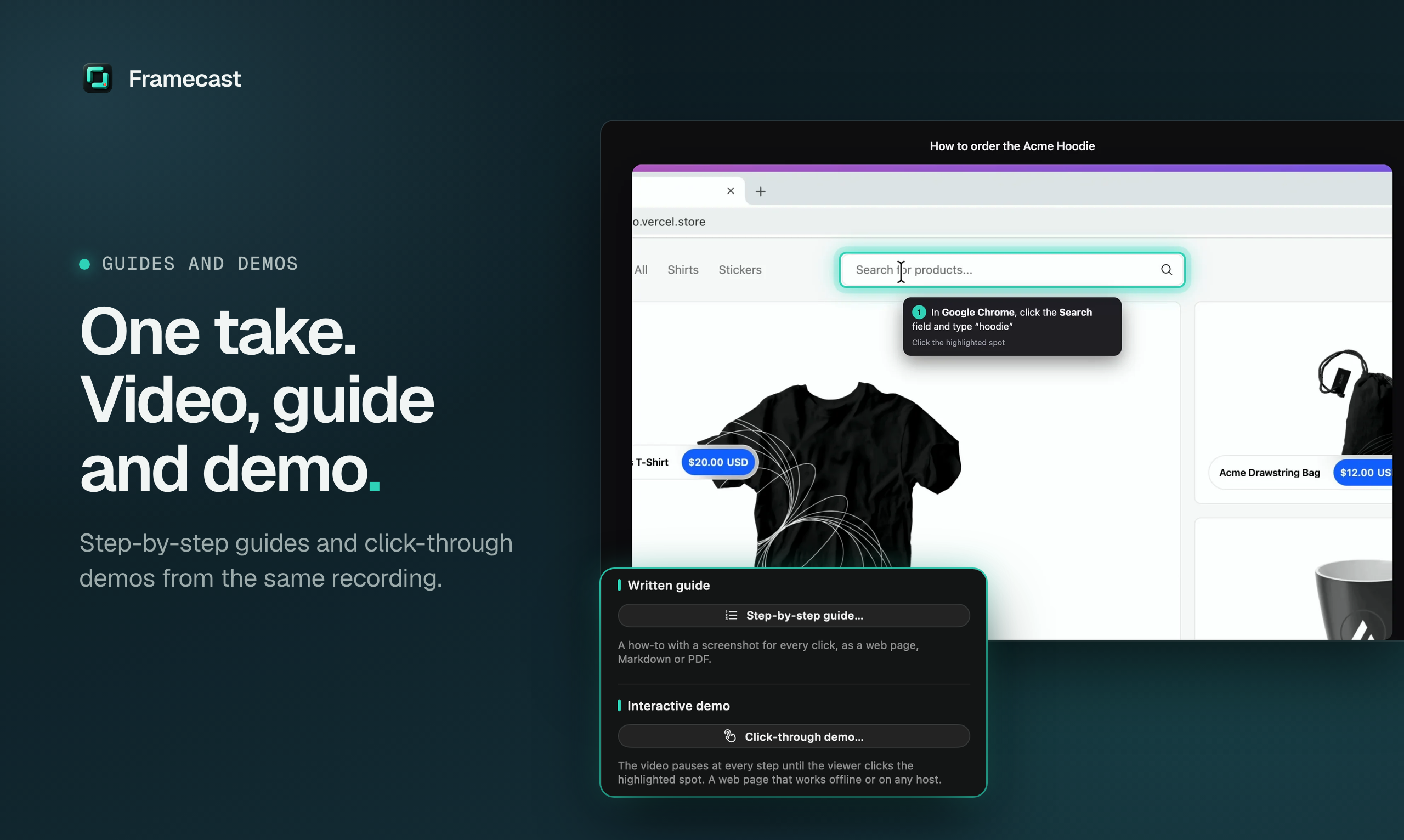
- One take becomes a video, a 9:16 clip, a step-by-step guide (HTML, Markdown or PDF) and a click-through demo
- Present Live: zooms work live in Zoom, Meet and Teams screen shares
- Camera bubble and layouts with background removal, no green screen
- Word-timed captions, translated subtitles and voice enhancement
- Real timeline: cut, split, speed, crop, or edit by deleting words from the transcript
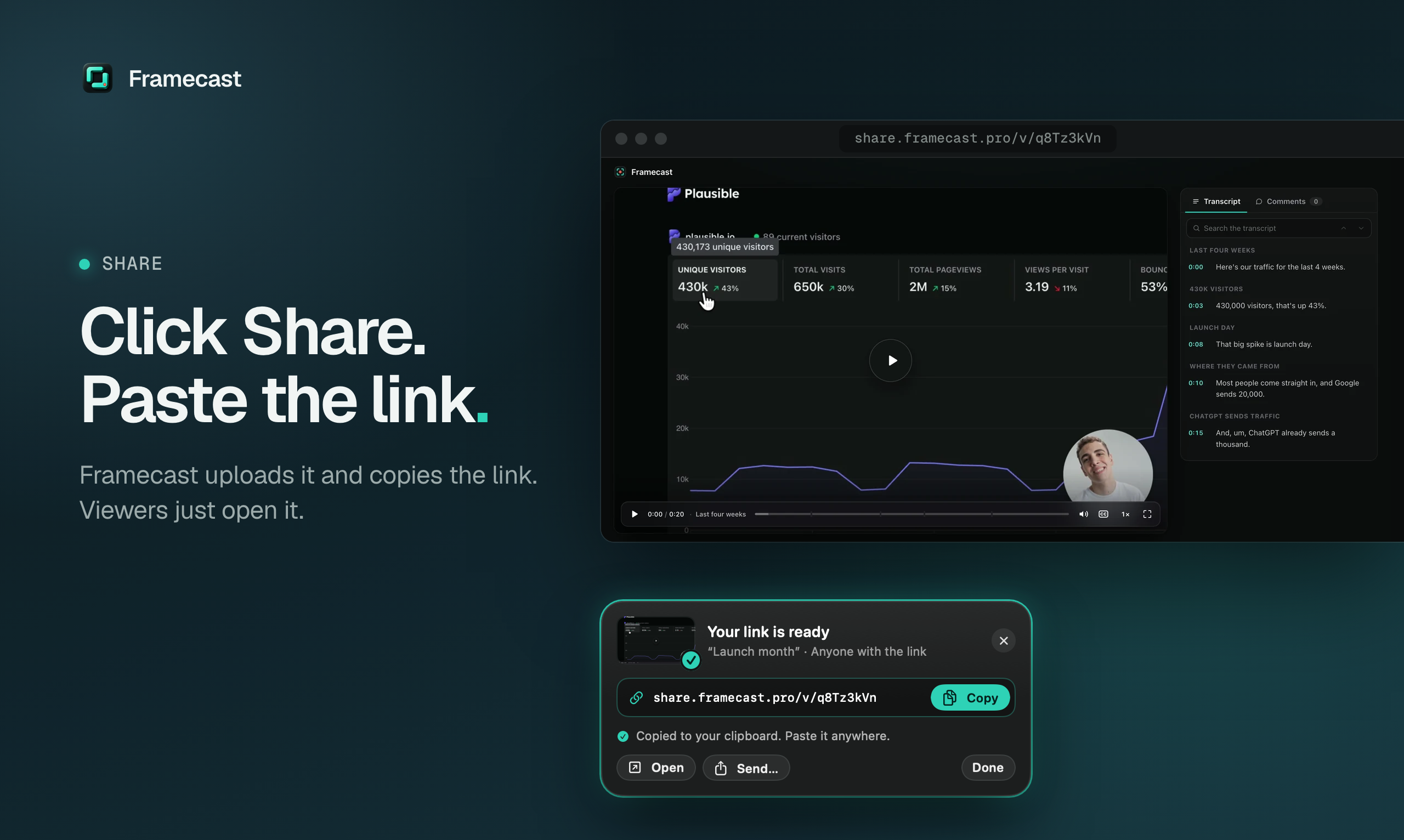
- MP4 or GIF up to 4K60, or a share link with captions, comments and passwords
Use Cases
- Product demos and launch videos for SaaS and apps
- Onboarding and help-center tutorials, with a written guide from the same take
- Bug reports and code walkthroughs without leaking API keys or customer data
- Vertical clips for X, LinkedIn, Reels and Shorts
- Zoomed-in screen sharing on live Zoom, Meet and Teams calls

Comments


Hi Fazier! I'm Tawhid, the solo developer behind Framecast. I kept spending longer editing my demo videos than recording them: zooming into every click by hand, re-recording fluffed lines, and blurring the API key I forgot was on screen. So Framecast does that part for you. It reads which control you clicked, so a zoom frames the whole button or dialog; ⌥⌘O cuts a bad take; and it finds secrets on screen and blurs them, all on your Mac. It's free to try with every feature, and you pay once with lifetime updates. I'd love honest feedback, especially on the auto-zoom: when does it zoom somewhere you wouldn't?
Premium Products






















































Sponsors
Buy

Makers
Makers
Comments
Hi Fazier! I'm Tawhid, the solo developer behind Framecast. I kept spending longer editing my demo videos than recording them: zooming into every click by hand, re-recording fluffed lines, and blurring the API key I forgot was on screen. So Framecast does that part for you. It reads which control you clicked, so a zoom frames the whole button or dialog; ⌥⌘O cuts a bad take; and it finds secrets on screen and blurs them, all on your Mac. It's free to try with every feature, and you pay once with lifetime updates. I'd love honest feedback, especially on the auto-zoom: when does it zoom somewhere you wouldn't?
Premium Products
New to Fazier?

Find your next favorite product or submit your own. Made by @FalakDigital.
Copyright ©2026. All Rights Reserved