
Flowton: the "time particle"
Pick a goal, label time spent as Up time or Down time. Focus
Flowton is a tool to track Productive vs. Unproductive time. When you have a goal, you want to do more of one thing and less of another. This is often what truly moves the needle. For example, did you spend 4 hours studying yesterday or only 2? Did you spend 5 hours gaming or just 1?
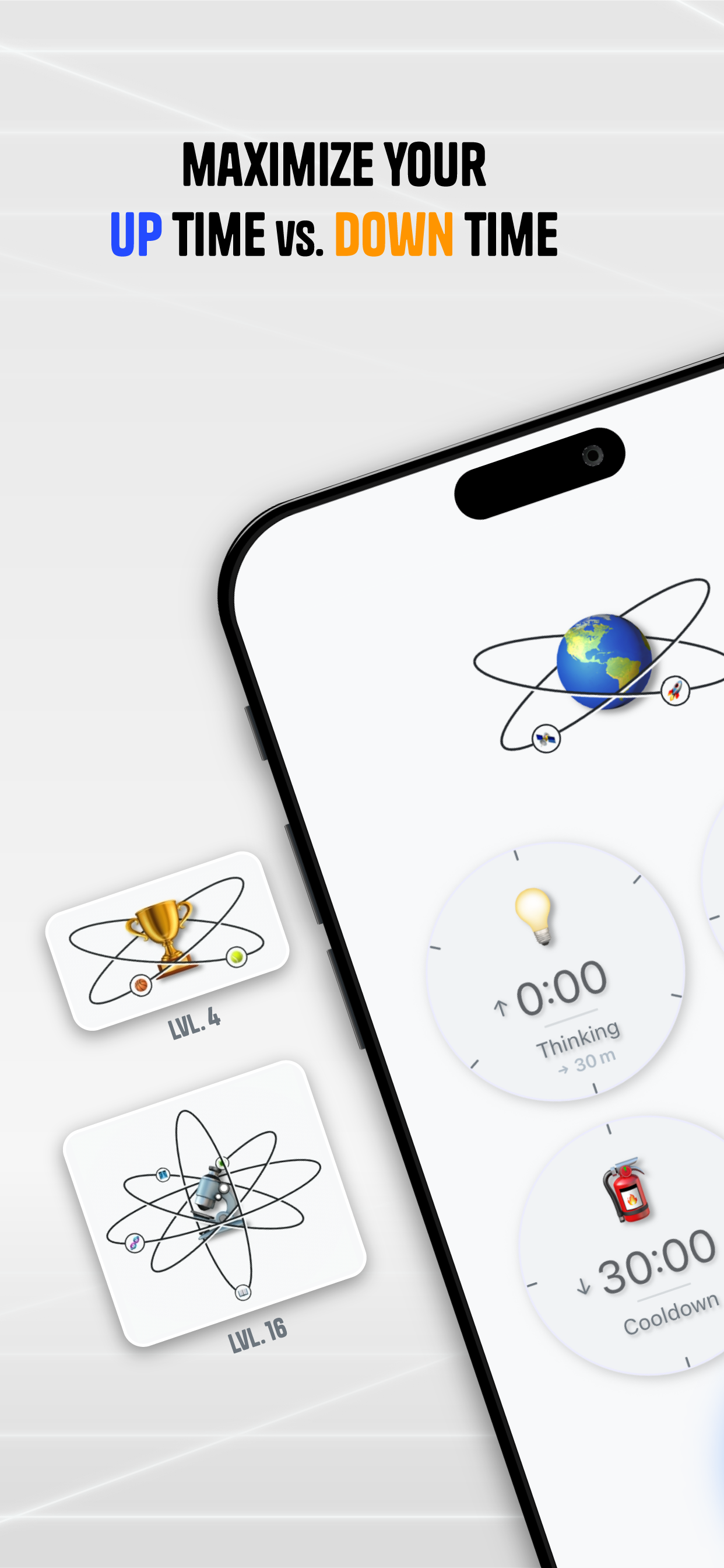
This app lets you rethink your whole day as Up time or Down time activities, track them to see where your time really goes, what the ratio is, and where to improve.
Features
Features:
- Sci-fi gamified time tracking.
- Multiple time-keeping tools to help you make it your own.
- Finish the day strong and store your Core into your productivity history.
- Bank Cores daily or over longer periods - you decide how time works for you.
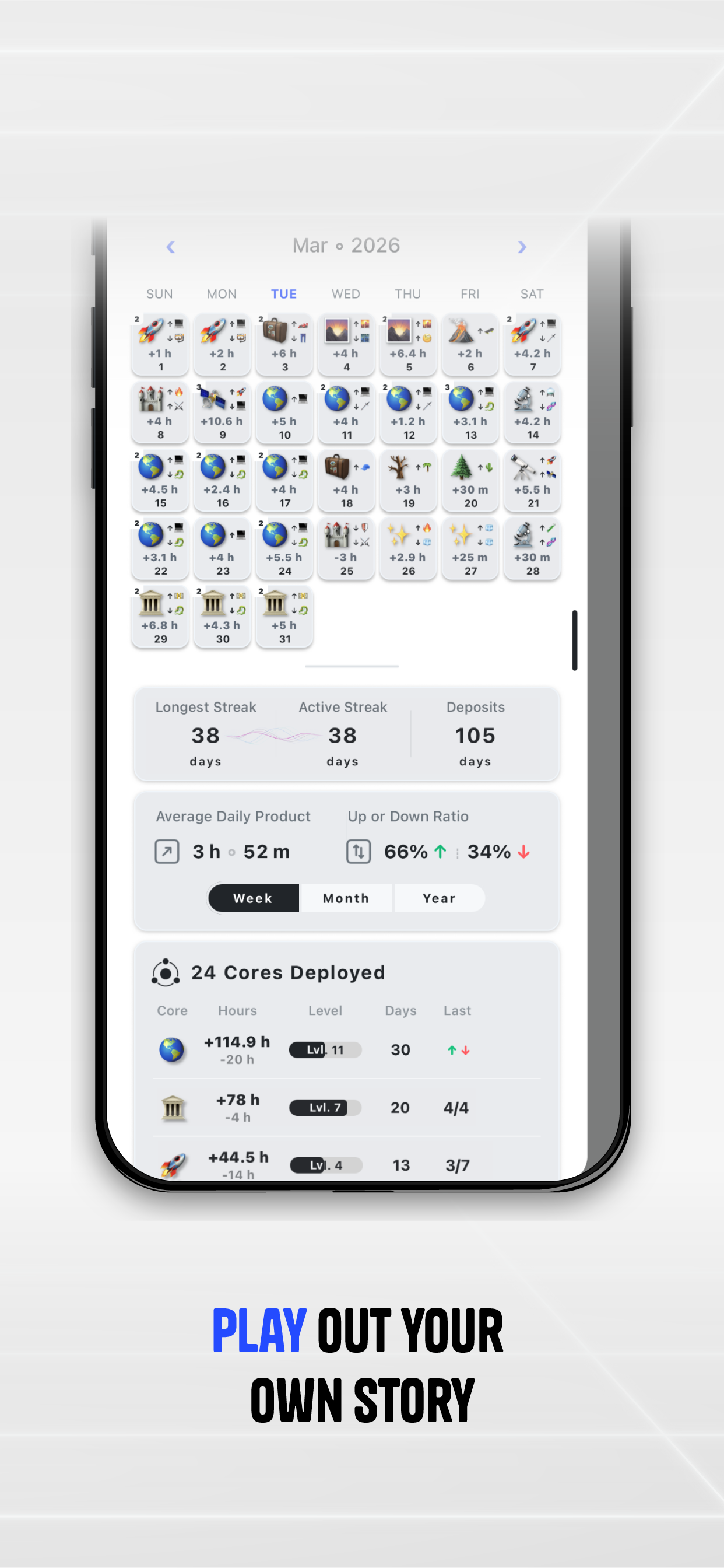
- Maintain a streak to stay on track.
- Full offline functionality.
- Upgrade to Flowton Prime to create (theme) multiple boards, and view more historic day cells.
Use Cases
How it works:
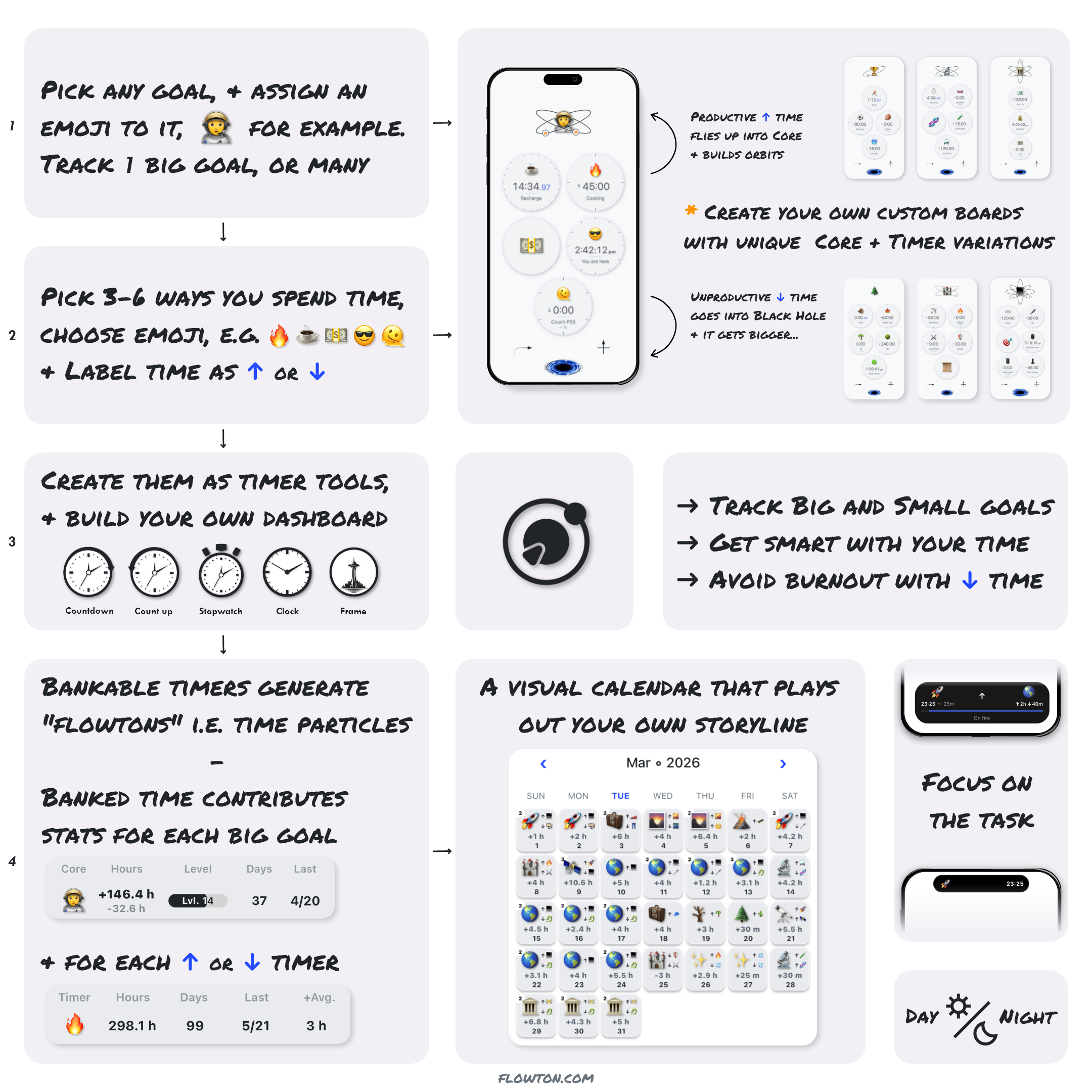
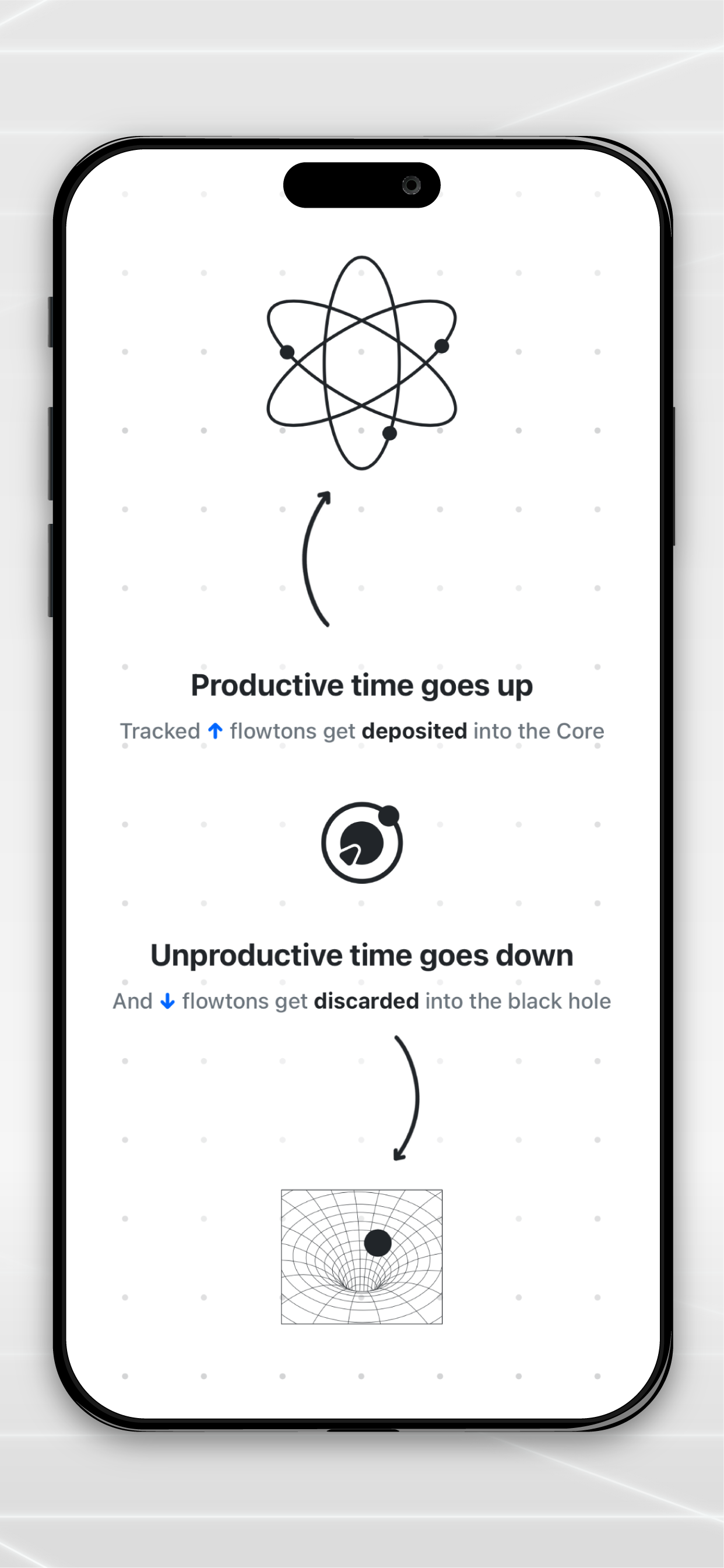
- Banked time generates flowtons — a productivity particle that only exists when you measure it.
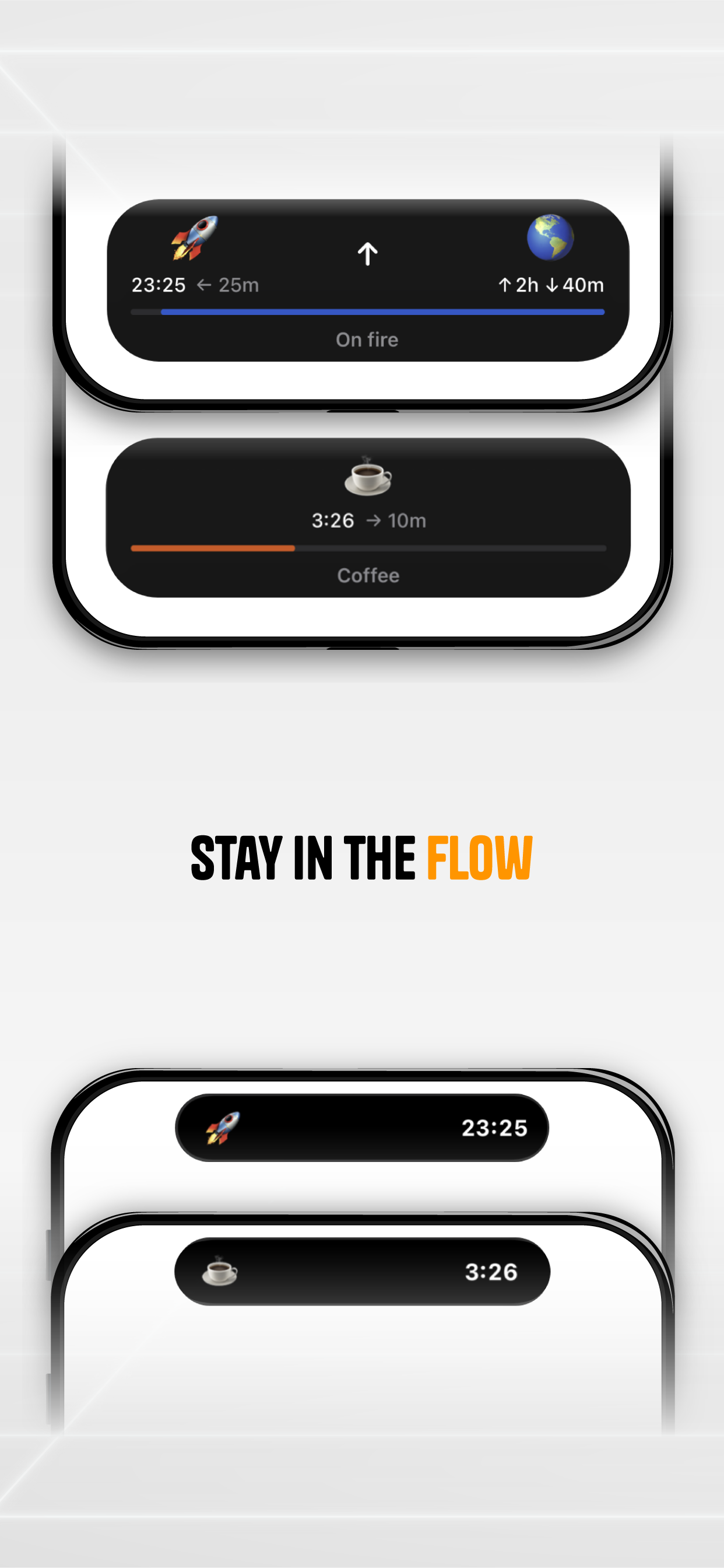
- Run Countdown or Count Up timers to deposit time into your Core, or discard it into the Black Hole.
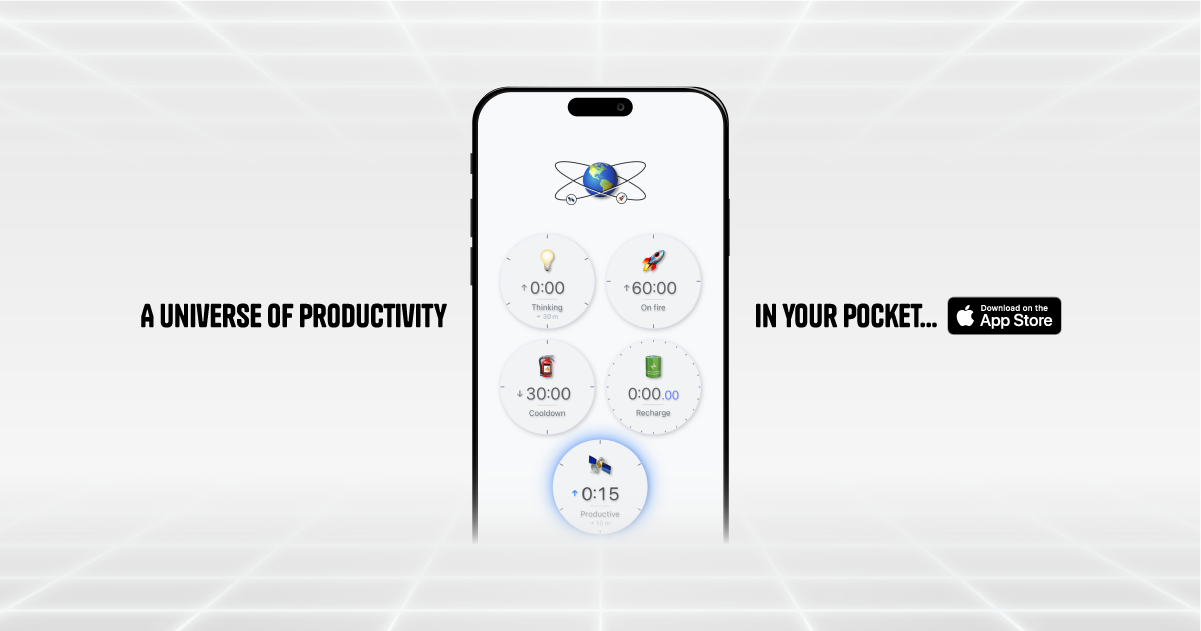
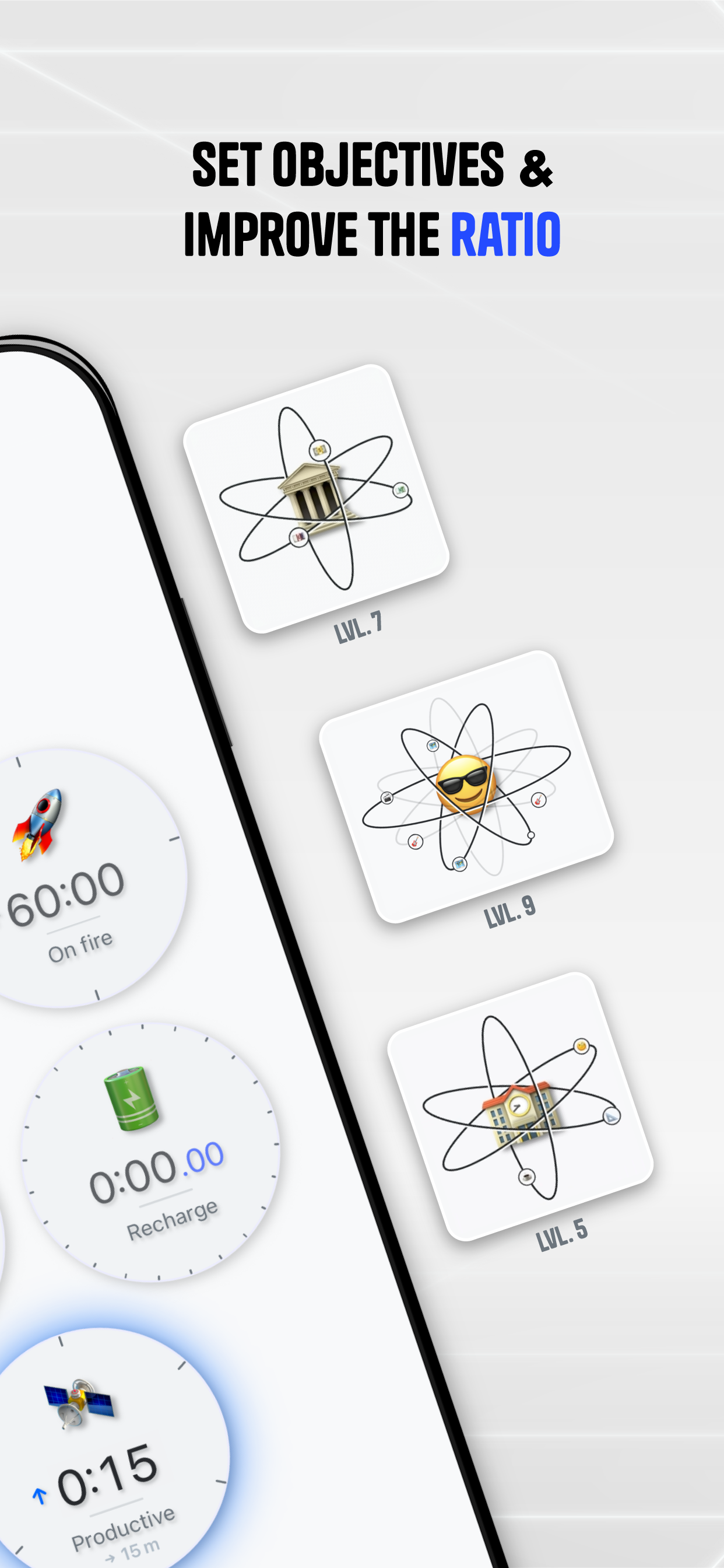
- Productive time builds up orbits around the Core. Unproductive time gets ejected into the Black Hole. Monitor and improve your ratio.
- Create boards with a multitude of Cores, find the perfect daily setup to achieve your goals.
- Visualize your time history, view stats and set objectives.

Comments


The Up time / Down time framing is the sharp part: the ratio is the number that actually changes behavior, and the Core-versus-Black-Hole visual makes it visceral instead of another spreadsheet. My one worry is self-labeling drift, since in the moment 'five more minutes' of Down time is easy to log as Up. A quick end-of-day pass to re-label a couple of blocks, or lightweight tags per Core, could keep the ratio honest without adding friction during the day. Offline-first is the right call for a focus tool. Congrats on the launch.

The Up time / Down time labeling is a sharp reframe — most trackers just log hours, but forcing a productive/unproductive call on each block is what surfaces the ratio you can actually act on, and the Core-vs-Black-Hole visual makes that feel real instead of a spreadsheet. One thing I'd love: set a target ratio (say 70/30) and have the streak key off hitting it, so it becomes a daily game you can win or lose rather than just a log.



Premium Products




































Awards
View all
Awards
View all
Comments
The Up time / Down time framing is the sharp part: the ratio is the number that actually changes behavior, and the Core-versus-Black-Hole visual makes it visceral instead of another spreadsheet. My one worry is self-labeling drift, since in the moment 'five more minutes' of Down time is easy to log as Up. A quick end-of-day pass to re-label a couple of blocks, or lightweight tags per Core, could keep the ratio honest without adding friction during the day. Offline-first is the right call for a focus tool. Congrats on the launch.
The Up time / Down time labeling is a sharp reframe — most trackers just log hours, but forcing a productive/unproductive call on each block is what surfaces the ratio you can actually act on, and the Core-vs-Black-Hole visual makes that feel real instead of a spreadsheet. One thing I'd love: set a target ratio (say 70/30) and have the streak key off hitting it, so it becomes a daily game you can win or lose rather than just a log.
Premium Products
New to Fazier?

Find your next favorite product or submit your own. Made by @FalakDigital.
Copyright ©2026. All Rights Reserved