
FinConv
Free online bank statement to Excel & CSV converter — no sign-up
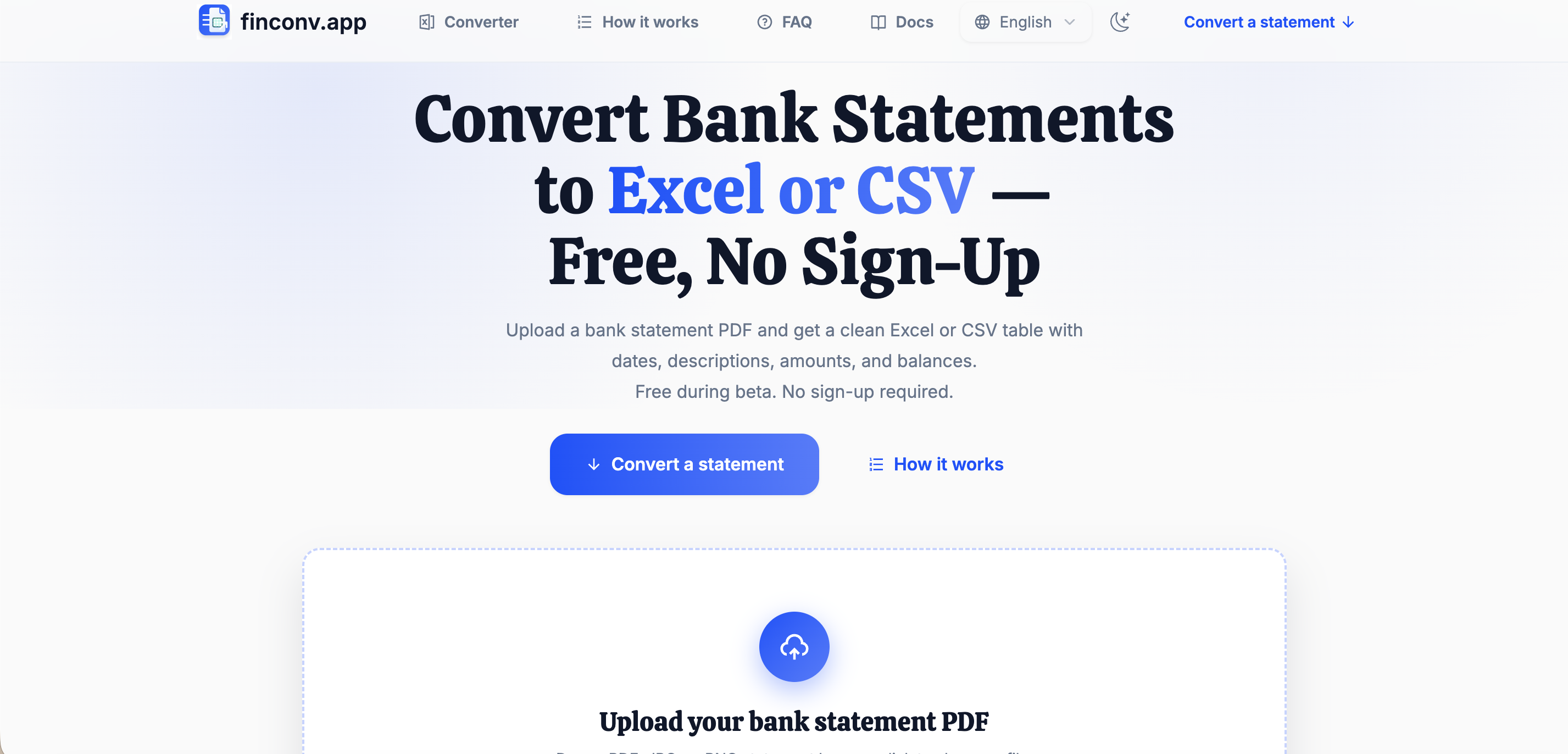
FinConv is a free online tool that converts bank statements (PDF, JPG, or PNG) into clean, structured spreadsheets — Excel (XLSX), CSV, or JSON — in seconds. No sign-up required. Files up to 50MB are processed directly in your browser and never uploaded to our servers, so your financial data stays private. Handles password-protected and scanned statements, extracts transactions into ready-to-use rows (date, description, amounts, balance), and works on desktop and mobile. Ideal for bookkeeping, accounting, loan applications, and importing transactions into QuickBooks or spreadsheets.

Comments





Useful idea for anyone doing bookkeeping. I'm a bit confused on the privacy side though: this listing says files are processed in the browser and never uploaded, but the homepage mentions AI-assisted extraction with files not stored, sign-in to download, and it loads Microsoft Clarity. Which one is it? If the PDF does go to a server, saying so plainly, and where it's processed, would reassure accountants more.
Premium Products






















































Sponsors
Buy


Comments
Useful idea for anyone doing bookkeeping. I'm a bit confused on the privacy side though: this listing says files are processed in the browser and never uploaded, but the homepage mentions AI-assisted extraction with files not stored, sign-in to download, and it loads Microsoft Clarity. Which one is it? If the PDF does go to a server, saying so plainly, and where it's processed, would reassure accountants more.
Premium Products
New to Fazier?

Find your next favorite product or submit your own. Made by @FalakDigital.
Copyright ©2026. All Rights Reserved