
Figwise
Create vector, journal-ready scientific figures for free
Features
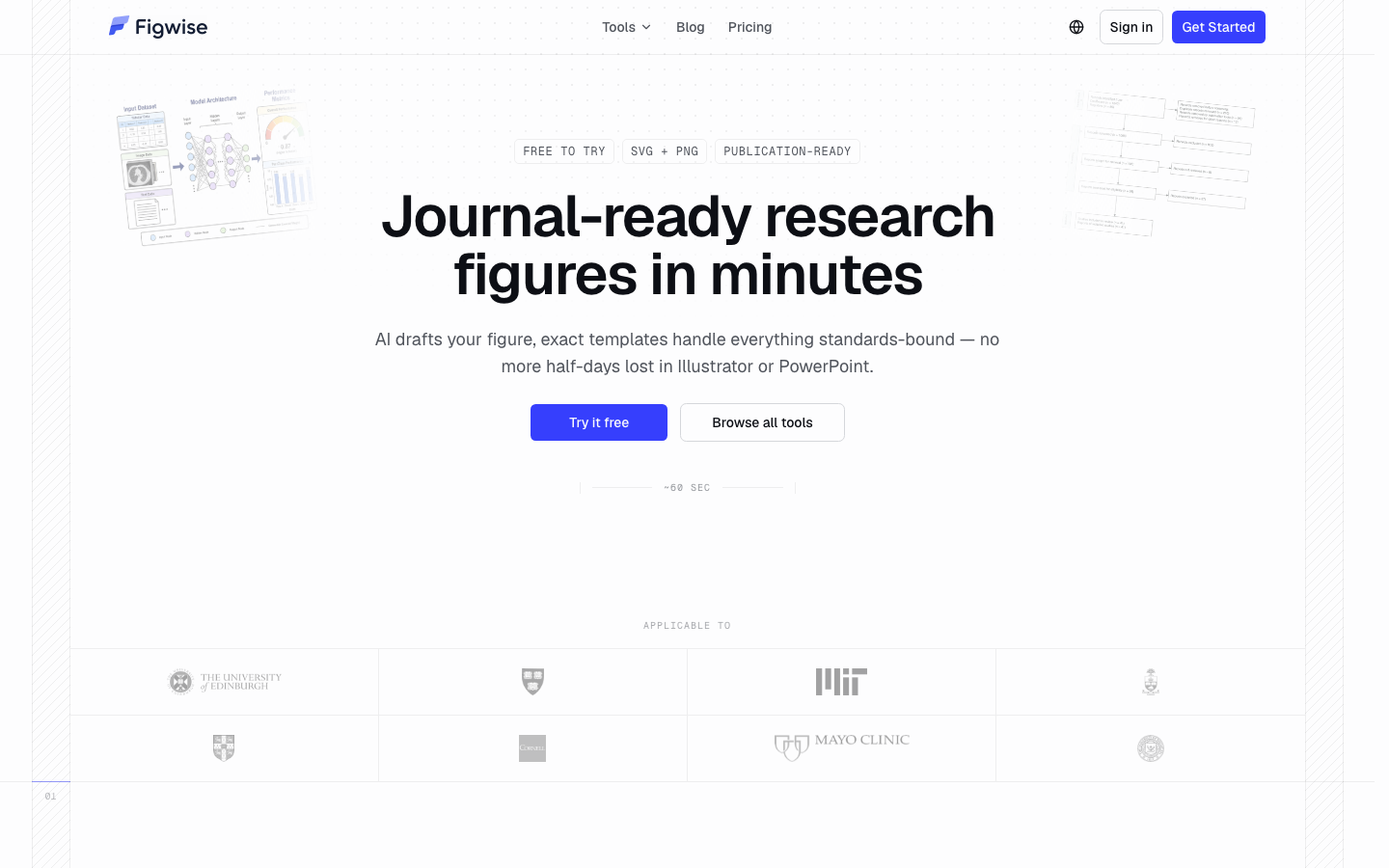
Graphical abstracts, conceptual framework diagrams, PRISMA flow diagrams, vector journal-ready export, free to use.
Use Cases
For researchers preparing journal submissions, grant proposals, and scientific presentations.
Fazier Deal

Comments


Vector output for journal-ready figures is a real gap — most free tools export raster PNGs that fall apart at print resolution, which reviewers notice immediately. The PRISMA flow diagram support is a nice touch since those are such a pain to build by hand. One question: do you offer any journal-specific presets, like standard single/double-column widths or color-blind-safe palettes? Those small details are what would make a figure tool genuinely stick for researchers.

Vector output for journal-ready figures addresses a real pain point — most free tools export raster images that pixelate in print or get flagged during submission. AI-assisted figure building could save researchers hours, especially for PRISMA flow diagrams and graphical abstracts. One suggestion: preset style templates matching major publisher guidelines (Elsevier, Springer, etc.) would make 'journal-ready' literal and save a formatting round. Figure version history for co-author revisions would be a strong addition too.



Focusing on PRISMA flow diagrams is a good wedge — systematic reviewers usually rebuild those in PowerPoint and lose hours re-aligning boxes when a review expands. Two things that would make this stick for actual submissions: export presets at standard journal column widths (single 90mm / double 190mm) so figures don't bounce at production checks, and an SVG/PDF export that keeps text as real text rather than outlined paths, so journals can still apply their own fonts. Is there any way to re-open an exported figure for edits later, or is it export-only?


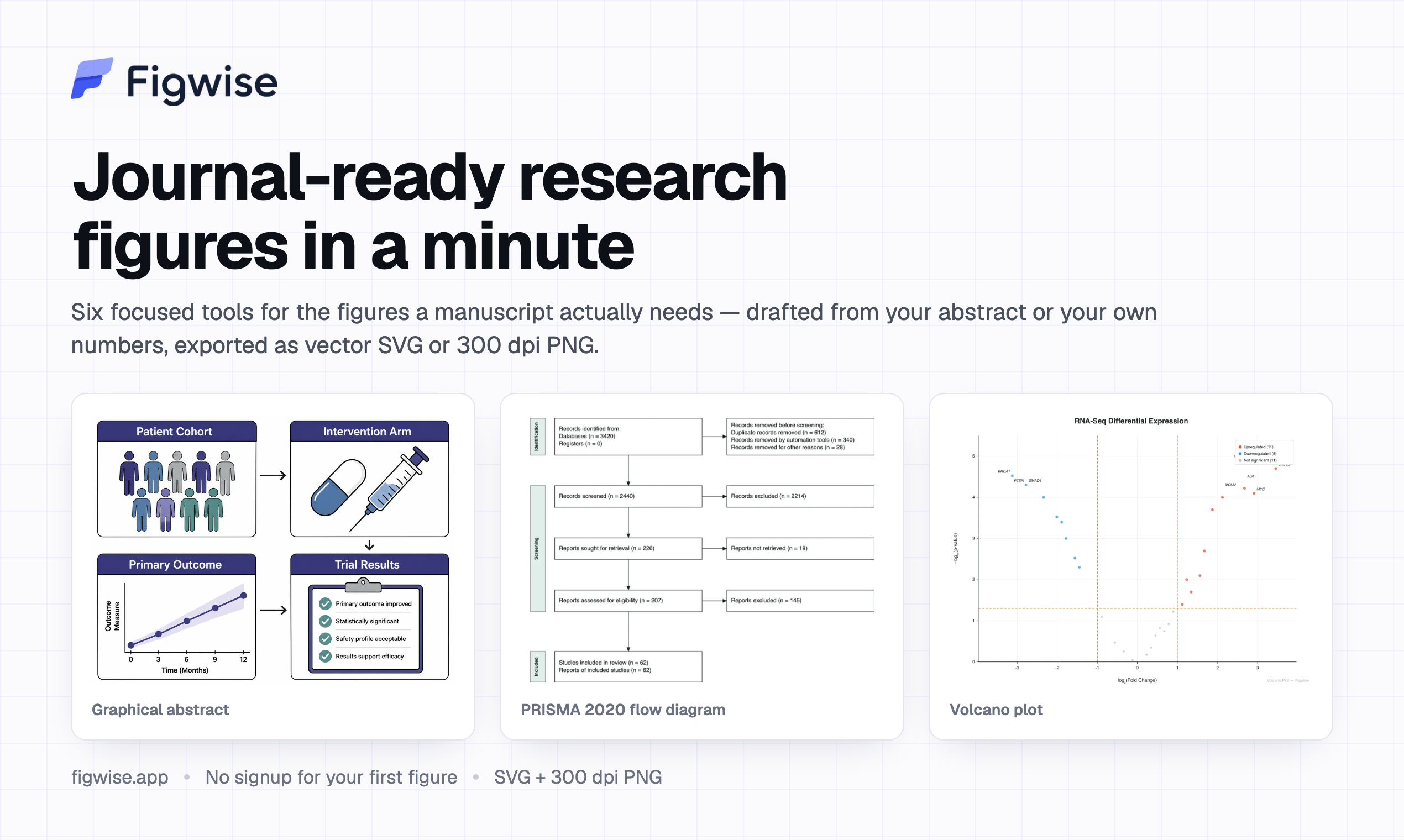
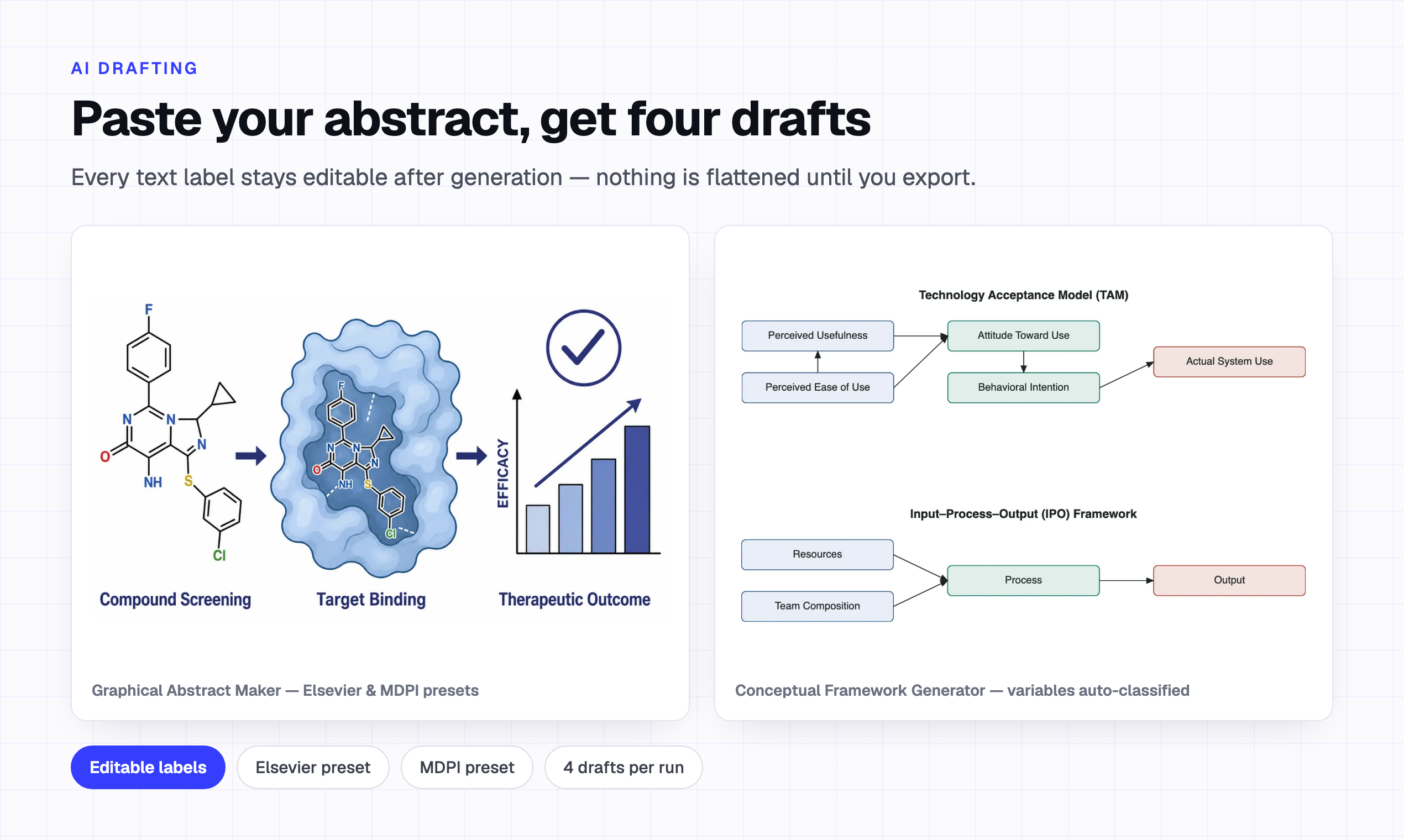
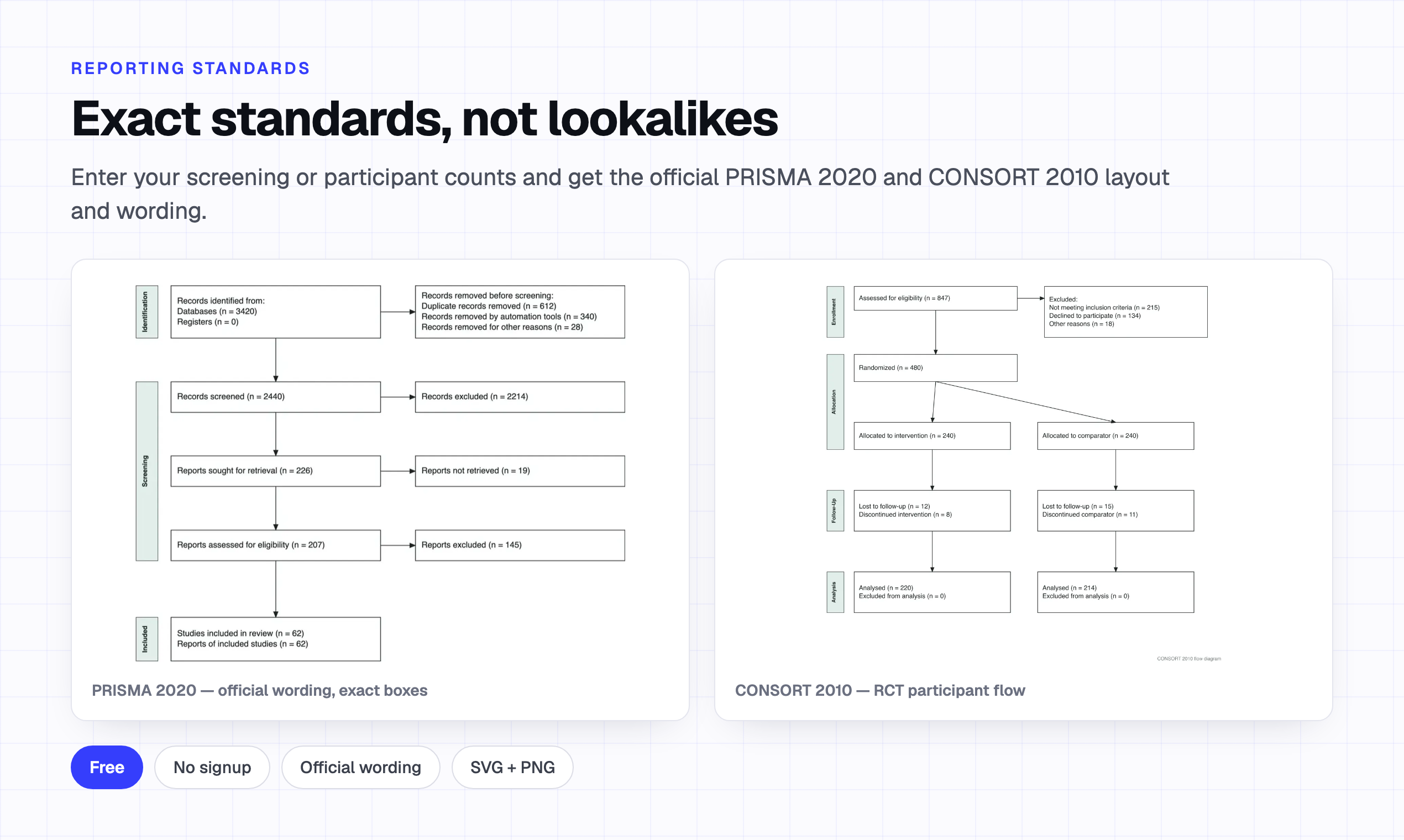
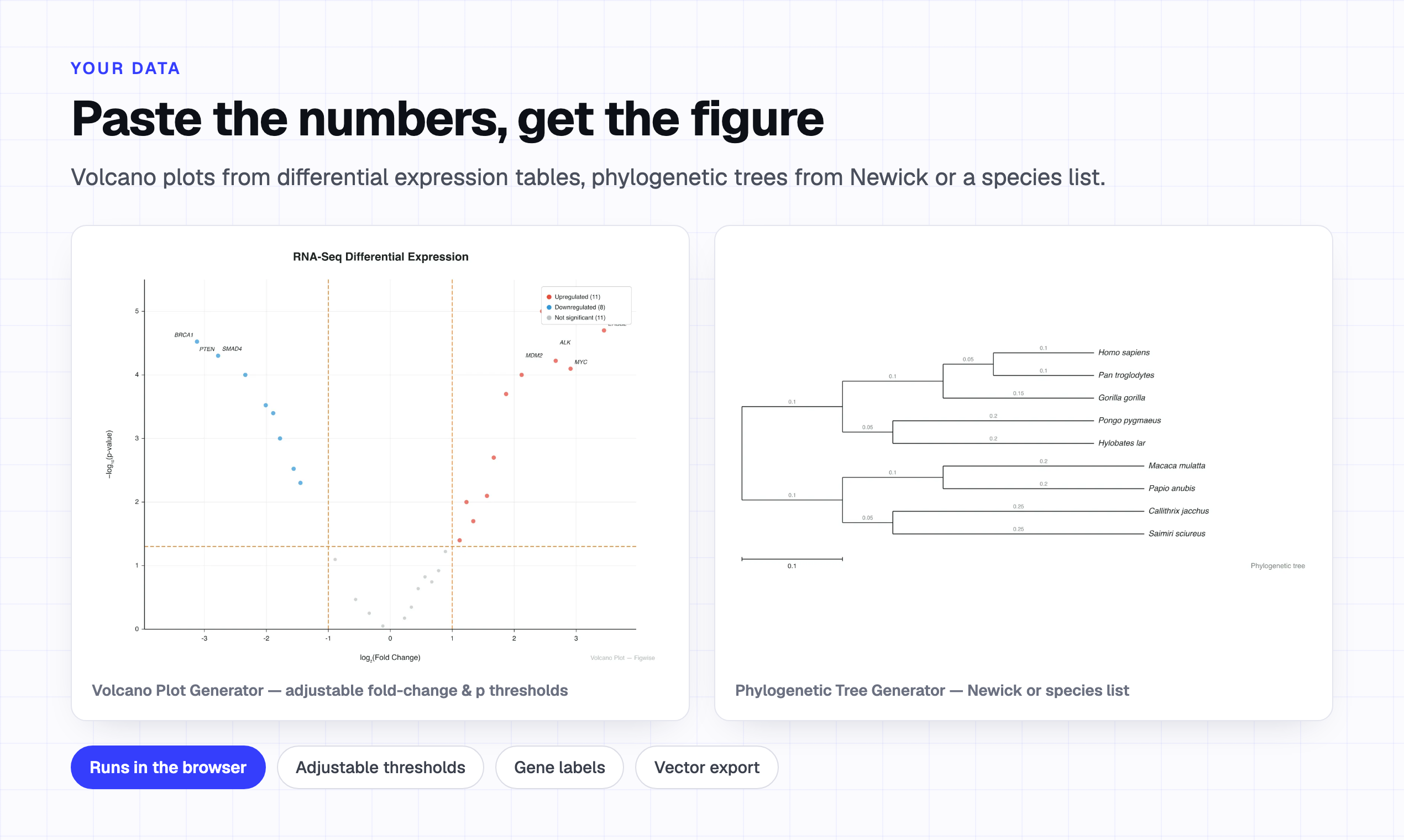
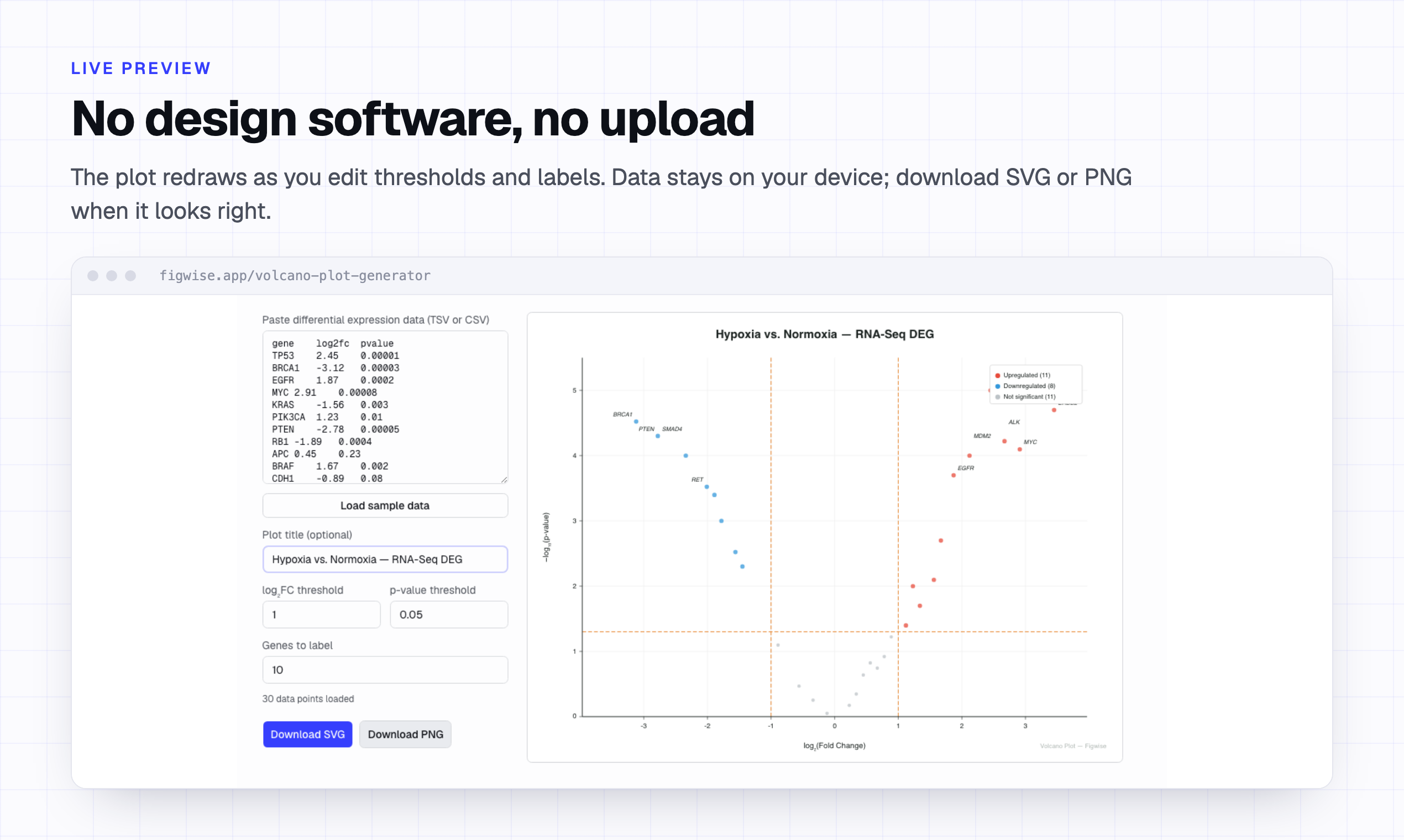
Hey everyone 👋 Figwise started with a stupid problem: I spent an afternoon looking for the "correct" size of a graphical abstract, and found out there isn't one. Elsevier wants a 2.5:1 banner. Cell Press wants a square. IEEE wants 660 × 295, under 45 KB — while ACS wants a 300 dpi TIF. You cannot satisfy both in one file. Elsevier says it won't appear in print; Taylor & Francis says it will. So the hard part was never the drawing. It was knowing what you were drawing for. Figwise starts from the spec instead of the canvas. Pick your journal target, and the figure comes out at those dimensions from the first render — as vector SVG plus PNG, no watermark: 📊 Graphical abstracts drafted from a pasted abstract 🔍 PRISMA 2020 + CONSORT 2010 flows, official wording 📈 Volcano, forest, funnel, box, Kaplan-Meier, heatmaps, trees Most of it runs free in the browser, no signup. The plot tools parse your data locally — nothing gets uploaded. I also wrote up every publisher rule I found at figwise.app/graphical-abstract-requirements, quoted from their own guidelines. Useful even if you never touch the generator. Would love your feedback — especially: which journal's rules should I add next?
Premium Products














































Fazier Deal
Sponsors
Buy
Makers
Makers
Comments
Vector output for journal-ready figures is a real gap — most free tools export raster PNGs that fall apart at print resolution, which reviewers notice immediately. The PRISMA flow diagram support is a nice touch since those are such a pain to build by hand. One question: do you offer any journal-specific presets, like standard single/double-column widths or color-blind-safe palettes? Those small details are what would make a figure tool genuinely stick for researchers.
Vector output for journal-ready figures addresses a real pain point — most free tools export raster images that pixelate in print or get flagged during submission. AI-assisted figure building could save researchers hours, especially for PRISMA flow diagrams and graphical abstracts. One suggestion: preset style templates matching major publisher guidelines (Elsevier, Springer, etc.) would make 'journal-ready' literal and save a formatting round. Figure version history for co-author revisions would be a strong addition too.
Focusing on PRISMA flow diagrams is a good wedge — systematic reviewers usually rebuild those in PowerPoint and lose hours re-aligning boxes when a review expands. Two things that would make this stick for actual submissions: export presets at standard journal column widths (single 90mm / double 190mm) so figures don't bounce at production checks, and an SVG/PDF export that keeps text as real text rather than outlined paths, so journals can still apply their own fonts. Is there any way to re-open an exported figure for edits later, or is it export-only?
Hey everyone 👋 Figwise started with a stupid problem: I spent an afternoon looking for the "correct" size of a graphical abstract, and found out there isn't one. Elsevier wants a 2.5:1 banner. Cell Press wants a square. IEEE wants 660 × 295, under 45 KB — while ACS wants a 300 dpi TIF. You cannot satisfy both in one file. Elsevier says it won't appear in print; Taylor & Francis says it will. So the hard part was never the drawing. It was knowing what you were drawing for. Figwise starts from the spec instead of the canvas. Pick your journal target, and the figure comes out at those dimensions from the first render — as vector SVG plus PNG, no watermark: 📊 Graphical abstracts drafted from a pasted abstract 🔍 PRISMA 2020 + CONSORT 2010 flows, official wording 📈 Volcano, forest, funnel, box, Kaplan-Meier, heatmaps, trees Most of it runs free in the browser, no signup. The plot tools parse your data locally — nothing gets uploaded. I also wrote up every publisher rule I found at figwise.app/graphical-abstract-requirements, quoted from their own guidelines. Useful even if you never touch the generator. Would love your feedback — especially: which journal's rules should I add next?
Premium Products
New to Fazier?

Find your next favorite product or submit your own. Made by @FalakDigital.
Copyright ©2026. All Rights Reserved