
FancyText
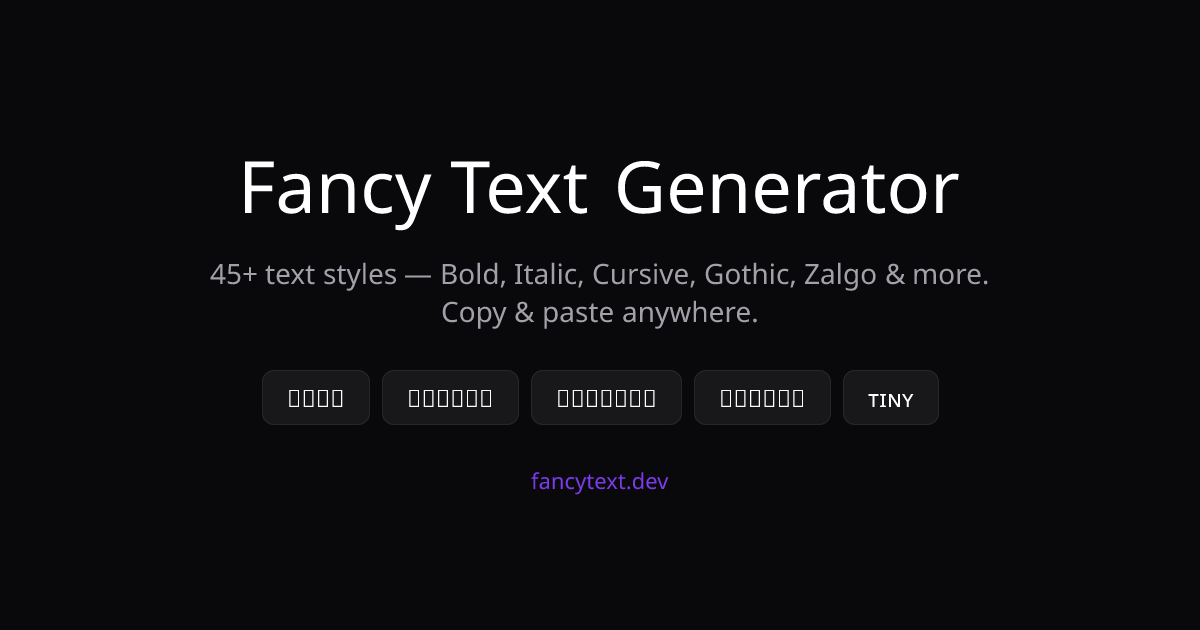
45+ Unicode text styles you can copy into any app
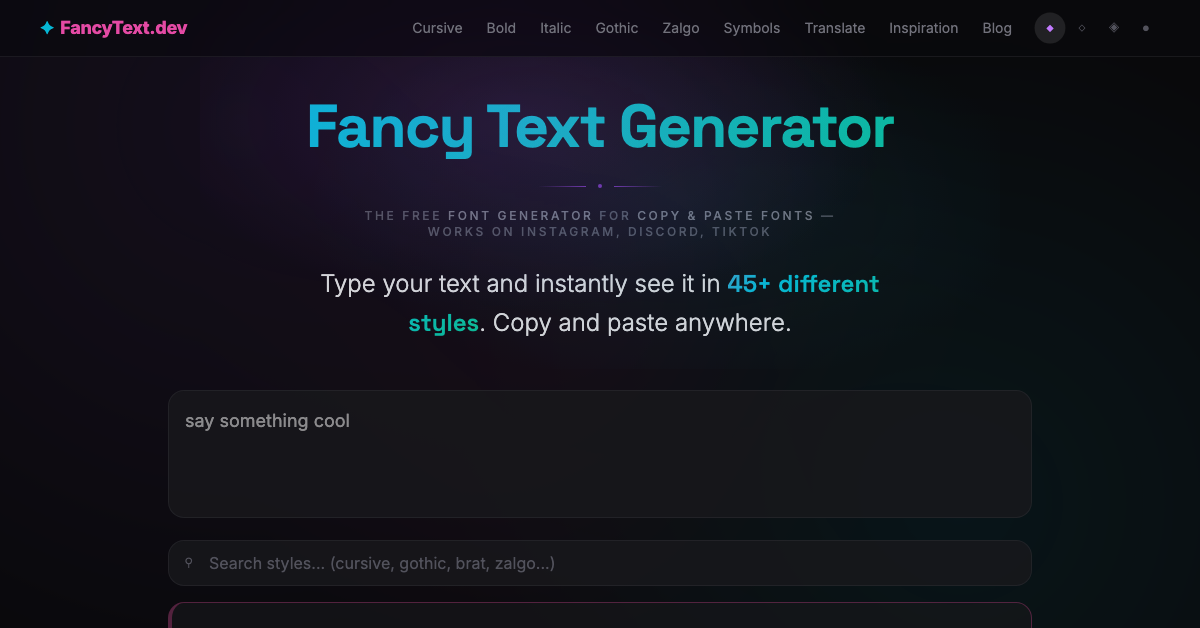
FancyText turns anything you type into more than forty-five Unicode styles at once, each with its own one-click copy button, so you can scan the whole set and take the one that fits.
Because the output is real Unicode rather than an image, it pastes as text anywhere that accepts it: Instagram bios and captions, Discord names and messages, TikTok, and Twitter.
Features
Practical styles: bold, italic, bold italic, monospace, sans-serif, small caps, superscript and subscript
Decorative styles: cursive, gothic, blackletter, old english, double-struck, bubble, filled bubble, squared, vaporwave, runes and typewriter
Deliberately broken styles: zalgo, glitch, cursed, upside down, backwards, strikethrough and underline
One-click copy on every style, no scrolling back to find the one you wanted
A brat generator that exports a PNG for places that will not render styled characters
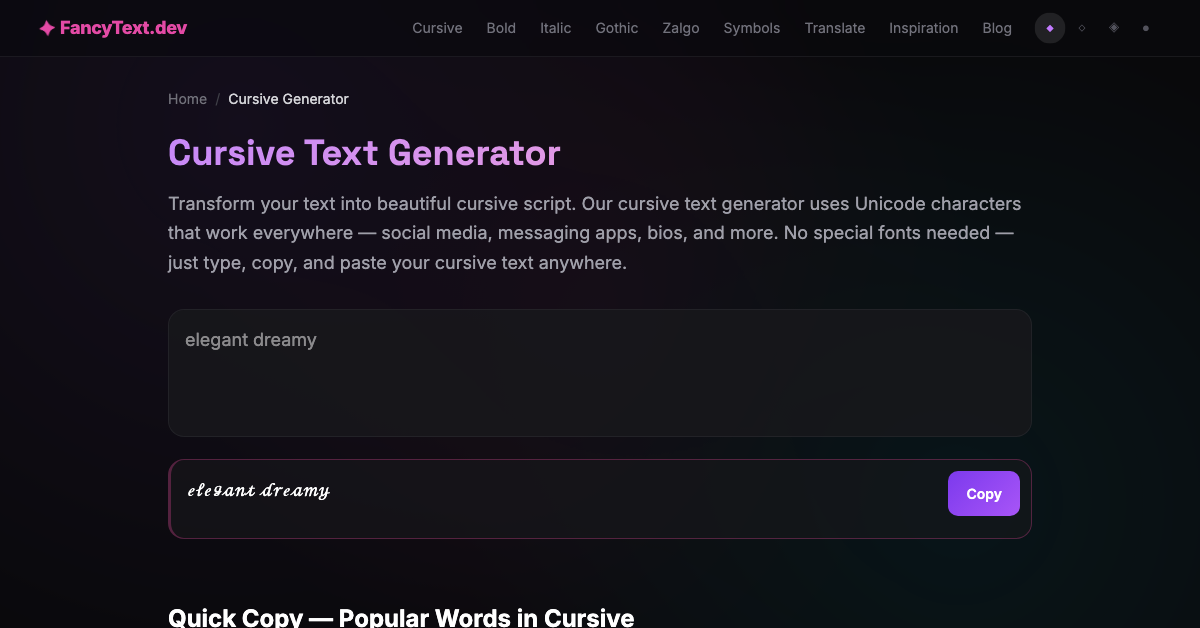
Dedicated pages for cursive, bold, italic, gothic, zalgo and symbols
Use Cases
Making an Instagram bio or caption stand out in the feed
Styling a Discord username or message
Adding emphasis on TikTok and Twitter where there is no rich text
Grabbing one specific look, such as cursive or gothic, from its own page
Any place that accepts plain text but not formatting

Comments


The annoying part of every other fancy-text site was scrolling a list and guessing which style would survive the paste. So this one renders all forty-five at once with a copy button on each, and everything it outputs is real Unicode rather than an image, which is why it works in an Instagram bio or a Discord name. The one exception is the brat generator, which has to export a PNG because those characters do not exist. If a style breaks somewhere specific, tell me where and I will look at it.

I like how FancyText focuses on practical Unicode styles that can be copied directly into different apps instead of relying on images. Having multiple styles available at once makes it easier to find something suitable for a profile, caption, or message. An invisible text generator can be useful in a similar way when users need special Unicode characters for formatting or platforms where normal spaces are not accepted. It’s great to have simple text tools that make experimenting with Unicode more accessible. https://invisibletexts.com/

Good call keeping the deliberately-broken styles (zalgo, glitch) separate from the practical ones — most fancy-text generators dump everything into one list and you end up hunting for a plain bold/italic option buried under a dozen novelty styles. The brat generator exporting a PNG instead of trying to fake it with Unicode is the right tradeoff too, since those glyphs genuinely don't exist. Do the dedicated cursive/gothic pages get much more direct traffic than the main generator, or is that mostly for internal navigation?


Same thing that got me with the other fancy-text sites — the deliberately-broken styles (zalgo, cursed, upside down) sitting in their own section instead of buried in with the practical ones is exactly right, since 90% of the time people just want a clean bold or cursive without digging. Smart move exporting the brat-style text as a PNG too, since that's the only way to actually preserve it outside places that render real glyphs.




I like that all styles are rendered at once instead of making users test them one by one. The one-click copy is especially useful for social bios and platforms without rich-text formatting. Have you considered adding a preview where users can enter their own text once and compare all styles instantly?

The one-page list of 45+ styles is a practical improvement over trying generators one at a time. I especially like that each result is real Unicode text with its own copy action, which makes testing profile names and captions much faster. A useful next step would be filtering styles by compatibility with platforms that normalize or restrict certain characters.

Premium Products



















































Sponsors
Buy

Awards
View all
Awards
View allMakers
Makers
Comments
The annoying part of every other fancy-text site was scrolling a list and guessing which style would survive the paste. So this one renders all forty-five at once with a copy button on each, and everything it outputs is real Unicode rather than an image, which is why it works in an Instagram bio or a Discord name. The one exception is the brat generator, which has to export a PNG because those characters do not exist. If a style breaks somewhere specific, tell me where and I will look at it.
I like how FancyText focuses on practical Unicode styles that can be copied directly into different apps instead of relying on images. Having multiple styles available at once makes it easier to find something suitable for a profile, caption, or message. An invisible text generator can be useful in a similar way when users need special Unicode characters for formatting or platforms where normal spaces are not accepted. It’s great to have simple text tools that make experimenting with Unicode more accessible. https://invisibletexts.com/
Good call keeping the deliberately-broken styles (zalgo, glitch) separate from the practical ones — most fancy-text generators dump everything into one list and you end up hunting for a plain bold/italic option buried under a dozen novelty styles. The brat generator exporting a PNG instead of trying to fake it with Unicode is the right tradeoff too, since those glyphs genuinely don't exist. Do the dedicated cursive/gothic pages get much more direct traffic than the main generator, or is that mostly for internal navigation?
Same thing that got me with the other fancy-text sites — the deliberately-broken styles (zalgo, cursed, upside down) sitting in their own section instead of buried in with the practical ones is exactly right, since 90% of the time people just want a clean bold or cursive without digging. Smart move exporting the brat-style text as a PNG too, since that's the only way to actually preserve it outside places that render real glyphs.
I like that all styles are rendered at once instead of making users test them one by one. The one-click copy is especially useful for social bios and platforms without rich-text formatting. Have you considered adding a preview where users can enter their own text once and compare all styles instantly?
The one-page list of 45+ styles is a practical improvement over trying generators one at a time. I especially like that each result is real Unicode text with its own copy action, which makes testing profile names and captions much faster. A useful next step would be filtering styles by compatibility with platforms that normalize or restrict certain characters.
Premium Products
New to Fazier?

Find your next favorite product or submit your own. Made by @FalakDigital.
Copyright ©2026. All Rights Reserved