
Faceless Reels
Turn any topic into a finished faceless vertical video
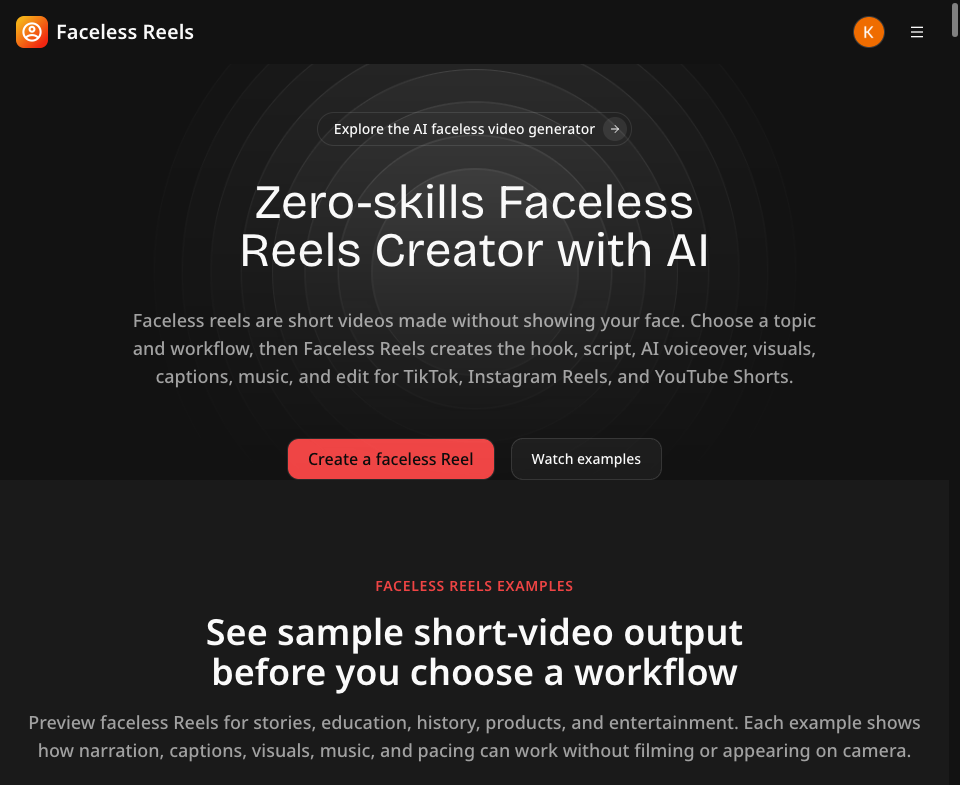
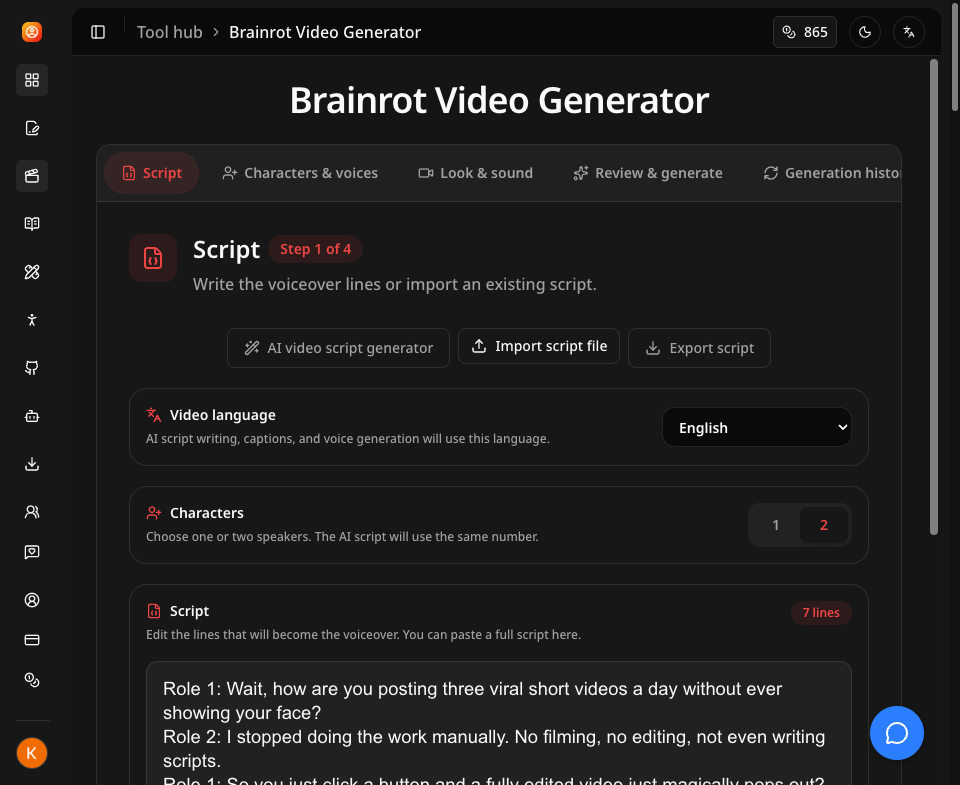
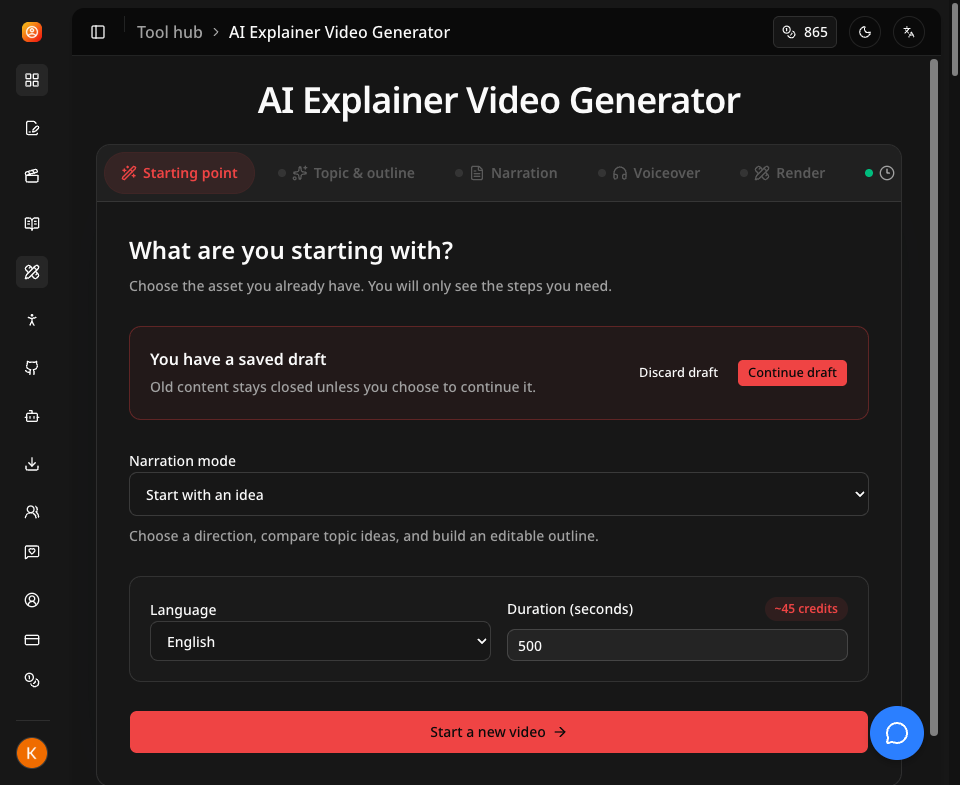
Faceless Reels turns one topic into a finished vertical video, with no filming, no editing and no face on camera. Pick a topic and a workflow - Brainrot MOV, storytelling, doodle explainer, stickman animation, AI script writer or open-source trending shorts - and the AI writes the hook and full script, generates the voiceover, burns in captions, assembles visuals and background music, then renders an export-ready 9:16 video for TikTok, Instagram Reels and YouTube Shorts. Finished videos can be downloaded or auto-published to connected social accounts, so a faceless channel keeps a steady posting cadence from one dashboard. New accounts get free credits to test the whole pipeline.
Features
Six faceless workflows: Brainrot MOV, storytelling, doodle explainer, stickman animation, AI script writer, open-source trending shorts
AI hook and script writing, plus trending topic suggestions
AI voiceover with auto-burned captions in multiple languages
Visuals and background music assembled automatically
Export-ready 9:16 rendering for TikTok, Reels and Shorts
Direct publishing and scheduling to connected social accounts
Use Cases
Running a faceless TikTok or YouTube Shorts channel without filming or editing
Turning blog posts, trending GitHub repos or story prompts into short-form video
Keeping a daily posting cadence on Reels and Shorts as a solo marketer
Producing explainer and animation clips without a designer or editor

Comments




This looks like a good fit for keeping a faceless game-marketing channel active without spending hours editing each clip. I currently do this manually for a mobile game's shorts channel, and the stickman/doodle-explainer workflows in particular could work well for quick "how to play" style shorts. Does the AI script writer let you feed it your own game footage as the visual base, or is it generating stock/AI visuals independently of any uploaded clips?

Hey Fazier. I built Faceless Reels because "faceless channel" still meant hours of scripting, recording a voiceover and cutting the thing together. Here you pick a topic and a workflow - Brainrot MOV, storytelling, doodle explainer, stickman animation, or trending open-source shorts - and it writes the hook and script, generates the voiceover, burns in captions, assembles visuals and music, then renders a 9:16 file you can download or publish straight to a connected account. New accounts get free credits, so you can run the whole pipeline before paying anything. Happy to answer anything about how the workflows differ.
Premium Products















































Sponsors
Buy

Makers
Makers
Comments
This looks like a good fit for keeping a faceless game-marketing channel active without spending hours editing each clip. I currently do this manually for a mobile game's shorts channel, and the stickman/doodle-explainer workflows in particular could work well for quick "how to play" style shorts. Does the AI script writer let you feed it your own game footage as the visual base, or is it generating stock/AI visuals independently of any uploaded clips?
Hey Fazier. I built Faceless Reels because "faceless channel" still meant hours of scripting, recording a voiceover and cutting the thing together. Here you pick a topic and a workflow - Brainrot MOV, storytelling, doodle explainer, stickman animation, or trending open-source shorts - and it writes the hook and script, generates the voiceover, burns in captions, assembles visuals and music, then renders a 9:16 file you can download or publish straight to a connected account. New accounts get free credits, so you can run the whole pipeline before paying anything. Happy to answer anything about how the workflows differ.
Premium Products
New to Fazier?

Find your next favorite product or submit your own. Made by @FalakDigital.
Copyright ©2026. All Rights Reserved