
EZPZ File
Free file tools that run in your browser, no upload
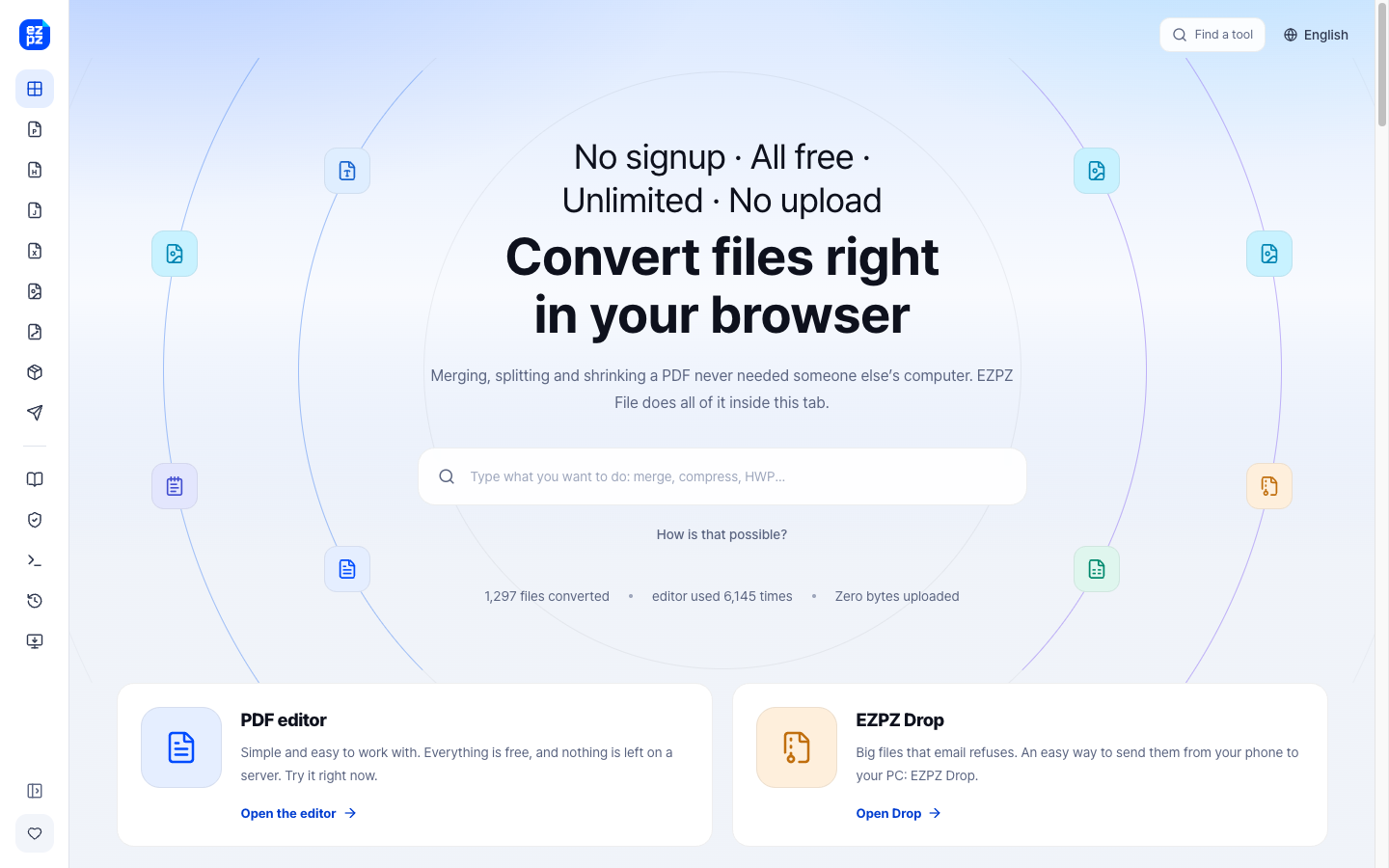
EZPZ File is a free set of file tools that run inside your browser, so your files stay on your device. Edit PDFs, open Korean HWP and Japanese Ichitaro or DocuWorks files, edit PSD and AI files, and compress PDFs or photos to an exact size for application forms. No account, no limits, 20 languages.
Features
Edit PDF text, merge, split, convert and compress PDFs
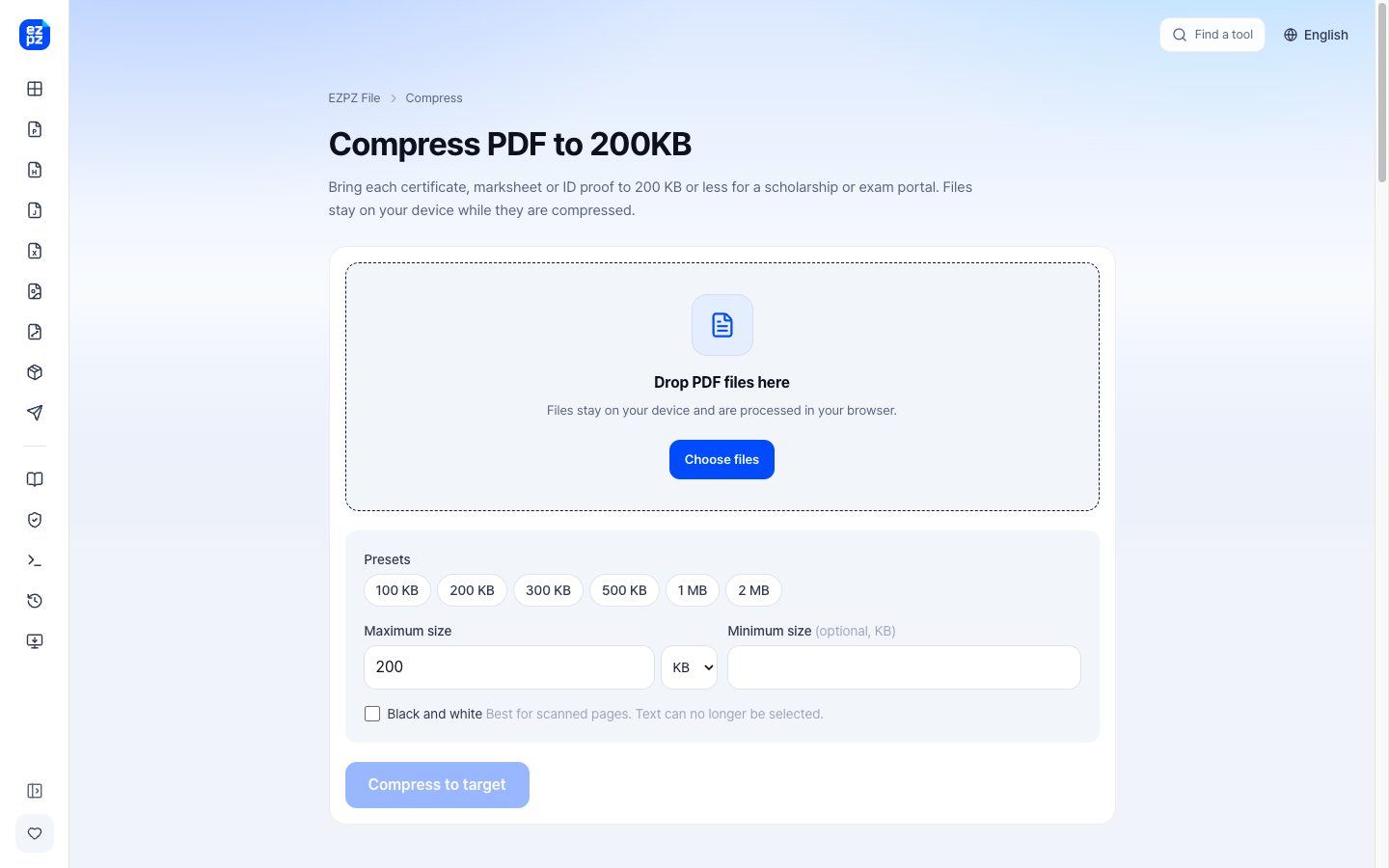
Compress a PDF or photo to an exact size like 100KB or 20KB
Open and save HWP/HWPX, Ichitaro (JTD) and DocuWorks (XDW) files
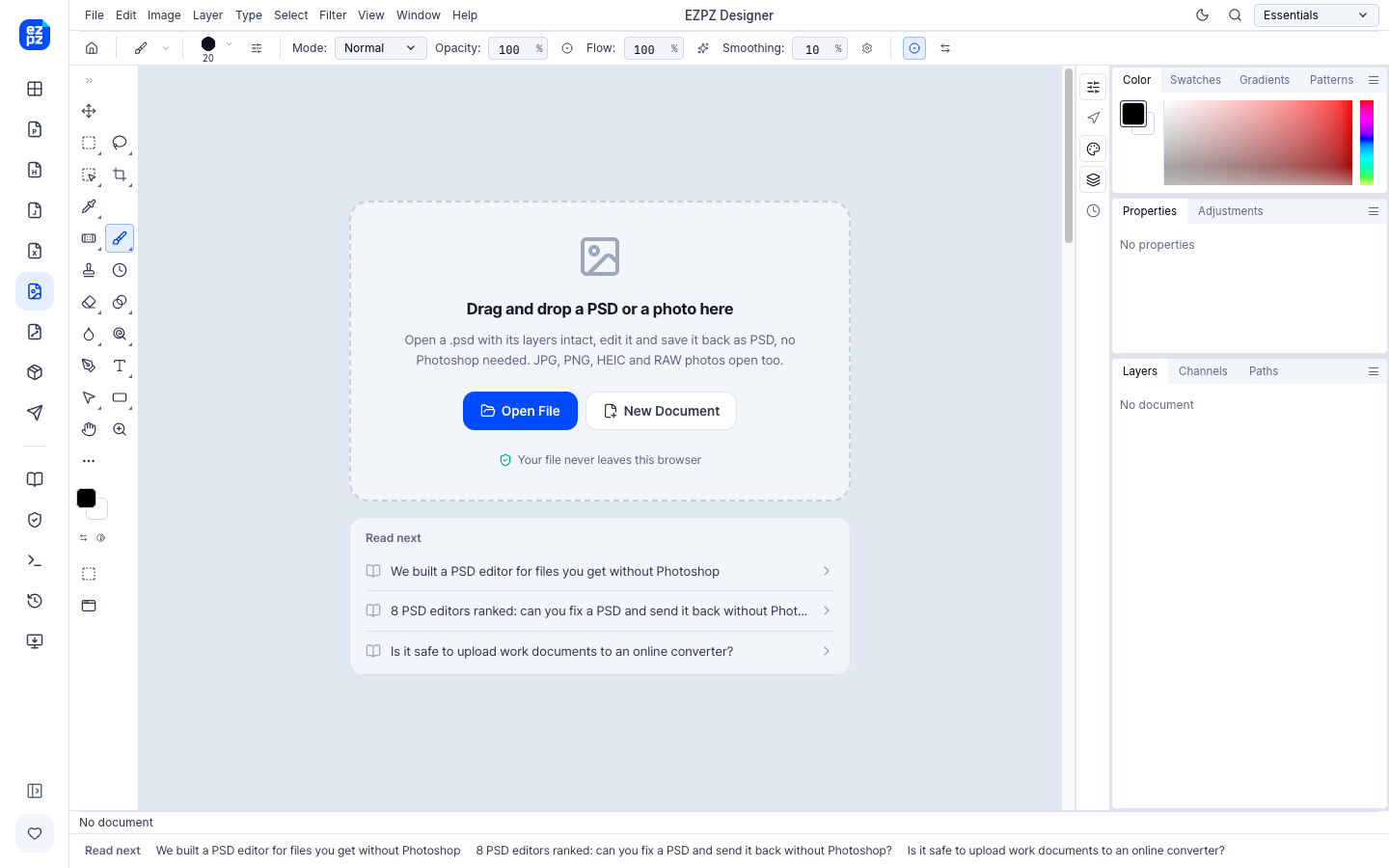
Open and edit layered PSD files and AI vector files
Open source engines on GitHub and an MCP server for AI agents
Use Cases
Shrinking certificates and photos to the size an exam or job portal accepts
Opening a Korean or Japanese office file without the original software
Fixing a PSD or logo file without installing a design suite
Editing private documents without sending them to a server
Comments



Hi Fazier! I'm Ashton, the solo maker of EZPZ File. It started with a simple annoyance: to merge two PDFs or shrink a photo, most sites want you to send your file to their server first. I wanted tools that do the work inside the browser tab, so the file never leaves your computer. It grew from there. Today it edits PDF text, opens Korean HWP and Japanese Ichitaro and DocuWorks files, edits PSD and AI files, and compresses a PDF or photo to an exact size like 100KB for exam and job application forms. I'd love to hear which file problem you run into most often, and anything that breaks. Thanks for taking a look!
Running the tools entirely in the browser so files never leave the device is the right default for certificates and private PDFs. Compressing a PDF or photo to an exact size like 100KB is something application portals often demand and most compressors treat as an afterthought. Can the exact-size compressor keep text readable on a scanned certificate, or does it only hit the byte target?
Compressing a PDF or photo to an exact size like 100KB is a very real pain point for exam and job portals, so targeting that specifically is smart. Running everything in the browser is also the right privacy choice for certificates and personal documents. The HWP/HWPX and PSD support fills a gap most converters ignore — a genuinely useful, no-signup toolkit.
Two details here are more useful than they look: compressing to an exact target size (100KB / 20KB) and opening HWP, Ichitaro and XDW. Those formats come up constantly in Korean and Japanese paperwork, and most browser tools simply refuse them, so people end up mailing the file to a print shop. Keeping the engines local also removes the obvious problem with uploading ID scans to a random website. One thing I would want to know before trusting it for an official submission: does the exact-size compressor only downsample images, or does it re-encode text and drop the embedded font subset? A certificate that hits exactly 100KB but no longer prints the way it looked at the counter is worse than a 110KB file that still does.

Running the whole toolset in the browser is the detail that matters here. The file jobs people actually need most - splitting a bank statement PDF, shrinking a photo to the size a portal demands - are exactly the ones with sensitive content inside them, so no-upload is the feature, not a footnote. The exact-size compression is the part I would use: portals asking for 100KB or 20KB are everywhere and most tools only give you a quality slider and hope. Question from someone who does browser-side file parsing for a living: on a long scanned PDF, do you stream it page by page, or refuse once it would blow past available memory? That is where browser-only tools usually fall over, and saying so up front beats a spinner that never ends.

The combination of browser-local editing for layered PSD/AI files and support for HWP/HWPX, Ichitaro, and DocuWorks is unusually broad for a free utility; I can see it helping someone handle an old office file and then shrink a scan for a portal without installing anything. Do the exact-size PDF/photo controls preview the expected file size before download?

Keeping PDF and photo tools in the browser, with no upload, is the right default for private documents. After the page has loaded, can edit, merge, and exact-size compression (100KB / 20KB) still run with the network disconnected — and when the MCP server for AI agents is used, do file contents stay on the device or get sent to an external model?

Compressing to an exact size like 100KB is a real pain point with exam and visa portals, and keeping it in the browser makes sense for certificates and IDs. Question: when you hit a small target, does the PDF keep its text selectable, or do the pages get turned into images? Saying that up front would help people pick the right setting.

Local PDF editing could be useful for shipping paperwork that includes customer addresses. Does the editor preserve selectable text and existing form fields after merging or compressing a PDF? A warning before any operation that flattens those fields would help avoid breaking downstream document workflows.

The HWP/HWPX, Ichitaro and DocuWorks support fills a gap that general-purpose browser tools often miss, especially for cross-border paperwork. Do you show a compatibility note or preview of any formatting/features that may change before export, so users can check a document before relying on it for an application?
Ran a 793 KB, 764×1200 PNG through the 100 KB page with the "Exam photo 200x230 px, 20-50 KB" preset and got a 28.5 KB JPG with a clear "Within 20-50 KB" check, which is exactly the reassurance you want before uploading to an application portal. It center-cropped the tall image instead of squashing it; being able to drag the crop area would help when the face isn't centered. The table of real UPSC/NTA/IBPS limits right next to the tool is a nice touch.

Doing everything in the tab so the file never leaves the device is the right call for certificates and ID scans. Compressing to an exact size like 100KB is also a real pain point that most compressors ignore. How do you handle very large PDFs (100+ pages) in the browser? Do you process them in a Web Worker so the tab stays responsive, and is there a size where you'd warn the user before starting?
Premium Products

















































Makers
Makers
Comments
Hi Fazier! I'm Ashton, the solo maker of EZPZ File. It started with a simple annoyance: to merge two PDFs or shrink a photo, most sites want you to send your file to their server first. I wanted tools that do the work inside the browser tab, so the file never leaves your computer. It grew from there. Today it edits PDF text, opens Korean HWP and Japanese Ichitaro and DocuWorks files, edits PSD and AI files, and compresses a PDF or photo to an exact size like 100KB for exam and job application forms. I'd love to hear which file problem you run into most often, and anything that breaks. Thanks for taking a look!
Running the tools entirely in the browser so files never leave the device is the right default for certificates and private PDFs. Compressing a PDF or photo to an exact size like 100KB is something application portals often demand and most compressors treat as an afterthought. Can the exact-size compressor keep text readable on a scanned certificate, or does it only hit the byte target?
Compressing a PDF or photo to an exact size like 100KB is a very real pain point for exam and job portals, so targeting that specifically is smart. Running everything in the browser is also the right privacy choice for certificates and personal documents. The HWP/HWPX and PSD support fills a gap most converters ignore — a genuinely useful, no-signup toolkit.
Two details here are more useful than they look: compressing to an exact target size (100KB / 20KB) and opening HWP, Ichitaro and XDW. Those formats come up constantly in Korean and Japanese paperwork, and most browser tools simply refuse them, so people end up mailing the file to a print shop. Keeping the engines local also removes the obvious problem with uploading ID scans to a random website. One thing I would want to know before trusting it for an official submission: does the exact-size compressor only downsample images, or does it re-encode text and drop the embedded font subset? A certificate that hits exactly 100KB but no longer prints the way it looked at the counter is worse than a 110KB file that still does.
Running the whole toolset in the browser is the detail that matters here. The file jobs people actually need most - splitting a bank statement PDF, shrinking a photo to the size a portal demands - are exactly the ones with sensitive content inside them, so no-upload is the feature, not a footnote. The exact-size compression is the part I would use: portals asking for 100KB or 20KB are everywhere and most tools only give you a quality slider and hope. Question from someone who does browser-side file parsing for a living: on a long scanned PDF, do you stream it page by page, or refuse once it would blow past available memory? That is where browser-only tools usually fall over, and saying so up front beats a spinner that never ends.
The combination of browser-local editing for layered PSD/AI files and support for HWP/HWPX, Ichitaro, and DocuWorks is unusually broad for a free utility; I can see it helping someone handle an old office file and then shrink a scan for a portal without installing anything. Do the exact-size PDF/photo controls preview the expected file size before download?
Keeping PDF and photo tools in the browser, with no upload, is the right default for private documents. After the page has loaded, can edit, merge, and exact-size compression (100KB / 20KB) still run with the network disconnected — and when the MCP server for AI agents is used, do file contents stay on the device or get sent to an external model?
Compressing to an exact size like 100KB is a real pain point with exam and visa portals, and keeping it in the browser makes sense for certificates and IDs. Question: when you hit a small target, does the PDF keep its text selectable, or do the pages get turned into images? Saying that up front would help people pick the right setting.
Local PDF editing could be useful for shipping paperwork that includes customer addresses. Does the editor preserve selectable text and existing form fields after merging or compressing a PDF? A warning before any operation that flattens those fields would help avoid breaking downstream document workflows.
The HWP/HWPX, Ichitaro and DocuWorks support fills a gap that general-purpose browser tools often miss, especially for cross-border paperwork. Do you show a compatibility note or preview of any formatting/features that may change before export, so users can check a document before relying on it for an application?
Ran a 793 KB, 764×1200 PNG through the 100 KB page with the "Exam photo 200x230 px, 20-50 KB" preset and got a 28.5 KB JPG with a clear "Within 20-50 KB" check, which is exactly the reassurance you want before uploading to an application portal. It center-cropped the tall image instead of squashing it; being able to drag the crop area would help when the face isn't centered. The table of real UPSC/NTA/IBPS limits right next to the tool is a nice touch.
Doing everything in the tab so the file never leaves the device is the right call for certificates and ID scans. Compressing to an exact size like 100KB is also a real pain point that most compressors ignore. How do you handle very large PDFs (100+ pages) in the browser? Do you process them in a Web Worker so the tab stays responsive, and is there a size where you'd warn the user before starting?
Premium Products
New to Fazier?

Find your next favorite product or submit your own. Made by @FalakDigital.
Copyright ©2026. All Rights Reserved