
EZGrader
Easy grading calculator for teachers

Comments


A grading calculator is only useful to me if it survives a real stack of mixed-point quizzes, not one perfect 100-point test. Can I set different point totals per assignment and still see a running class average, or does each calculation stand alone? I'd also want to know whether partial credit is entered as raw points or as a percent, and whether the result can be copied into a gradebook as a CSV instead of retyped. The listing should show one worked example with uneven point values so teachers can see the rounding.

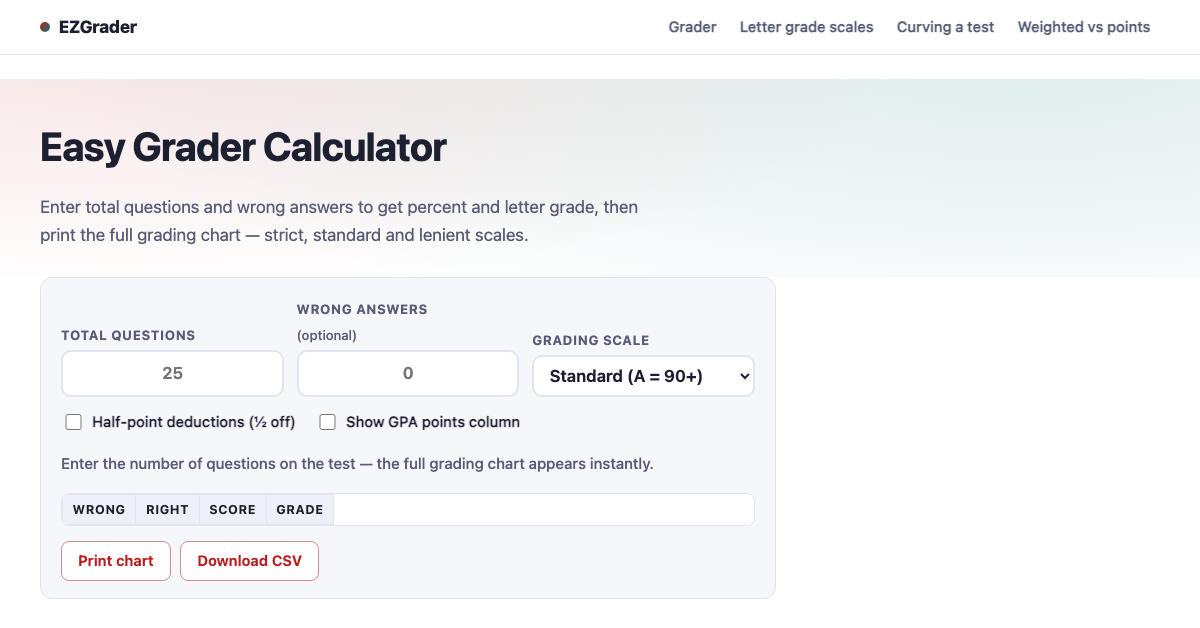
Tried a 23-question quiz with half-point deductions on: 4 wrong gives 82.6% / B-, and the matching row lights up in the chart instantly, which is a nice digital take on the cardboard slider. Two thoughts from a grading-a-stack point of view: an option to enter the number right instead of the number wrong (some answer keys are marked with checks), and, if it doesn't already, keeping the Wrong answers field focused with its value selected after each entry, so you can type 4, 2, 7… for a whole class without touching the mouse. The printable chart plus CSV export is a great touch.
Premium Products






















































Sponsors
Buy

Makers
Makers
Comments
A grading calculator is only useful to me if it survives a real stack of mixed-point quizzes, not one perfect 100-point test. Can I set different point totals per assignment and still see a running class average, or does each calculation stand alone? I'd also want to know whether partial credit is entered as raw points or as a percent, and whether the result can be copied into a gradebook as a CSV instead of retyped. The listing should show one worked example with uneven point values so teachers can see the rounding.
Tried a 23-question quiz with half-point deductions on: 4 wrong gives 82.6% / B-, and the matching row lights up in the chart instantly, which is a nice digital take on the cardboard slider. Two thoughts from a grading-a-stack point of view: an option to enter the number right instead of the number wrong (some answer keys are marked with checks), and, if it doesn't already, keeping the Wrong answers field focused with its value selected after each entry, so you can type 4, 2, 7… for a whole class without touching the mouse. The printable chart plus CSV export is a great touch.
Premium Products
New to Fazier?

Find your next favorite product or submit your own. Made by @FalakDigital.
Copyright ©2026. All Rights Reserved