EzColorize
Colorize and restore old photos with AI — free to try
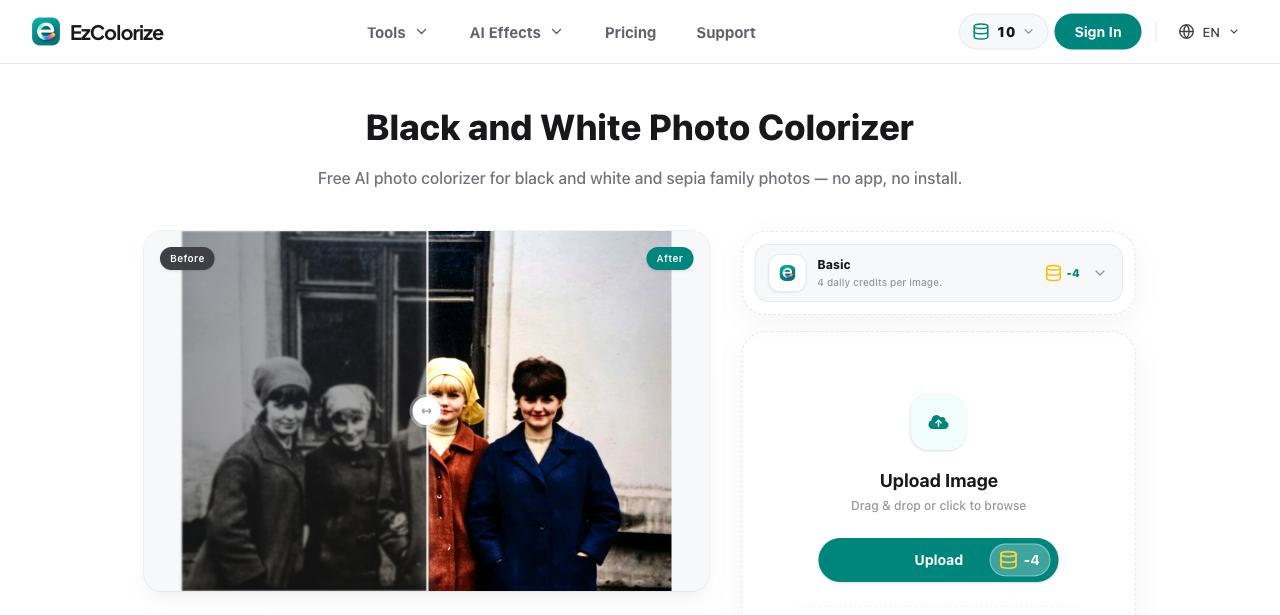
EzColorize is an AI photo colorizer and restorer for old black-and-white and faded photos. Upload a scan and it colorizes it, repairs damage, sharpens details, and can upscale the result — all in the browser with no software to install. Start free with daily credits, compare before and after side by side, and download the full-resolution image. Batch uploads, per-job credit pricing, and a clean web app make it easy to bring family archives back to life on desktop or phone.
Features
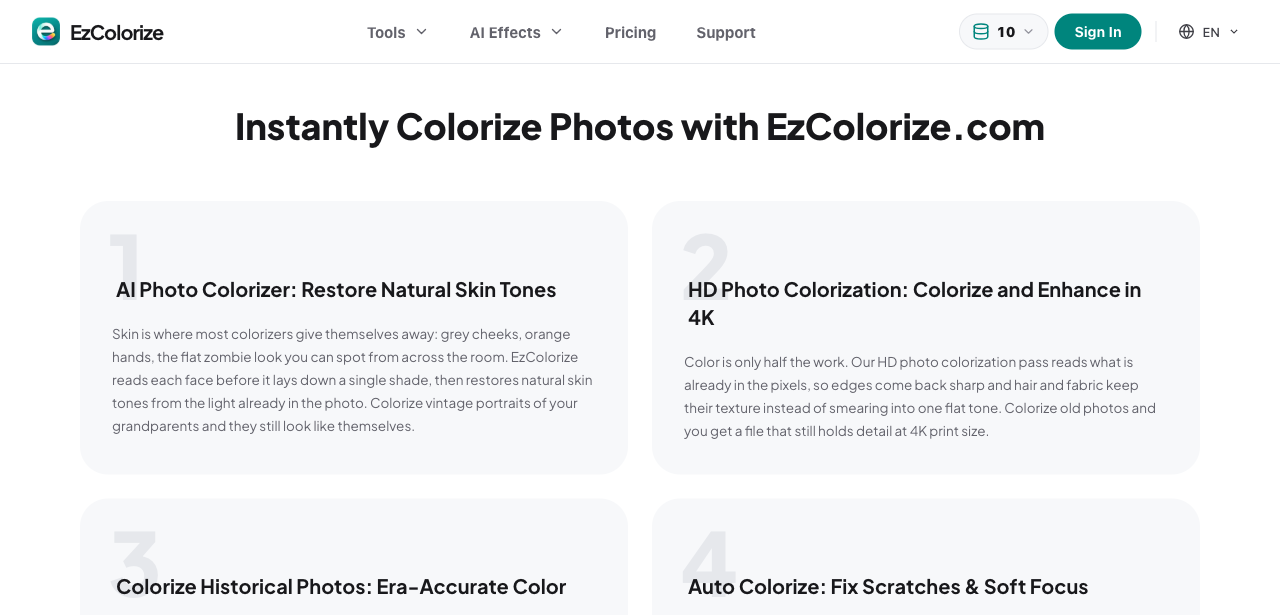
- AI photo colorization — turns black-and-white photos into natural color in one click
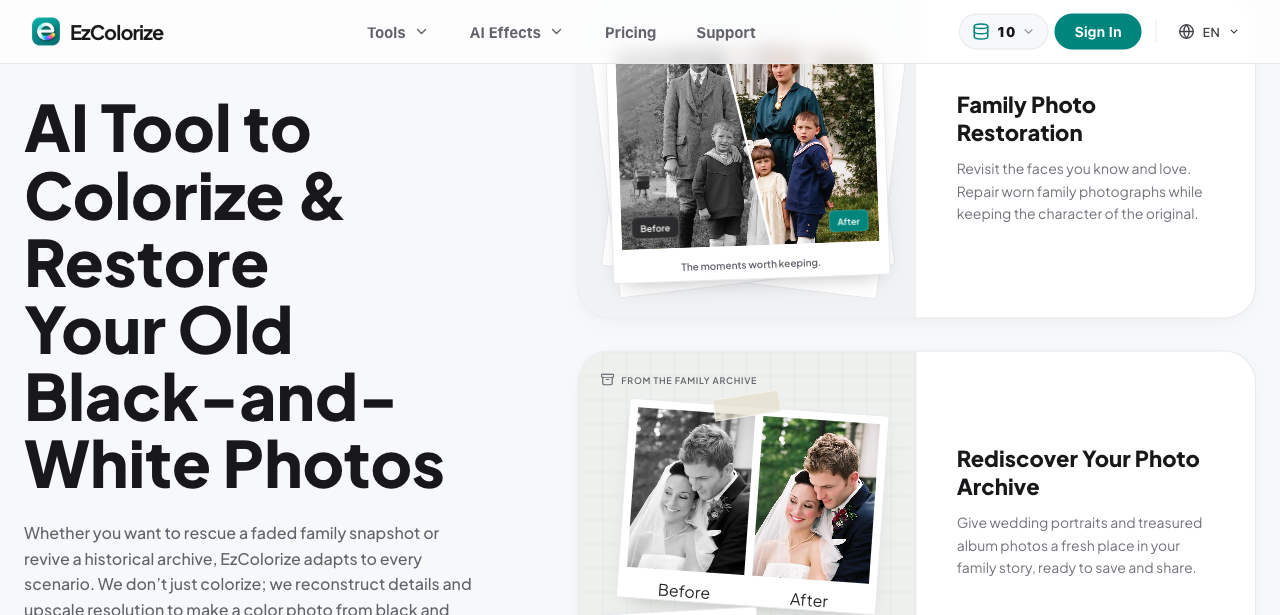
- Old photo restoration — repairs fading, scratches, and blur while keeping original detail
- AI upscaling and enhancement — sharpens soft scans and enlarges low-resolution images
- Before/after comparison — preview the result side by side before downloading
- Batch upload — queue multiple photos instead of repeating the flow one by one
- Free daily credits — try it without a subscription; paid plans from $9.99/month
- Runs in the browser — no install, works on desktop and mobile
Use Cases
- Colorizing black-and-white family photos and portraits
- Restoring faded, scratched, or damaged archive photos for genealogy projects
- Preparing old photos for albums, memorials, and printed gifts
- Enhancing low-resolution scans before printing or sharing online
- Giving new life to historical photos and documentation

Comments


EzColorize started with a shoebox of family photos — faces I knew but had never seen in color. Most colorizers I tried either gave everyone the same orange tint or repainted the whole photo, faces included. So the goal was simple: keep the original faces and details, add color that fits the era, and make it work right in the browser. We added restoration and upscaling steps too, for scans that need repair before color. Feedback from anyone with an old family archive is very welcome — especially on skin tones.
Premium Products




















































Sponsors
Buy

Comments
EzColorize started with a shoebox of family photos — faces I knew but had never seen in color. Most colorizers I tried either gave everyone the same orange tint or repainted the whole photo, faces included. So the goal was simple: keep the original faces and details, add color that fits the era, and make it work right in the browser. We added restoration and upscaling steps too, for scans that need repair before color. Feedback from anyone with an old family archive is very welcome — especially on skin tones.
Premium Products
New to Fazier?

Find your next favorite product or submit your own. Made by @FalakDigital.
Copyright ©2026. All Rights Reserved